Corporate Status For Whatsapp
Description

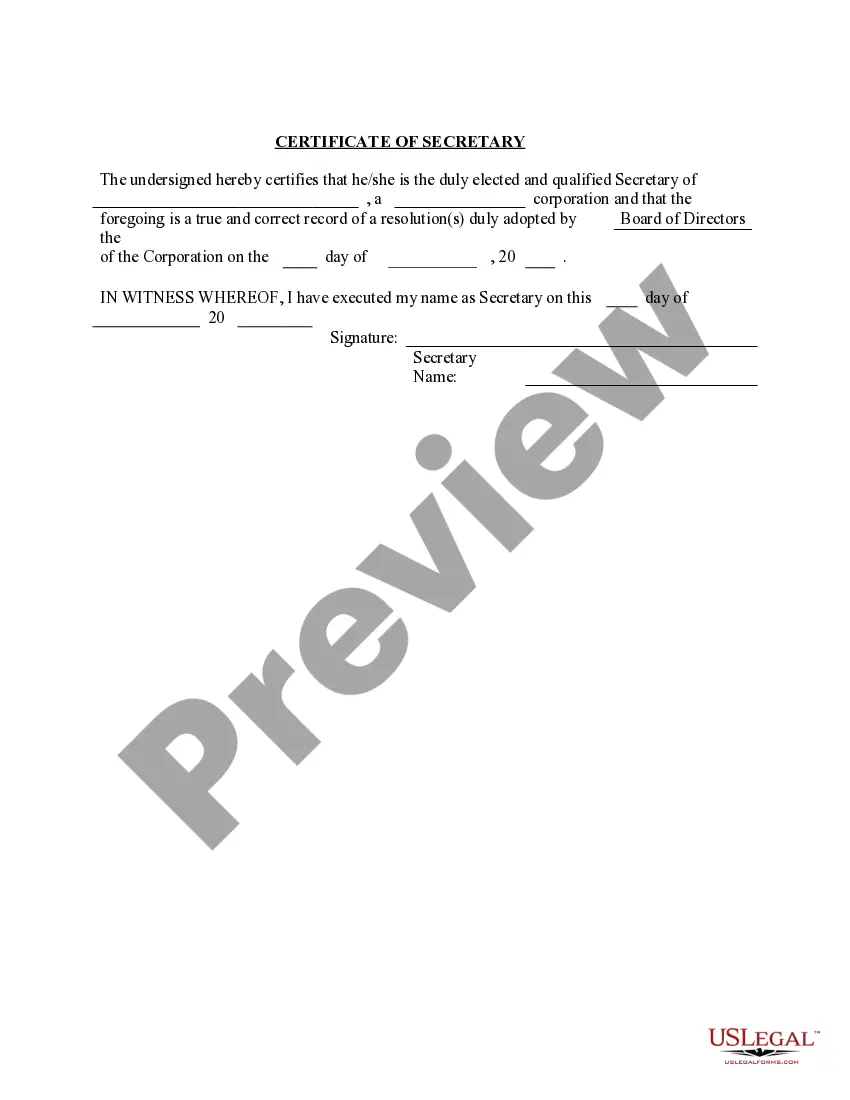


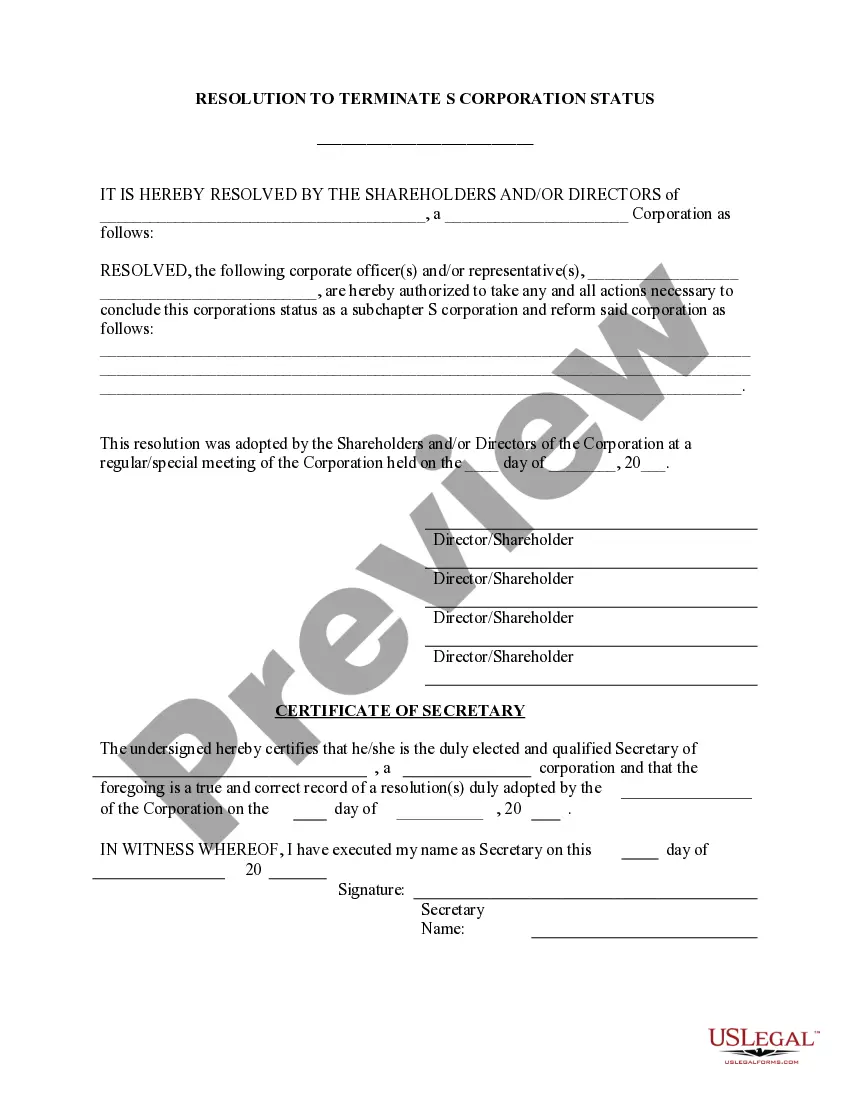

Get your form ready online
Our built-in tools help you complete, sign, share, and store your documents in one place.
Make edits, fill in missing information, and update formatting in US Legal Forms—just like you would in MS Word.
Download a copy, print it, send it by email, or mail it via USPS—whatever works best for your next step.
Sign and collect signatures with our SignNow integration. Send to multiple recipients, set reminders, and more. Go Premium to unlock E-Sign.
If this form requires notarization, complete it online through a secure video call—no need to meet a notary in person or wait for an appointment.
We protect your documents and personal data by following strict security and privacy standards.

Make edits, fill in missing information, and update formatting in US Legal Forms—just like you would in MS Word.

Download a copy, print it, send it by email, or mail it via USPS—whatever works best for your next step.

Sign and collect signatures with our SignNow integration. Send to multiple recipients, set reminders, and more. Go Premium to unlock E-Sign.

If this form requires notarization, complete it online through a secure video call—no need to meet a notary in person or wait for an appointment.

We protect your documents and personal data by following strict security and privacy standards.
Looking for another form?
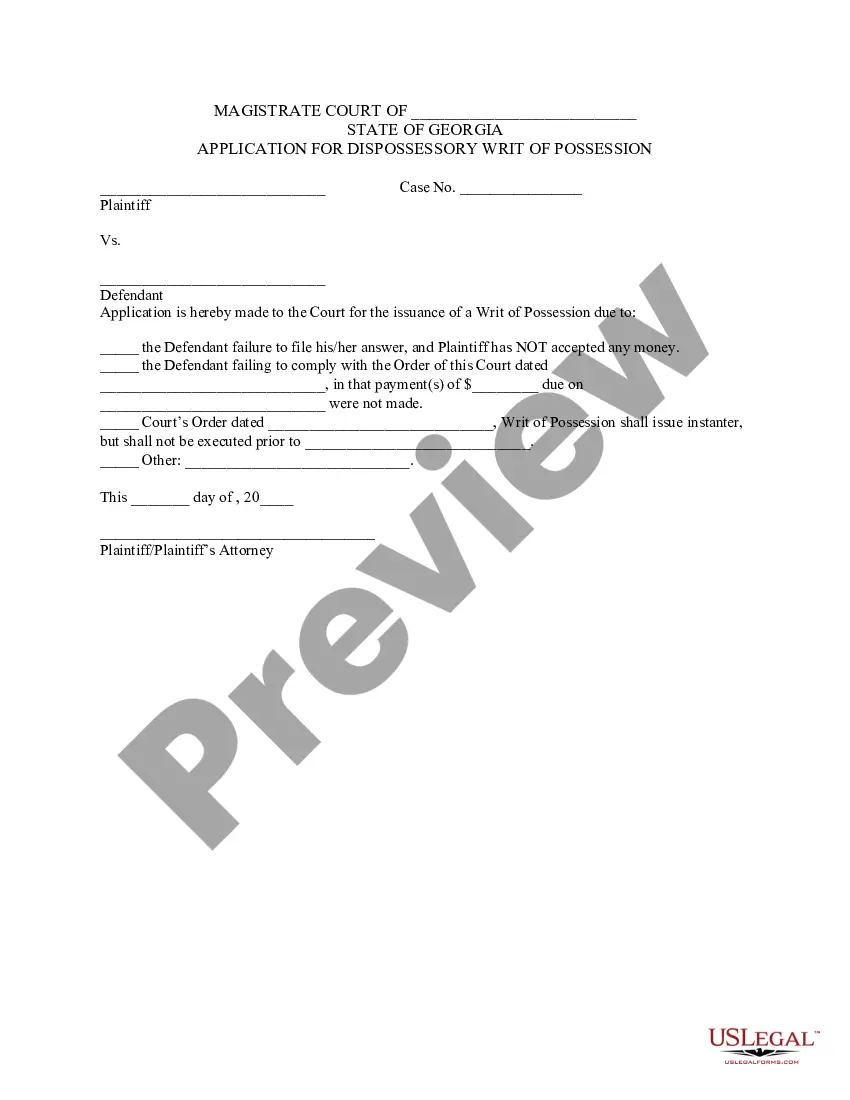





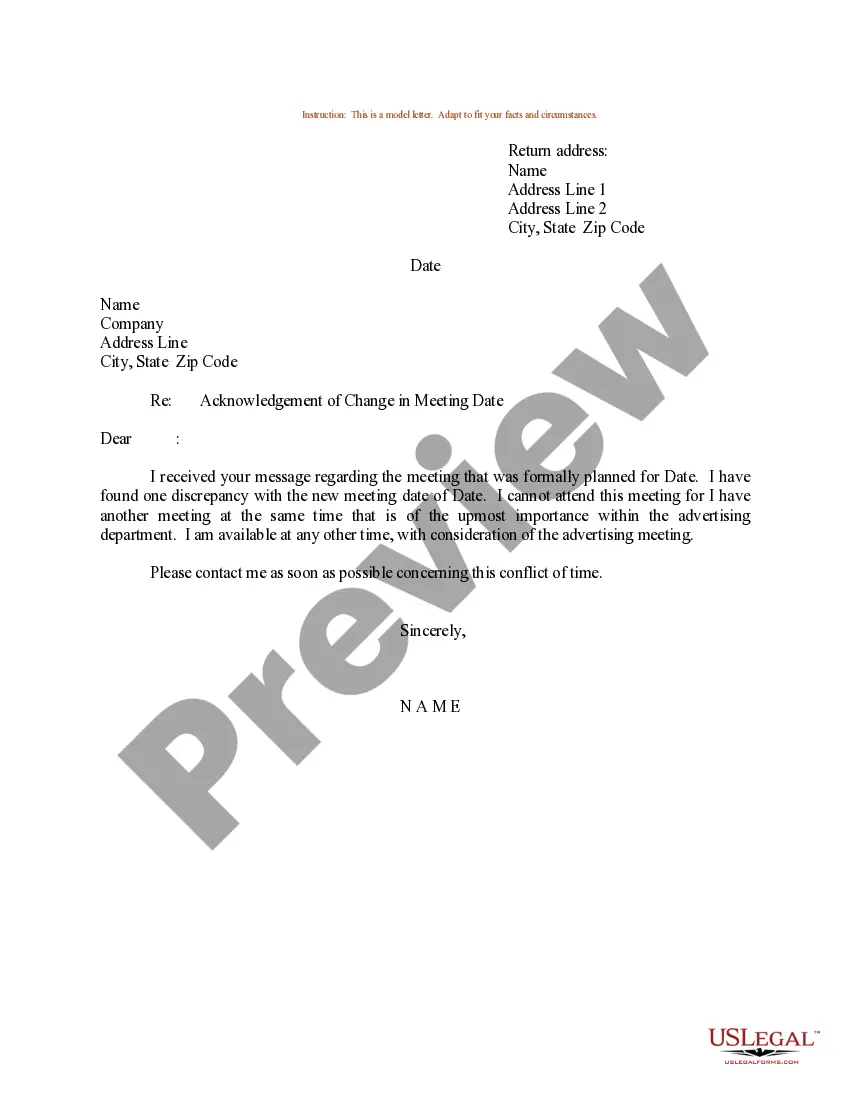

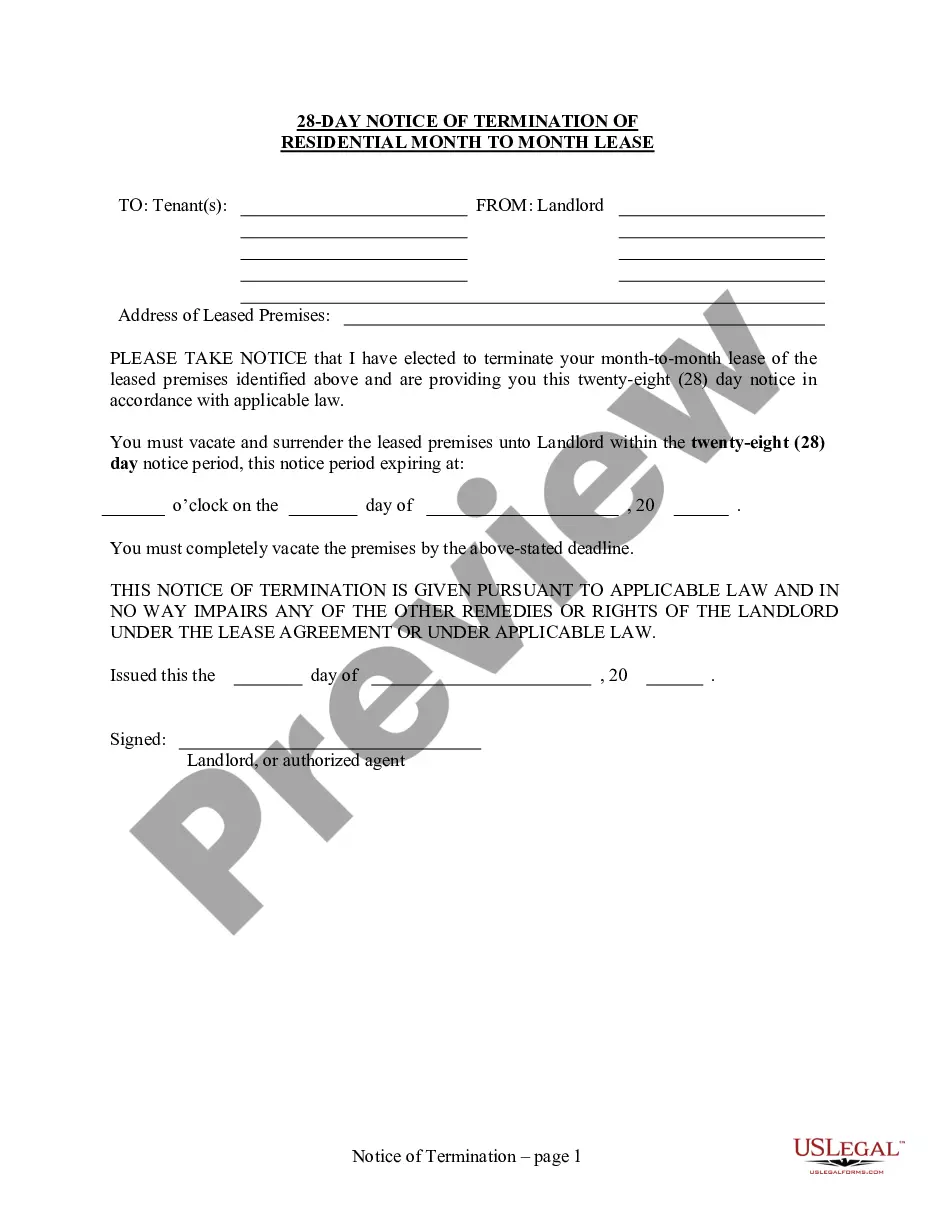
How to fill out Obtain S Corporation Status - Corporate Resolutions Forms?
The Corporate Status For Whatsapp you see on this page is a multi-usable legal template drafted by professional lawyers in compliance with federal and state laws. For more than 25 years, US Legal Forms has provided individuals, organizations, and attorneys with more than 85,000 verified, state-specific forms for any business and personal scenario. It’s the quickest, most straightforward and most trustworthy way to obtain the documents you need, as the service guarantees the highest level of data security and anti-malware protection.
Acquiring this Corporate Status For Whatsapp will take you just a few simple steps:
- Search for the document you need and check it. Look through the sample you searched and preview it or review the form description to ensure it fits your needs. If it does not, use the search option to find the right one. Click Buy Now once you have located the template you need.
- Subscribe and log in. Choose the pricing plan that suits you and register for an account. Use PayPal or a credit card to make a quick payment. If you already have an account, log in and check your subscription to continue.
- Acquire the fillable template. Choose the format you want for your Corporate Status For Whatsapp (PDF, Word, RTF) and download the sample on your device.
- Fill out and sign the paperwork. Print out the template to complete it manually. Alternatively, utilize an online multi-functional PDF editor to quickly and precisely fill out and sign your form with a valid.
- Download your paperwork one more time. Use the same document once again anytime needed. Open the My Forms tab in your profile to redownload any previously downloaded forms.
Subscribe to US Legal Forms to have verified legal templates for all of life’s situations at your disposal.
Form popularity
FAQ
Does WhatsApp Business have a status feature? WhatsApp has updated its Business Accounts in 2021 with the capability to upload statuses and let users know what's happening. It can be done by navigating to the Status tab on the app interface, tapping on the profile picture icon and uploading the desired media.
How to use status Tap the Updates tab. Tap to compose a written status update. Tap to take or record a photo, video, or GIF, or choose media from the picker. Select the audience for a status by tapping your default audience. Then, select your status contacts and tap Done. Tap to send your status.
General WhatsApp Business greeting messages "Thank you for your message! We will get back to you within 24 hours. ... "Hiya! Welcome to [your business]. ... "Hello! Good to see you. ... ?Hi [Customer name], welcome to [your business]. ... ? ... ?Thank you for contacting us.
Tap the Status button. On an iPhone, this button looks like a circle with three curved lines around, and it will be located in the lower-left corner of your screen. On Android, this button will be at the top of your screen next to Chats.
It tells customers what your business is about and is the first thing they see when interacting with your brand on WhatsApp. A good profile description should be concise, informative, and engaging. It should reflect your brand's unique voice and message and convey what sets you apart from the competition.