Company For Status In California
Description

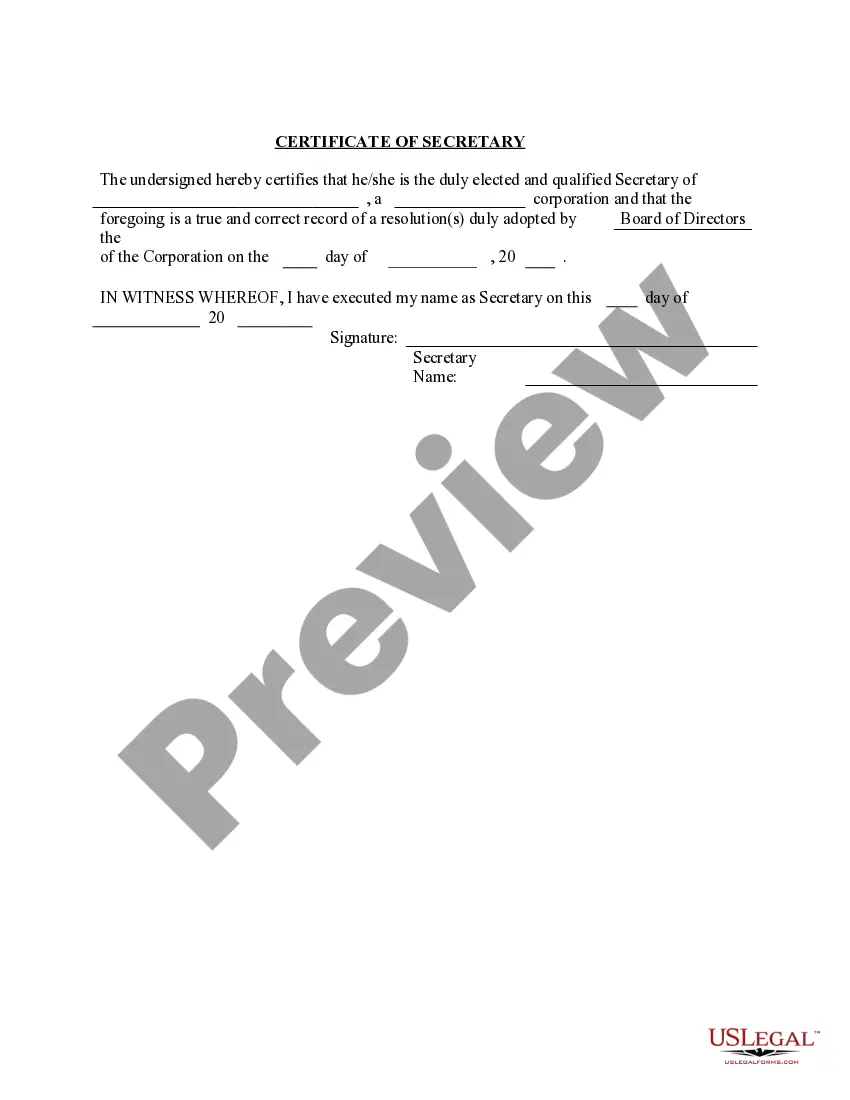


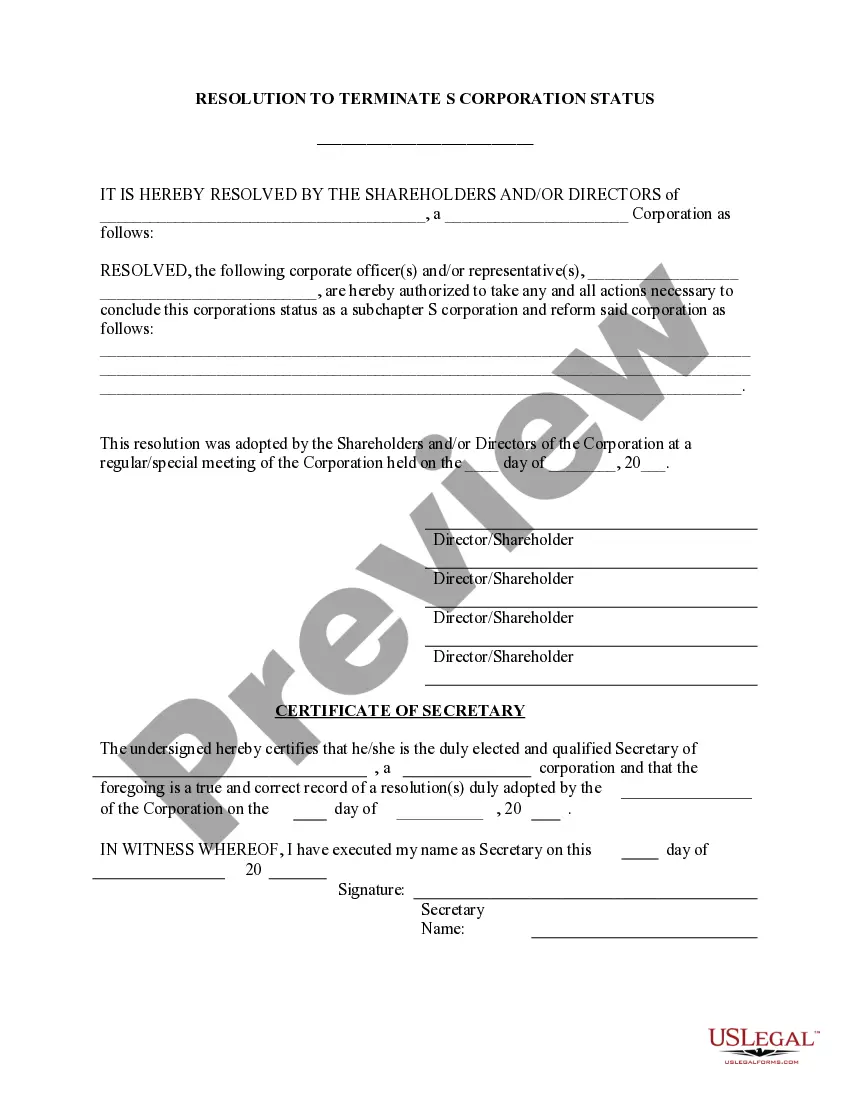

Get your form ready online
Our built-in tools help you complete, sign, share, and store your documents in one place.
Make edits, fill in missing information, and update formatting in US Legal Forms—just like you would in MS Word.
Download a copy, print it, send it by email, or mail it via USPS—whatever works best for your next step.
Sign and collect signatures with our SignNow integration. Send to multiple recipients, set reminders, and more. Go Premium to unlock E-Sign.
If this form requires notarization, complete it online through a secure video call—no need to meet a notary in person or wait for an appointment.
We protect your documents and personal data by following strict security and privacy standards.

Make edits, fill in missing information, and update formatting in US Legal Forms—just like you would in MS Word.

Download a copy, print it, send it by email, or mail it via USPS—whatever works best for your next step.

Sign and collect signatures with our SignNow integration. Send to multiple recipients, set reminders, and more. Go Premium to unlock E-Sign.

If this form requires notarization, complete it online through a secure video call—no need to meet a notary in person or wait for an appointment.

We protect your documents and personal data by following strict security and privacy standards.
Looking for another form?




Form popularity
FAQ
The Publicly Traded Corporate Disclosure Statement form, including instructions for completing the form, is available on the Secretary of State's website at or through our bizfile California portal at Once completed, ...
Users can access the business search tool by visiting the California Secretary of State's official website. They can enter a business name or entity number to retrieve information about registered entities, including their formation dates, jurisdictions, and entity types.
When do you need a California Certificate of Status? A California Certificate of Status is required when your business expands to another state (otherwise known as a foreign qualification) and needs to register as a foreign corporation or LLC.
Statements of Information, Common Interest Development Statements and Publicly Traded Disclosure Statements can be filed online at bizfileOnline.sos.ca.
A foreign business entity can qualify/register to transact business in California online at bizfileOnline.sos.ca.
H. Where to File Mail Form 100 with payment to: Mail Franchise Tax Board. PO Box 942857. Sacramento, CA 94257-0501. e-filed returns: Mail form FTB 3586, Payment Voucher for Corporations and Exempt Organizations e-filed Returns, with payment to: Mail Franchise Tax Board. PO Box 942857. Sacramento, CA 94257-0531.
To submit Form SI-100, you may file it online at the California Secretary of State's website or mail it to the Statement of Information Unit at P.O. Box 944230, Sacramento, CA 94244-2300. For in-person submissions, visit the Sacramento office located at 1500 11th Street, Sacramento, CA 95814.
Here are the top 10 best companies to work for, ing to Glassdoor: In-N-Out Burger. Nvidia. Eli Lilly and Company. Company rating: 4.5. Microsoft. Company rating: 4.5. eXp Realty. Company rating: 4.5. The Church of Jesus Christ of Latter-day Saints. Company rating: 4.5. RLI. Company rating: 4.5. MathWorks. Company rating: 4.4.
Google. 4.3. 10000+ employees. · California, US. Apple. 4.1. 10000+ employees. · 18 office locations in California, US. Cisco. 4.1. 10000+ employees. · ... Meta. 4.0. 10000+ employees. · ... IBM. 4.0. 10000+ employees. · ... Microsoft. 4.2. 10000+ employees. · ... Salesforce. 4.1. 10000+ employees. · ... JPMorganChase. 4.0. 10000+ employees. ·
