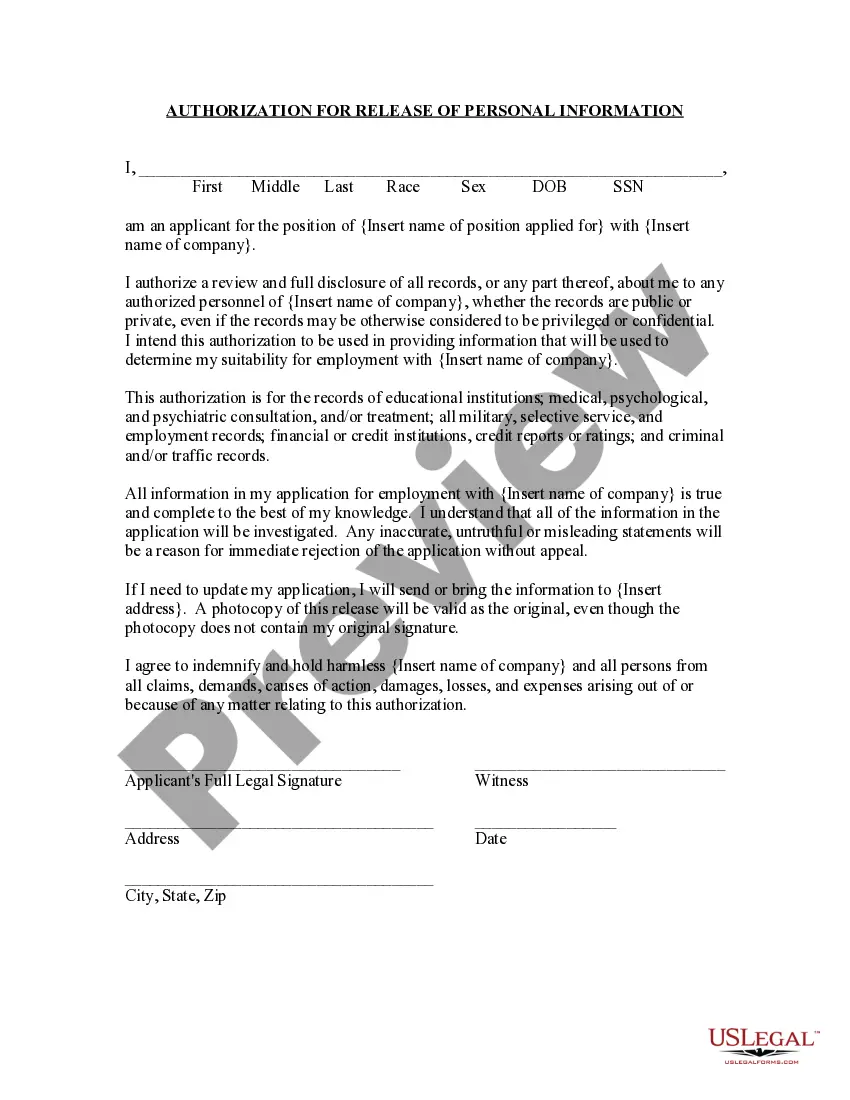
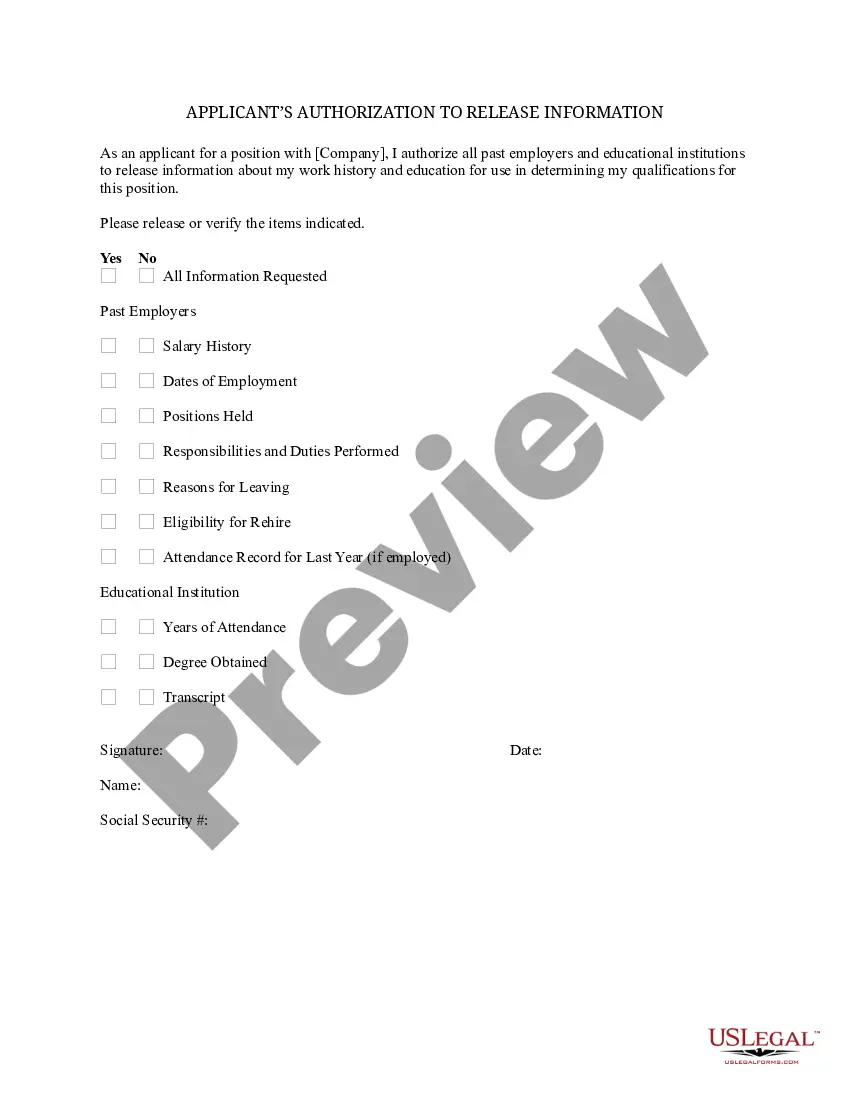
Employee Consent Form Personal Information In Philadelphia
Description
Get your form ready online
Our built-in tools help you complete, sign, share, and store your documents in one place.
Make edits, fill in missing information, and update formatting in US Legal Forms—just like you would in MS Word.
Download a copy, print it, send it by email, or mail it via USPS—whatever works best for your next step.
Sign and collect signatures with our SignNow integration. Send to multiple recipients, set reminders, and more. Go Premium to unlock E-Sign.
If this form requires notarization, complete it online through a secure video call—no need to meet a notary in person or wait for an appointment.
We protect your documents and personal data by following strict security and privacy standards.

Make edits, fill in missing information, and update formatting in US Legal Forms—just like you would in MS Word.

Download a copy, print it, send it by email, or mail it via USPS—whatever works best for your next step.

Sign and collect signatures with our SignNow integration. Send to multiple recipients, set reminders, and more. Go Premium to unlock E-Sign.

If this form requires notarization, complete it online through a secure video call—no need to meet a notary in person or wait for an appointment.

We protect your documents and personal data by following strict security and privacy standards.
Looking for another form?

Form popularity
FAQ
How to write a consent form: A step-by-step guide Step 1: Title and introduction. Step 2: Description of the activity. Step 3: Risks and benefits. Step 4: Confidentiality and data handling. Step 5: Voluntary participation and withdrawal. Step 6: Consent statement. Step 7: Signature and date. Step 8: Contact information.
Unsure about whether you need to file a Pennsylvania state tax return? Let's get you on the right track. Pennsylvania residents, part-year residents and nonresidents must file a state tax return if one of the following applies: Your Pennsylvania gross taxable income exceeds $33 even if no taxes are due.
The Personnel Files Act of the Commonwealth of Pennsylvania states that you can look at your file once a year at a convenient time, and while you cannot make photocopies of the materials, you can take notes on what is in the files.
Make sure that you include all periodic evaluations, raises, commendations, and disciplinary actions in your personnel files so you always have easy access to the information you need -- and to protect your company in case of a lawsuit.
By obtaining consent, employers can officially certify that they have: Notified candidates about the details of the background screening process. Informed candidates about their legal rights in case of an adverse action. Taken steps to ensure candidate privacy and prevent discrimination.
You have the right to limit a business's use and disclosure of your sensitive personal information to only certain purposes under the law. Sensitive personal information includes: Social security or passport number, driver's license, or state ID. Financial account credentials.
The Personnel File Inspection Act provides that an employer shall, at reasonable times, upon an employee's request, permit the employee to inspect the employee's personnel file used to determine qualifications for employment, promotion, additional compensation, termination or disciplinary action.
PARTIES SUBJECT TO THE ACT The employment provisions of the Pennsylvania Human Relations Act apply to: (1) Employers of 4 or more persons, including units of state and local government, (2) Labor organizations, and (3) Employment agencies.
The Personnel File Inspection Act provides that an employer shall, at reasonable times, upon an employee's request, permit the employee to inspect the employee's personnel file used to determine qualifications for employment, promotion, additional compensation, termination or disciplinary action.
While Pennsylvania does not have statewide predictive scheduling laws, municipalities like Philadelphia have enacted their own ordinances to provide additional protections for workers in specific industries.

