Non Disclosure Agreement Template For App Development In King
Description

Get your form ready online
Our built-in tools help you complete, sign, share, and store your documents in one place.
Make edits, fill in missing information, and update formatting in US Legal Forms—just like you would in MS Word.
Download a copy, print it, send it by email, or mail it via USPS—whatever works best for your next step.
Sign and collect signatures with our SignNow integration. Send to multiple recipients, set reminders, and more. Go Premium to unlock E-Sign.
If this form requires notarization, complete it online through a secure video call—no need to meet a notary in person or wait for an appointment.
We protect your documents and personal data by following strict security and privacy standards.

Make edits, fill in missing information, and update formatting in US Legal Forms—just like you would in MS Word.

Download a copy, print it, send it by email, or mail it via USPS—whatever works best for your next step.

Sign and collect signatures with our SignNow integration. Send to multiple recipients, set reminders, and more. Go Premium to unlock E-Sign.

If this form requires notarization, complete it online through a secure video call—no need to meet a notary in person or wait for an appointment.

We protect your documents and personal data by following strict security and privacy standards.
Looking for another form?









Form popularity
FAQ
Upload your NDA document from your local computer, Google Drive, or Dropbox account. Click on the option, Request Signatures. Add your Signer's name and email address. If more than one person needs to sign the document, click on Add Receiver.
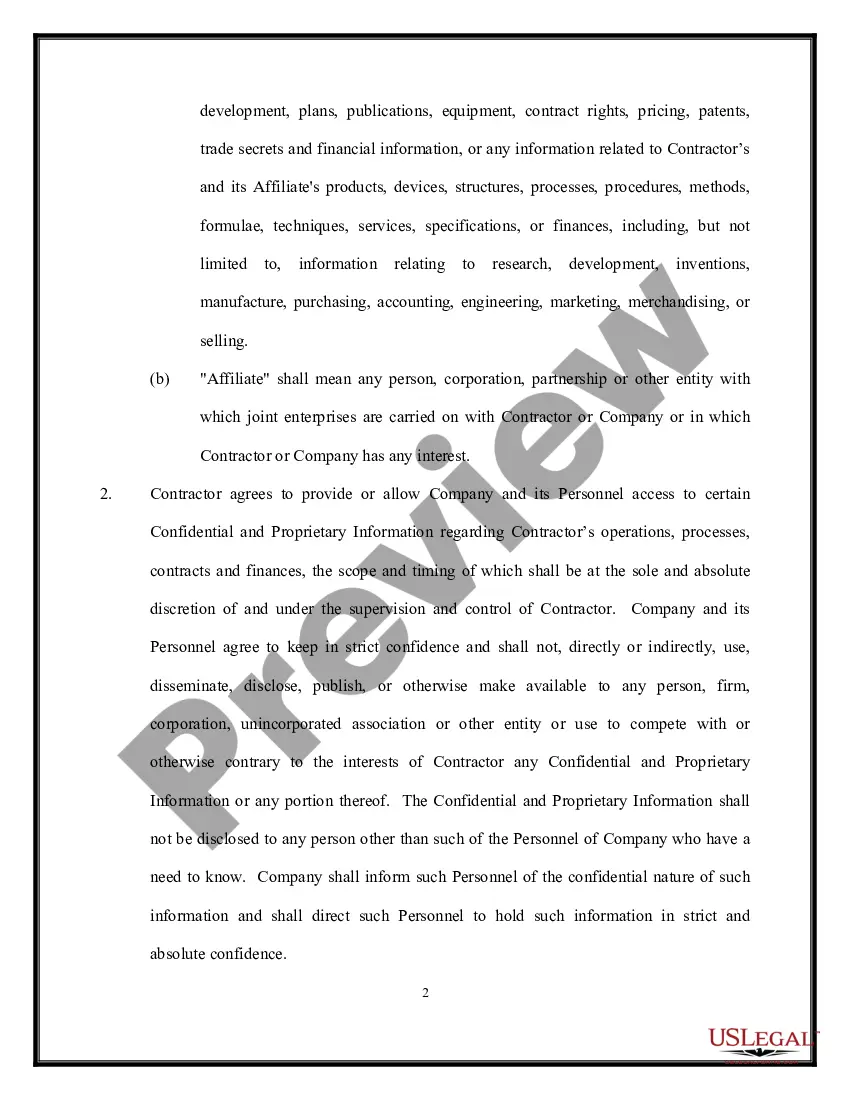
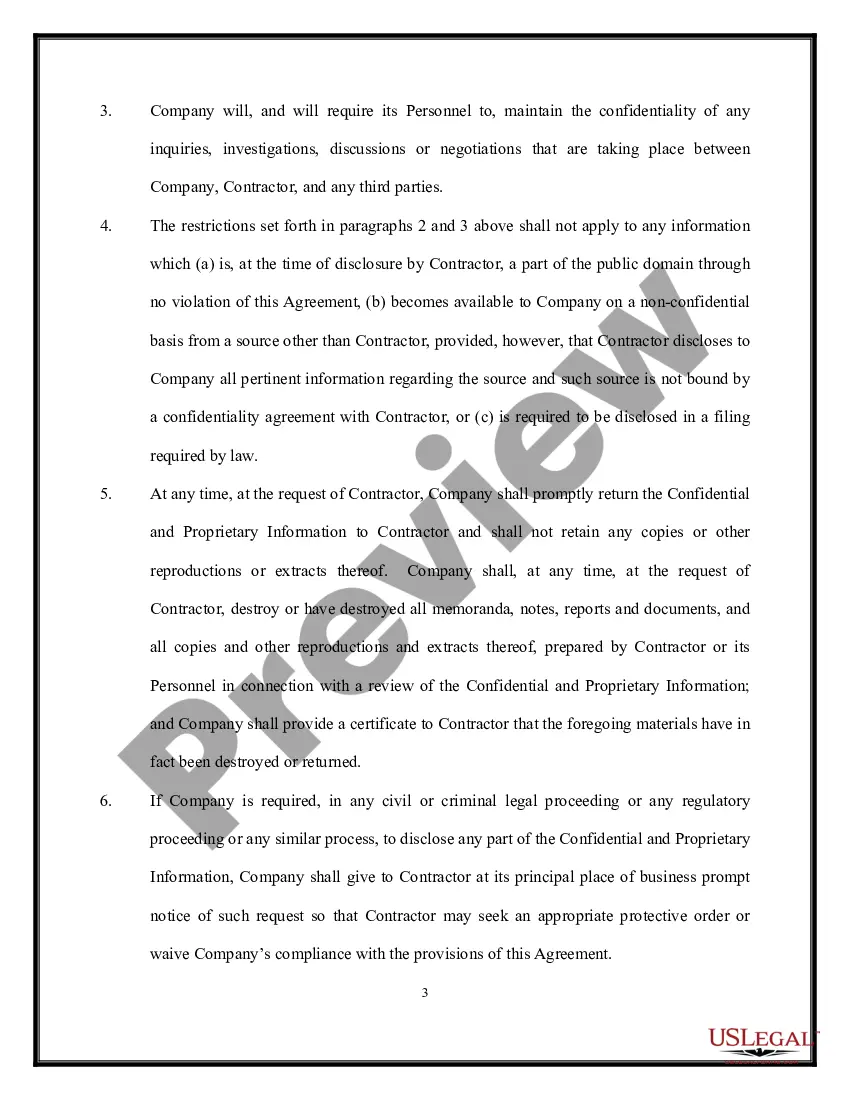
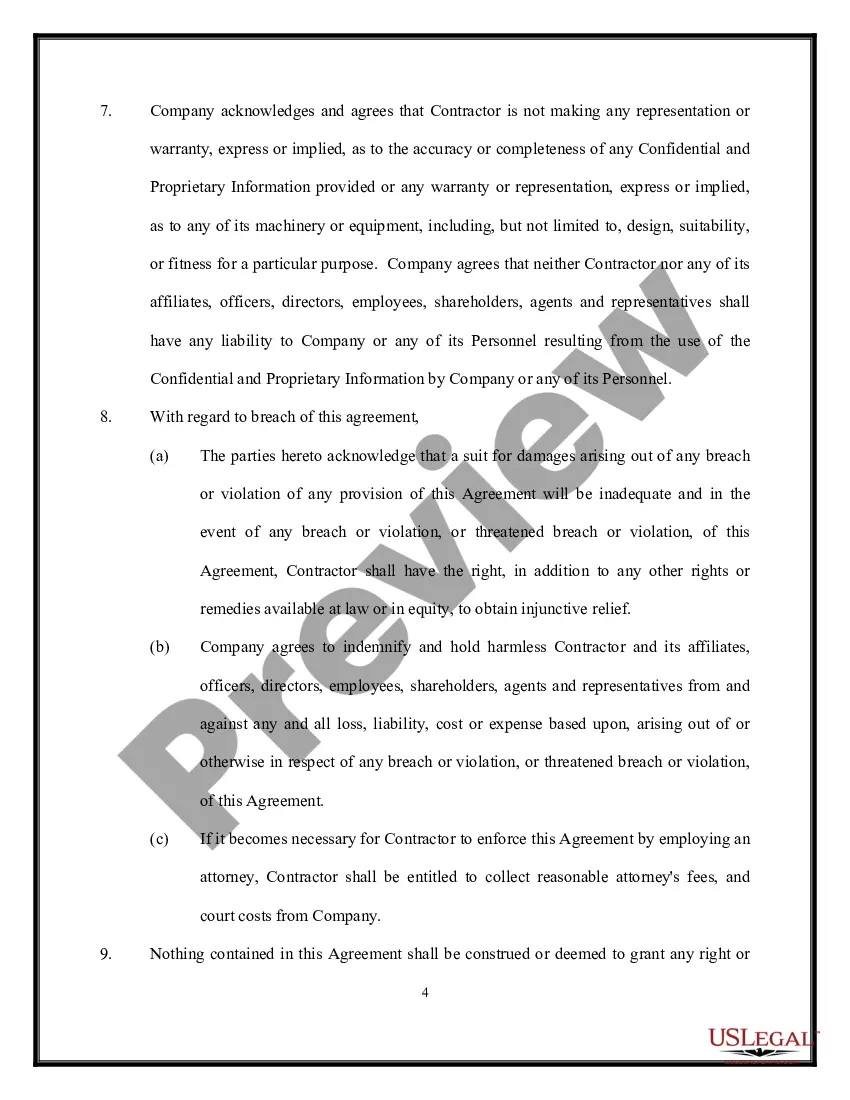
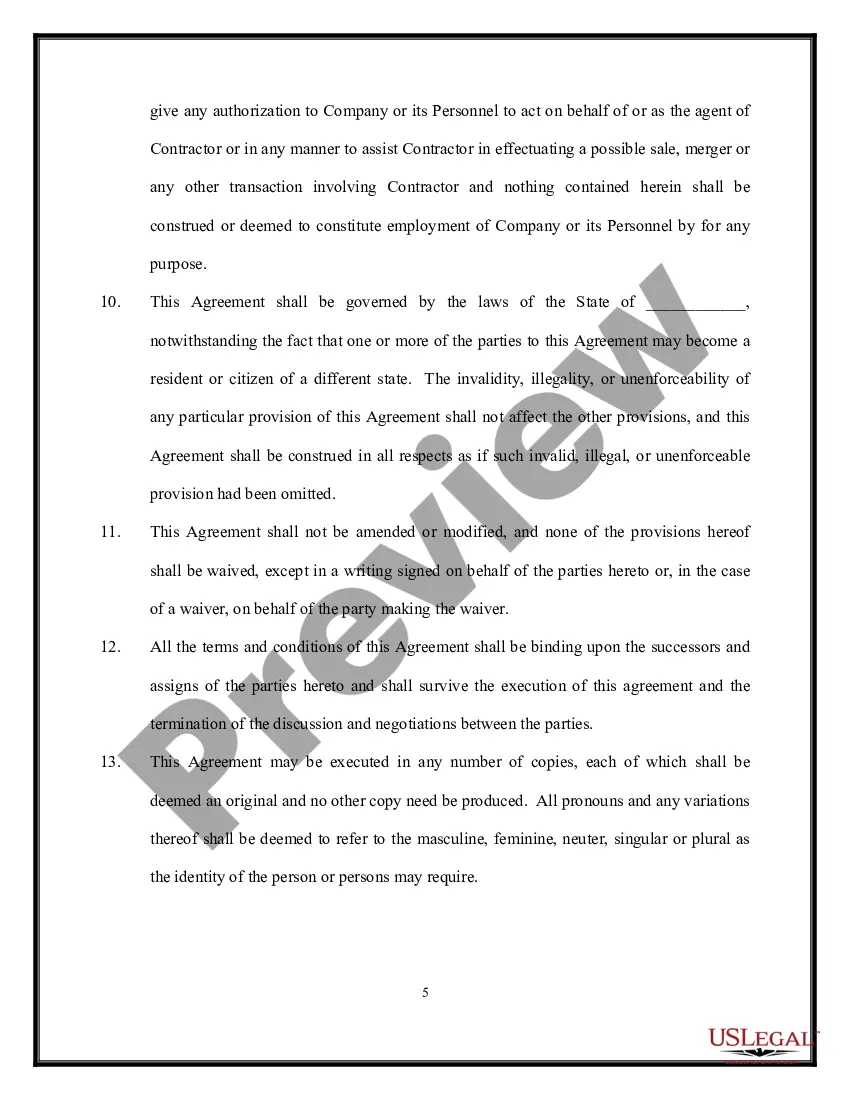
NDA meaning. A nondisclosure agreement (NDA) is a legal document between two or more parties who agree not to disclose any sensitive information revealed over the course of doing business together.
By signing a non-disclosure agreement, the signatories (parties) agree not to disclose any information related to the development to anyone, besides those who have signed the document. If you use the mobile app NDA properly, it is one of the most effective ways to protect your intellectual property.
The NDA for app development creates a framework for protecting ideas and information from being passed on to third parties or stolen. Violation of an agreement has many legal consequences, including penalties and lawsuits. Non-disclosure agreements protect your business, so even accidents are covered.
Typically, a legal professional writing the NDA will complete these steps: Step 1 - Describe the scope. Which information is considered confidential? ... Step 2 - Detail party obligations. Step 3 - Note potential exclusions. Step 4 - Set the term. Step 5 - Spell out consequences.
Non-Disclosure Agreement (NDA), in its simplest form, is a legal contract that outlines the terms and conditions of sharing confidential information. Such document ensures that anyone you disclose your software idea or project details to must keep them a secret.
To create a Non-Disclosure Agreement, include the following information: The parties' names and contact information. The length of the non-disclosure period. The scope and definition of the confidential information. The obligations of the Non-Disclosure Agreement. The ownership and return information.
Non-disclosure agreements. A non-disclosure agreement (NDA), or confidentiality agreement, is a legal contract used to protect sensitive information that needs to be shared with others.
You do not need a lawyer to create and sign a non-disclosure agreement. However, if the information you are trying to protect is important enough to warrant an NDA, you may want to have the document reviewed by someone with legal expertise.
