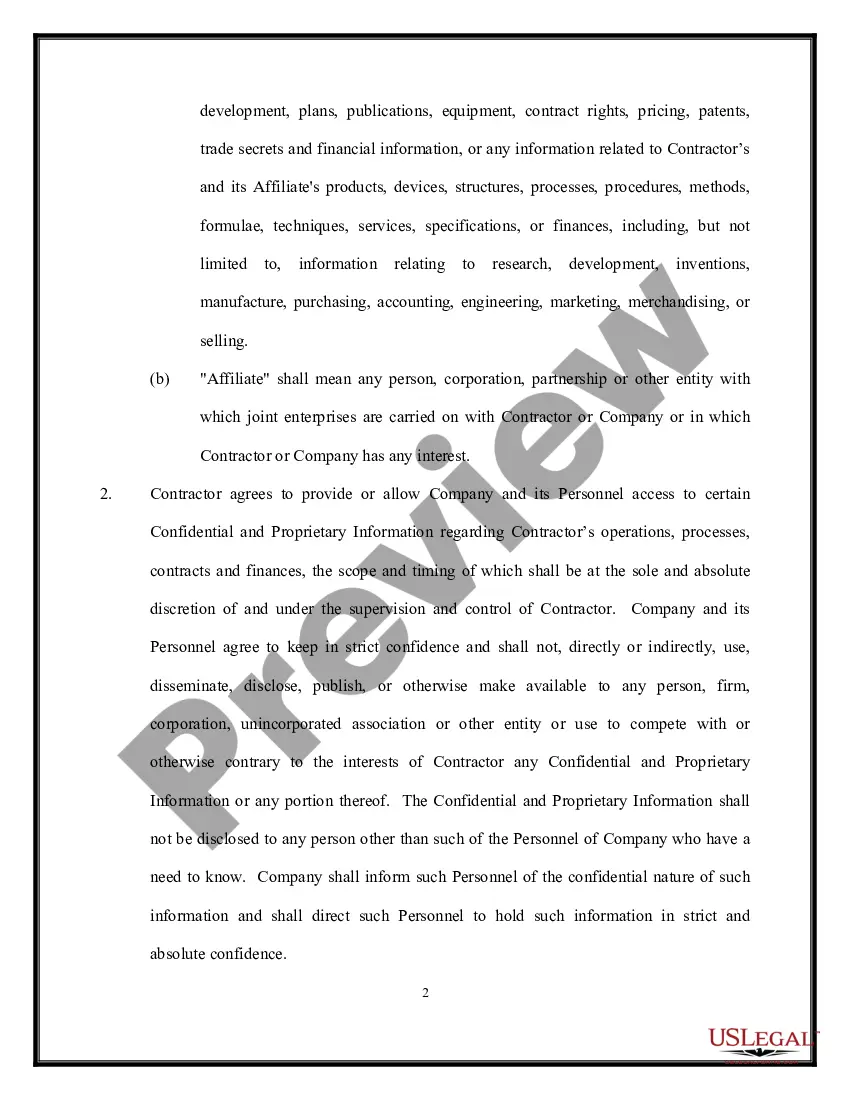
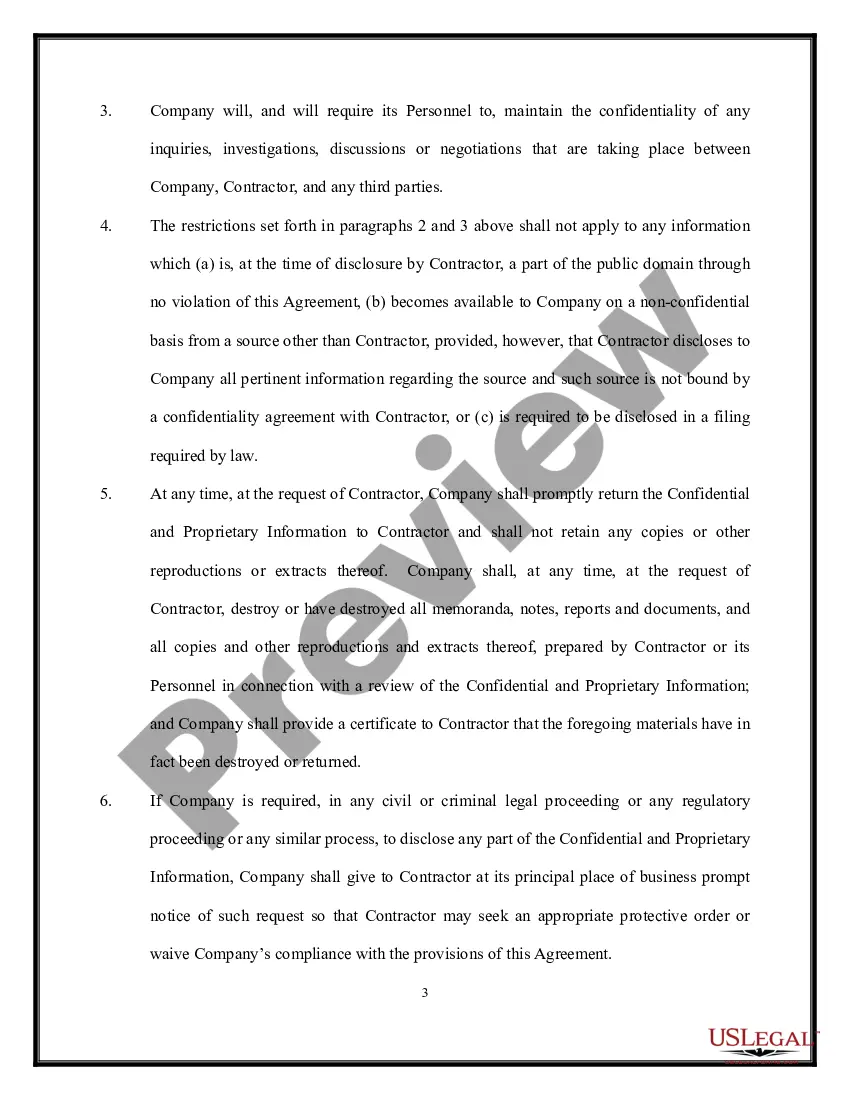
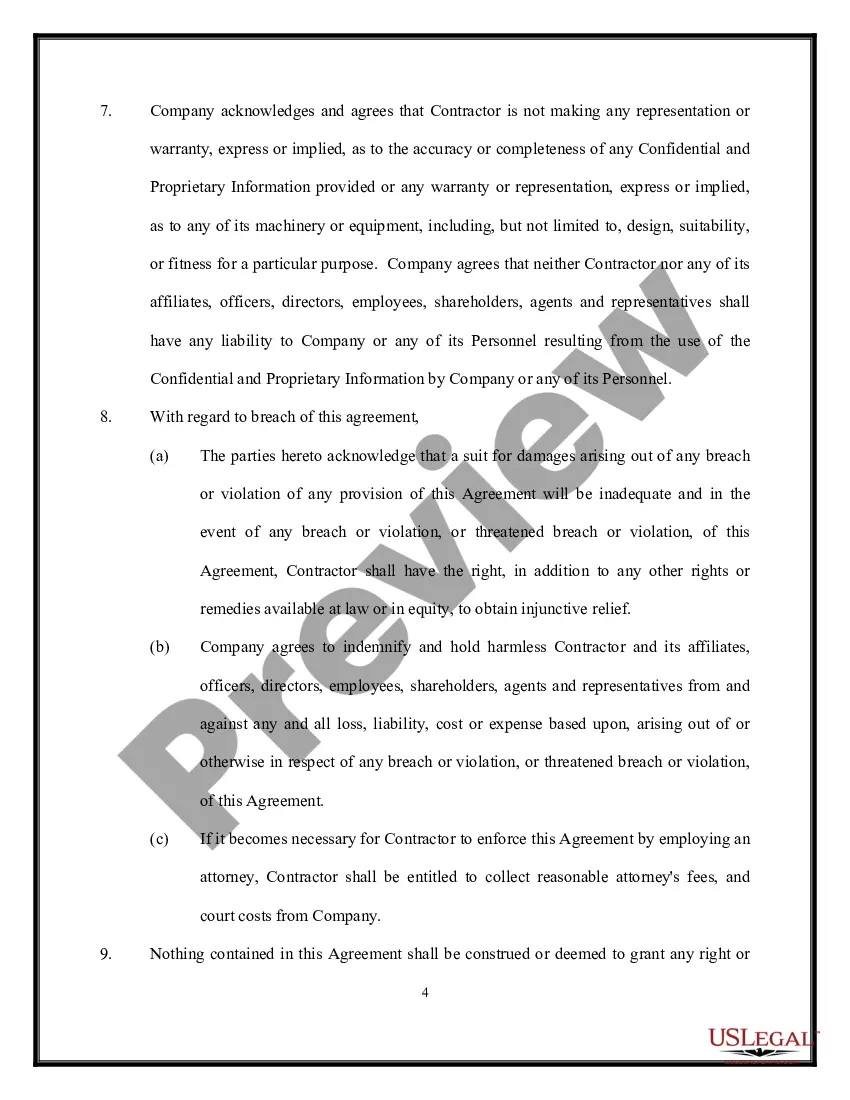
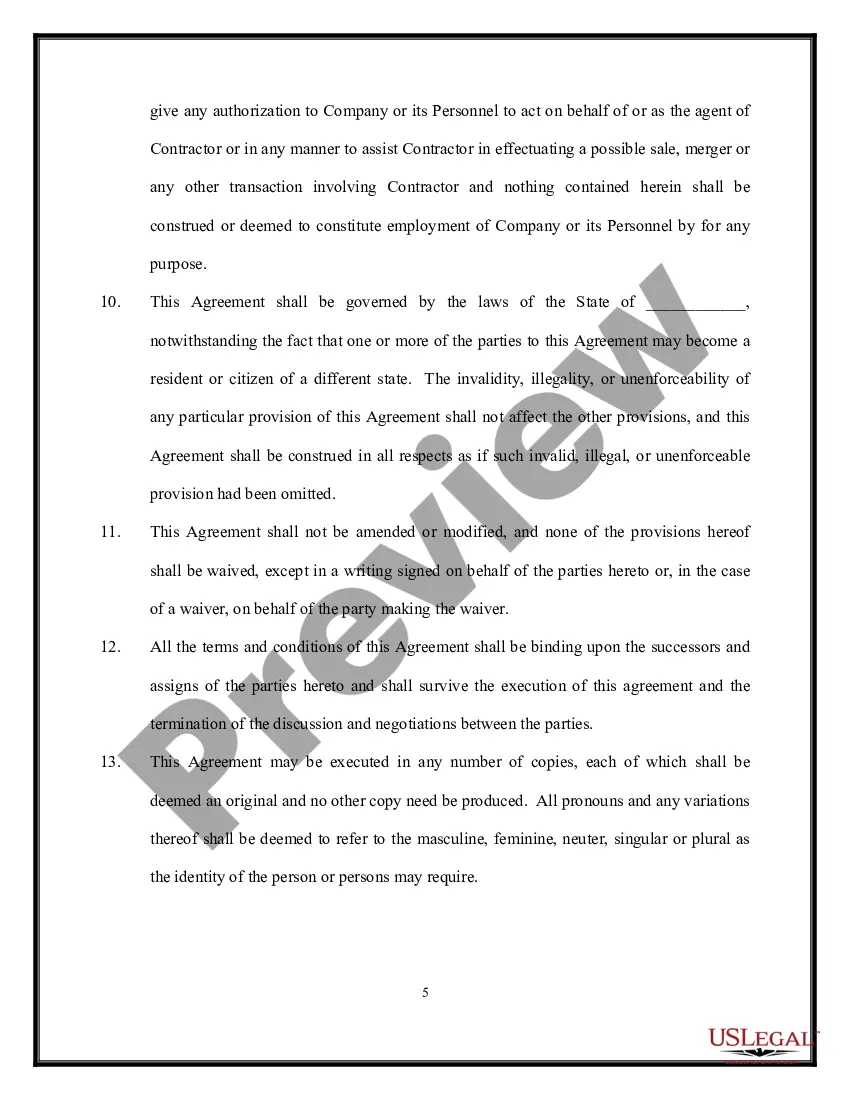
Confidentiality Agreement Sample For Email
Description

Get your form ready online
Our built-in tools help you complete, sign, share, and store your documents in one place.
Make edits, fill in missing information, and update formatting in US Legal Forms—just like you would in MS Word.
Download a copy, print it, send it by email, or mail it via USPS—whatever works best for your next step.
Sign and collect signatures with our SignNow integration. Send to multiple recipients, set reminders, and more. Go Premium to unlock E-Sign.
If this form requires notarization, complete it online through a secure video call—no need to meet a notary in person or wait for an appointment.
We protect your documents and personal data by following strict security and privacy standards.

Make edits, fill in missing information, and update formatting in US Legal Forms—just like you would in MS Word.

Download a copy, print it, send it by email, or mail it via USPS—whatever works best for your next step.

Sign and collect signatures with our SignNow integration. Send to multiple recipients, set reminders, and more. Go Premium to unlock E-Sign.

If this form requires notarization, complete it online through a secure video call—no need to meet a notary in person or wait for an appointment.

We protect your documents and personal data by following strict security and privacy standards.
Looking for another form?



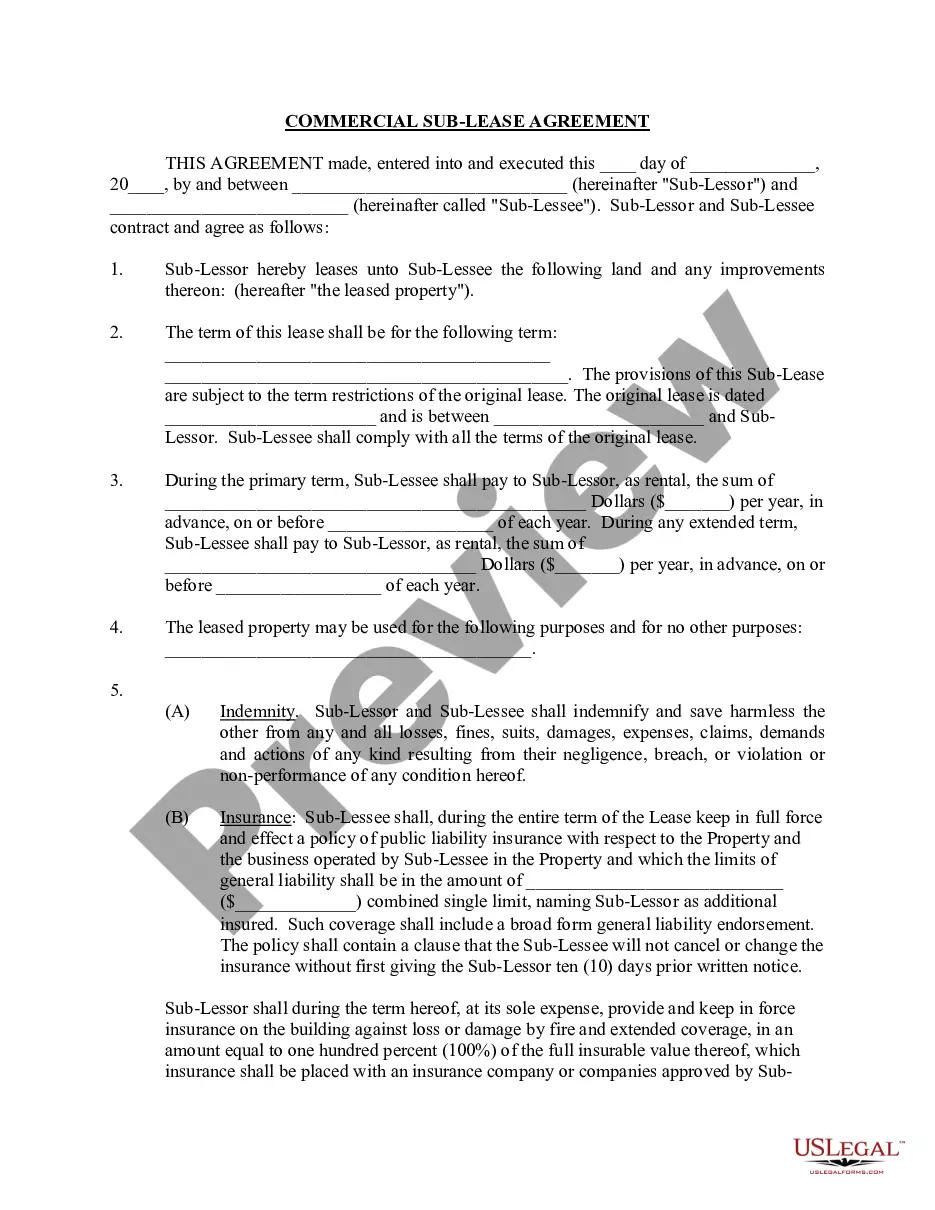


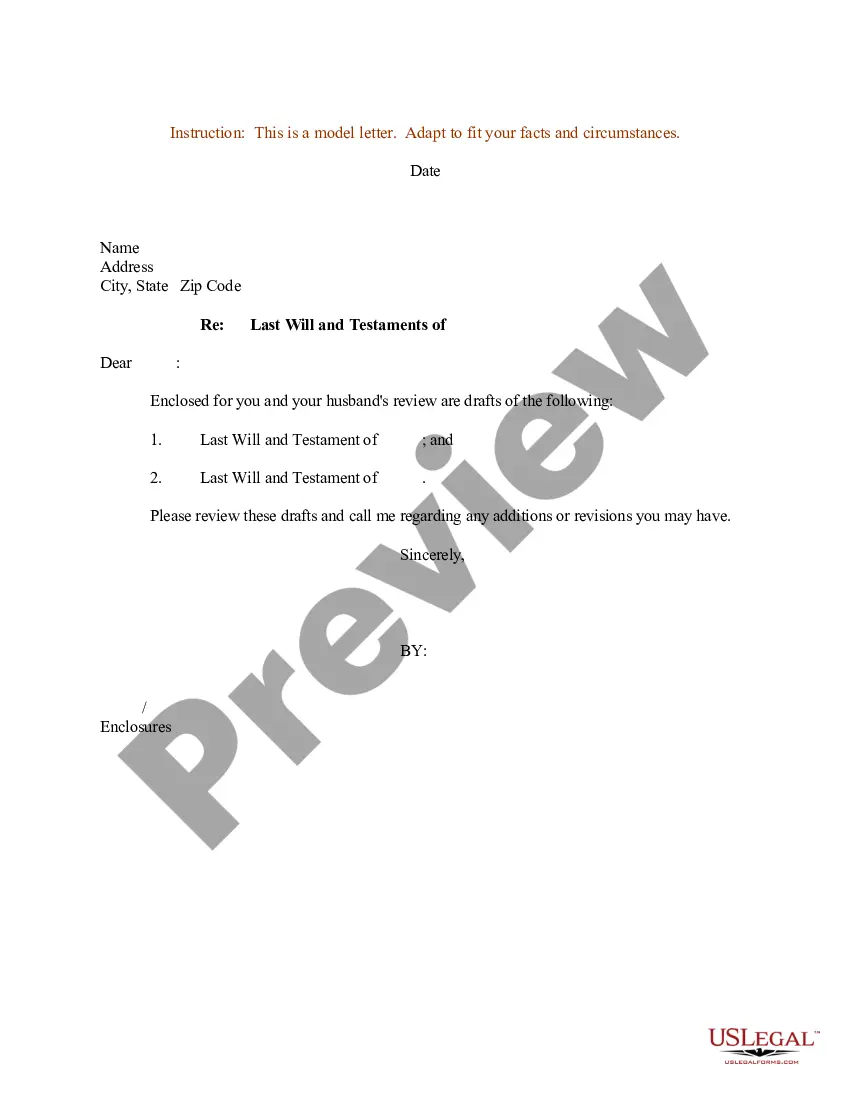


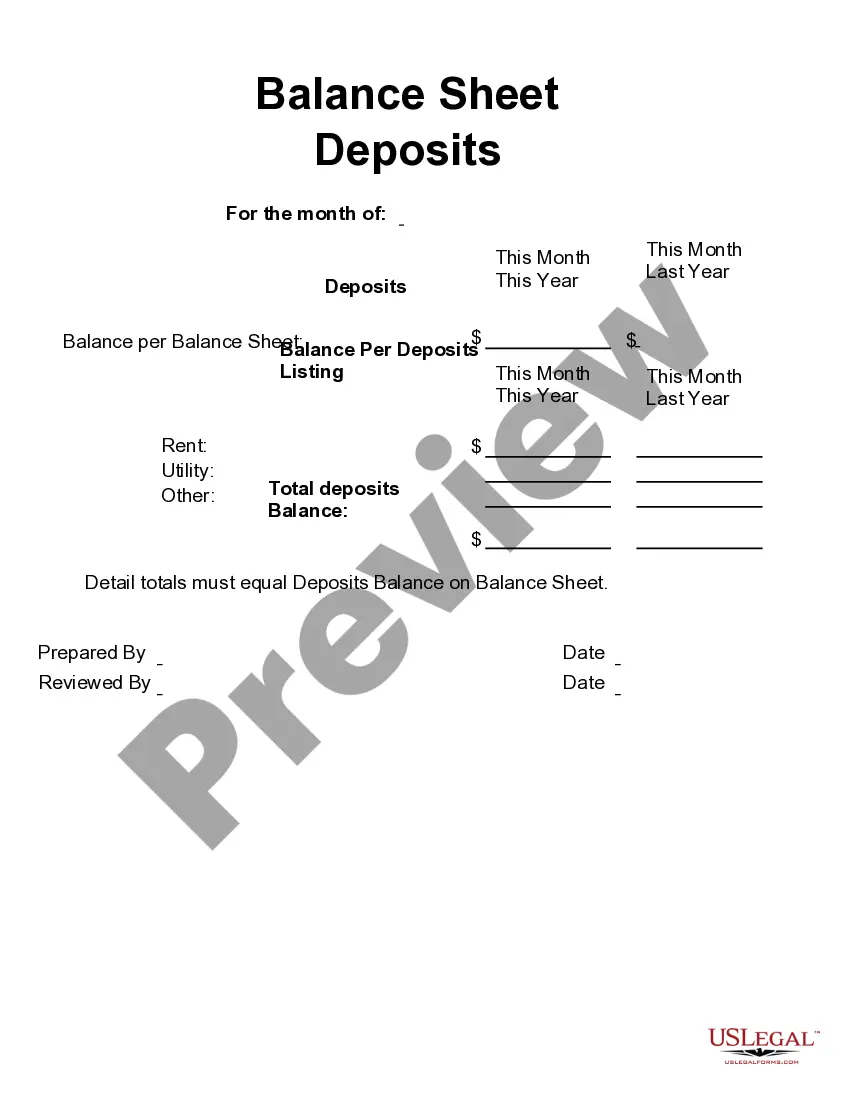
How to fill out Nondisclosure And Confidentiality Agreement - Potential Purchase?
Thoroughly composed official documentation is among the fundamental assurances for preventing issues and legal disputes, yet securing it without an attorney's assistance may require time.
Whether you require a prompt access to a current Confidentiality Agreement Sample For Email or any other documents related to employment, family, or business matters, US Legal Forms is continually available to assist.
The procedure is even more convenient for existing members of the US Legal Forms library. If your subscription is active, you simply need to Log In to your account and click the Download button adjacent to the selected file. Furthermore, you can revisit the Confidentiality Agreement Sample For Email at any time, since all the documents you ever obtained on the platform are accessible in the My documents section of your profile. Save time and money on preparing official paperwork. Try US Legal Forms today!
- Verify that the form matches your situation and locality by reviewing the description and preview.
- If necessary, search for an alternate sample using the Search bar in the header of the page.
- Once you find the appropriate template, click Buy Now.
- Select your pricing plan, Log In to your account, or establish a new one.
- Choose your preferred payment method to purchase the subscription plan (using a credit card or PayPal).
- Decide between PDF or DOCX file format for your Confidentiality Agreement Sample For Email.
- Click Download, then print the template to complete it or upload it to an online editor.
Form popularity
FAQ
A typical confidentiality clause might say, "The phrases and circumstances of this Agreement are completely confidential between the parties and shall not be disclosed to anybody else. Any disclosure in violation shall be deemed a breach of this Agreement."
I agree to treat as confidential all information about clients or former clients and their families that I learn during the performance of my duties as (position title), and I understand that it would be a violation of policy to disclose such information to anyone without checking first with my
Writing the Confidentiality Agreement. Start with the basic information. This will include the title of your contract and the parties making the agreement. You may also want to include a general introduction that states the purpose of the contract.
You will "abide by" the terms and conditions or you "agree to" the terms and conditions. An NDA is a binding legal agreement so it it correct to say something like: "I have read, understood and agree to be bound by your Non-disclosure Agreement dated..."
Insert CONFIDENTIAL in the subject line of your email Make it a practice to include the bold word CONFIDENTIAL in the subject line of all your emails containing confidential information.