Roommate Form Agreement For Friends In Oakland
Description

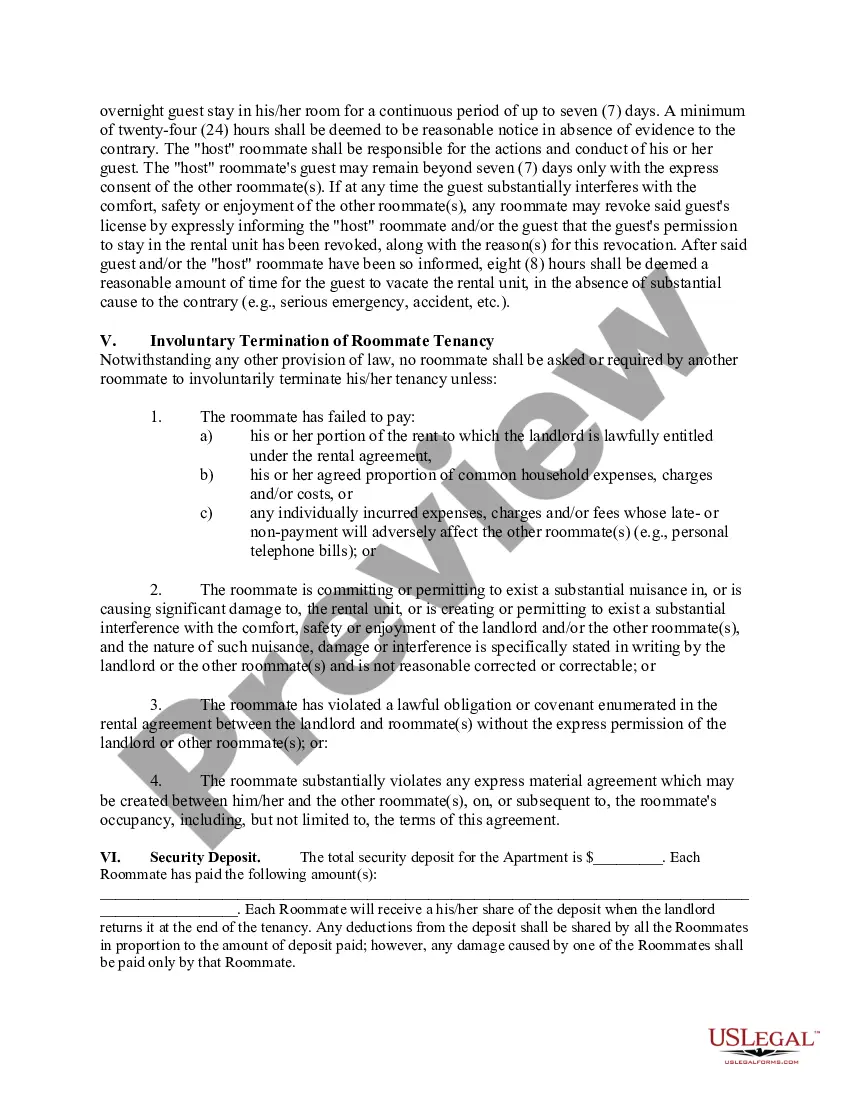
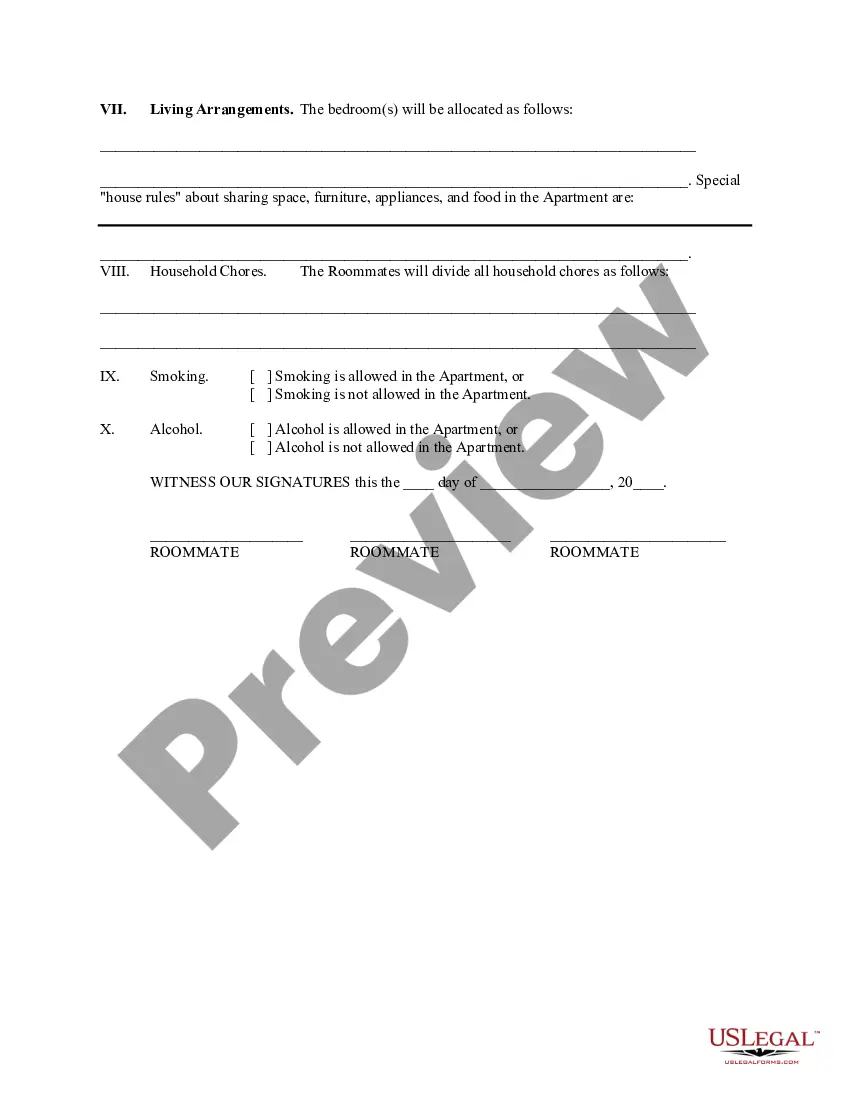
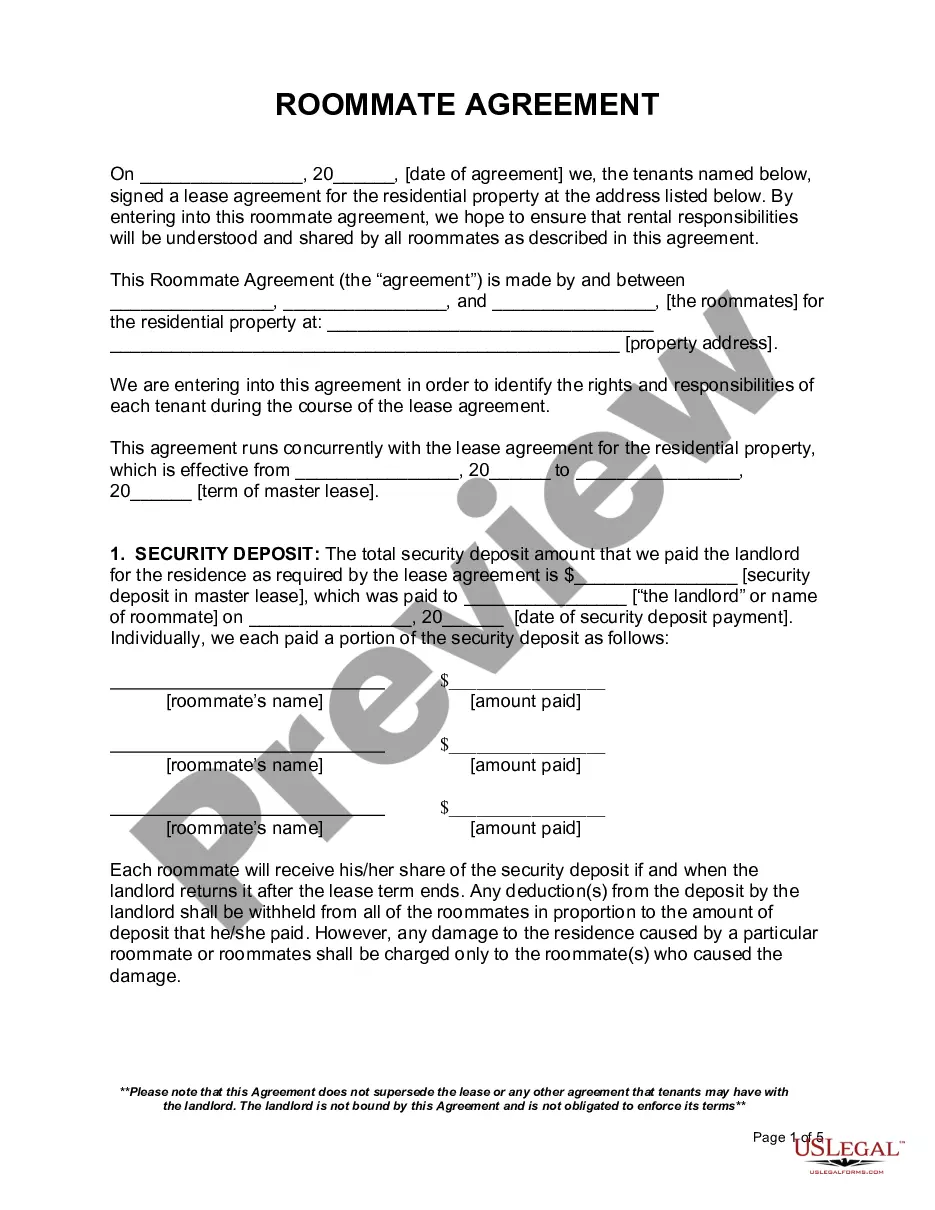
Get your form ready online
Our built-in tools help you complete, sign, share, and store your documents in one place.
Make edits, fill in missing information, and update formatting in US Legal Forms—just like you would in MS Word.
Download a copy, print it, send it by email, or mail it via USPS—whatever works best for your next step.
Sign and collect signatures with our SignNow integration. Send to multiple recipients, set reminders, and more. Go Premium to unlock E-Sign.
If this form requires notarization, complete it online through a secure video call—no need to meet a notary in person or wait for an appointment.
We protect your documents and personal data by following strict security and privacy standards.

Make edits, fill in missing information, and update formatting in US Legal Forms—just like you would in MS Word.

Download a copy, print it, send it by email, or mail it via USPS—whatever works best for your next step.

Sign and collect signatures with our SignNow integration. Send to multiple recipients, set reminders, and more. Go Premium to unlock E-Sign.

If this form requires notarization, complete it online through a secure video call—no need to meet a notary in person or wait for an appointment.

We protect your documents and personal data by following strict security and privacy standards.
Looking for another form?






Form popularity
FAQ
Inquire about their study habits, sleep schedules, cleaning habits, party preferences and other critical factors. Learning about their lifestyle, hobbies and daily routines will help you understand their habits and preferences better. Trust your instincts when evaluating potential roommates' responses.
Name: Print the name of each roommate listed on the lease. Eligibility Status: Circle the status that makes each person eligible for the apartment. Departure Date, if leaving: For the person leaving, list a date that the person will be moving out of the apartment.
Create a list of house rules with your roommates and agree on how you'll handle monthly rent payments. Decide how you'll be sharing food, utility, and furniture costs, and try to balance out how much each roommate spends. Use digital payment apps for splitting expenses or set up a shared bank account.
Perhaps mention hobbies and interests you and your roommates have. Describe the roommate you are looking for – Be honest about what you want in a roommate. You certainly don't want to attract the wrong people to respond to your ad. You want your new roommate to be a good fit.
Briefly describe yourself, intertests/activities, living style, and be sure to include a phone #. I would also include a recent picture. Being able to put a face to a possible potential roommate makes a huge difference.
How to write a roommate agreement Names of both tenants. The property address. The dates the lease begins and ends. The amount of rent each person pays. Who pays for utilities. Who pays the security deposit. Which bedroom each person occupies. Who buys food, or if you're each buying your own food.
Contact us at housing@oakland or (248) 370-3570 and we will be happy to assist you. To cancel your on-campus housing, you will need to complete a Contract Release Form online.
Cancellation Process: Prior to taking residence, if your plans change and you are unable to live in university housing, you must login to studenthousing.ucsc and cancel your application/contract. After taking residence, requests for housing contract cancellation must be initiated through studenthousing.ucsc.
Students must submit a cancellation request in writing via the Housing Portal. Students no longer enrolled will receive an email confirmation once the cancellation is processed.
To request a roommate, both you and your preferred roommate (requests must be mutual) need to go to My UW Housing and complete the following: Either create a roommate group for your roommate(s) to join or join the roommate group your preferred roommate has already created.