Employees Whereas Assisting With Prioritizing Work Responsibilities In San Antonio
Description

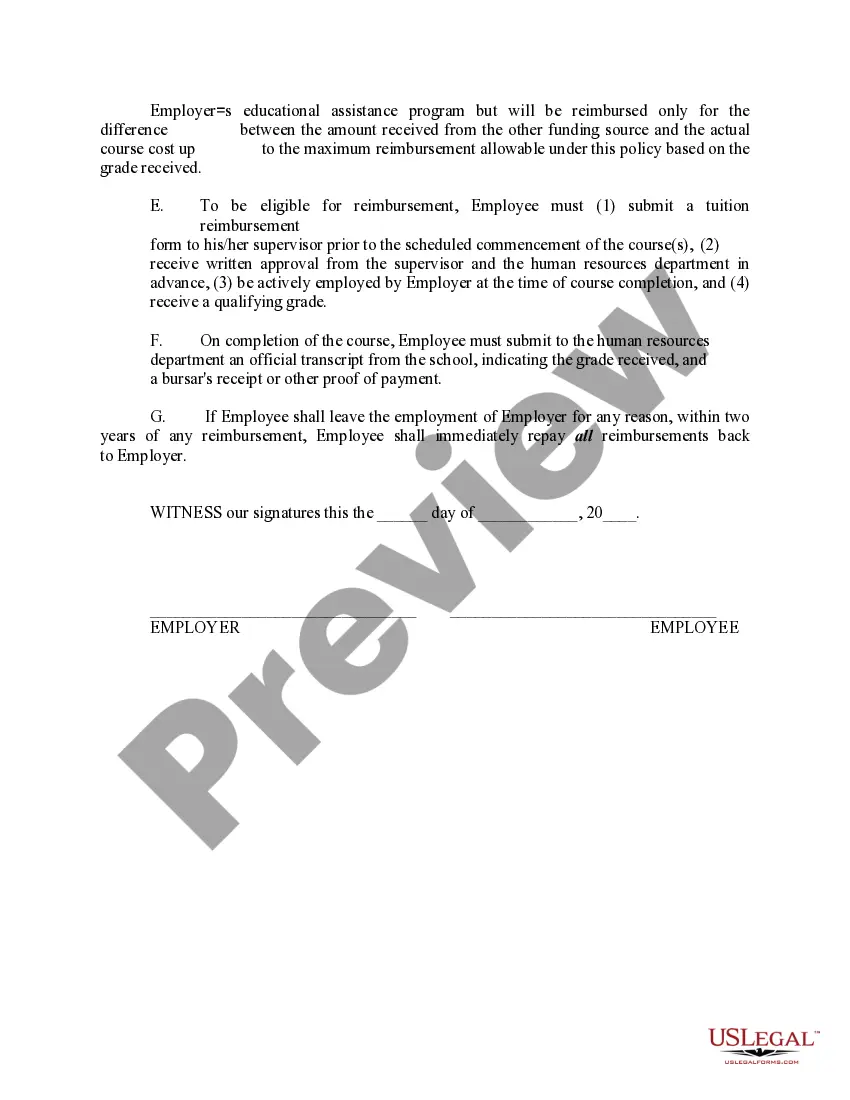
Get your form ready online
Our built-in tools help you complete, sign, share, and store your documents in one place.
Make edits, fill in missing information, and update formatting in US Legal Forms—just like you would in MS Word.
Download a copy, print it, send it by email, or mail it via USPS—whatever works best for your next step.
Sign and collect signatures with our SignNow integration. Send to multiple recipients, set reminders, and more. Go Premium to unlock E-Sign.
If this form requires notarization, complete it online through a secure video call—no need to meet a notary in person or wait for an appointment.
We protect your documents and personal data by following strict security and privacy standards.

Make edits, fill in missing information, and update formatting in US Legal Forms—just like you would in MS Word.

Download a copy, print it, send it by email, or mail it via USPS—whatever works best for your next step.

Sign and collect signatures with our SignNow integration. Send to multiple recipients, set reminders, and more. Go Premium to unlock E-Sign.

If this form requires notarization, complete it online through a secure video call—no need to meet a notary in person or wait for an appointment.

We protect your documents and personal data by following strict security and privacy standards.
Looking for another form?








Form popularity
FAQ
Task prioritization techniques Priority matrix. MoSCoW prioritization method. ABCDE method. Scrum prioritization. Bubble sort method. Most Important Task (MIT) method. The Ivy Lee method. 1-3-9 prioritization technique.
List of Tips for Effective Time Management Set goals correctly. Set goals that are achievable and measurable. Prioritize wisely. Prioritize tasks based on importance and urgency. Set a time limit to complete a task. Take a break between tasks. Organize yourself. Remove non-essential tasks/activities. Plan ahead.
4 Tips to Remember: Set aside time to plan when you are in a calm and thoughtful mindset. Break larger projects and tasks into smaller pieces with a goal in mind. Schedule uninterrupted time in your calendar to work on the task or project and protect that time! Minimize distractions.
Start by creating a comprehensive task list and identifying deadlines. Assess the importance, urgency, effort, and resources required for each one. Then prioritize your list based on the most urgent tasks, considering dependencies and breaking down complex tasks if necessary.
Collect a list of all your tasks. Identify urgent vs. important. Assess the value of your tasks. Order tasks by estimated effort. Be flexible and adaptable. Know when to cut. Get smart prioritization with Tempo.
The method involves categorizing tasks based on their urgency and importance, enabling individuals to allocate their time and resources efficiently. The mnemonic ABCDE stands for A - Very Important, B - Important, C - Nice to Do, D - Delegate, and E - Eliminate.
Prioritize the “Must” or “A” tasks first, then move to the “Should” or “B” tasks, and so on. Keep your list visible and review it regularly to stay on track. You can also use a digital tool or productivity app to organize and update your list as needed.
1-3-9 prioritization technique With the 1-3-9 technique, you'll create a list of 13 tasks at the start of each day, with one critical task, three important tasks, and nine nice-to-do tasks. Order the lists of three and nine tasks in terms of priority, then work on and complete your one critical task.
“I work best when I have a daily to-do list. At the beginning of each workday, I write down the tasks that need to be done and rank them from highest to lowest priority. Not only does this help my workflow, but it also ensures that I am making progress on the most important tasks of the day.”
