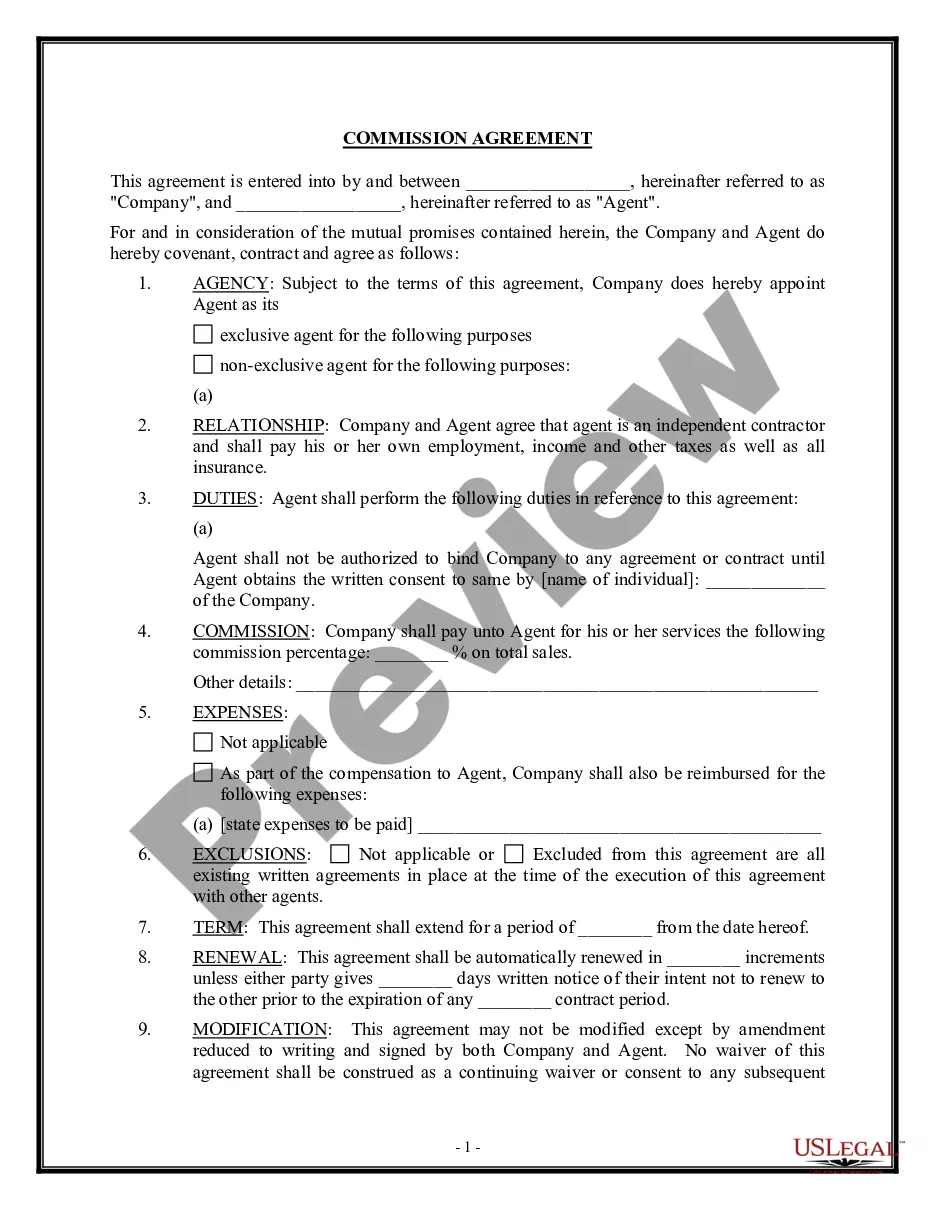
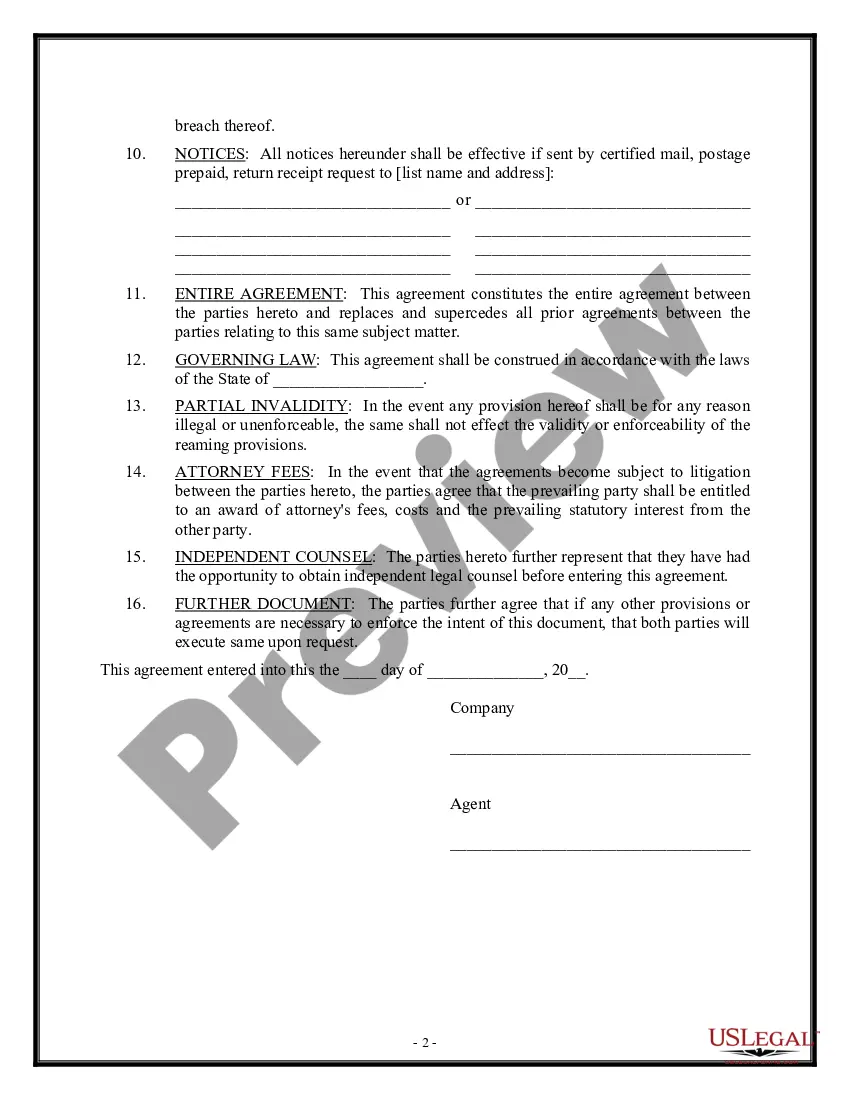
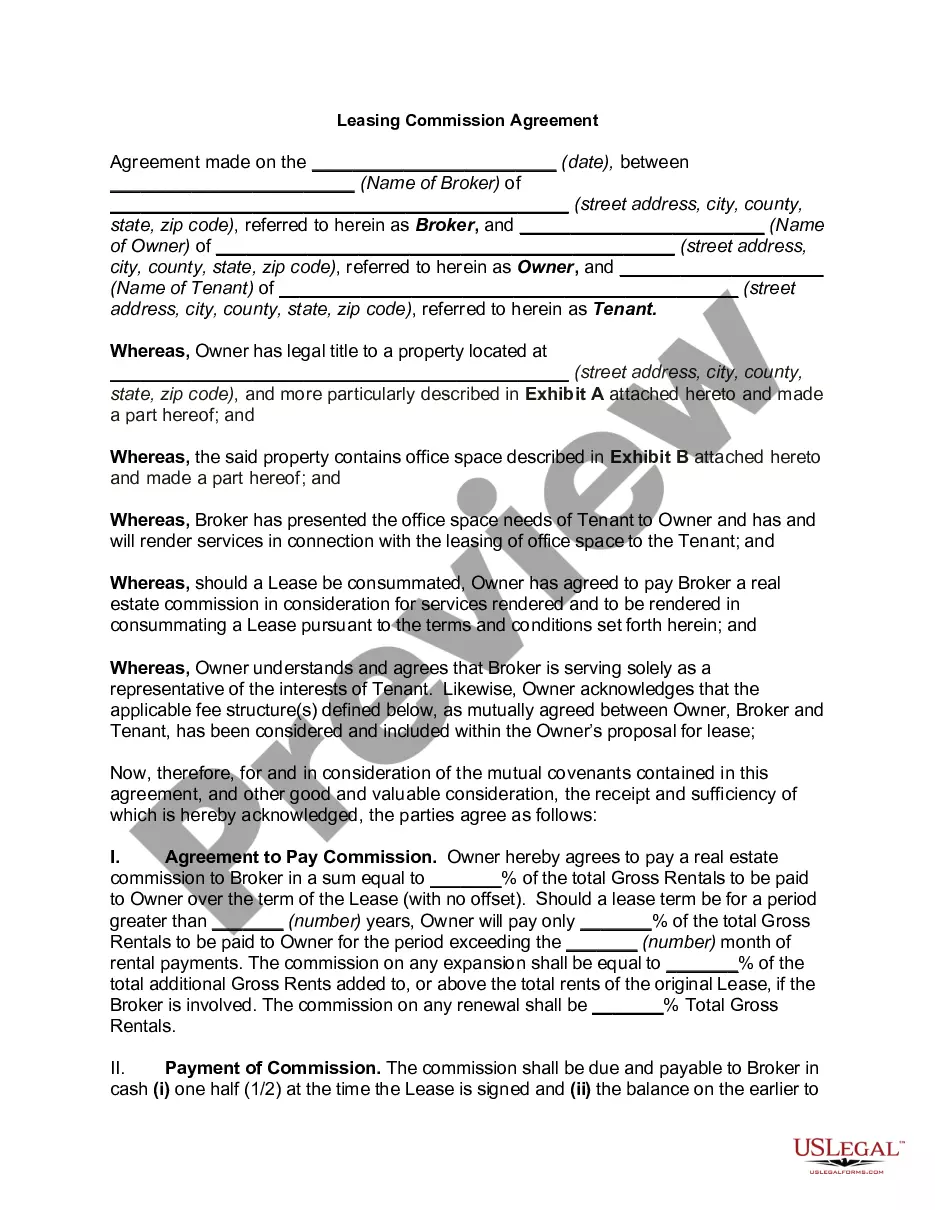
Commission Agreement General Form Statement Form In Sacramento
Description
Get your form ready online
Our built-in tools help you complete, sign, share, and store your documents in one place.
Make edits, fill in missing information, and update formatting in US Legal Forms—just like you would in MS Word.
Download a copy, print it, send it by email, or mail it via USPS—whatever works best for your next step.
Sign and collect signatures with our SignNow integration. Send to multiple recipients, set reminders, and more. Go Premium to unlock E-Sign.
If this form requires notarization, complete it online through a secure video call—no need to meet a notary in person or wait for an appointment.
We protect your documents and personal data by following strict security and privacy standards.

Make edits, fill in missing information, and update formatting in US Legal Forms—just like you would in MS Word.

Download a copy, print it, send it by email, or mail it via USPS—whatever works best for your next step.

Sign and collect signatures with our SignNow integration. Send to multiple recipients, set reminders, and more. Go Premium to unlock E-Sign.

If this form requires notarization, complete it online through a secure video call—no need to meet a notary in person or wait for an appointment.

We protect your documents and personal data by following strict security and privacy standards.
Looking for another form?








Form popularity
FAQ
As of January 16, 2024, Sacramento County Superior Court has expanded electronic filing (e-Filing) to Civil cases handled at the Gordon D. Schaber Courthouse and Hall of Justice Building. Until further notice, e-Filing is permissive (optional) for all parties.
In order to register a California DBA, you need to file a fictitious business name (FBN) statement with the county clerk's office in the county your business is located. Out-of-state companies conducting business in California that wish to use a fictitious name must file their FBN statements in Sacramento County.
SOS penalty SOS imposes a $250 penalty if you do not file your Statement of Information. We collect the penalty on behalf of the SOS .
To file a statement of information in CA, make an account with bizfile, the California Secretary of State's online filling portal. Search for your entity through the business search page, select the name of your business, click "File Statement of Information,” and fill in the required fields.
To file a statement of information in CA, make an account with bizfile, the California Secretary of State's online filling portal. Search for your entity through the business search page, select the name of your business, click "File Statement of Information,” and fill in the required fields.
All Statements of Information for limited liability companies can be filed online at bizfile.sos.ca. Status of LLC: In order to file Form LLC-12, the status of the LLC must be active or suspended/forfeited on the records of the California Secretary of State.
To submit Form SI-100, you may file it online at the California Secretary of State's website or mail it to the Statement of Information Unit at P.O. Box 944230, Sacramento, CA 94244-2300. For in-person submissions, visit the Sacramento office located at 1500 11th Street, Sacramento, CA 95814.
Statements of Information, Common Interest Development Statements and Publicly Traded Disclosure Statements can be filed online at bizfileOnline.sos.ca.
The Publicly Traded Corporate Disclosure Statement form, including instructions for completing the form, is available on the Secretary of State's website at or through our bizfile California portal at Once completed, ...
H. Where to File Mail Form 100 with payment to: Mail Franchise Tax Board. PO Box 942857. Sacramento, CA 94257-0501. e-filed returns: Mail form FTB 3586, Payment Voucher for Corporations and Exempt Organizations e-filed Returns, with payment to: Mail Franchise Tax Board. PO Box 942857. Sacramento, CA 94257-0531.
