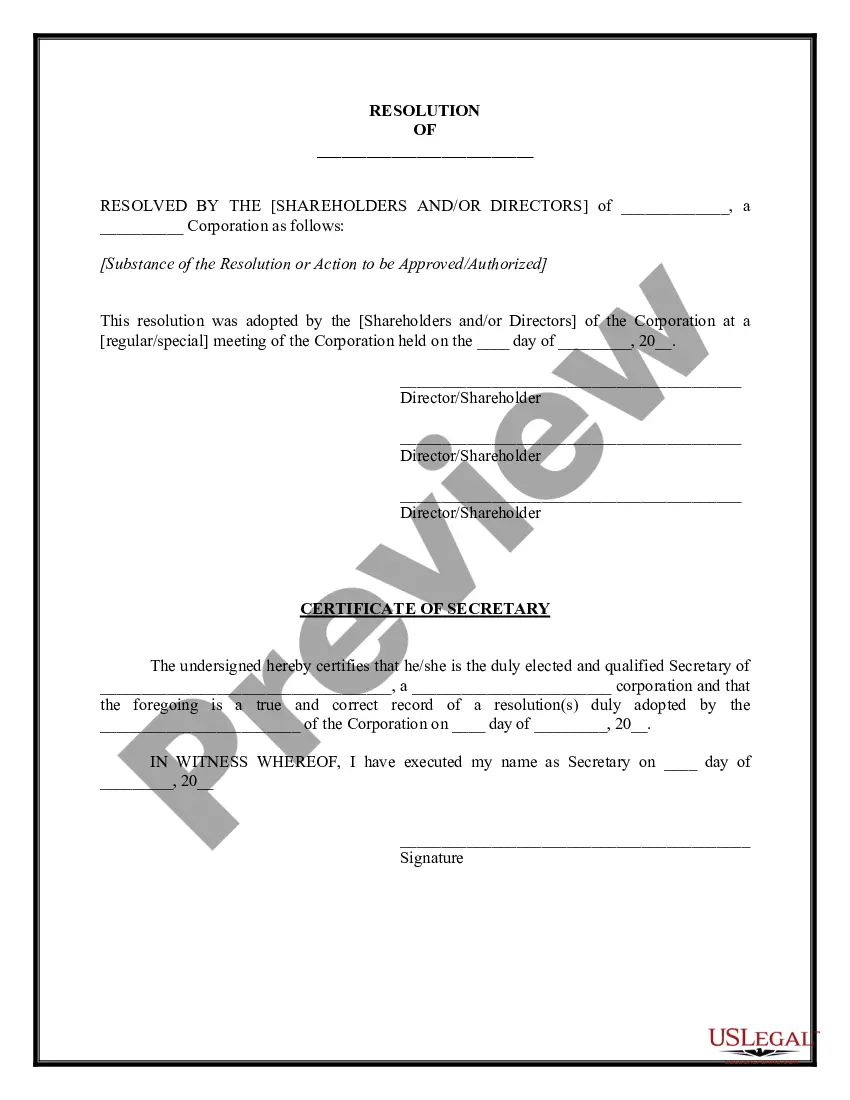
Credit Card Form Statement For Payment In Harris
Description
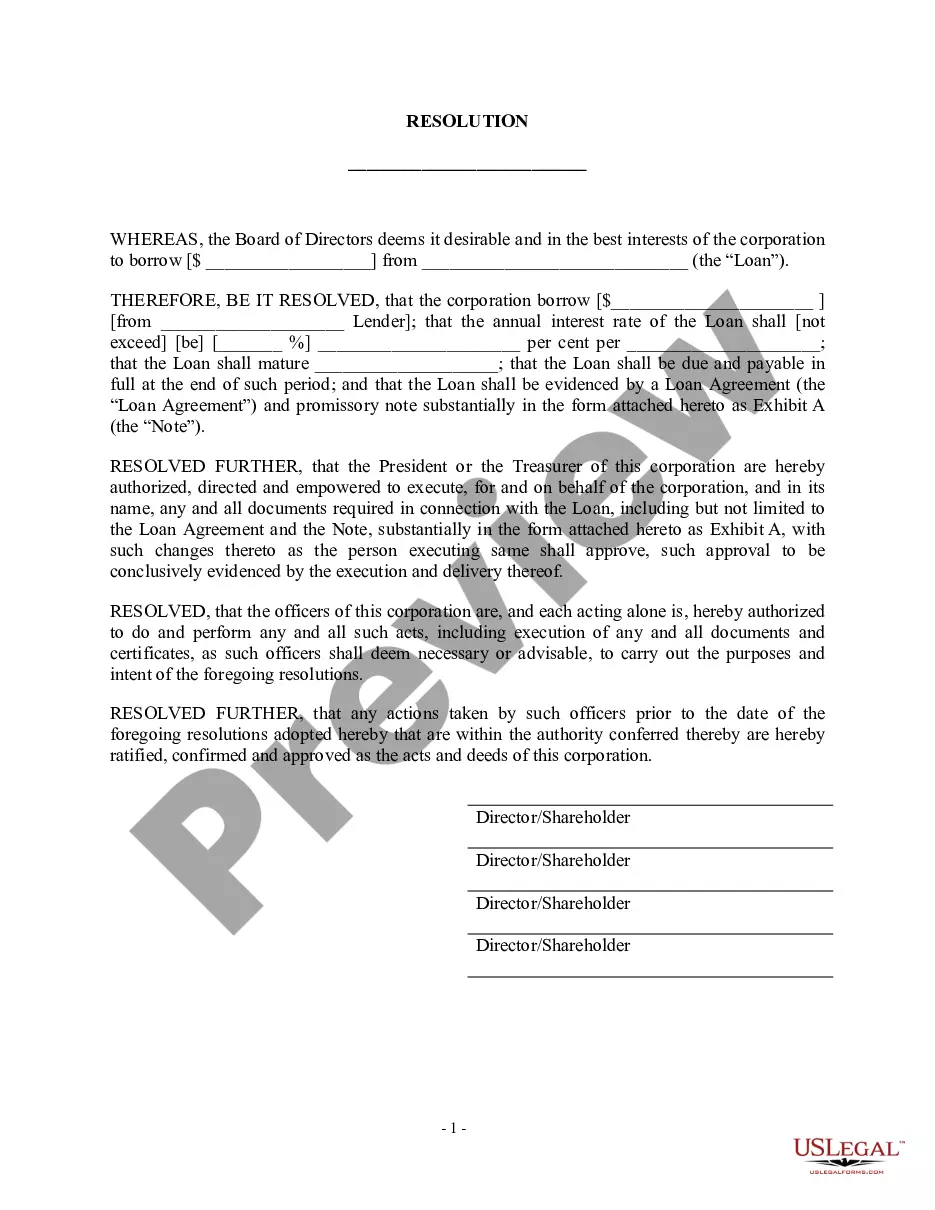
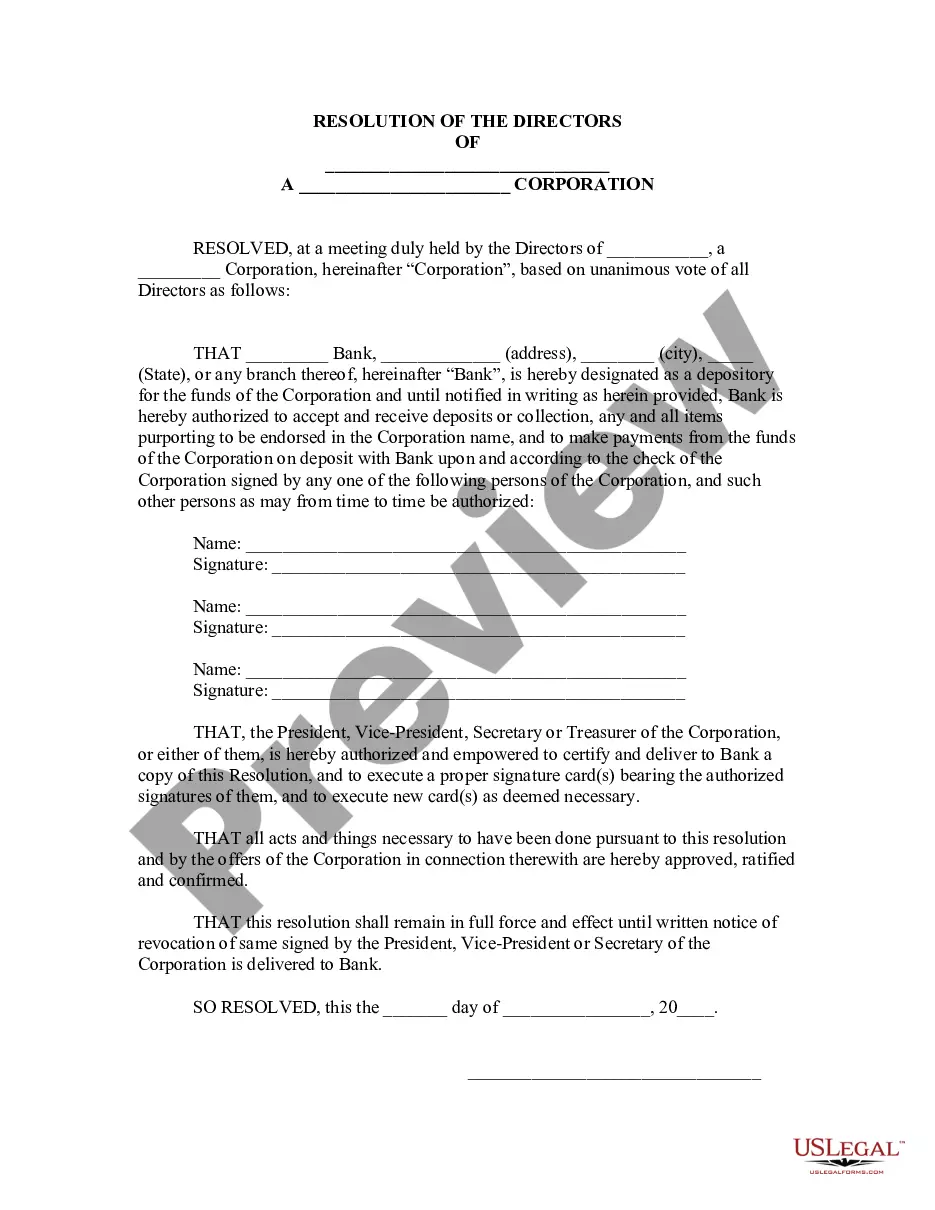
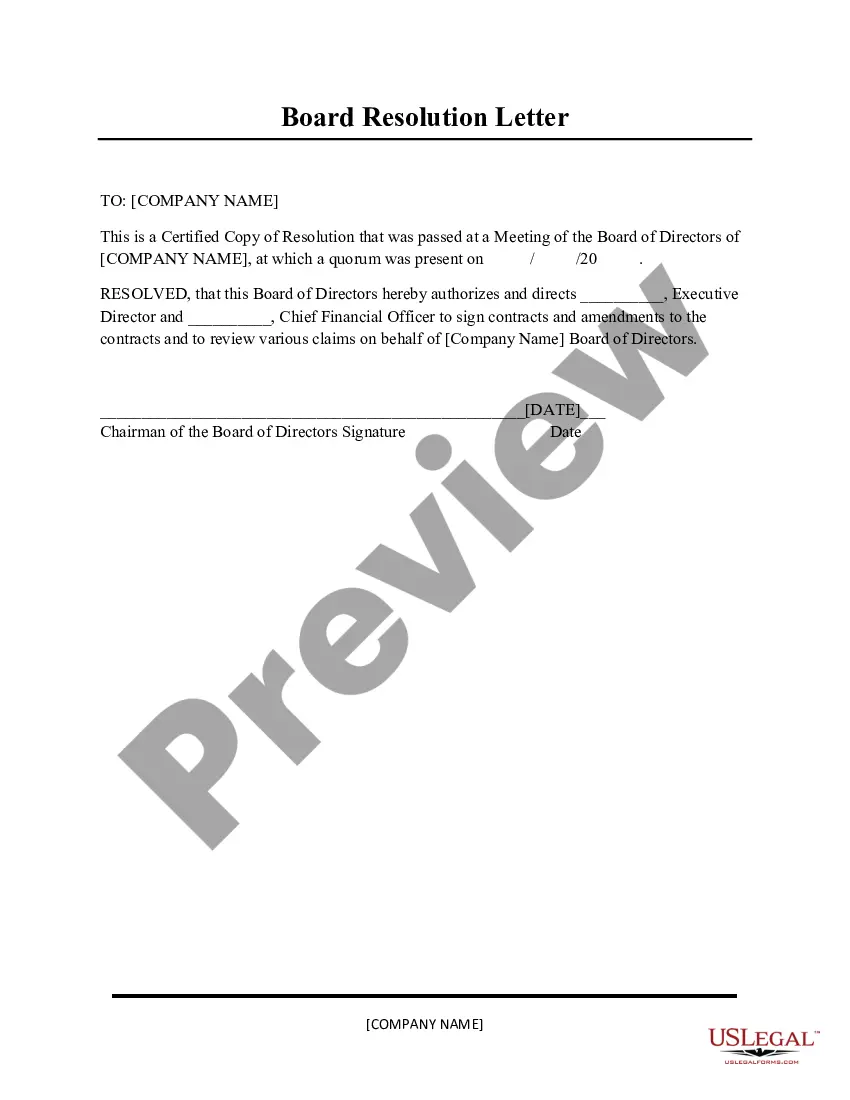
Get your form ready online
Our built-in tools help you complete, sign, share, and store your documents in one place.
Make edits, fill in missing information, and update formatting in US Legal Forms—just like you would in MS Word.
Download a copy, print it, send it by email, or mail it via USPS—whatever works best for your next step.
Sign and collect signatures with our SignNow integration. Send to multiple recipients, set reminders, and more. Go Premium to unlock E-Sign.
If this form requires notarization, complete it online through a secure video call—no need to meet a notary in person or wait for an appointment.
We protect your documents and personal data by following strict security and privacy standards.

Make edits, fill in missing information, and update formatting in US Legal Forms—just like you would in MS Word.

Download a copy, print it, send it by email, or mail it via USPS—whatever works best for your next step.

Sign and collect signatures with our SignNow integration. Send to multiple recipients, set reminders, and more. Go Premium to unlock E-Sign.

If this form requires notarization, complete it online through a secure video call—no need to meet a notary in person or wait for an appointment.

We protect your documents and personal data by following strict security and privacy standards.
Looking for another form?








Form popularity
FAQ
How do I download my credit card statement? You can download your credit card statement by logging in to the card issuer's Net Banking portal. Additionally, you can also download the statement, when received on your registered mail address, by saving it as a pdf.
It's simple: A credit card authorization form typically includes the following general information to ensure a smooth transaction process: Cardholder's name. Card number. Card network. Credit card expiration date. Billing address. Contact information. Authorized amount. Cardholder's signature.
Statement of Payment may mean different things to different agencies. Still, in its broadest definition, it is a document that provides information about an employee, including their dates of employment, hours worked, earnings (i.e., wages), deductions, and other taxes.
Your monthly credit card statement is a record of your recent transactions, activity, and any applicable fees and interest charges. Credit card companies and banks typically mail out your monthly statement after the end of your billing cycle.
Your monthly credit card statement is a record of your recent transactions, activity, and any applicable fees and interest charges. Credit card companies and banks typically mail out your monthly statement after the end of your billing cycle.
The information on such a form must include: Cardholder's name. Card number. Card network (Visa, Mastercard, American Express, Discover, etc.) Card expiration date. Cardholder's billing zip code. Business name. Statement authorizing charges. Cardholder's signature and the date they signed.
How to Write a Check Step 1: Date the check. Write the date on the line at the top right-hand corner. Step 2: Who is this check for? ... Step 3: Write the payment amount in numbers. Step 4: Write the payment amount in words. Step 5: Write a memo. Step 6: Sign the check.
You'll need a few things to make the process go smoothly: Your Social Security number (SSN) Your full legal name, as well as any other names you've gone by. Home address, email address, and date of birth. Employment information (company name and address) Annual gross income. Housing costs.
Check: If your issuer accepts this form of payment, you can drop off a check in person. You can also follow your credit card statement instructions and mail a check. Remember to allow plenty of time for your payment to reach the issuer before the due date.
Credit card issuers must adopt reasonable procedures designed to ensure that they mail or electronically deliver statements at least 21 days before the payment due date. Review your account agreement for policies specific to your bank and your account.