Completion Certificate For House In Oakland
Description
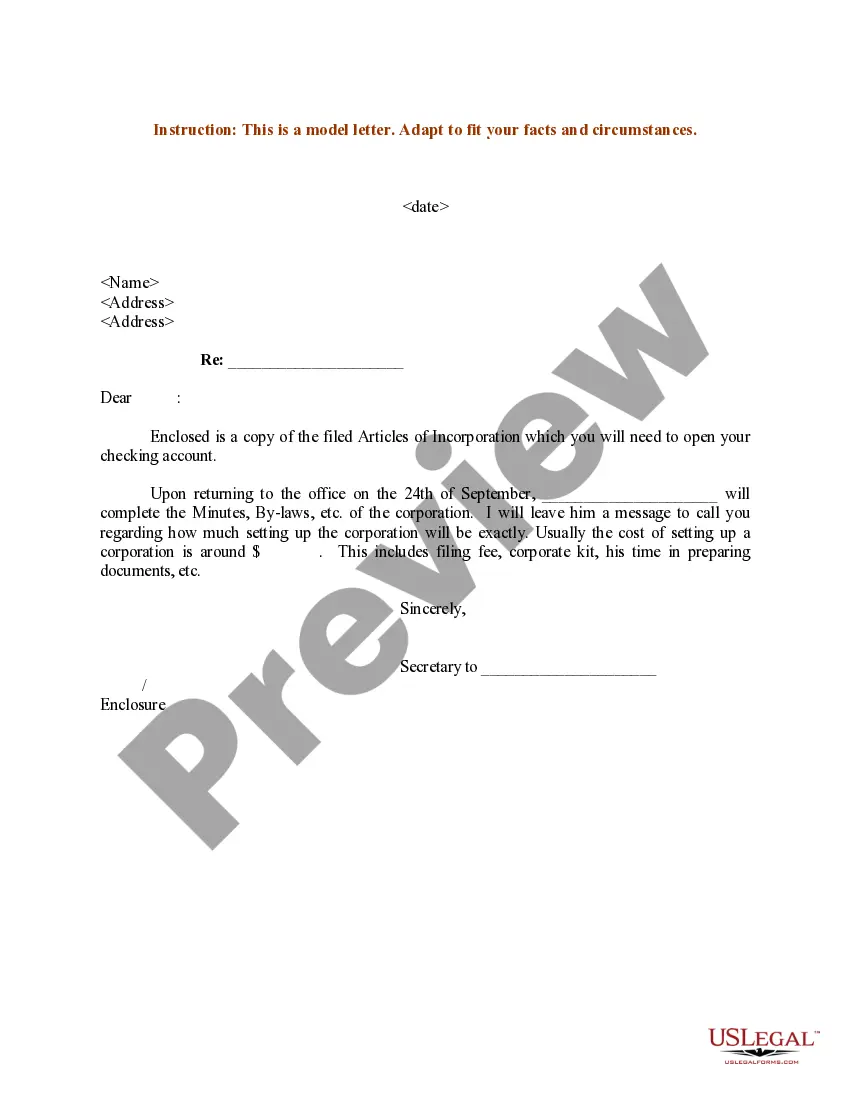
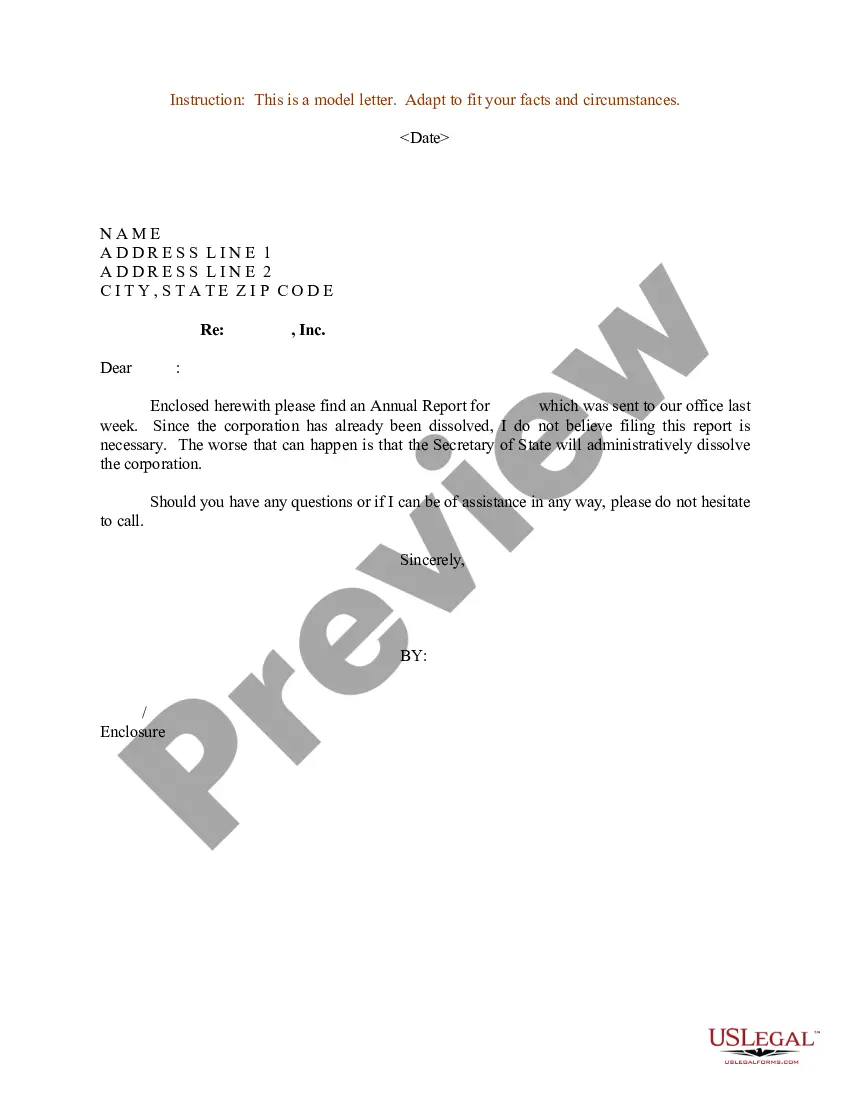
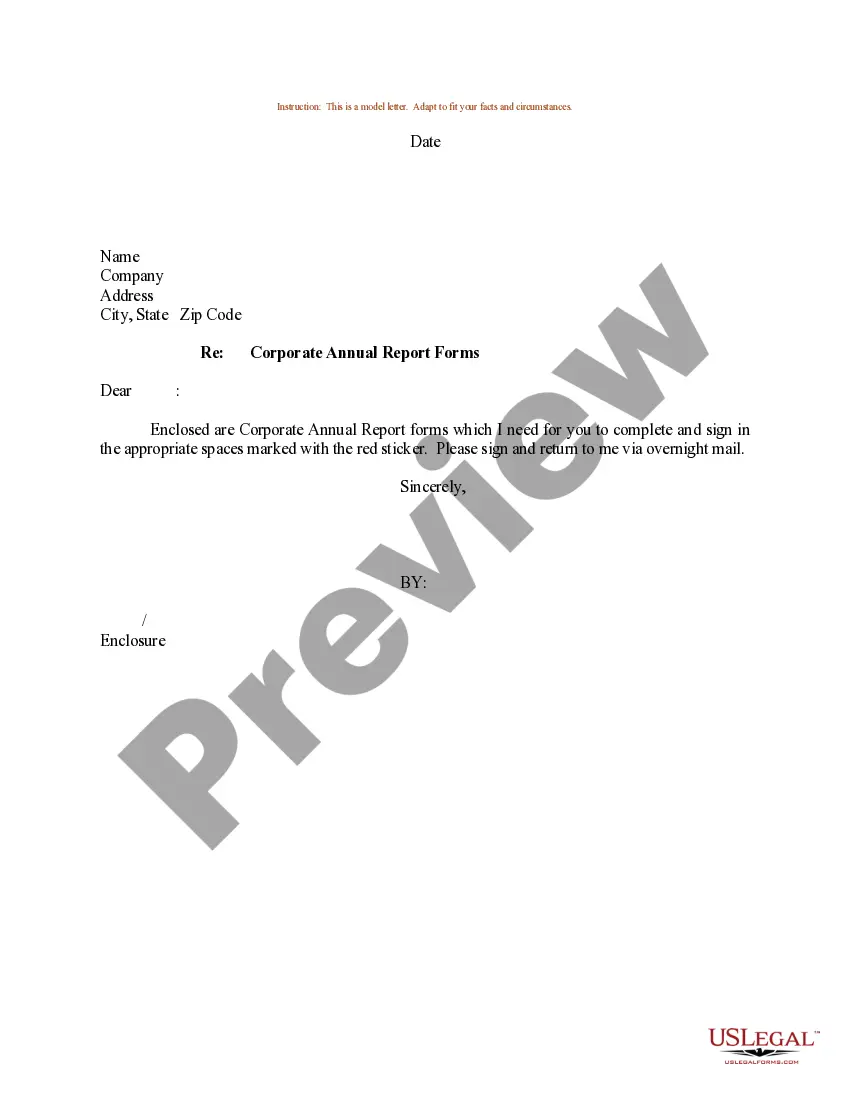
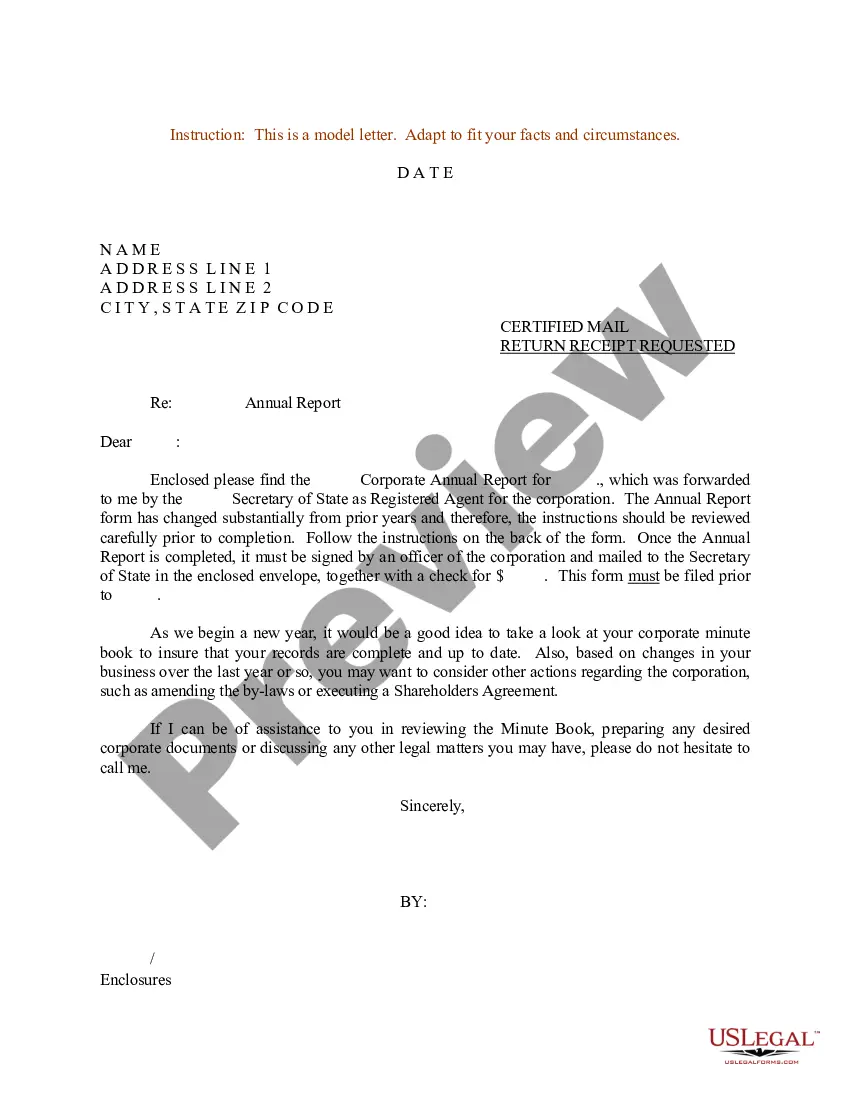
Get your form ready online
Our built-in tools help you complete, sign, share, and store your documents in one place.
Make edits, fill in missing information, and update formatting in US Legal Forms—just like you would in MS Word.
Download a copy, print it, send it by email, or mail it via USPS—whatever works best for your next step.
Sign and collect signatures with our SignNow integration. Send to multiple recipients, set reminders, and more. Go Premium to unlock E-Sign.
If this form requires notarization, complete it online through a secure video call—no need to meet a notary in person or wait for an appointment.
We protect your documents and personal data by following strict security and privacy standards.

Make edits, fill in missing information, and update formatting in US Legal Forms—just like you would in MS Word.

Download a copy, print it, send it by email, or mail it via USPS—whatever works best for your next step.

Sign and collect signatures with our SignNow integration. Send to multiple recipients, set reminders, and more. Go Premium to unlock E-Sign.

If this form requires notarization, complete it online through a secure video call—no need to meet a notary in person or wait for an appointment.

We protect your documents and personal data by following strict security and privacy standards.
Looking for another form?








Form popularity
FAQ
How to Apply Step One: Gather Permit Record or Permit History. Step Two: Complete Your Application. Step Three: Submit Your Application & Documentation. Step Four: Schedule Field Inspection. Step Five: Certificate of Occupancy (CO) Issued. Step Six: Obtain Additional Permits (As Instructed by Inspector)
Request information through NextRequest Note: If you need assistance entering your request into NextRequest or if you have additional questions regarding how to request information, please contact City Clerk staff at (510) 981-6900 or records@berkeleyca.
“Public records are open to inspection at all times during the office hours of the state or local agency and every person has a right to inspect any public record, except as hereafter provided.”
You can make a request for a public record orally or in writing (in person/by phone/fax or by electronic/snail mail). However, we recommend that whenever possible, the requests are submitted through the City's online public records request system.
Contact BBCode-inspect@oaklandca. (510) 238-3444. 250 Frank H. Ogawa. 2nd Floor. Oakland, CA 94612.
Records may be requested in the following ways: By submitting a request online via NextRequest. By telephone or visiting a department. By submitting a request in writing via email or US Mail.
(a) Whenever necessary to make an inspection or to enforce any of the provisions of this chapter, or whenever the code enforcement officer has reasonable cause to believe that there exists in any building or upon any property any unlawful condition of prohibited activity which makes such building or property unsafe, ...
Please report all non-emergency issues online at this page. For urgent issues, call 311 or (510) 615-5566.
Before the Board imposes Cease and Desist Orders or financial penalties for water rights violations, we alert violators of the problem and give them the opportunity to comply. This alert is officially called a Notice of Violation or NOV. Many violators require no further enforcement action beyond an NOV.

