Completion Report Format In Cook
Description
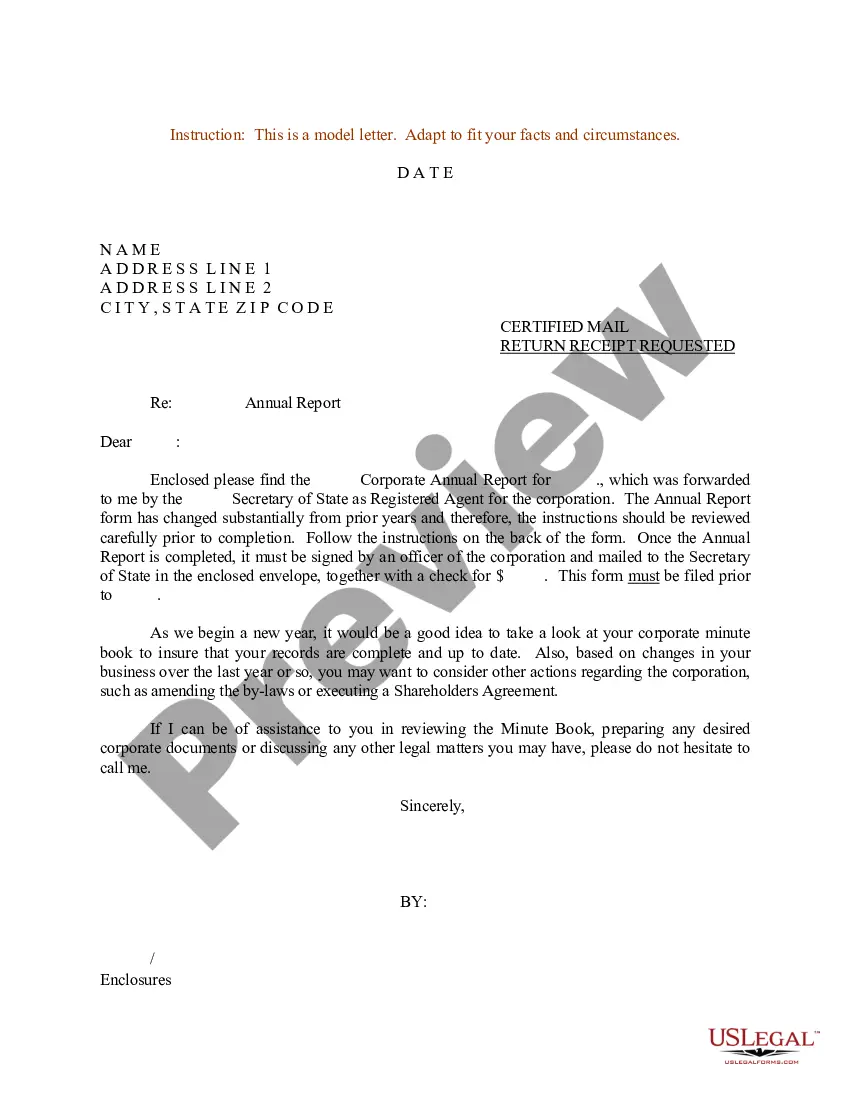
Get your form ready online
Our built-in tools help you complete, sign, share, and store your documents in one place.
Make edits, fill in missing information, and update formatting in US Legal Forms—just like you would in MS Word.
Download a copy, print it, send it by email, or mail it via USPS—whatever works best for your next step.
Sign and collect signatures with our SignNow integration. Send to multiple recipients, set reminders, and more. Go Premium to unlock E-Sign.
If this form requires notarization, complete it online through a secure video call—no need to meet a notary in person or wait for an appointment.
We protect your documents and personal data by following strict security and privacy standards.

Make edits, fill in missing information, and update formatting in US Legal Forms—just like you would in MS Word.

Download a copy, print it, send it by email, or mail it via USPS—whatever works best for your next step.

Sign and collect signatures with our SignNow integration. Send to multiple recipients, set reminders, and more. Go Premium to unlock E-Sign.

If this form requires notarization, complete it online through a secure video call—no need to meet a notary in person or wait for an appointment.

We protect your documents and personal data by following strict security and privacy standards.
Looking for another form?

Form popularity
FAQ
Certificate of Completion “This certificate is awarded to Name in recognition of their successful completion of Course/Program/Training Name on Date. Your hard work, dedication, and commitment to learning have enabled you to achieve this milestone, and we are proud to recognize your accomplishment.”
How do you write a closure report? Arrange a project post-mortem. Briefly summarize the project and its objectives. Describe what the team accomplished during the project. Discuss any lessons learned during the project. Make recommendations for future projects. Thank your team and sponsors.
You need to discuss what went well, what could have gone better, what challenges you faced and overcame them, what you are proud of, and what you learned that can be applied to future projects. The goal of this document is to capture how you accomplished the outcomes of a project and create a record of your work.
Here is a list of steps to help you create a closure report for your next project: Label the document. Write an overview of the project. Describe the project's accomplishments, outcomes and results. Describe the project's scope. Craft a project performance analysis. Highlight challenges and risks that developed.
However, all completion report samples should include the following information: Project name and description. List of objectives/goals. Scope of work. Overview of progress to date. Remaining tasks and deliverables. Anticipated completion date. Issues and risks.
It provides written documentation of the planned and actual budget, the baseline and actual schedule, and documents recommendations for other projects of similar size and scope. Be certain to identify in the report the project successes, problems on the project, and new ideas that were successful on the project.
The key steps for writing a report are 1) selecting a topic, 2) conducting research, 3) creating a thesis statement, 4) preparing an outline, 5) drafting the report, 6) revising the content, and 7) proofreading for final touches.
How to write a report Decide on terms of reference. Many formal reports include a section that details the document's "terms of reference" (or ToR). Conduct your research. Create a report outline. Write the first draft. Analyze data and record findings. Recommend a course of action. Edit and distribute the report.
Completion reports describe the project's expected impact, outcome and outputs; conduct of activities; evaluation and achievement of the expected outcomes; an assessment and rating; major lessons; and recommendations and follow-up actions.