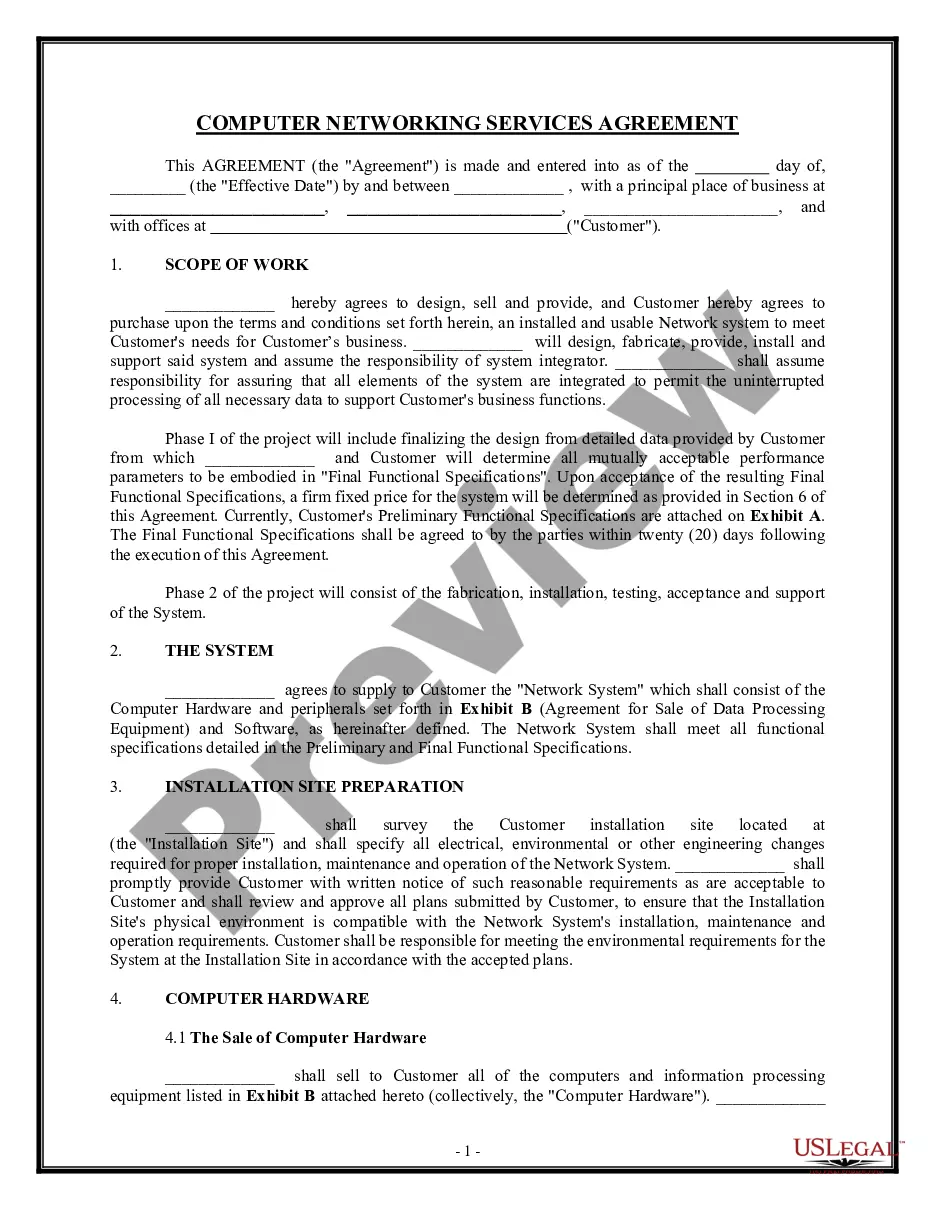
Service Agreement Provider With Internet In Palm Beach
Description

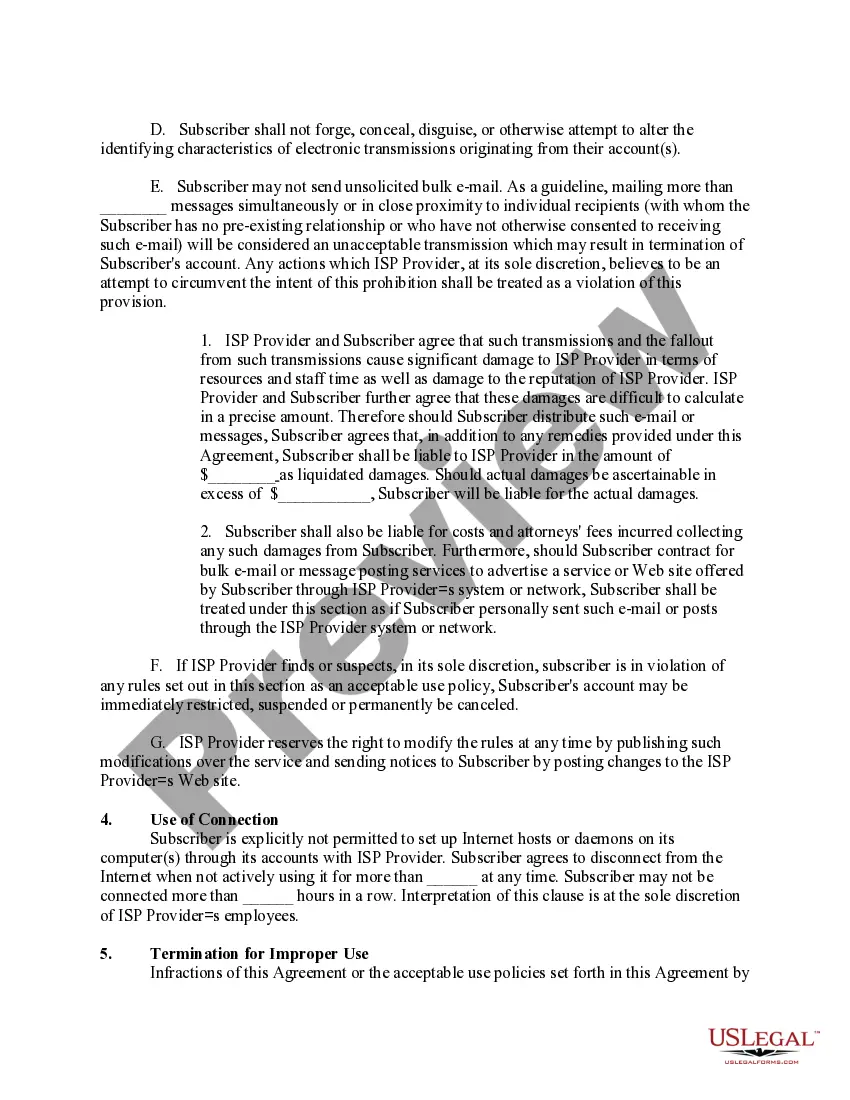
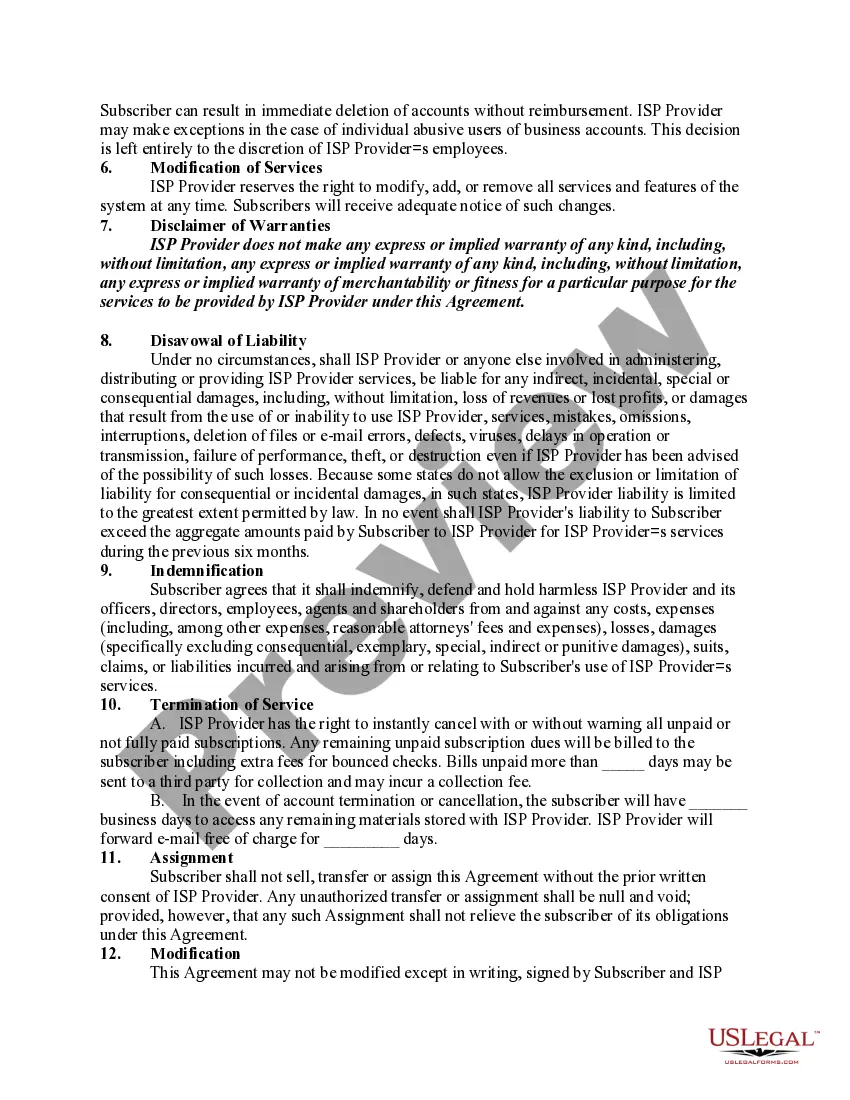
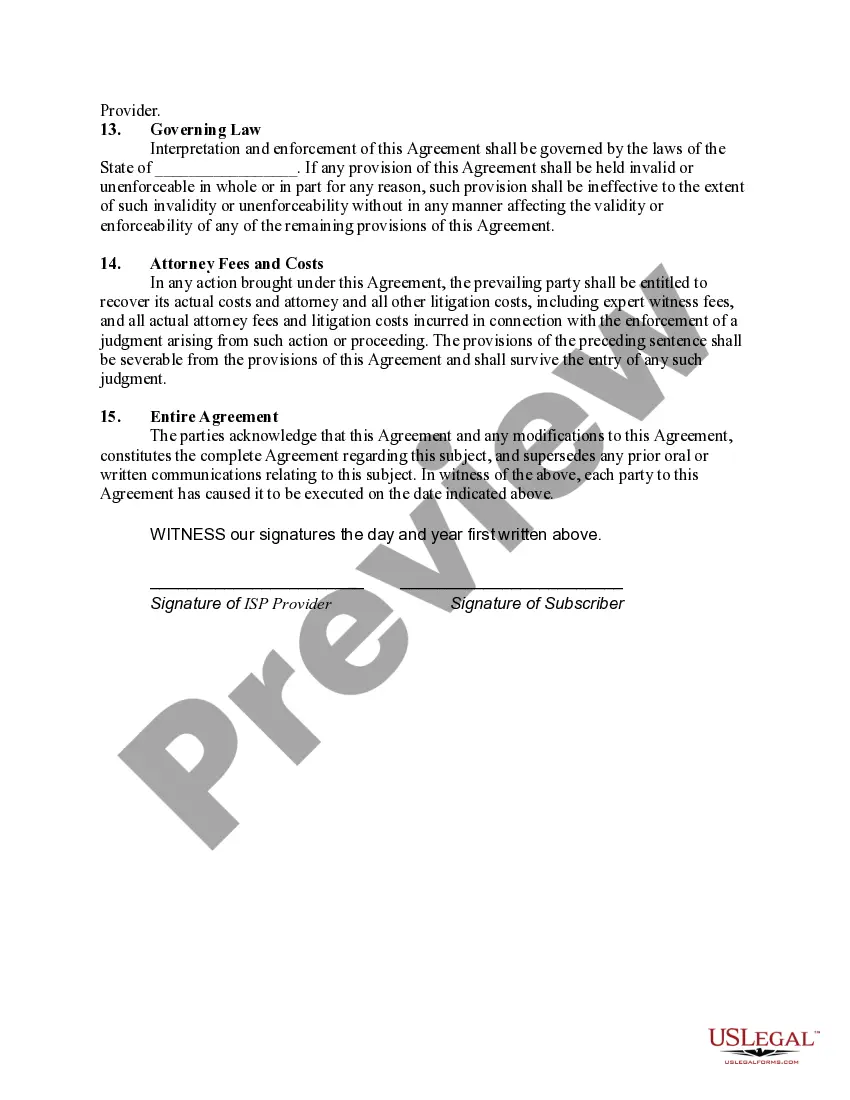
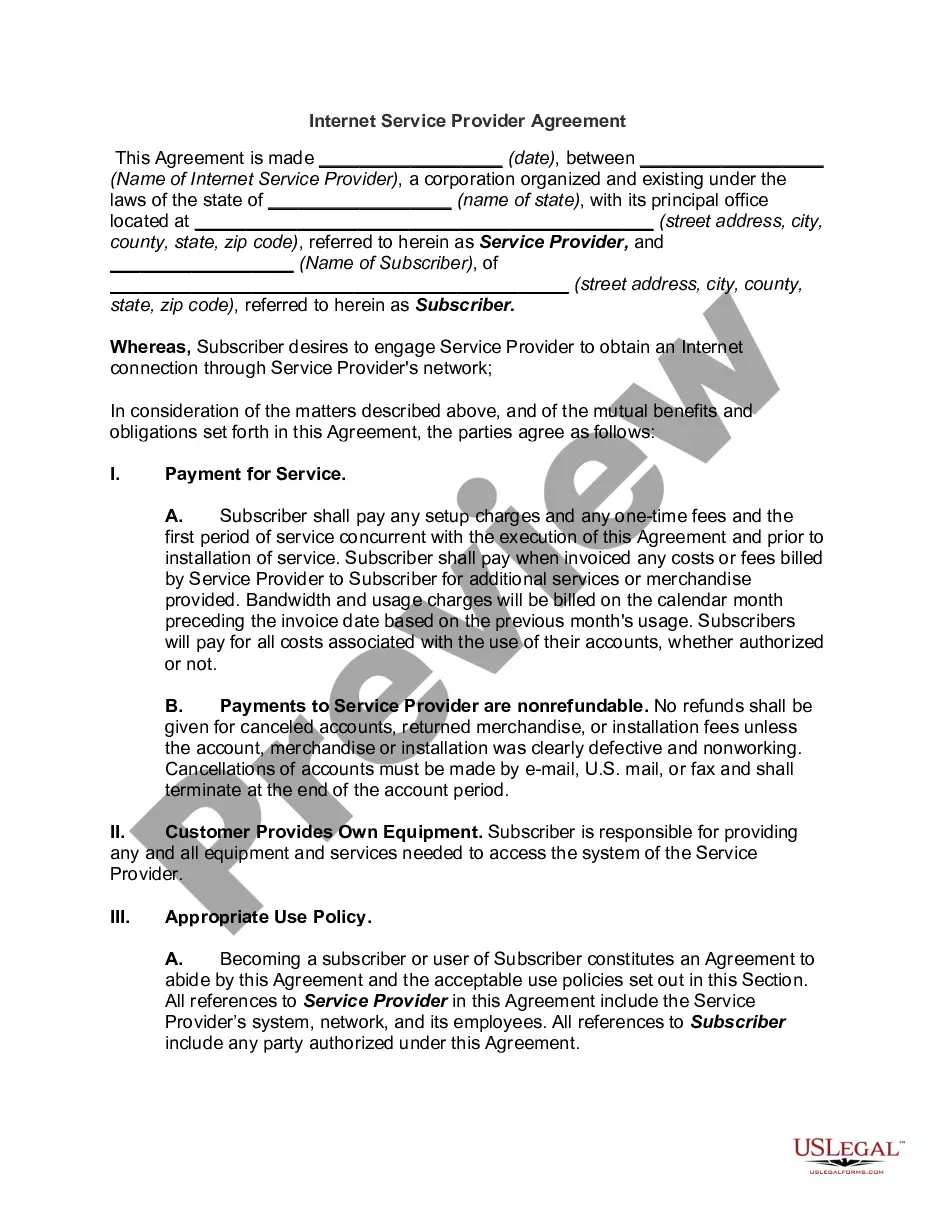
Get your form ready online
Our built-in tools help you complete, sign, share, and store your documents in one place.
Make edits, fill in missing information, and update formatting in US Legal Forms—just like you would in MS Word.
Download a copy, print it, send it by email, or mail it via USPS—whatever works best for your next step.
Sign and collect signatures with our SignNow integration. Send to multiple recipients, set reminders, and more. Go Premium to unlock E-Sign.
If this form requires notarization, complete it online through a secure video call—no need to meet a notary in person or wait for an appointment.
We protect your documents and personal data by following strict security and privacy standards.

Make edits, fill in missing information, and update formatting in US Legal Forms—just like you would in MS Word.

Download a copy, print it, send it by email, or mail it via USPS—whatever works best for your next step.

Sign and collect signatures with our SignNow integration. Send to multiple recipients, set reminders, and more. Go Premium to unlock E-Sign.

If this form requires notarization, complete it online through a secure video call—no need to meet a notary in person or wait for an appointment.

We protect your documents and personal data by following strict security and privacy standards.
Looking for another form?





Form popularity
FAQ
Connect your router to the provider network Connect the ISP's coaxial cable to your modem. Connect the Ethernet cable from your modem and plug it into your router. Plug in the power cords of both devices and turn them both on. Set up secure Wi-Fi through the web interface. Start surfing the web.
How to set up Wi-Fi at home Find the best location for your gateway. The optimal spot can vary depending on the type of internet connection. Connect your gateway. Connect your router to your modem. Set up your network name and password. Start your web browser.
Internet service agreements are contracts that you sign with your internet service provider (ISP) when you subscribe to their service. They contain important information about your rights and responsibilities, as well as the terms and conditions of the service.
The modem/router This device connects you and your home or work to the world wide web (). By plugging a phone cable into the modem, it is able to link up with your internet service provider (ISP), which connects you to the internet.
Steps to installing a new internet service Step 1: Get internet service at your address. Step 2: Register your modem with your ISP. Step 3: Set up your modem and router. Step 4: Set up your Wi-Fi network.
To establish connectivity on the internet, devices must establish connections with each other using protocols such as TCP/IP. Devices initiate communication by sending packets to the destination device's IP address using the appropriate protocol and port number.
Home / Business Law / Types of Contracts / Types of Contracts. An internet service provider (ISP) agreement is a contractual arrangement between an ISP and its customers that outlines the terms, conditions, and expectations governing the provision of internet services.
There are three main categories of Internet service providers (ISP): wired, wireless, and mobile. Wired Internet Service Providers (Isp). Wireless Internet Service Providers (isp). Mobile Internet Service Providers (Misp). Dial Up Internet Service Providers (isdp). Cable Internet Service Providers (cisp).
Service Level Agreements.pdf. Description: A service level agreement (SLA) is similar to a contract in that it specifies the terms and conditions in which a service provider (e.g., internet service provider, university providing server space for your digital assets) delivers a service or product.
