Service Agreement Provider With Internet In Montgomery
Description

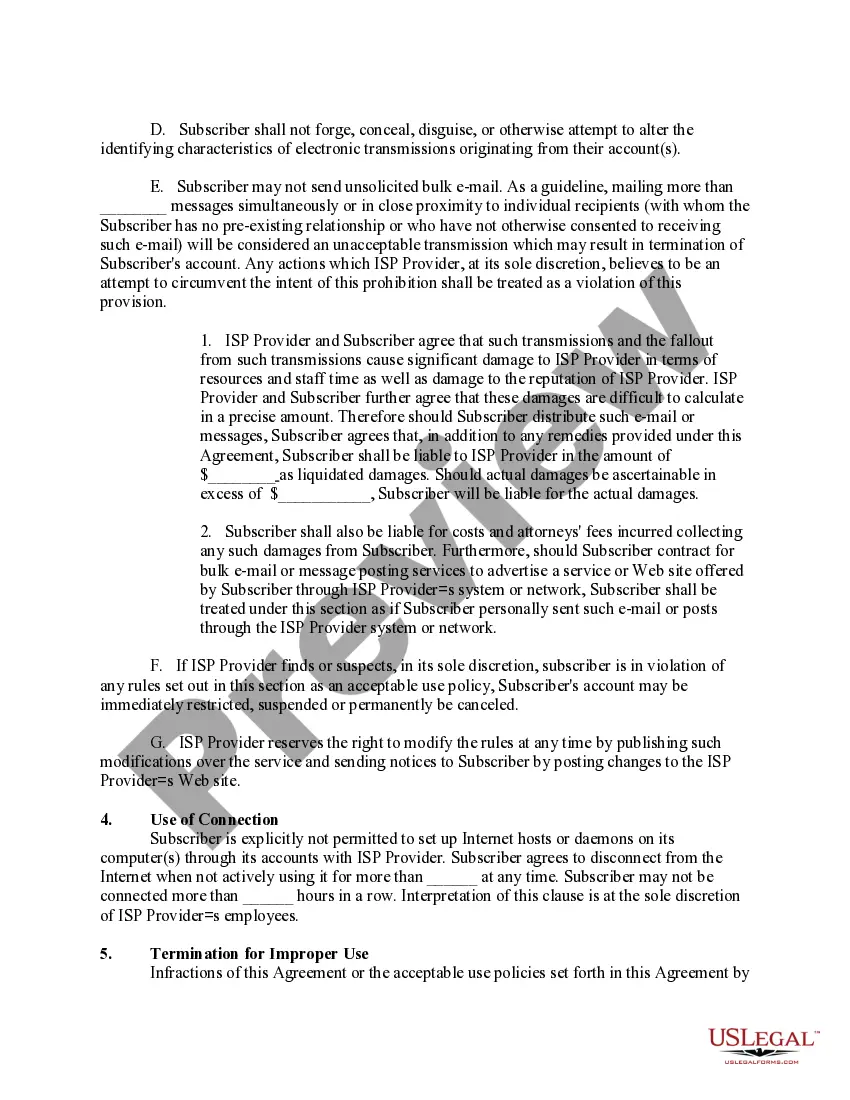
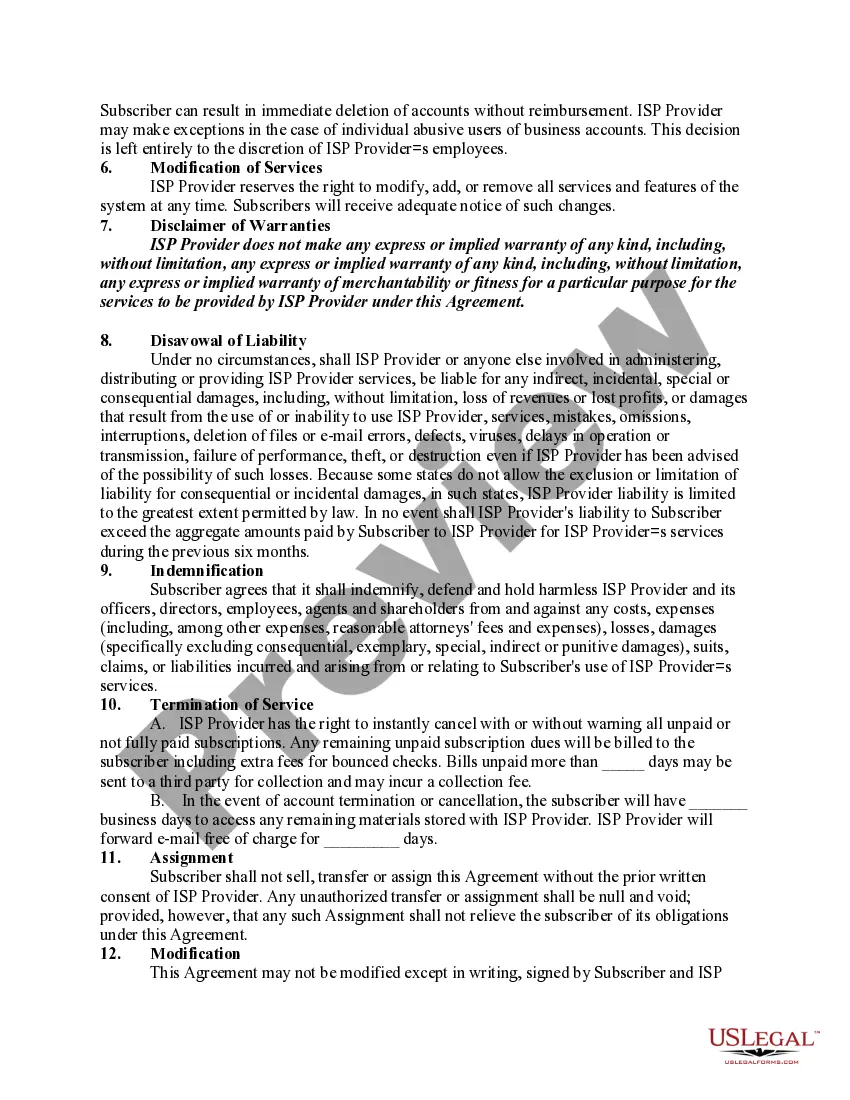
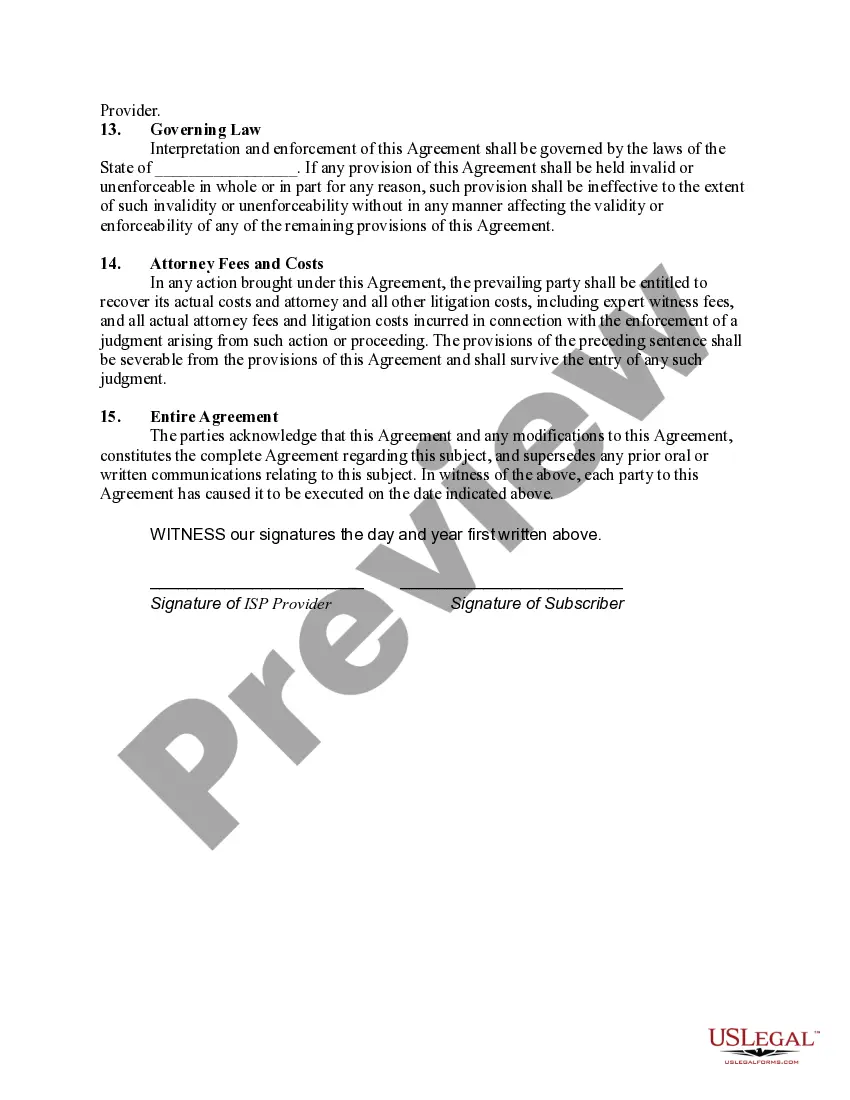
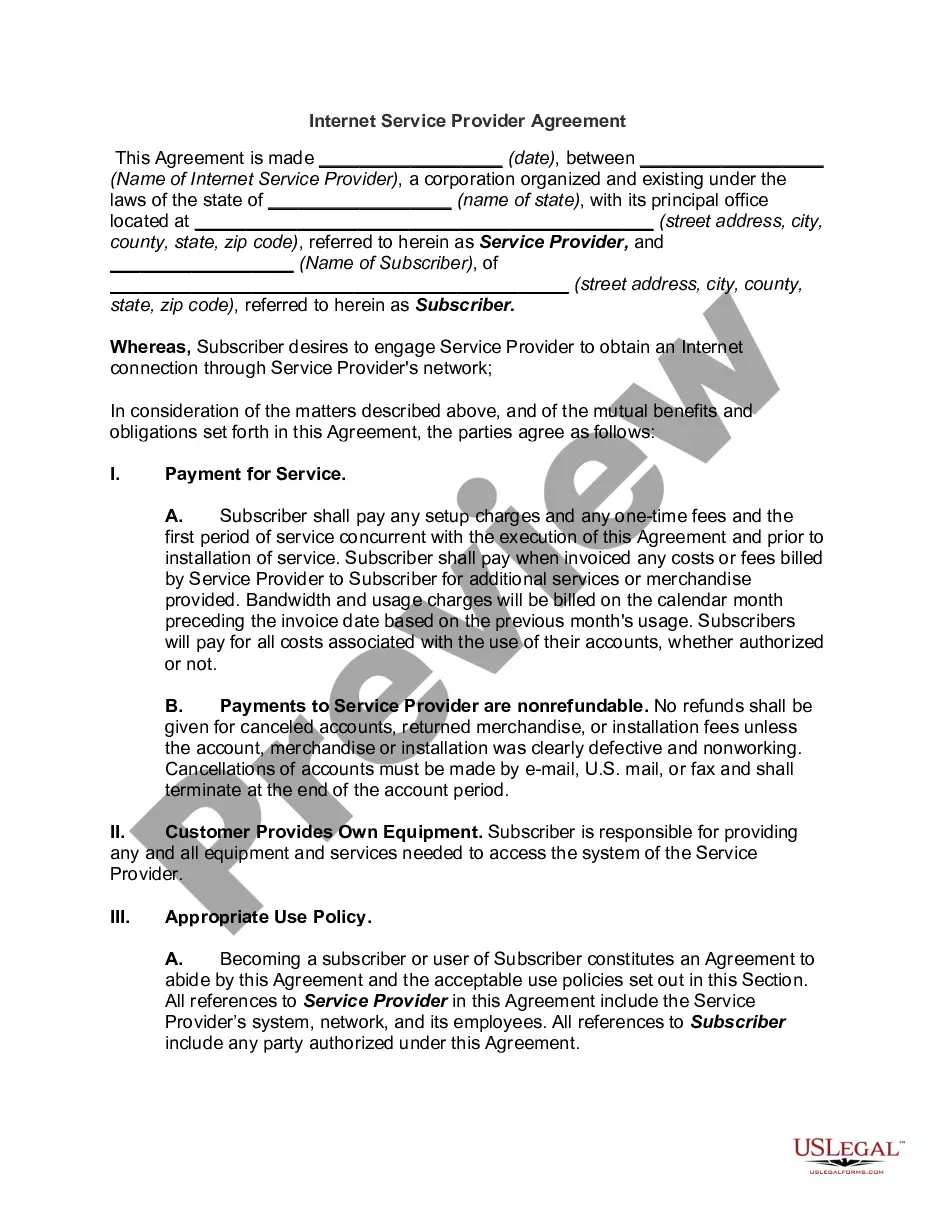
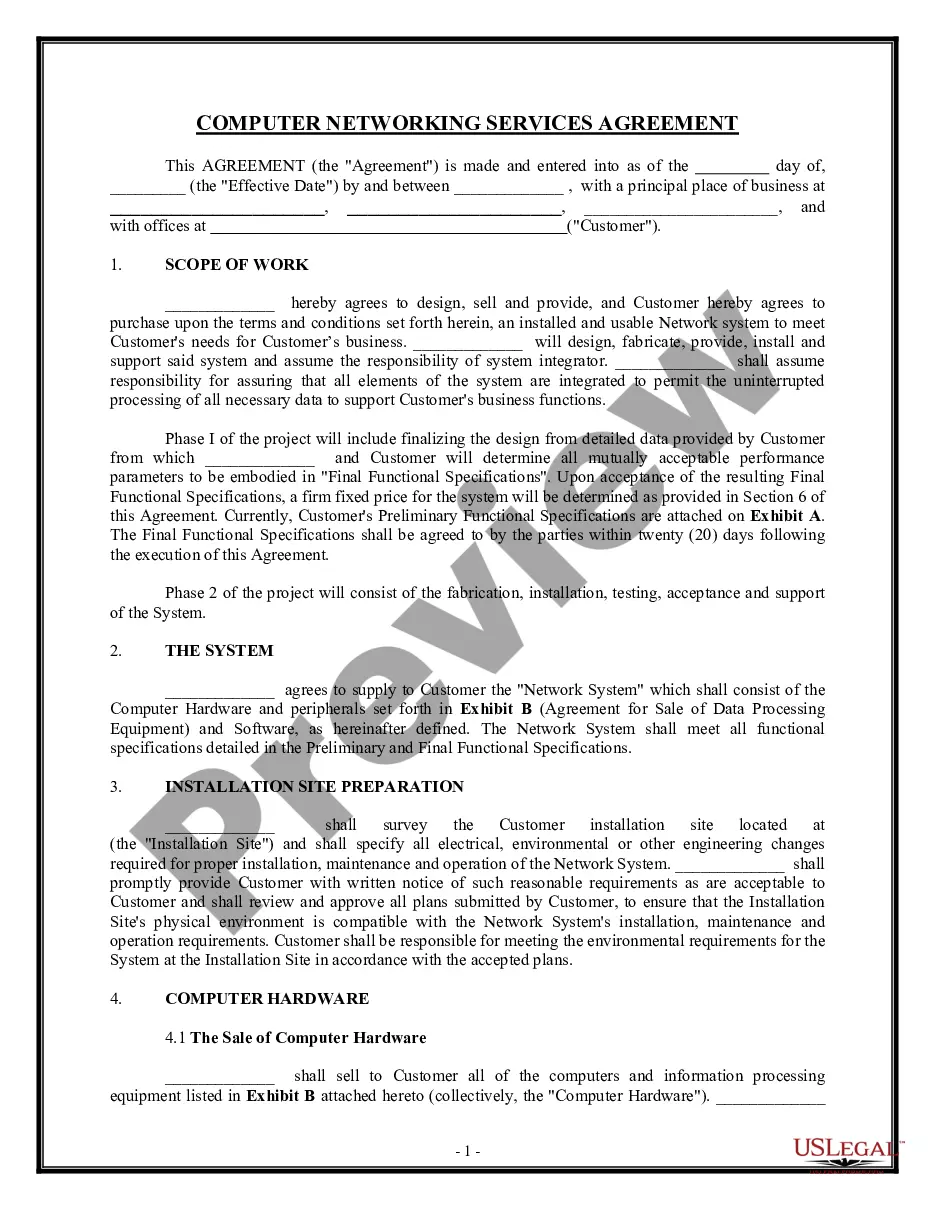
Get your form ready online
Our built-in tools help you complete, sign, share, and store your documents in one place.
Make edits, fill in missing information, and update formatting in US Legal Forms—just like you would in MS Word.
Download a copy, print it, send it by email, or mail it via USPS—whatever works best for your next step.
Sign and collect signatures with our SignNow integration. Send to multiple recipients, set reminders, and more. Go Premium to unlock E-Sign.
If this form requires notarization, complete it online through a secure video call—no need to meet a notary in person or wait for an appointment.
We protect your documents and personal data by following strict security and privacy standards.

Make edits, fill in missing information, and update formatting in US Legal Forms—just like you would in MS Word.

Download a copy, print it, send it by email, or mail it via USPS—whatever works best for your next step.

Sign and collect signatures with our SignNow integration. Send to multiple recipients, set reminders, and more. Go Premium to unlock E-Sign.

If this form requires notarization, complete it online through a secure video call—no need to meet a notary in person or wait for an appointment.

We protect your documents and personal data by following strict security and privacy standards.
Looking for another form?










Form popularity
FAQ
Connect to a Wi-Fi network Select the Network, Sound, or Battery icons ( ) on the taskbar to open quick settings. On the Wi-Fi quick setting, select Manage Wi-Fi connections . Choose the Wi-Fi network you want, then select Connect. Type the network password, and then select Next.
Connect to Wi-Fi by going to your network settings, turning on Wi-Fi, and selecting your network name. Connect to ethernet by using an ethernet cable to connect your computer to your router or modem. Connect to dial-up by plugging in your modem to the phone jack, then connecting the modem to your computer.
Configure the Windows client Click Start, click Control Panel, and then double-click Network Connections. Right-click Local Area Connection, and then click Properties. Click the General tab, and then verify that Client for Microsoft Networks and Internet Protocol (TCP/IP) are displayed and selected.
Internet service agreements are contracts that you sign with your internet service provider (ISP) when you subscribe to their service. They contain important information about your rights and responsibilities, as well as the terms and conditions of the service.
Following are the steps to start an ISP: First step is to acquire an ISP (Internet Service Provider) License to run the business of Broadband in India. Any MSO can apply to obtain the ISP License UL (Unified Licensing) System. One must decide the coverage of the area of the services offered.
Internet service agreements are contracts that you sign with your internet service provider (ISP) when you subscribe to their service. They contain important information about your rights and responsibilities, as well as the terms and conditions of the service.
- iOS Devices: Go to Settings > Wi-Fi, and toggle the Wi-Fi switch to On. - Android Devices: Navigate to Settings > Network & Internet > Wi-Fi. Turn on the Wi-Fi toggle. Join a Network: Select your desired Wi-Fi network from the list of available networks.
On Paytm Website Go to the Broadband Bill Payment page on Paytm's official website. Choose your broadband operator. Enter your details such as Account Number or User ID or Customer ID etc. Click on 'Get Bill' to check the bill amount.
Regular monthly charges. The regular monthly charges on your bill are those you can expect to see every month. They include the services you signed up for with your provider, plus any add-ons, upgrades, and equipment fees that are part of your monthly bill.
A billing cycle is recurring and is most often set to repeat monthly.
