Service Agreement Provider With Internet In Minnesota
Description

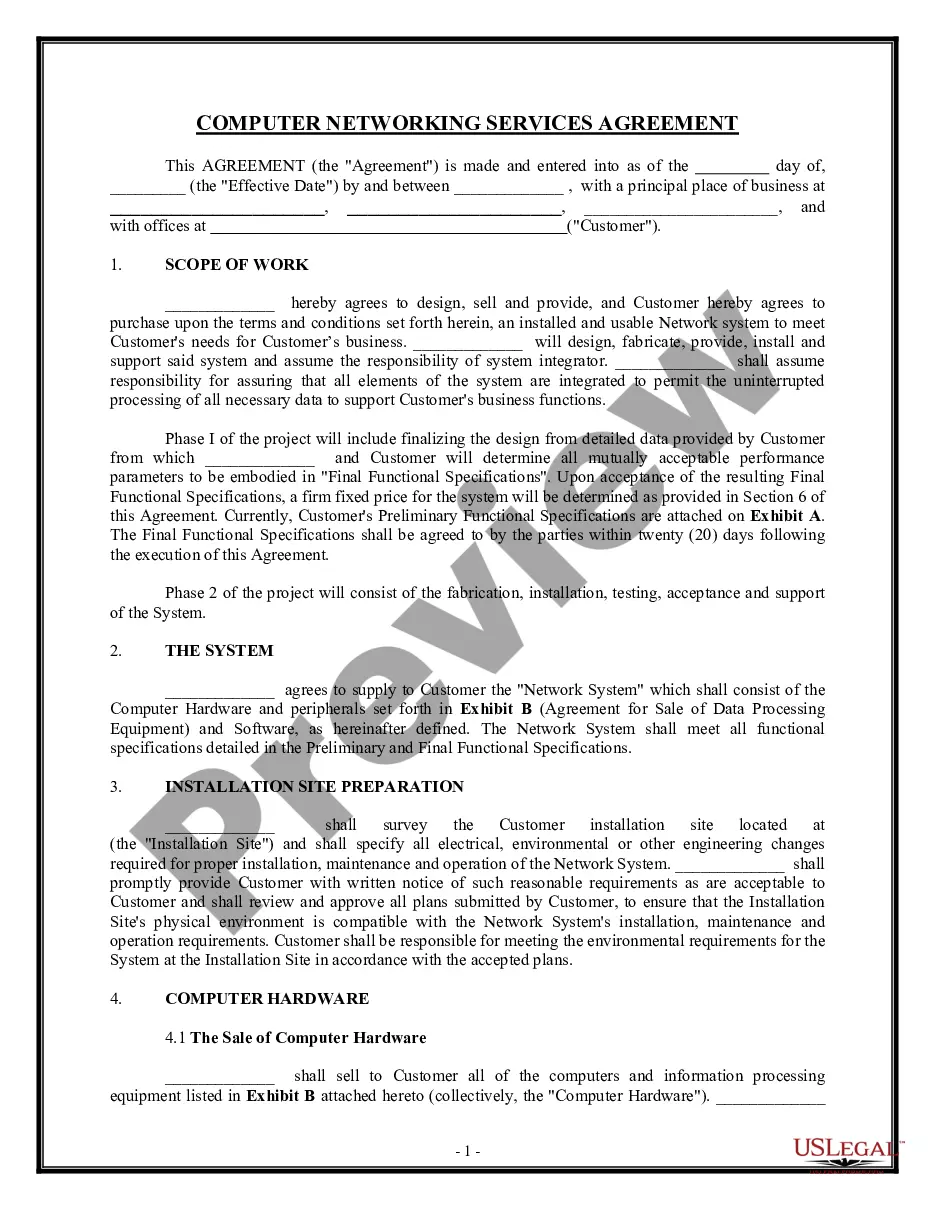
Get your form ready online
Our built-in tools help you complete, sign, share, and store your documents in one place.
Make edits, fill in missing information, and update formatting in US Legal Forms—just like you would in MS Word.
Download a copy, print it, send it by email, or mail it via USPS—whatever works best for your next step.
Sign and collect signatures with our SignNow integration. Send to multiple recipients, set reminders, and more. Go Premium to unlock E-Sign.
If this form requires notarization, complete it online through a secure video call—no need to meet a notary in person or wait for an appointment.
We protect your documents and personal data by following strict security and privacy standards.

Make edits, fill in missing information, and update formatting in US Legal Forms—just like you would in MS Word.

Download a copy, print it, send it by email, or mail it via USPS—whatever works best for your next step.

Sign and collect signatures with our SignNow integration. Send to multiple recipients, set reminders, and more. Go Premium to unlock E-Sign.

If this form requires notarization, complete it online through a secure video call—no need to meet a notary in person or wait for an appointment.

We protect your documents and personal data by following strict security and privacy standards.
Looking for another form?
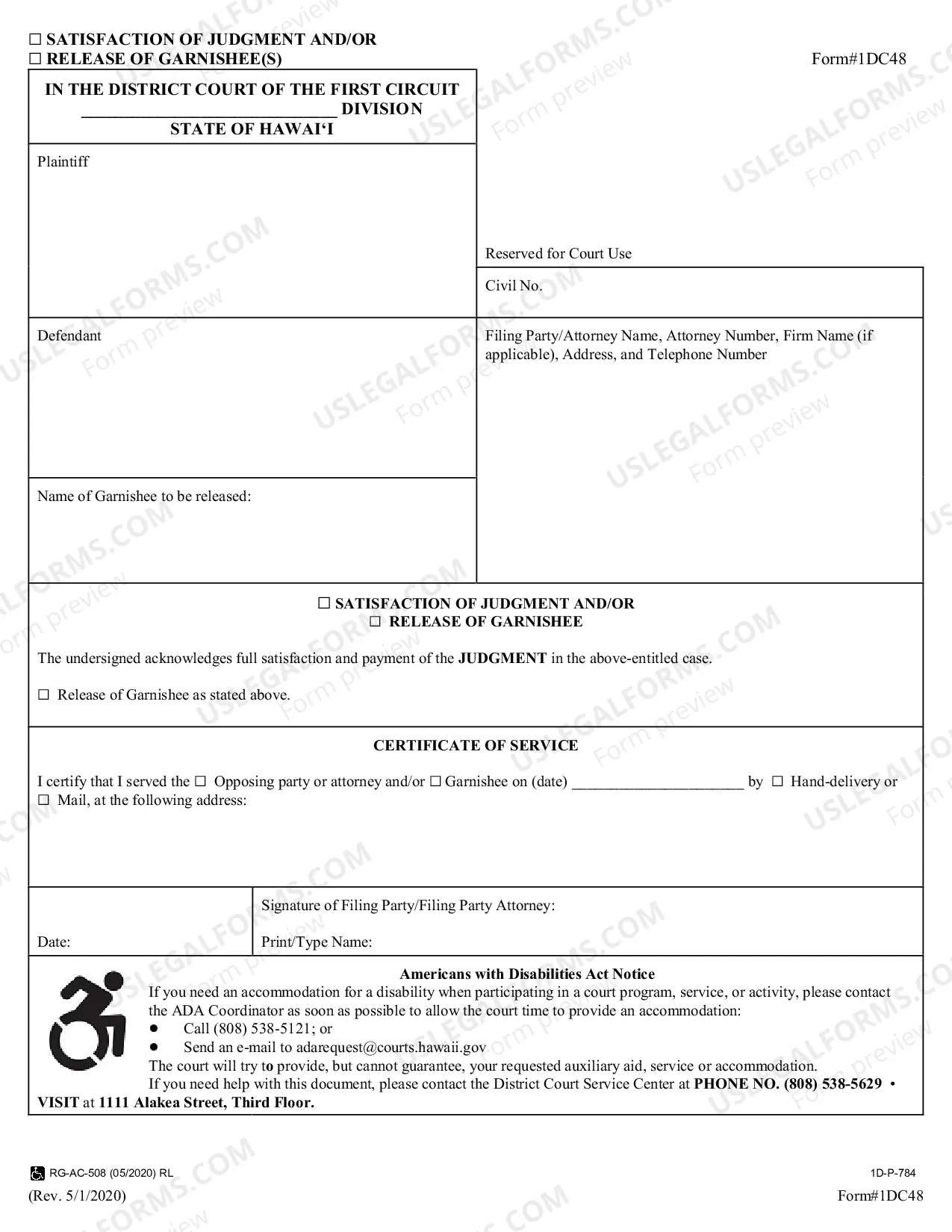



Form popularity
FAQ
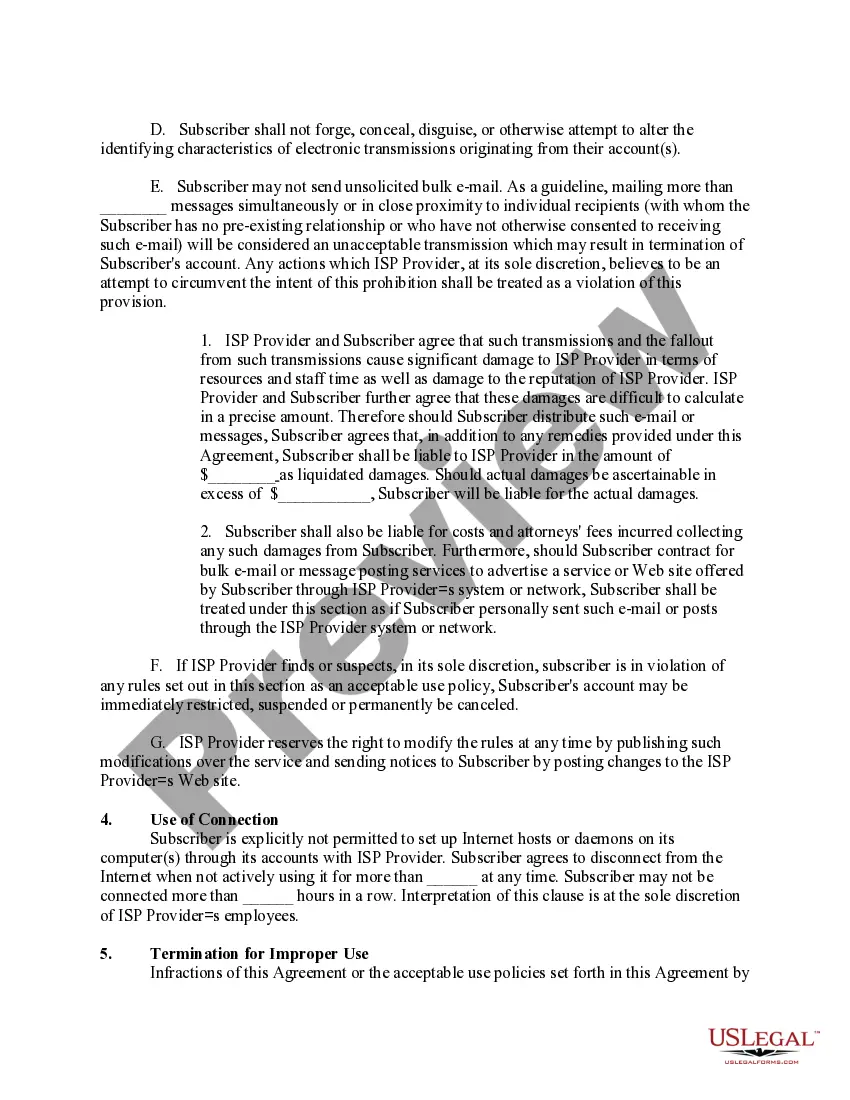
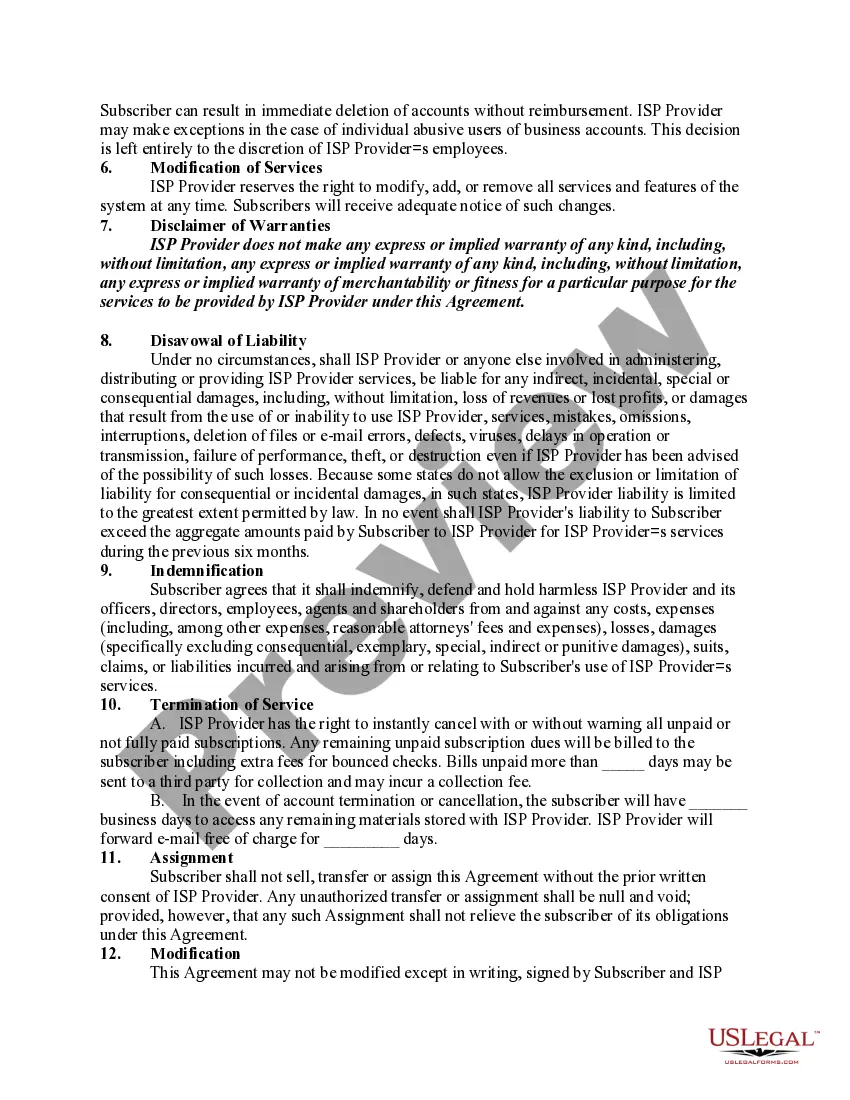
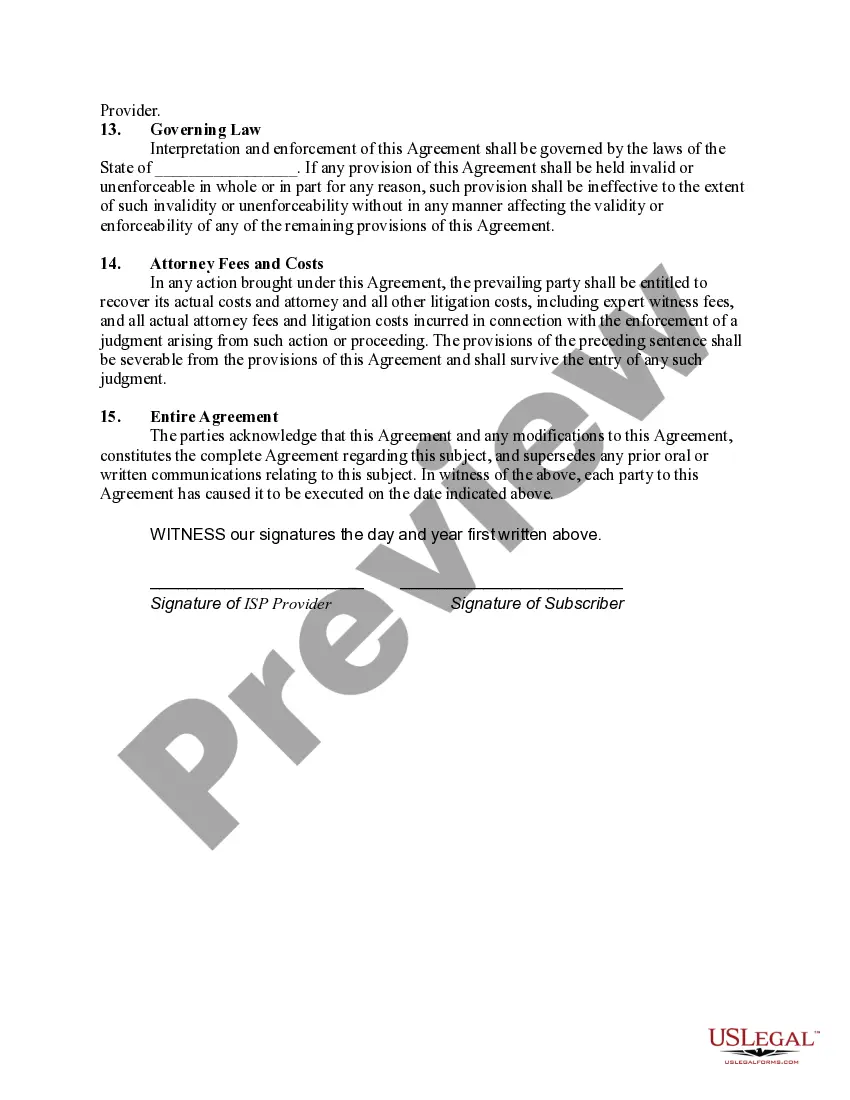
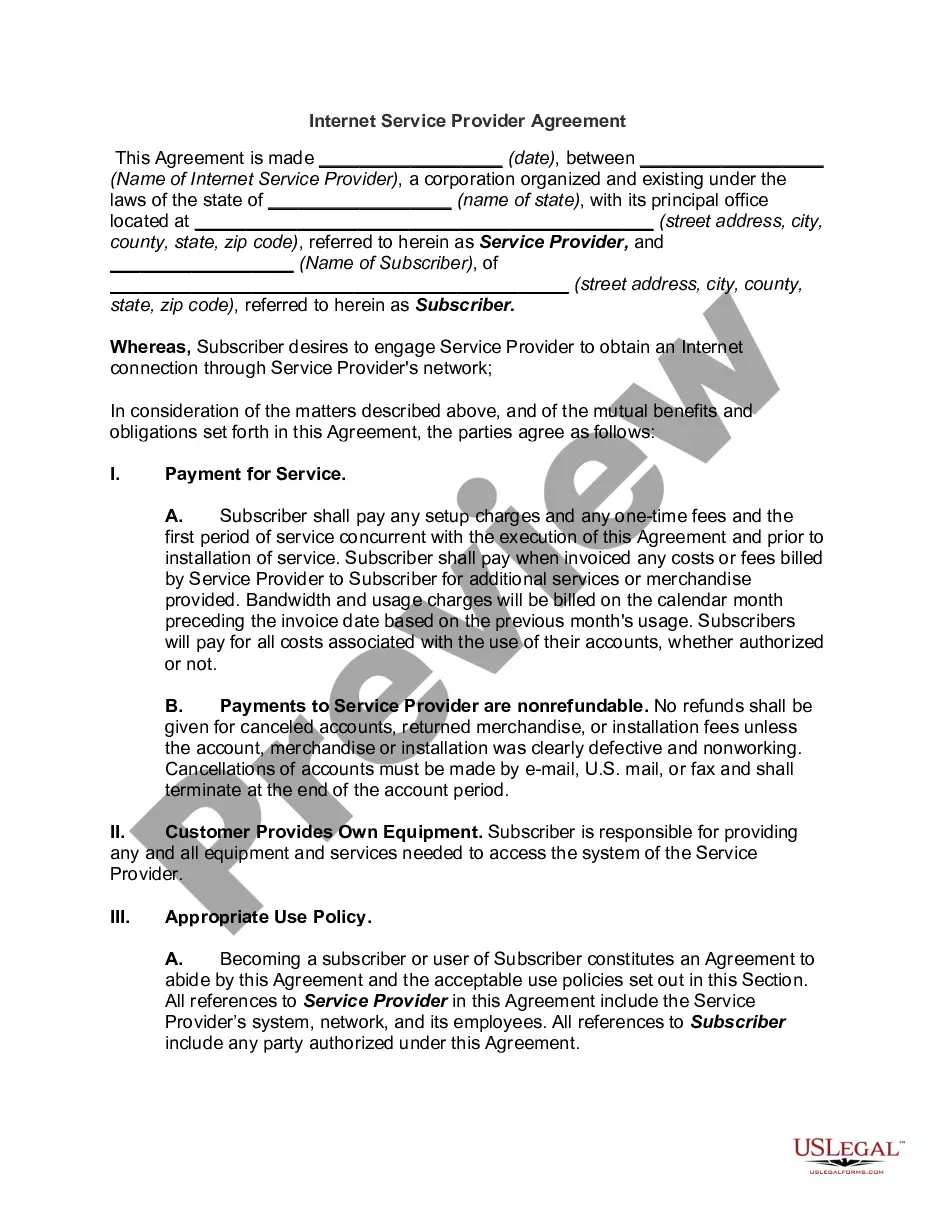
Internet service agreements are contracts that you sign with your internet service provider (ISP) when you subscribe to their service. They contain important information about your rights and responsibilities, as well as the terms and conditions of the service.
Lifeline is an FCC program that helps make communications services more affordable for low-income consumers. Lifeline provides subscribers a discount on qualifying monthly telephone service, broadband Internet service, or bundled voice-broadband packages purchased from participating wireline or wireless providers.
Minnesota's Telephone Assistance Program (TAP) is a $10 monthly bill credit for landline telephones. The Lifeline bill credit is up to $9.25 monthly for landline telephone service, cell phone service, or broadband internet service.
Connect to Wi-Fi by going to your network settings, turning on Wi-Fi, and selecting your network name. Connect to ethernet by using an ethernet cable to connect your computer to your router or modem. Connect to dial-up by plugging in your modem to the phone jack, then connecting the modem to your computer.
The purpose of a program is to solve a problem or to pursue an interest through creative expression. In essence, why the programmer decided to create this program. For example, “the purpose of this program is to encourage others to recycle."
Minnesota's Border-to-Border Broadband Development Grant Program (B2B Grant Program) is a competitive grant program designed to provide financial resources for new and existing internet service providers (ISPs) to invest in building broadband infrastructure in areas of the state that currently lack high-speed internet.
Follow the steps below to write a service-level agreement: Define the service. Your SLA will need to define and outline the service clearly. Verify service levels. Determine performance metrics. Prepare the service level agreement document. Review the SLA with all stakeholders.
How to Write a Service Agreement Step 1: Identify the parties involved. Step 2: Define the scope of services. Step 3: Set payment terms. Step 4: Outline the responsibilities of each party. Step 5: Add termination, dispute resolution, and other essential clauses. Step 6: Review and finalize.
To create an effective Service Agreement, address the following details: Service duration: Specify whether the contractor will provide service for a single job, a specific period of time, or indefinitely. Service details: Describe the service that the client hires the contractor to provide.
