Service Agreement Provider With Mobile Number In Massachusetts
Description

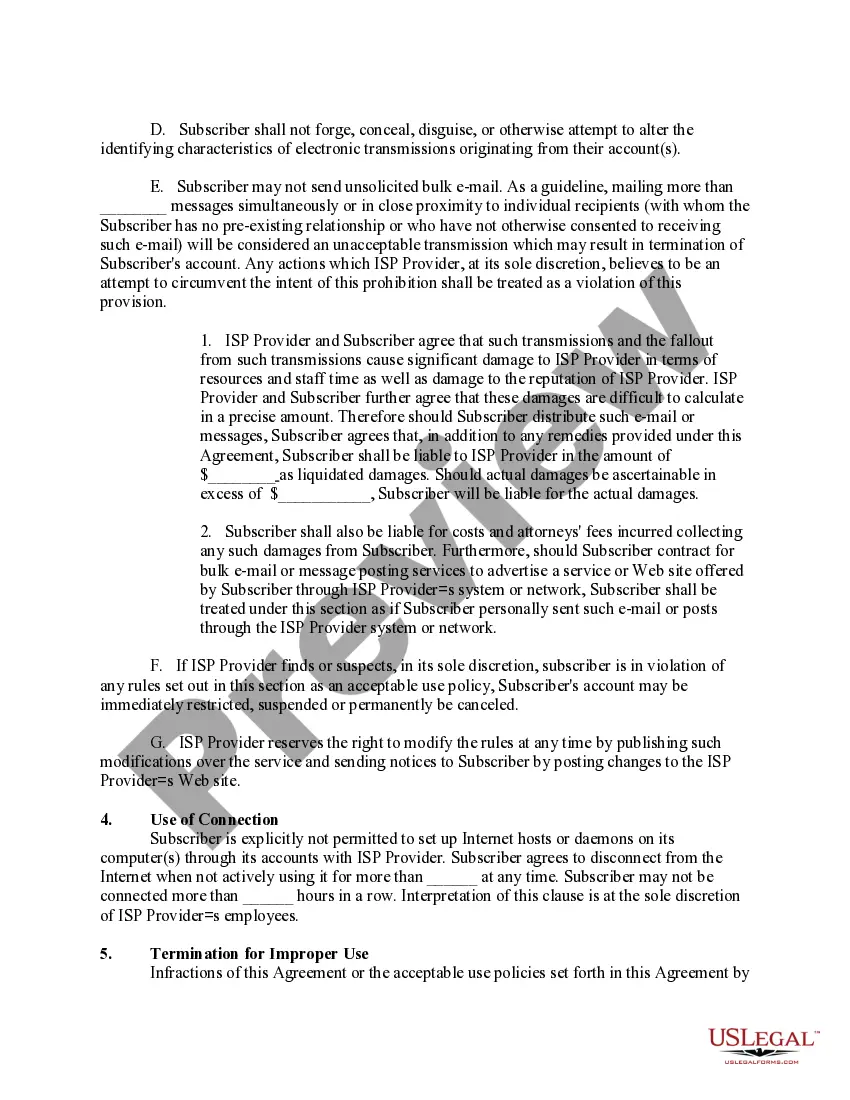
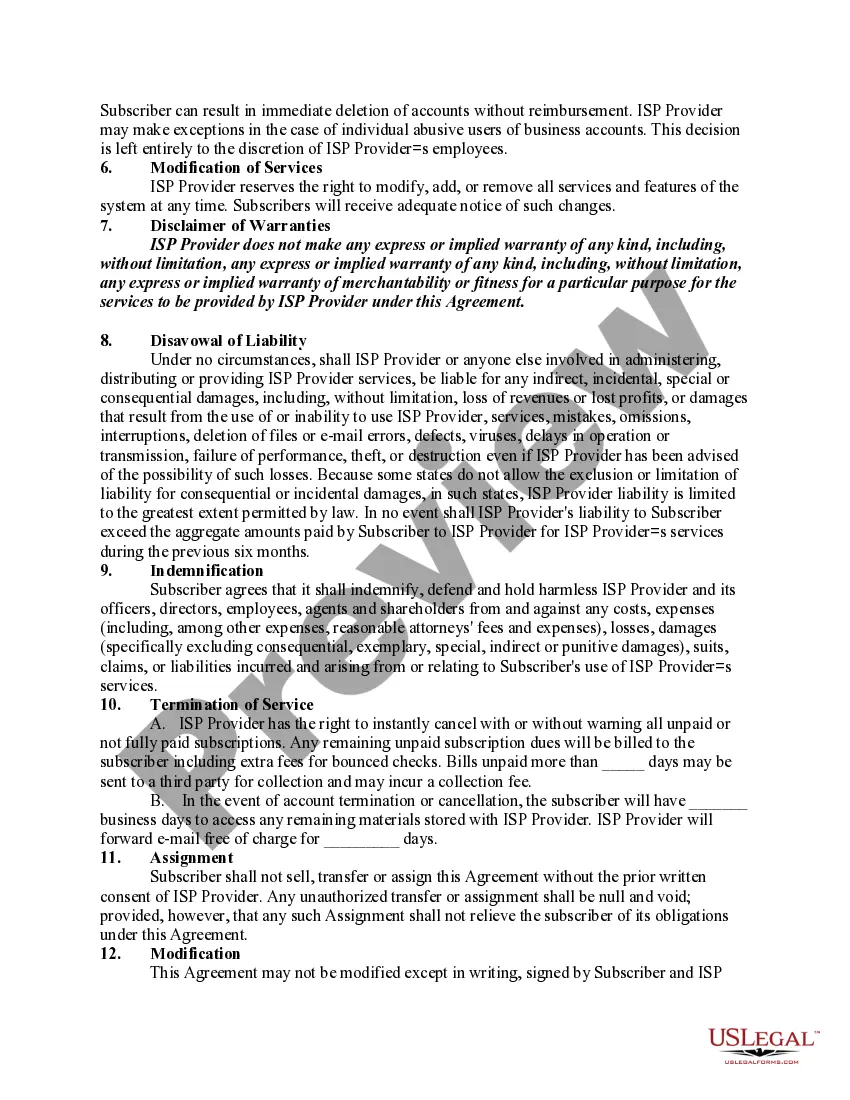
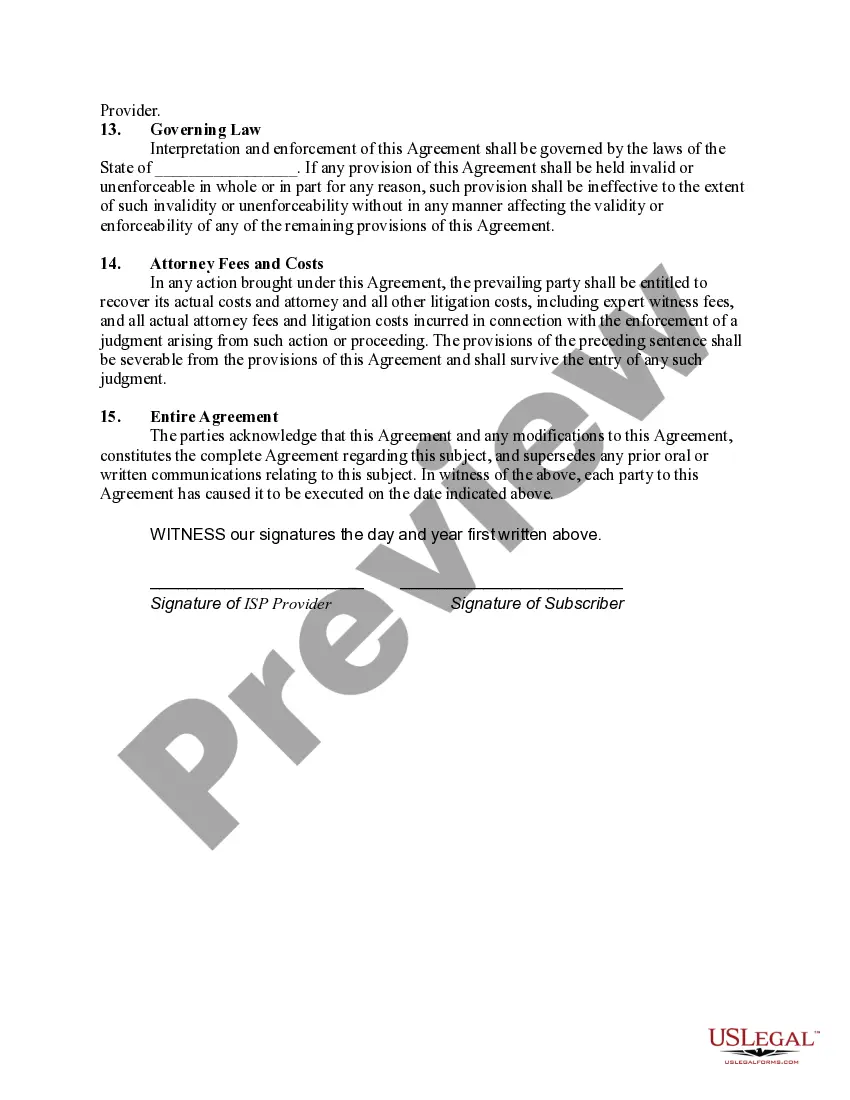
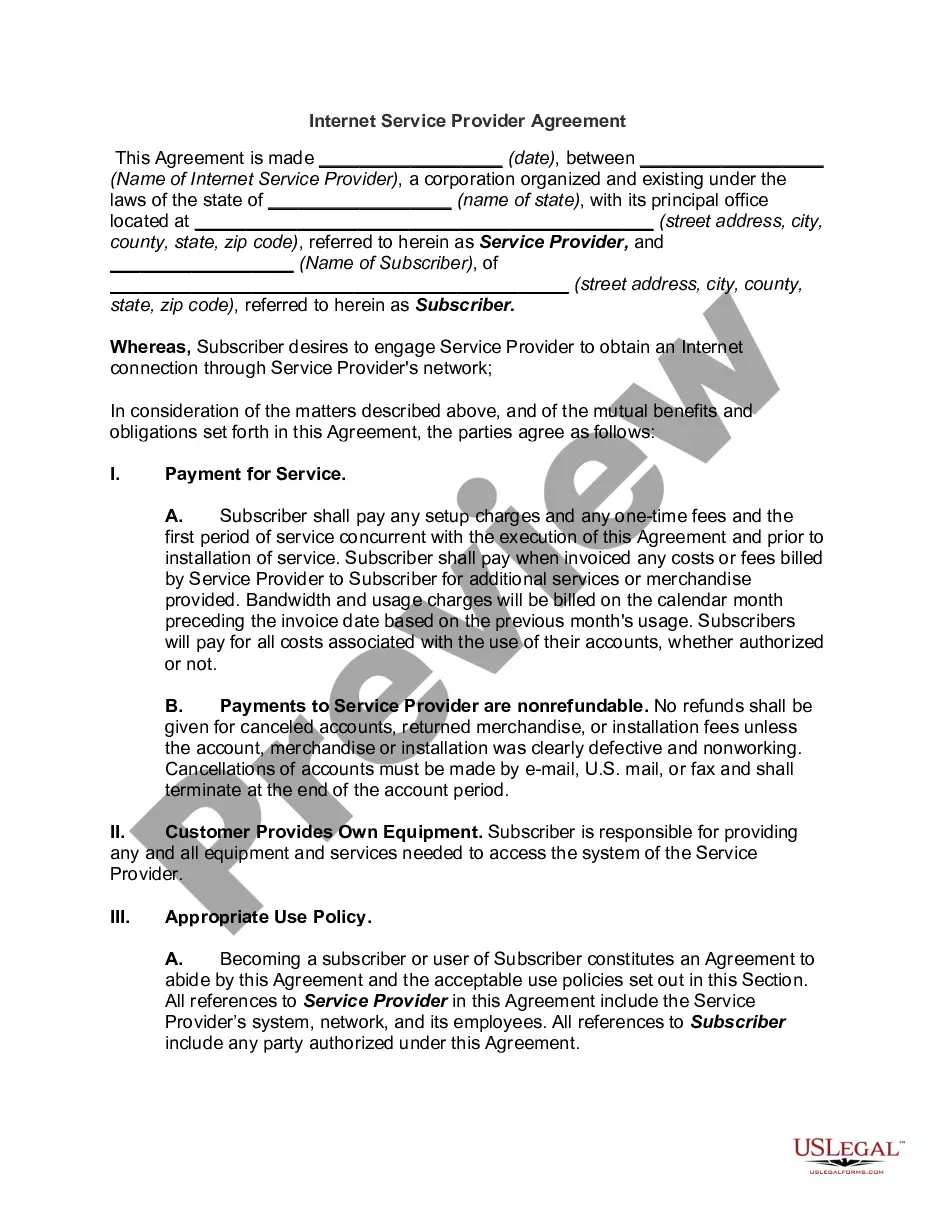
Get your form ready online
Our built-in tools help you complete, sign, share, and store your documents in one place.
Make edits, fill in missing information, and update formatting in US Legal Forms—just like you would in MS Word.
Download a copy, print it, send it by email, or mail it via USPS—whatever works best for your next step.
Sign and collect signatures with our SignNow integration. Send to multiple recipients, set reminders, and more. Go Premium to unlock E-Sign.
If this form requires notarization, complete it online through a secure video call—no need to meet a notary in person or wait for an appointment.
We protect your documents and personal data by following strict security and privacy standards.

Make edits, fill in missing information, and update formatting in US Legal Forms—just like you would in MS Word.

Download a copy, print it, send it by email, or mail it via USPS—whatever works best for your next step.

Sign and collect signatures with our SignNow integration. Send to multiple recipients, set reminders, and more. Go Premium to unlock E-Sign.

If this form requires notarization, complete it online through a secure video call—no need to meet a notary in person or wait for an appointment.

We protect your documents and personal data by following strict security and privacy standards.
Looking for another form?
Form popularity
FAQ
Creating service level agreements From the Service Level Agreement application, click New SLA. In the SLA field, specify a value for the service level agreement. Optional: Provide a description of the service level agreement. In the Applies To field, specify a value for what the service level agreement applies to.
Creating a Service Contract In the Sales menu choose Contract Create. Enter the contract type (WV for a maintenance contract, MV for a rental contract) and, if necessary, the organizational data. Choose Enter. Enter the following data as required. Choose Enter.
What is typically included in a contract for services. Description of services. This lays out what professional services you and your company will receive. Payment terms. Ownership rights. Confidentiality clause. Indemnification clause. Amendment. Termination. Dispute resolution.
The Service Agreement ID (SAID) number is different from the account number and documents a particular arrangement with PG&E including rate plan, billing days metering information, etc.
How to Write a Service Agreement Step 1: Identify the parties involved. Step 2: Define the scope of services. Step 3: Set payment terms. Step 4: Outline the responsibilities of each party. Step 5: Add termination, dispute resolution, and other essential clauses. Step 6: Review and finalize.
Key elements of a professional services contract Scope of work. This is one of the most important sections. Timelines. Include the project start date, important milestones, and the final delivery deadline. Payment Terms. Clearly state how and when payments will be made. Confidentiality. Liability. Termination Clauses.
Callers can obtain personal assistance by calling the Consumer Services hotline at 617-521-7794.
If you are currently a MassHealth provider but do not know your Username and password, please contact the Customer Service Center at 1-800-841-2900.
The BHHL is available 24 hours a day, 365 days a year by phone call and text at 833-773-2445 (BHHL), and online chat at masshelpline.
A mass voice messaging, texting and calling service sends automated text messages and phone calls to a list of contacts. It allows you to create one simple message and then quickly deliver it to as many contacts as you want.
