Personal Injury Release Form Template In Harris
Description
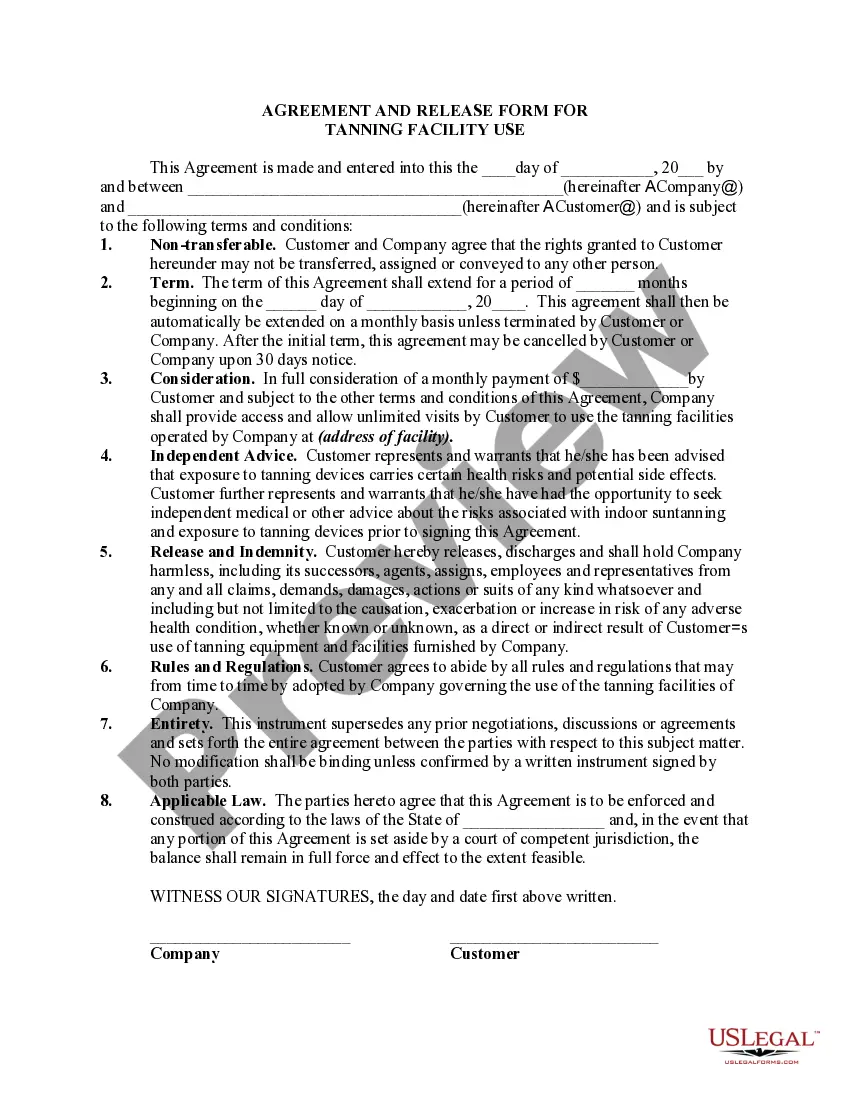
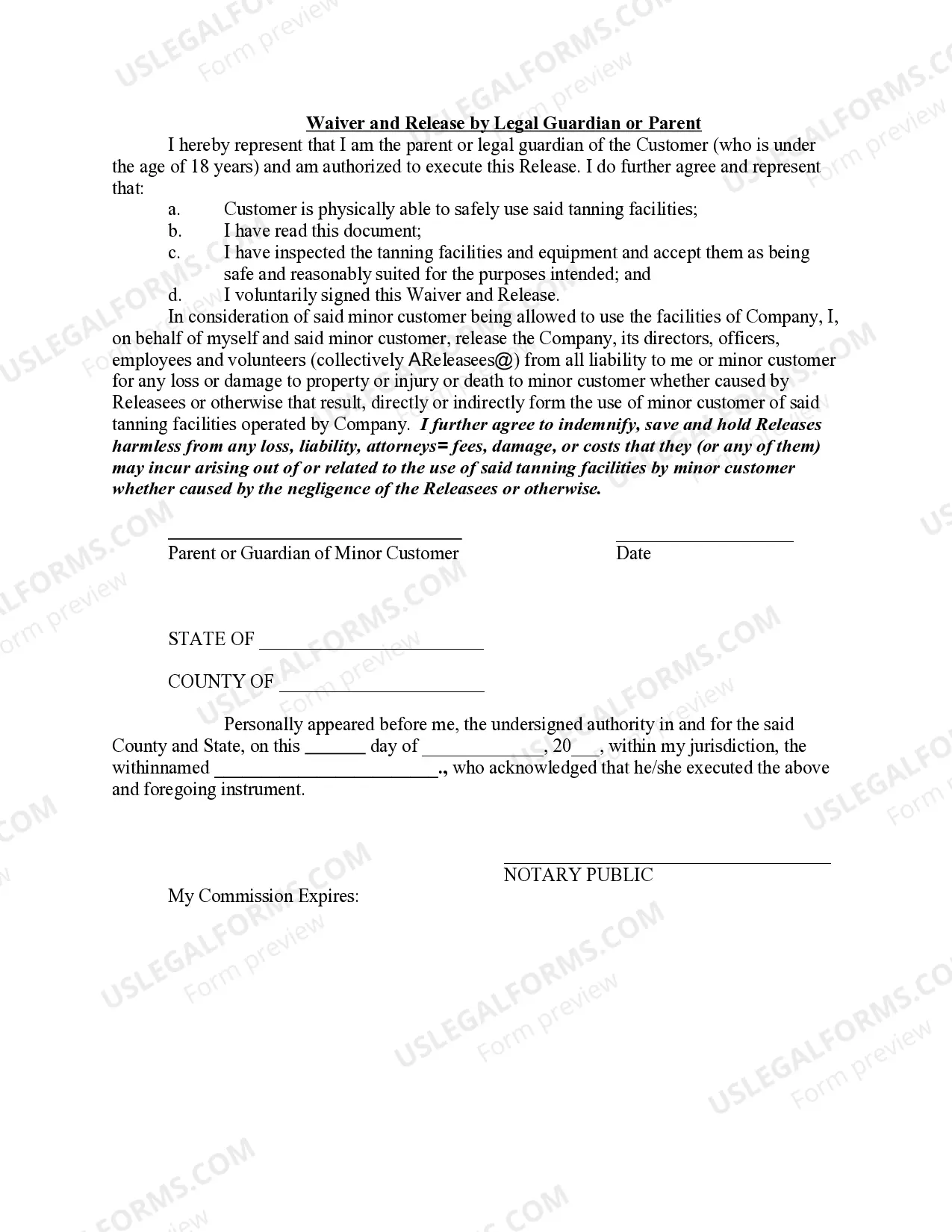
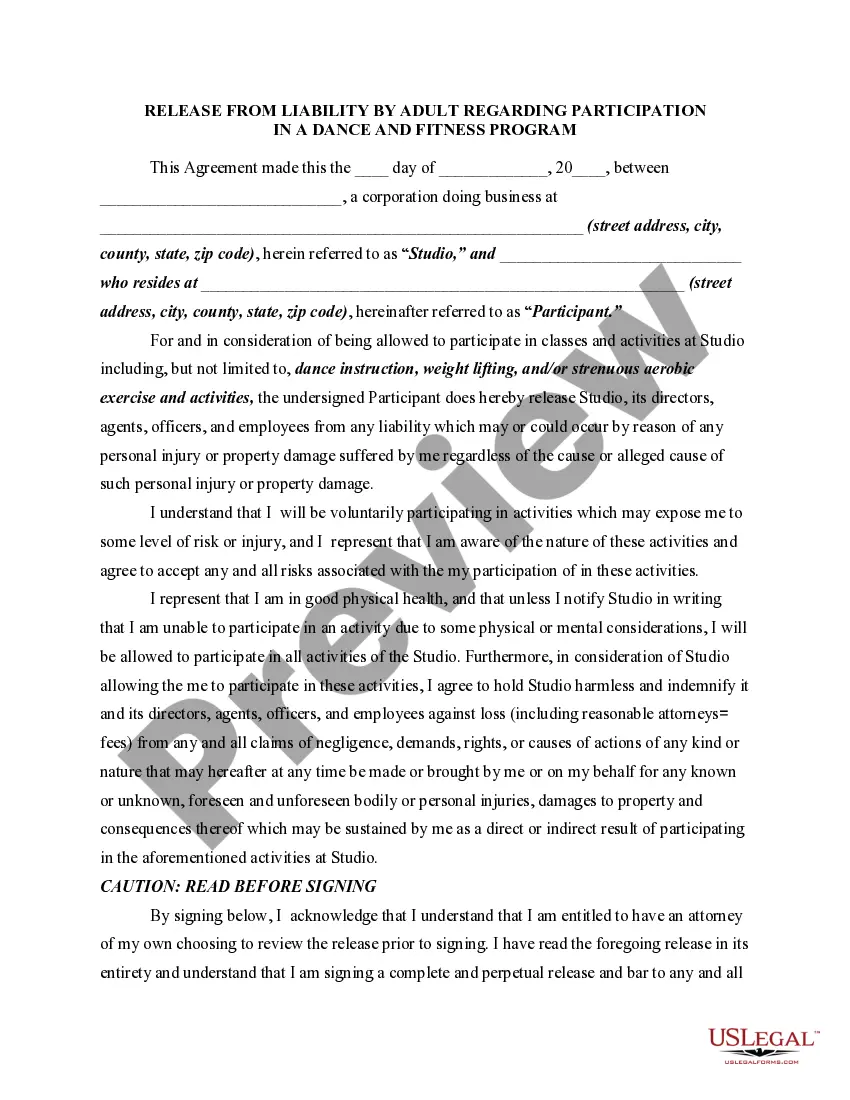
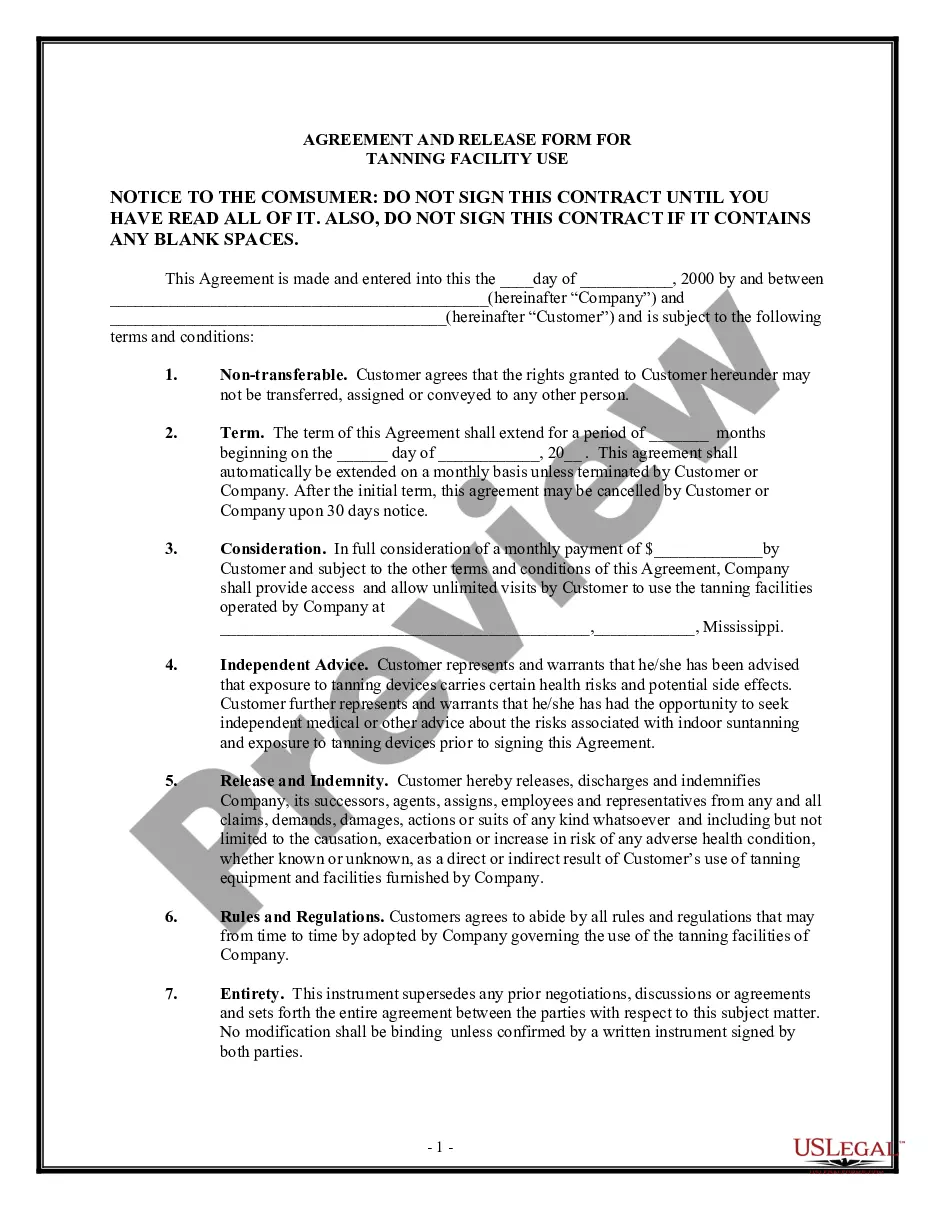
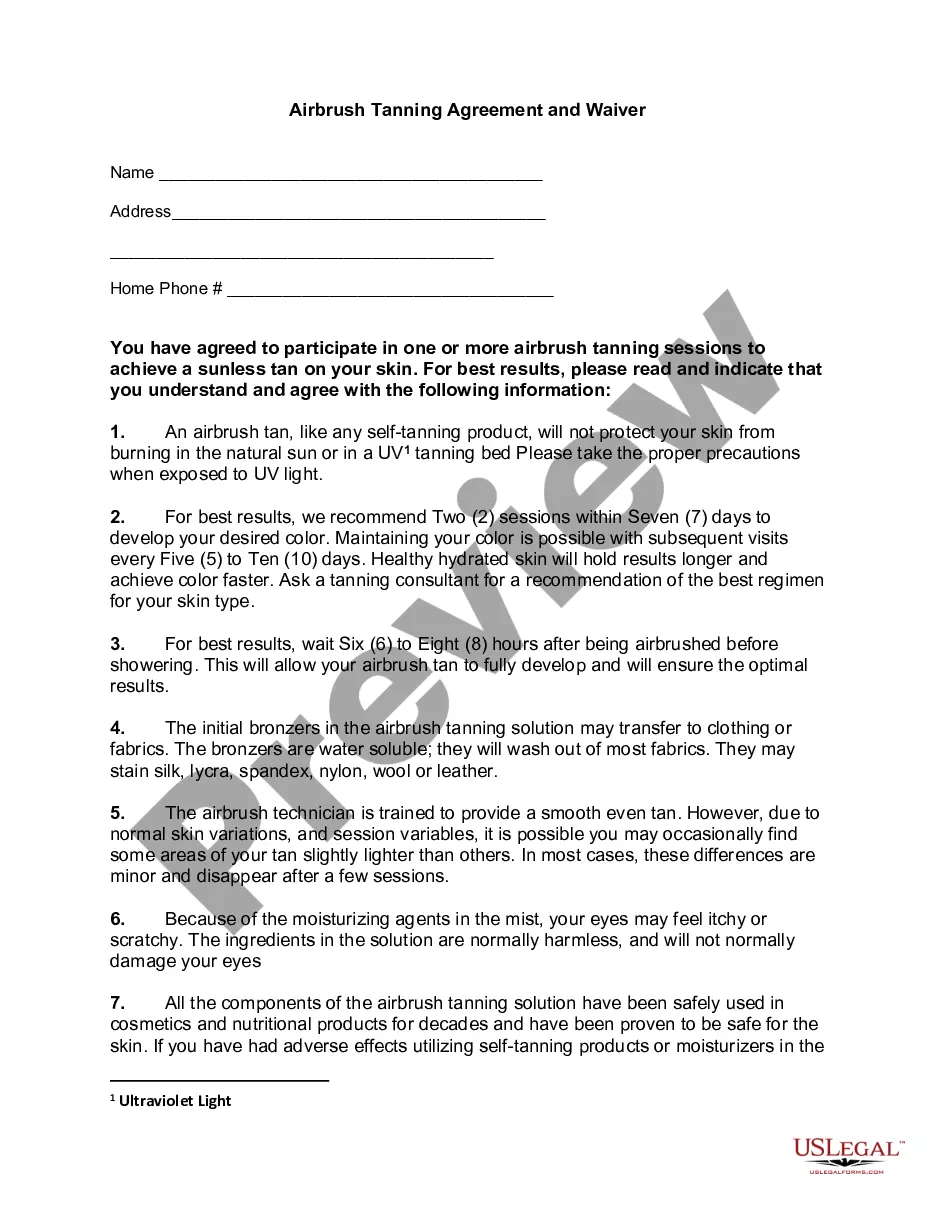
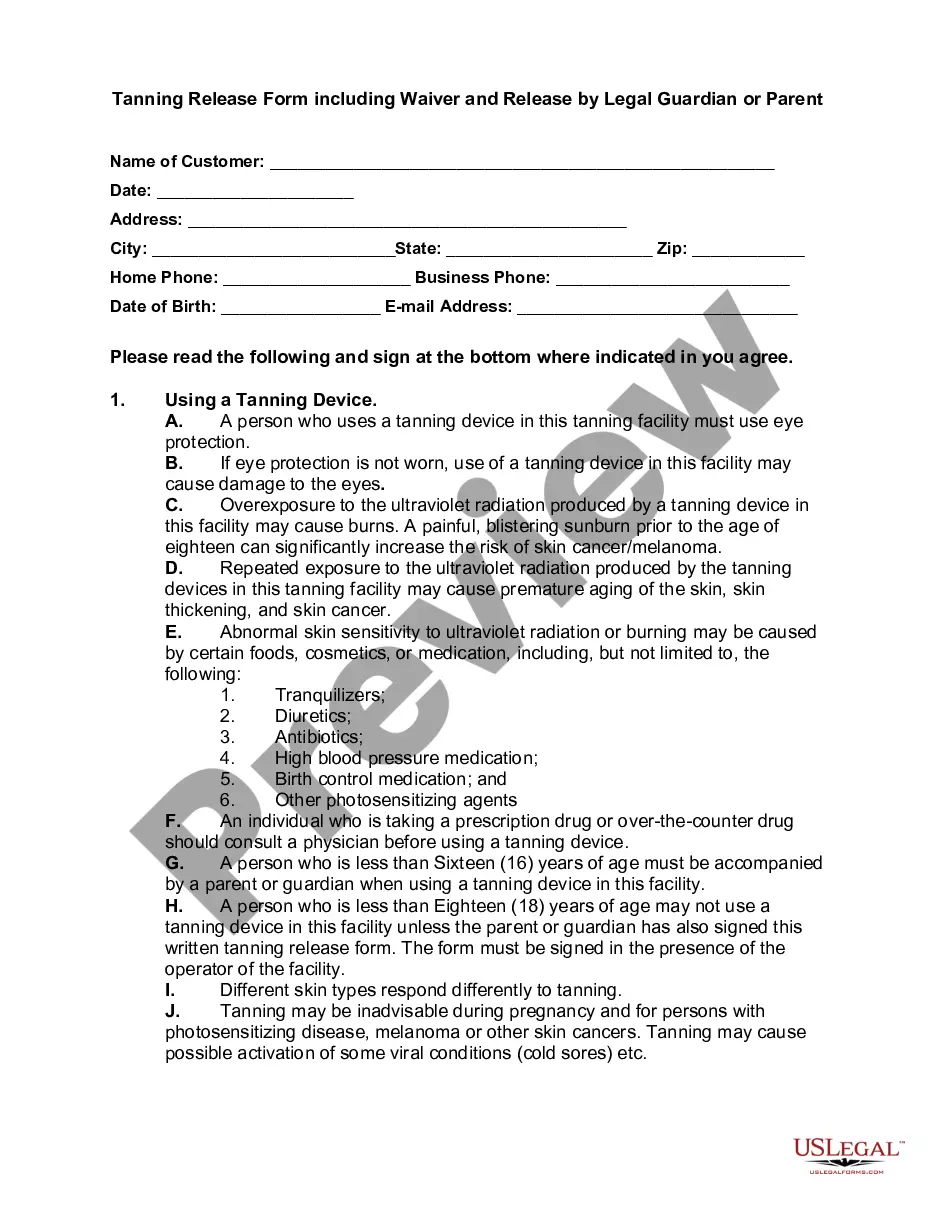
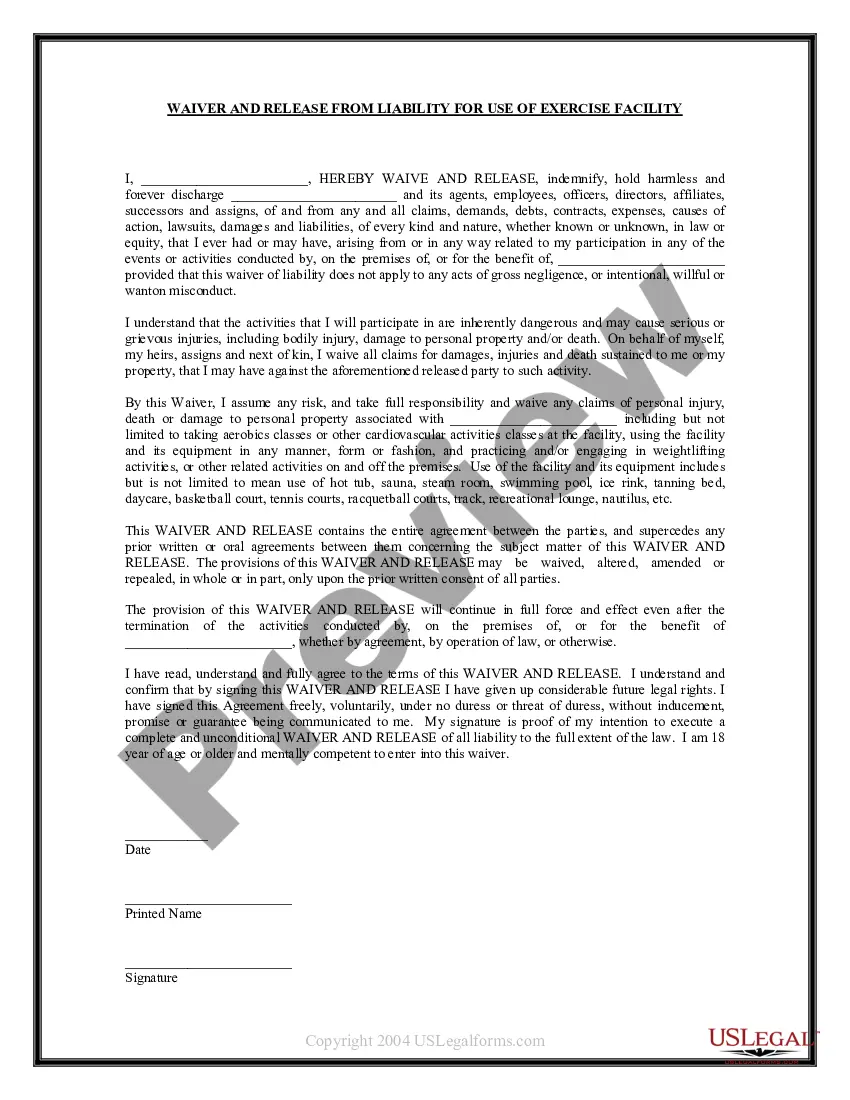
Get your form ready online
Our built-in tools help you complete, sign, share, and store your documents in one place.
Make edits, fill in missing information, and update formatting in US Legal Forms—just like you would in MS Word.
Download a copy, print it, send it by email, or mail it via USPS—whatever works best for your next step.
Sign and collect signatures with our SignNow integration. Send to multiple recipients, set reminders, and more. Go Premium to unlock E-Sign.
If this form requires notarization, complete it online through a secure video call—no need to meet a notary in person or wait for an appointment.
We protect your documents and personal data by following strict security and privacy standards.

Make edits, fill in missing information, and update formatting in US Legal Forms—just like you would in MS Word.

Download a copy, print it, send it by email, or mail it via USPS—whatever works best for your next step.

Sign and collect signatures with our SignNow integration. Send to multiple recipients, set reminders, and more. Go Premium to unlock E-Sign.

If this form requires notarization, complete it online through a secure video call—no need to meet a notary in person or wait for an appointment.

We protect your documents and personal data by following strict security and privacy standards.
Looking for another form?









Form popularity
FAQ
Creating a liability waiver in Google Forms is a good starting point for small businesses. Google Forms makes it easy to organize waiver content and collect participant responses quickly. However, adding a digital signature is crucial for ensuring legal enforceability and professionalism.
If you go on a school trip, your mom might sign a waiver saying that the school is not responsible if you get hurt on the trip. When you sign a waiver, you're voluntarily giving up a privilege or legal right. A waiver is often required before you participate in something dangerous.
The process of creating a waiver should be taken seriously. Waivers are legal documents that list specific terms for your participants to agree to, so it's crucial that they are complete and legally sound. Professional help from a lawyer is strongly recommended any time you are working with legal documents.
A participation waiver, or consent form, is a legally-binding document put in place to protect you and your organization. When the participant or their parent sign the document, they are stating that they fully acknowledge the risks involved, and therefore can not file frivolous lawsuits in case of damages or injury.
WaiverFile includes a feature to edit values on waiver forms that have been completed. You may wish to correct or change data that has been recorded for a number of reasons.
The process of creating a waiver should be taken seriously. Waivers are legal documents that list specific terms for your participants to agree to, so it's crucial that they are complete and legally sound. Professional help from a lawyer is strongly recommended any time you are working with legal documents.
WHAT ARE WAIVERS AND RELEASES? Waivers and/or releases of liability (“releases”) are legal agreements designed to transfer responsibility for injuries and property damage from one party to another.
Include important fields on your waiver agreement such as contact information, permission from a legal guardian, acknowledgment of physical activity, terms of the liability release form, waiver of personal injury legal action, and more.
I have signed this WAIVER AND RELEASE freely, voluntarily, under no duress or threat of duress, without inducement, promise, or guarantee being communicated to me. My signature is proof of my intention to execute a complete and unconditional WAIVER AND RELEASE of all liability to the full extent of the law.
How to write a waiver Introductory statement. The introductory statement of a waiver serves to clarify its purpose and the parties involved. Summary of risks. Assumption of risks. Release clause. Indemnification clause. Governing law. Consent and signature.
