Law Firm Form With Highest Billable Hour Requirement In Pima
Description

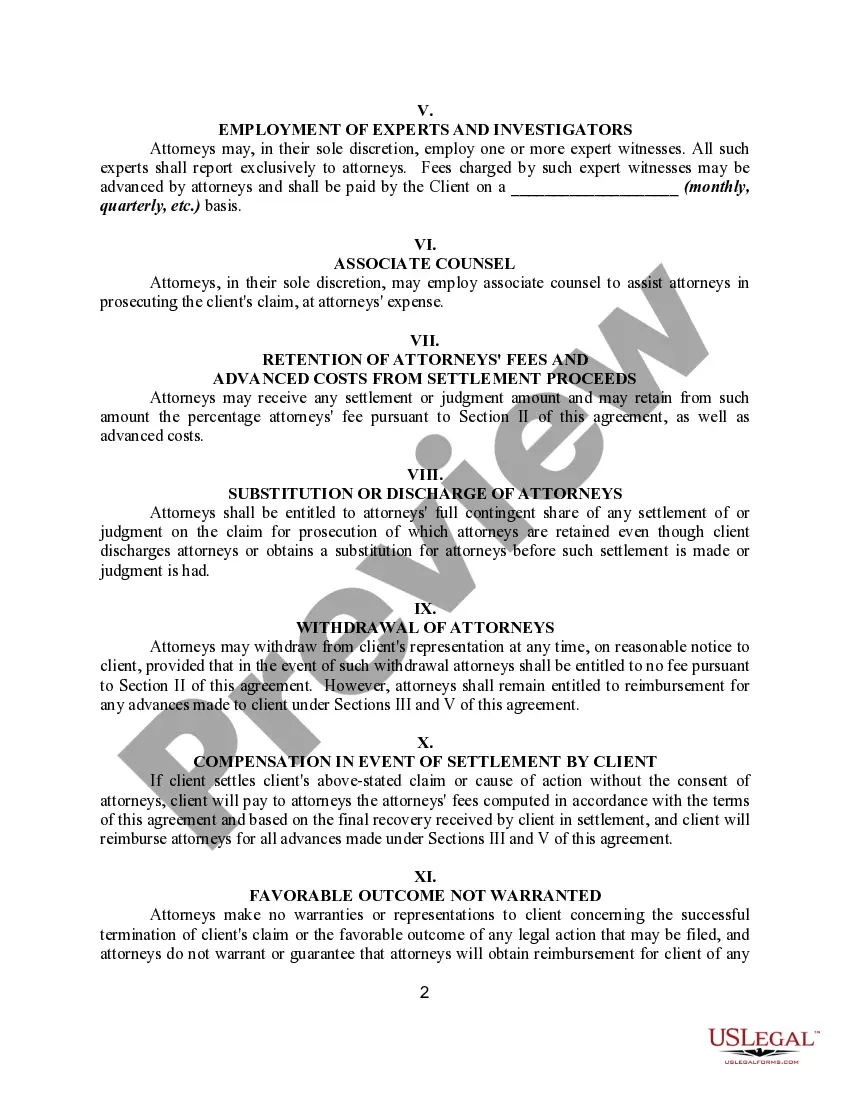
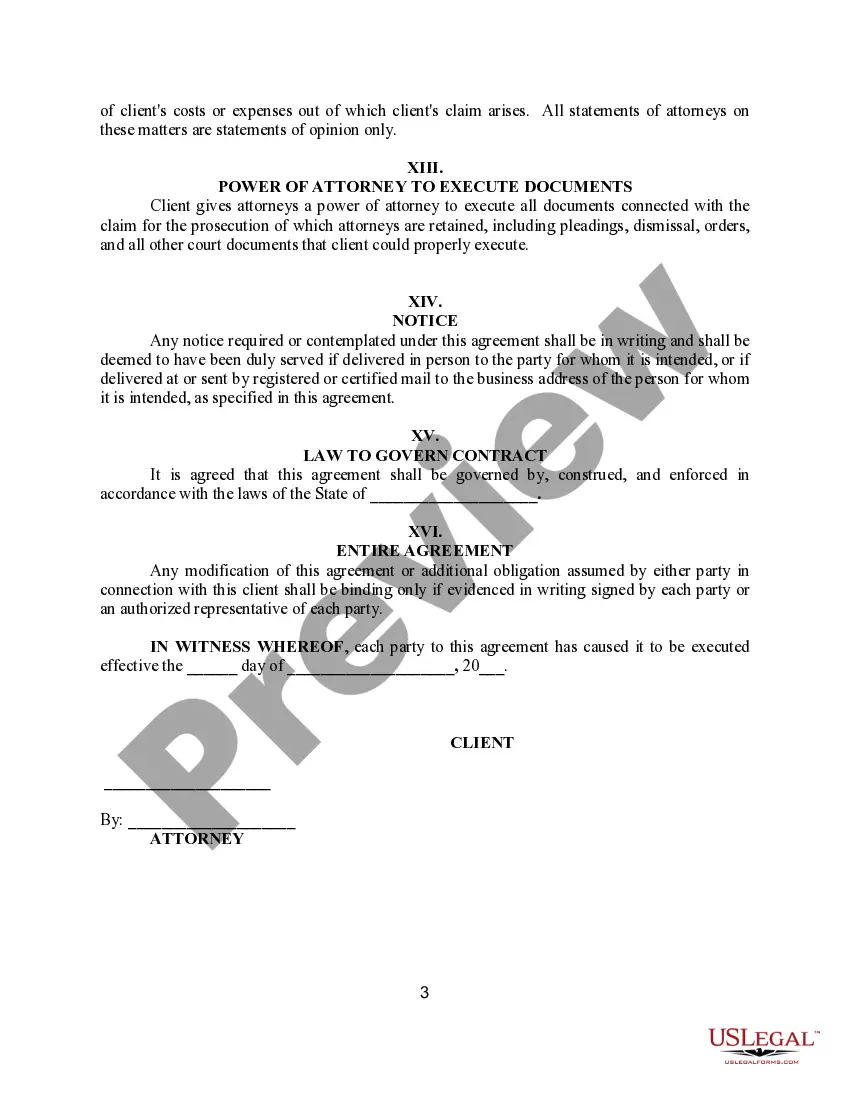
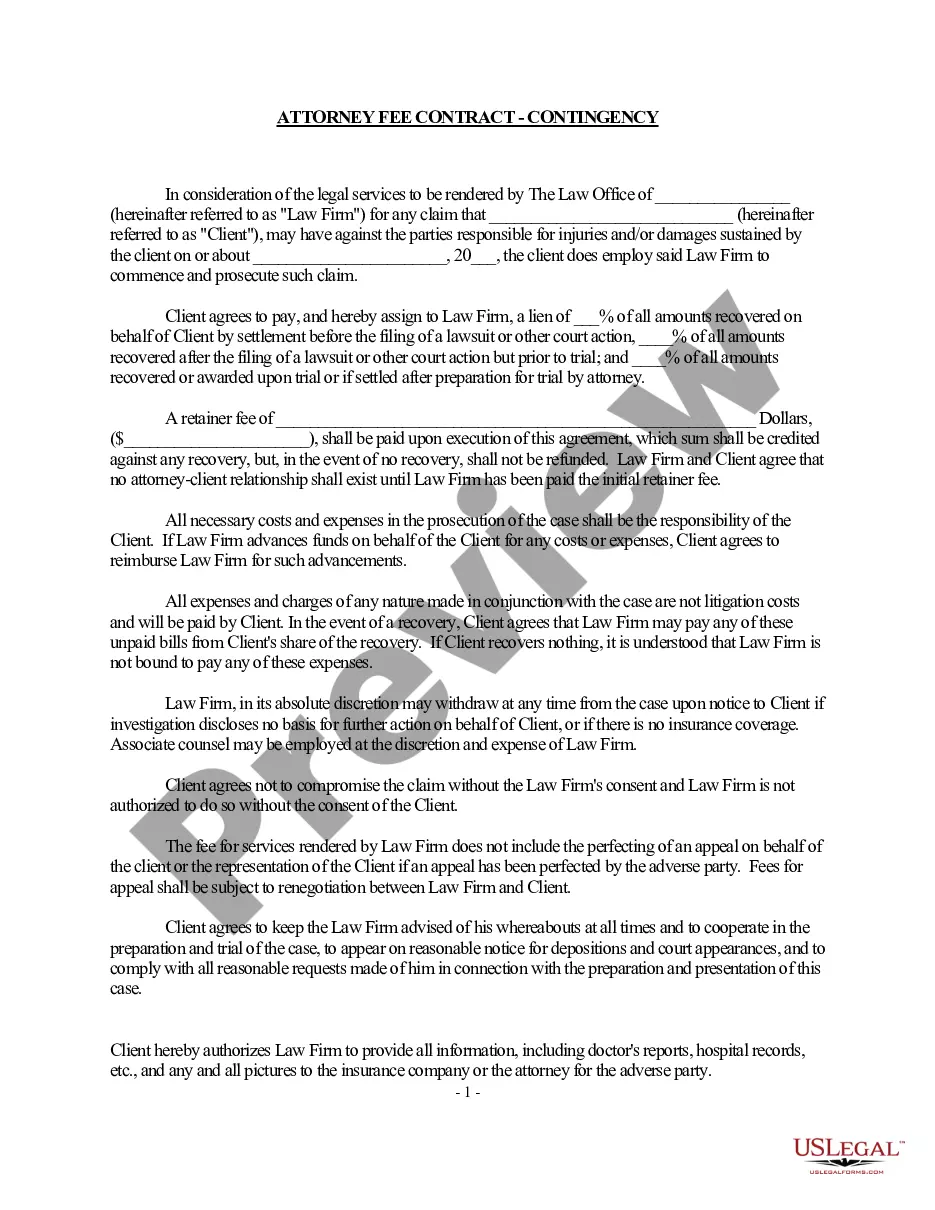
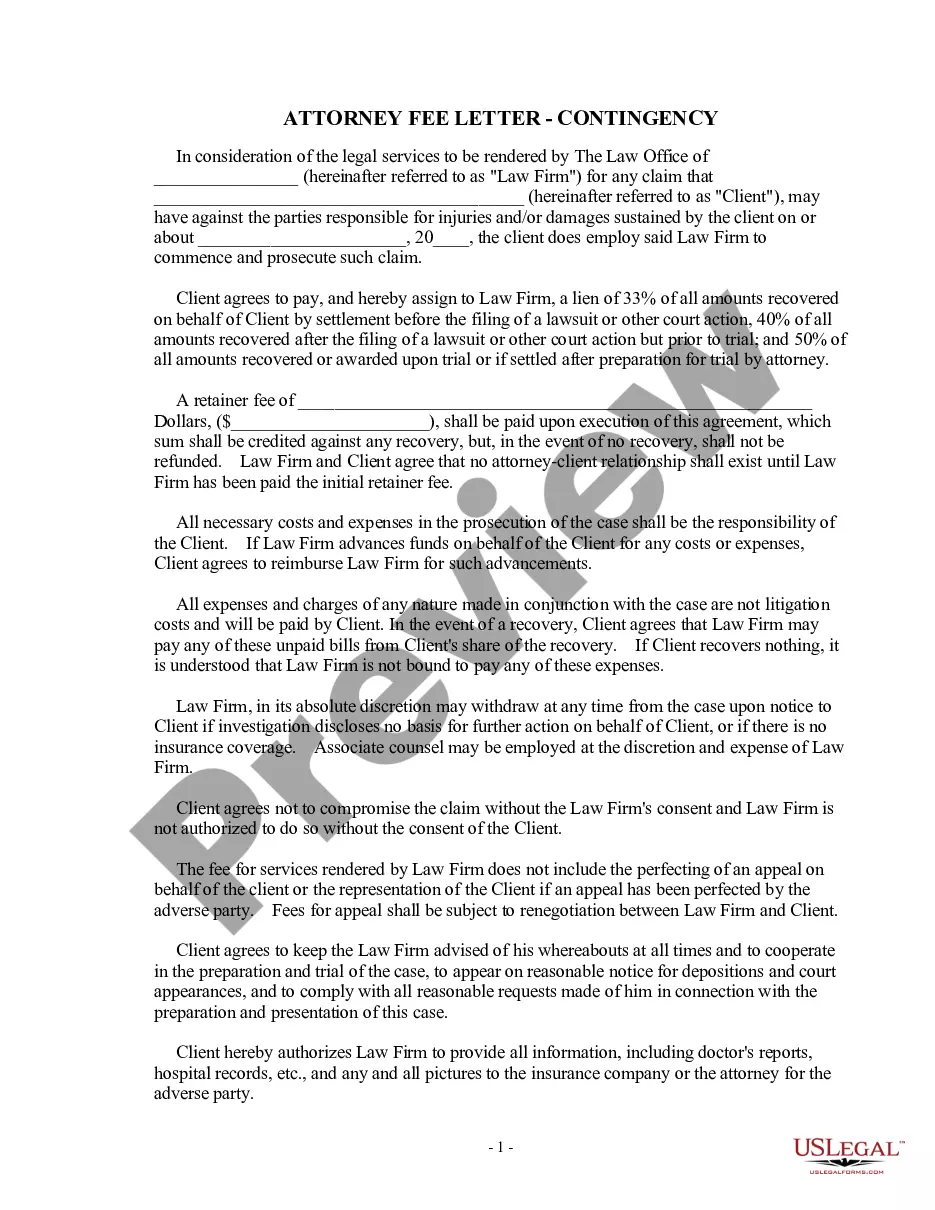
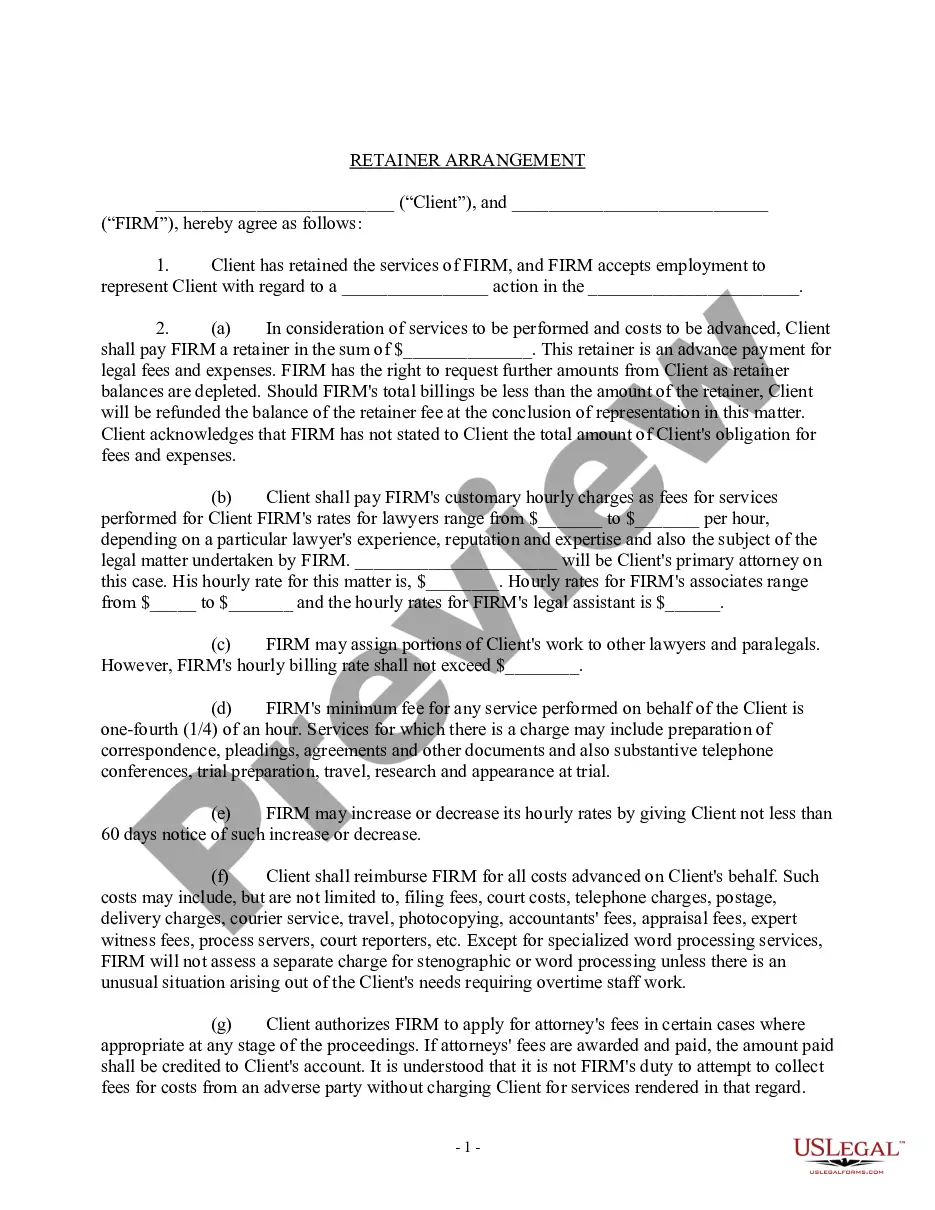
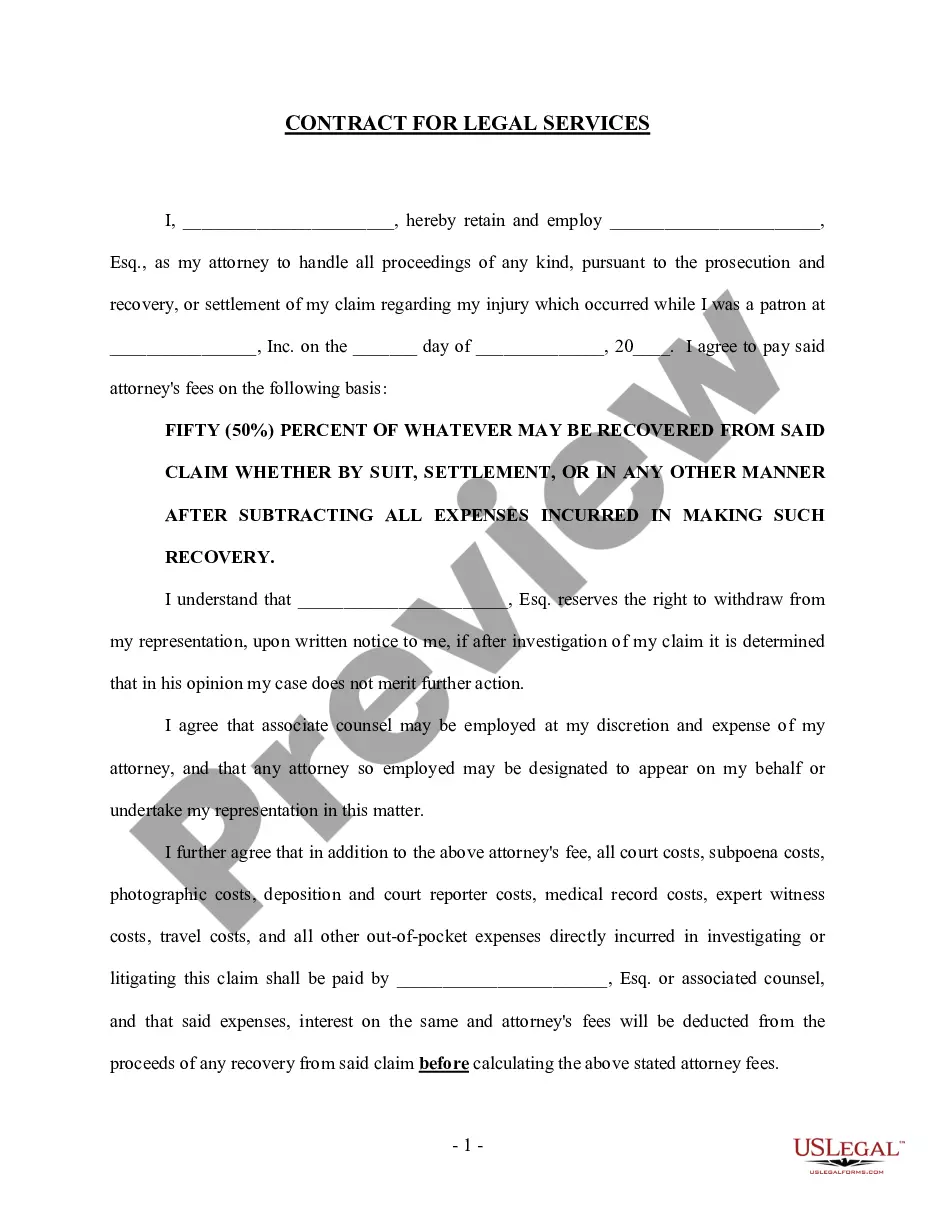
Get your form ready online
Our built-in tools help you complete, sign, share, and store your documents in one place.
Make edits, fill in missing information, and update formatting in US Legal Forms—just like you would in MS Word.
Download a copy, print it, send it by email, or mail it via USPS—whatever works best for your next step.
Sign and collect signatures with our SignNow integration. Send to multiple recipients, set reminders, and more. Go Premium to unlock E-Sign.
If this form requires notarization, complete it online through a secure video call—no need to meet a notary in person or wait for an appointment.
We protect your documents and personal data by following strict security and privacy standards.

Make edits, fill in missing information, and update formatting in US Legal Forms—just like you would in MS Word.

Download a copy, print it, send it by email, or mail it via USPS—whatever works best for your next step.

Sign and collect signatures with our SignNow integration. Send to multiple recipients, set reminders, and more. Go Premium to unlock E-Sign.

If this form requires notarization, complete it online through a secure video call—no need to meet a notary in person or wait for an appointment.

We protect your documents and personal data by following strict security and privacy standards.
Looking for another form?


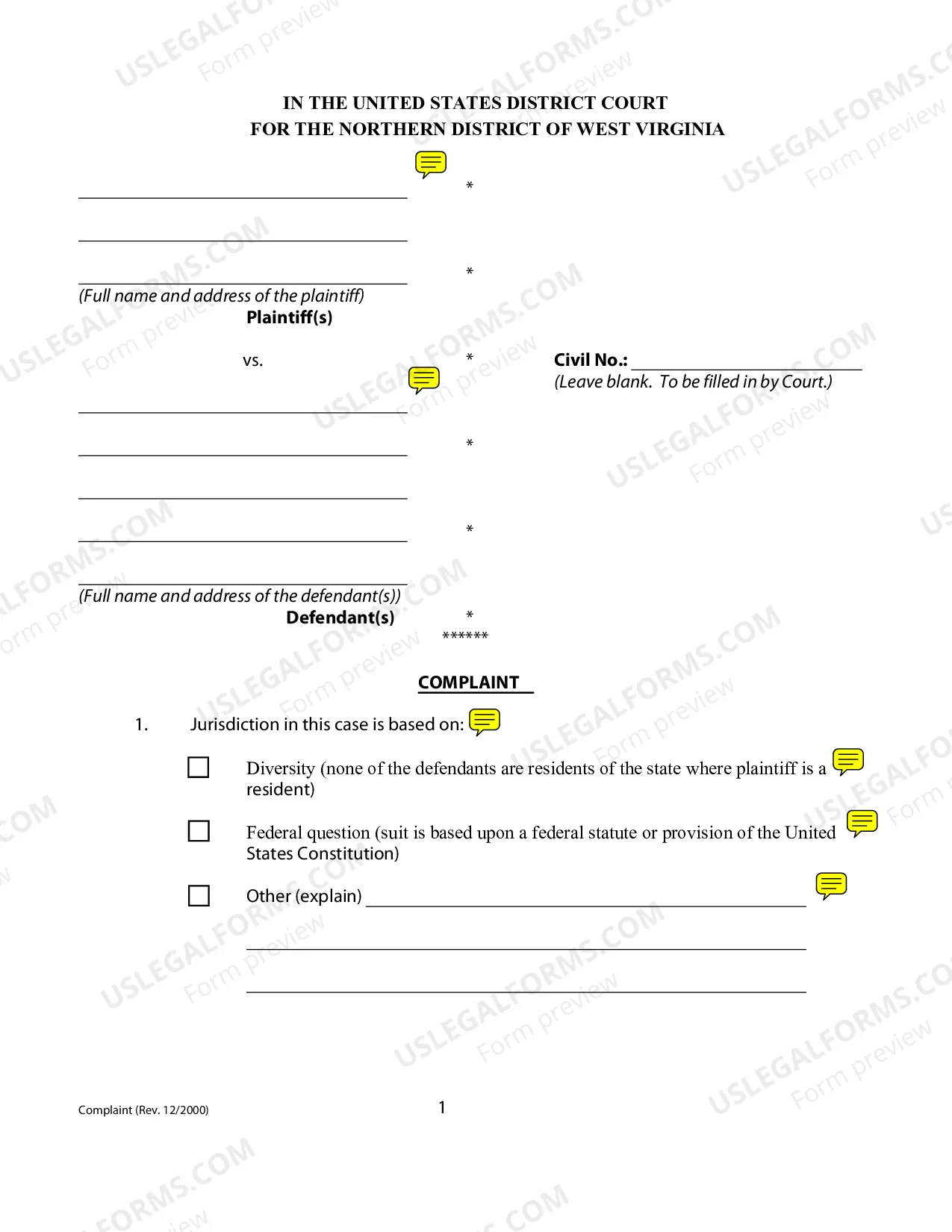


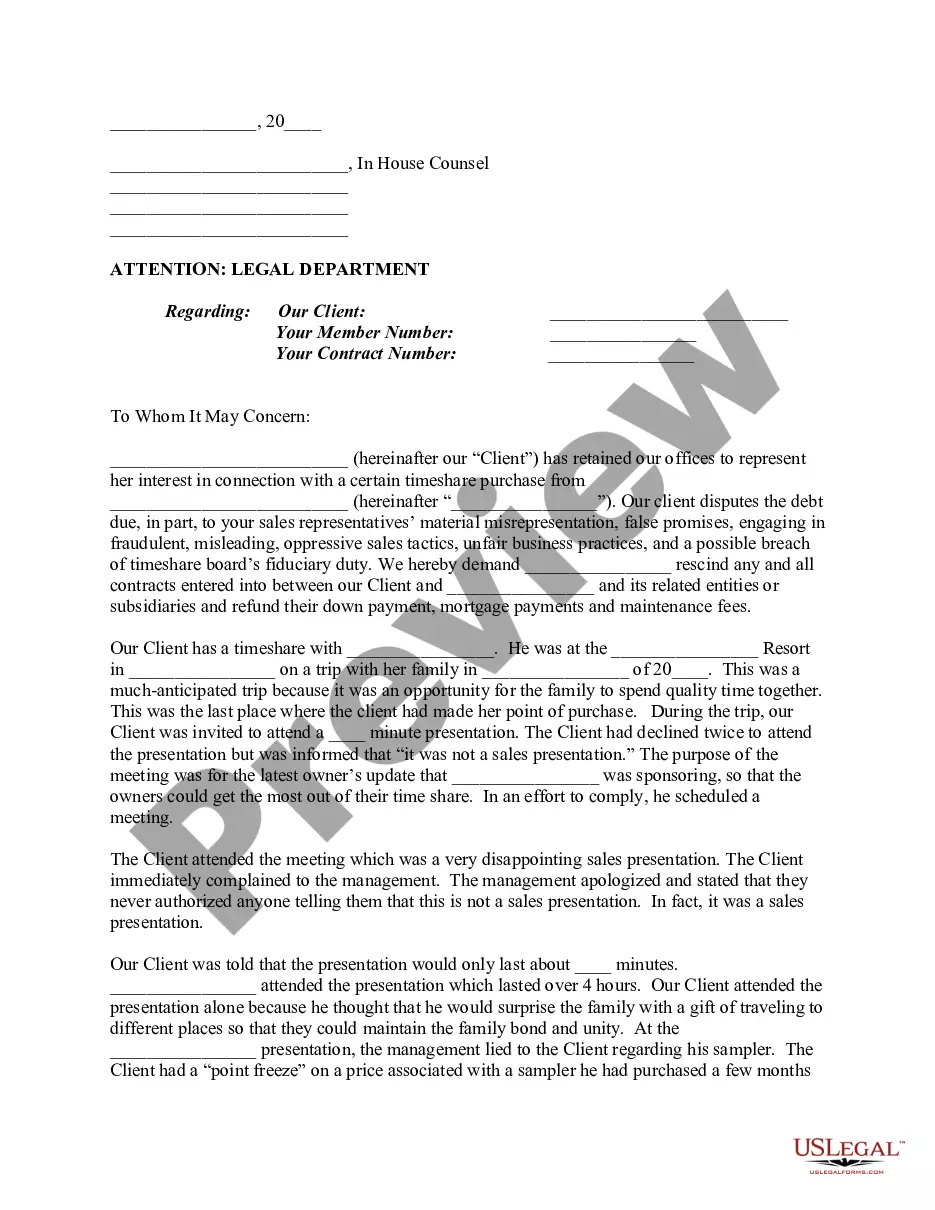

Form popularity
FAQ
Non-billable hours are any that are spent on administrative or overhead projects that are not directly related to client service. For example, sending emails to clients would count as billable time. However, upgrading your email software wouldn't count as directly servicing those accounts.
The Goal is Between 1,700 and 2,300 Hours Most law firms set a yearly billable hour target for their associates. This figure typically ranges between 1,700 and 2,300 hours, forming the average billable hour requirement.
As we mentioned, many law firms require their lawyers to work between 1,700 and 2,300 billable hours per year, depending on their situation. This means working between 142 and 192 hours per month, or between seven and ten billable hours per day.
The easiest way to track billable hours is by using time-tracking software, such as ManyRequests. These tools automatically log time spent on tasks, categorize them by project, and generate reports and invoices. They eliminate the need for manual entries, reduce errors, and ensure accurate billing.
Ways to bill more accurately Track your time automatically. Tracking your time diligently and comprehensively is essential for accurate billing. Effective Time management strategies. Streamline Admin tasks. Avoid Multitasking. Delegate non-billable tasks. Clearly Define Scope and Expectations. Minimize distractions.
In general, however, a common target is to aim for a billable-to-non-billable hour ratio of around 70 percent billable hours to 30 percent non-billable hours. In a nutshell, most MSPs should strive to keep at least 70 percent of your team's time dedicated to billable client work.
How many billable hours in a day? In most cases, someone would work eight billable hours in a day, as an 8-hour day is standard in most industries. However, your company may choose to work longer days and may bill clients at standard or overtime rates for the extra time.
Use the formula Billable hourly rate = (Total costs / Billable hours) x Profit margin.
