Contingency Fee For Erc In Fulton
Description



Get your form ready online
Our built-in tools help you complete, sign, share, and store your documents in one place.
Make edits, fill in missing information, and update formatting in US Legal Forms—just like you would in MS Word.
Download a copy, print it, send it by email, or mail it via USPS—whatever works best for your next step.
Sign and collect signatures with our SignNow integration. Send to multiple recipients, set reminders, and more. Go Premium to unlock E-Sign.
If this form requires notarization, complete it online through a secure video call—no need to meet a notary in person or wait for an appointment.
We protect your documents and personal data by following strict security and privacy standards.

Make edits, fill in missing information, and update formatting in US Legal Forms—just like you would in MS Word.

Download a copy, print it, send it by email, or mail it via USPS—whatever works best for your next step.

Sign and collect signatures with our SignNow integration. Send to multiple recipients, set reminders, and more. Go Premium to unlock E-Sign.

If this form requires notarization, complete it online through a secure video call—no need to meet a notary in person or wait for an appointment.

We protect your documents and personal data by following strict security and privacy standards.
Looking for another form?

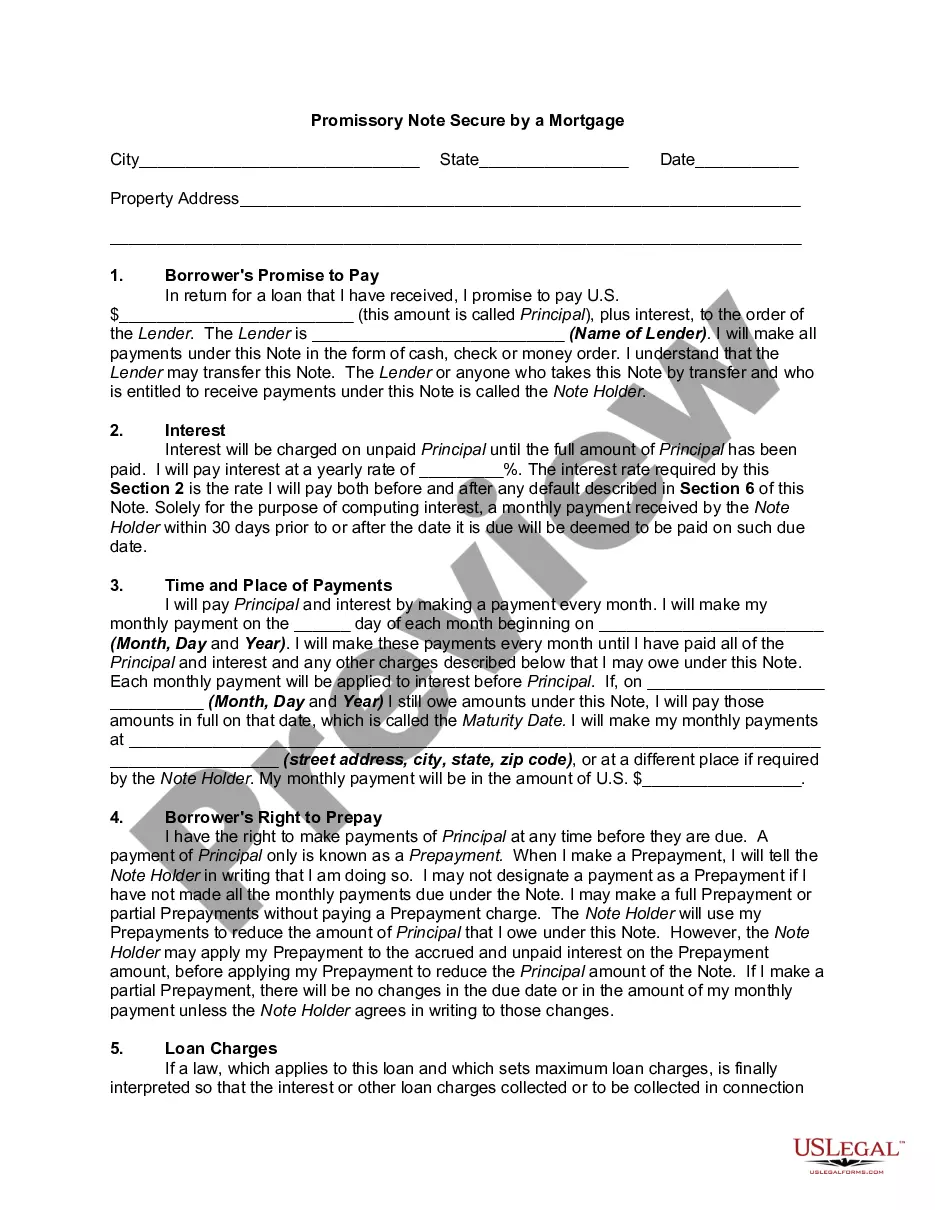




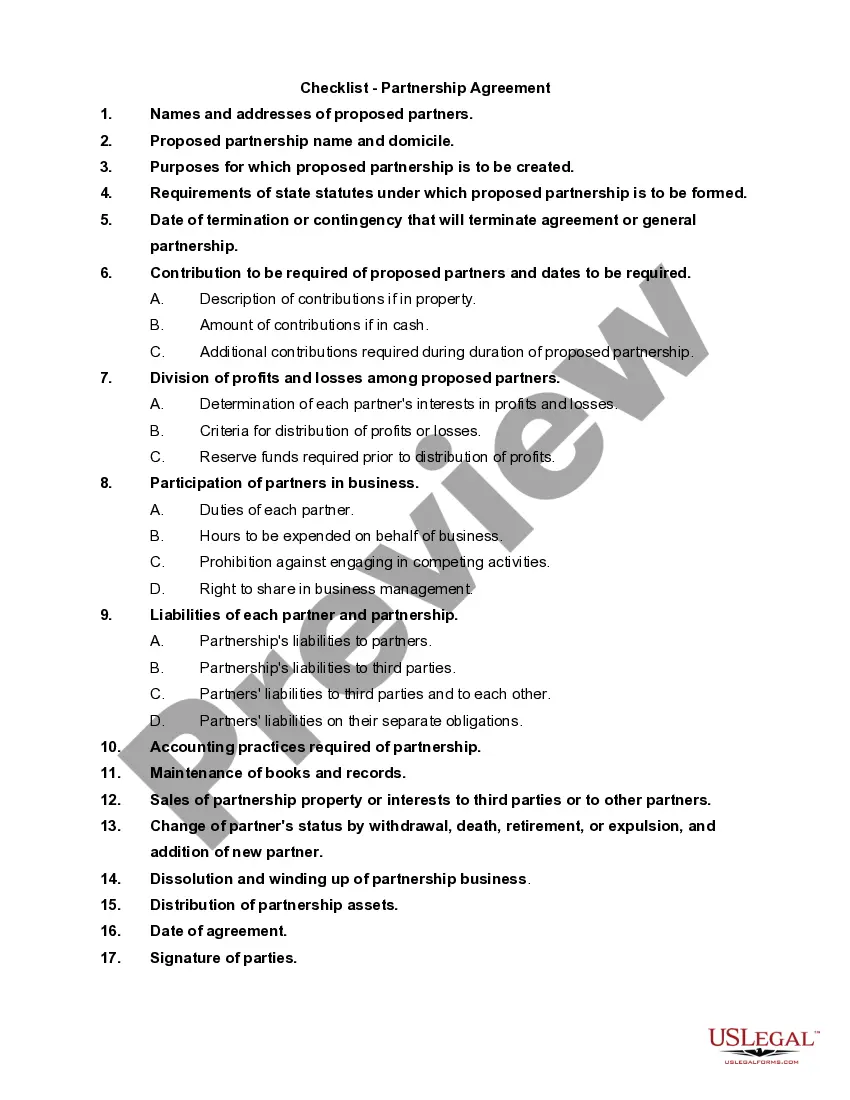


Form popularity
FAQ
For 2021, the employee retention credit (ERC) is a quarterly tax credit against the employer's share of certain payroll taxes. The tax credit is 70% of the first $10,000 in wages per employee in each quarter of 2021. That means this credit is worth up to $7,000 per quarter and up to $28,000 per year, for each employee.
Because the ERC is considered an income-related grant under IAS 20, an entity may elect to present the income in one of two ways: (1) gross as a grant or other income item, or (2) net as a deduction from the expense category in which the reporting entity reports employment taxes (typically employee compensation).
Recording ERC received from the IRS Go to the “Banking” menu on QuickBooks and select “Make Deposits.” Choose the bank account where you received the ERC funds. Enter the date of the deposit and the amount received. Add a memo to specify that it's an ERC refund. Save the deposit.
Select "Make Deposits" and enter "IRS" in the "Received From" field. Select your newly created "Employee Retention Credit" account in the From Account column and enter the precise amount of your ERC refund. You may add any relevant memo for future reference before saving and closing the deposit entry.
You can show it as a separate credit, such as other income, or by netting it against the related payroll costs. In the latter case, you should include a disclosure explaining the presentation. The other side of your journal entry to record the ERC would be a debit to reduce your payroll tax liability.
Going forward, the only way to apply for the ERC is to file an amended Form 941X (Quarterly Federal Payroll Tax Return) for the quarters during which the company was an eligible employer.
It provides a safety net for unexpected expenses and ensures the project stays on track, both in terms of budget and timeline. The recommended percentage for a contingency fund is between 5-10% of the total budget, but this may vary depending on project complexity and past experiences.
Calculating credits for 2021 The ERC applies only to the first three financial quarters of 2021, and the eligible wages for each of these quarters are calculated at 70%. As such, the credit per employee per quarter maxes out at $7,000.
