Right To Sell Option In Los Angeles
Description

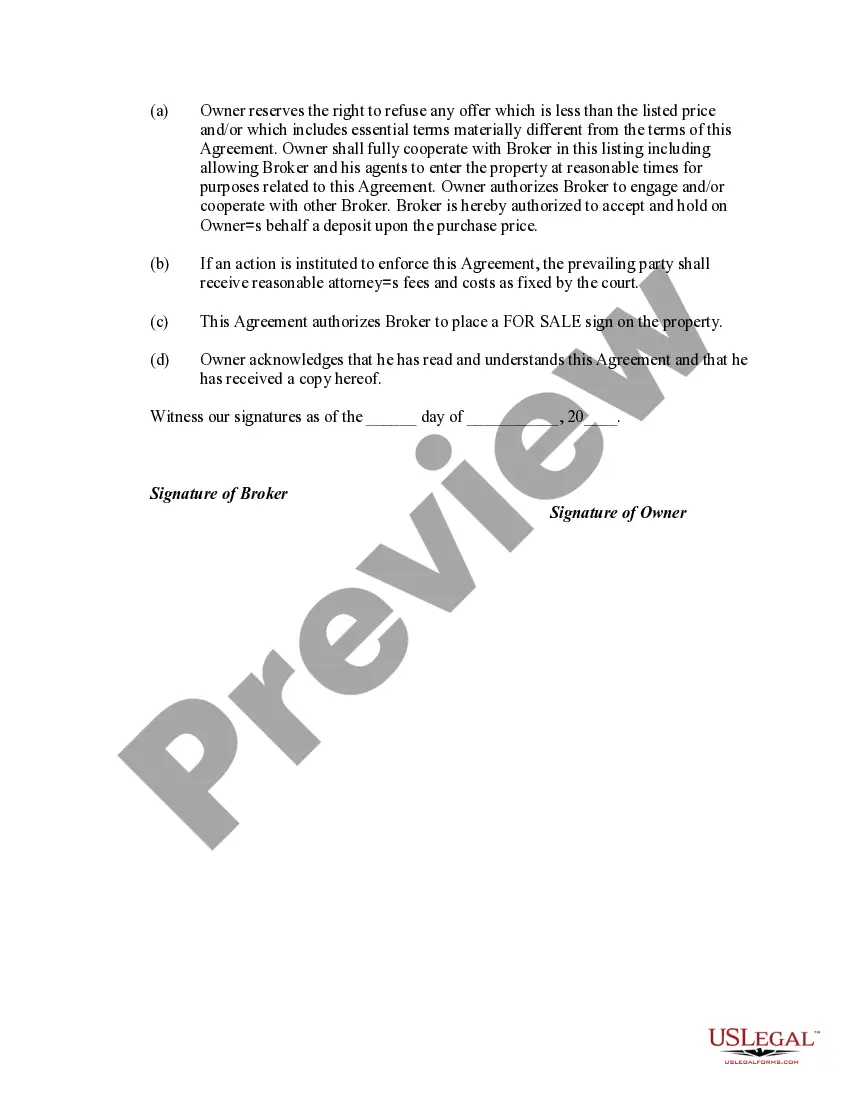

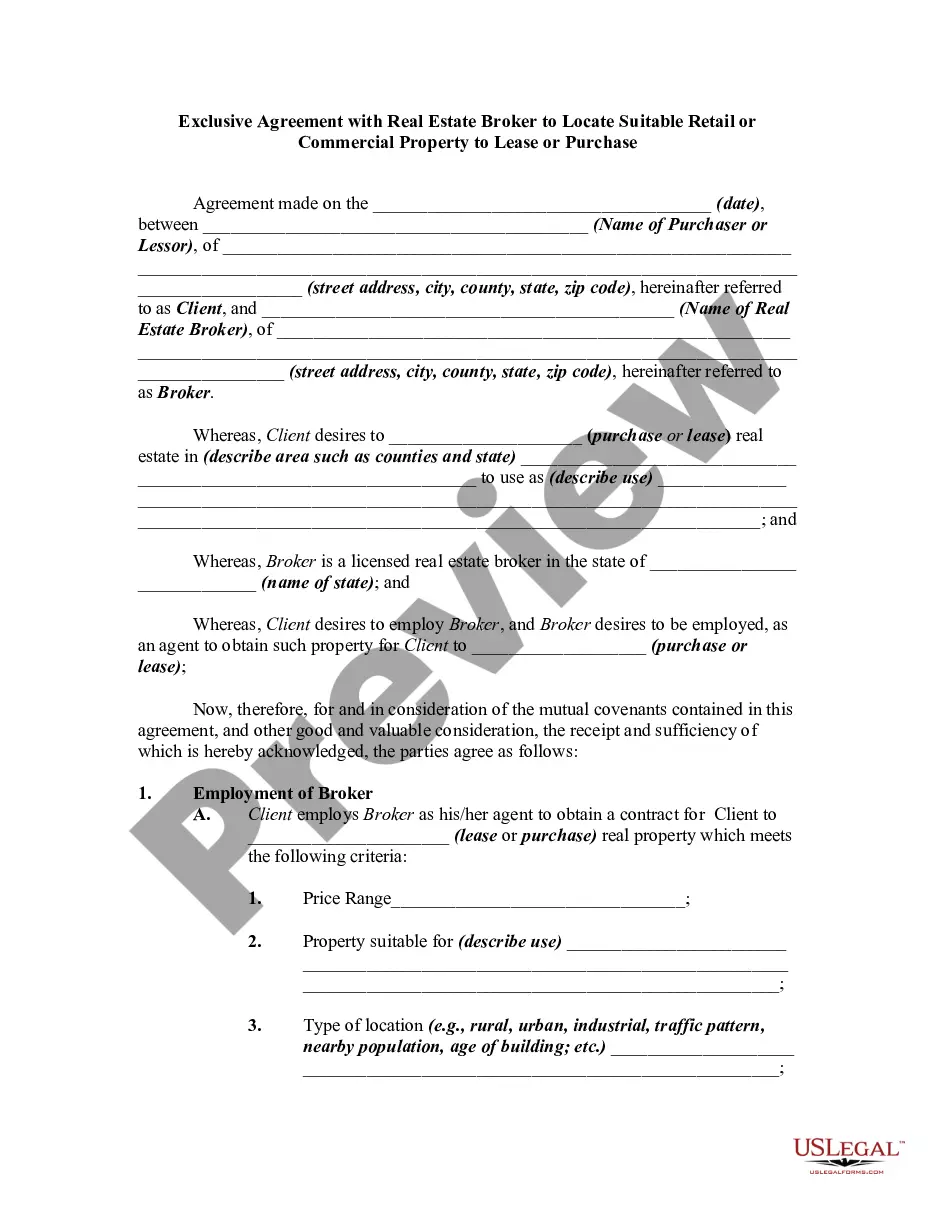
Get your form ready online
Our built-in tools help you complete, sign, share, and store your documents in one place.
Make edits, fill in missing information, and update formatting in US Legal Forms—just like you would in MS Word.
Download a copy, print it, send it by email, or mail it via USPS—whatever works best for your next step.
Sign and collect signatures with our SignNow integration. Send to multiple recipients, set reminders, and more. Go Premium to unlock E-Sign.
If this form requires notarization, complete it online through a secure video call—no need to meet a notary in person or wait for an appointment.
We protect your documents and personal data by following strict security and privacy standards.

Make edits, fill in missing information, and update formatting in US Legal Forms—just like you would in MS Word.

Download a copy, print it, send it by email, or mail it via USPS—whatever works best for your next step.

Sign and collect signatures with our SignNow integration. Send to multiple recipients, set reminders, and more. Go Premium to unlock E-Sign.

If this form requires notarization, complete it online through a secure video call—no need to meet a notary in person or wait for an appointment.

We protect your documents and personal data by following strict security and privacy standards.
Looking for another form?



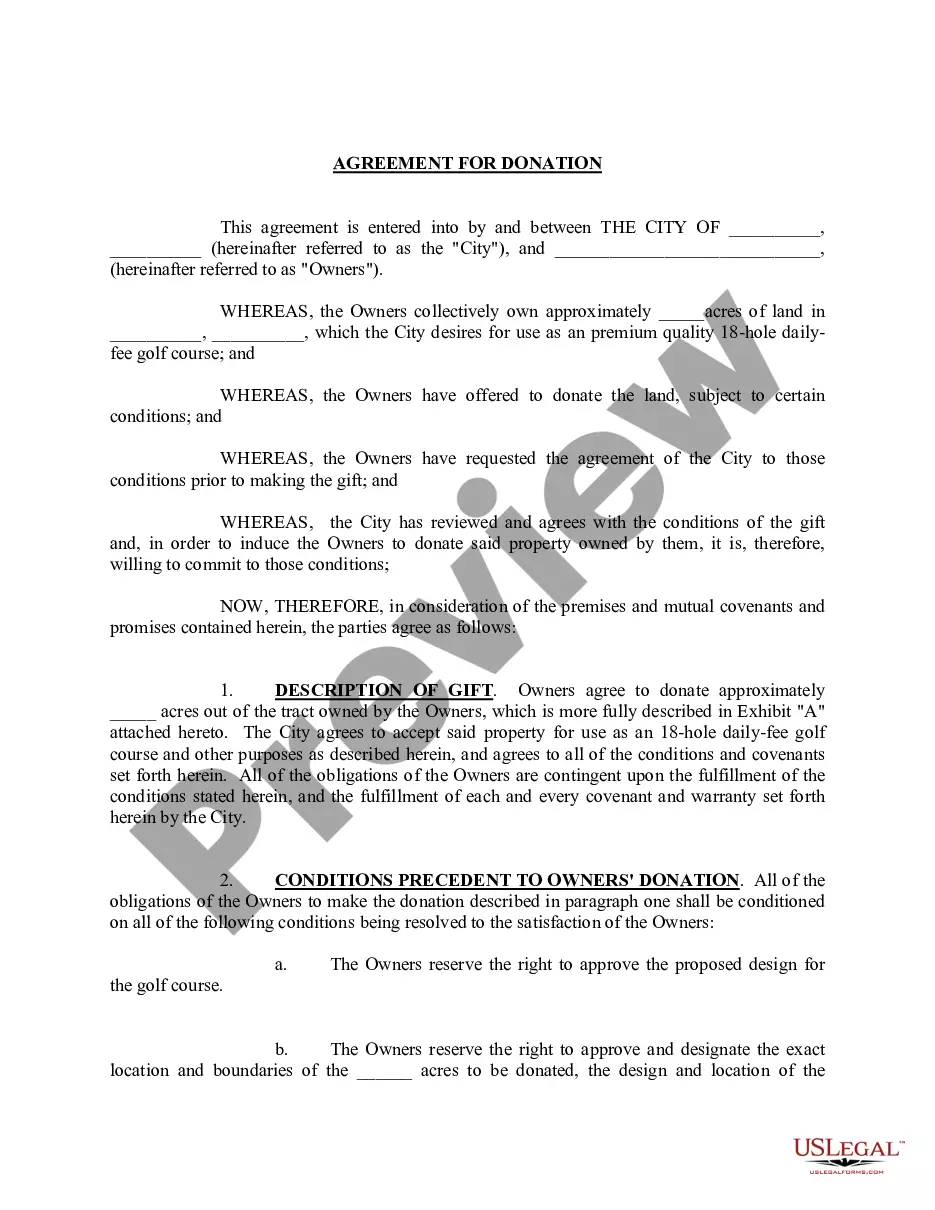




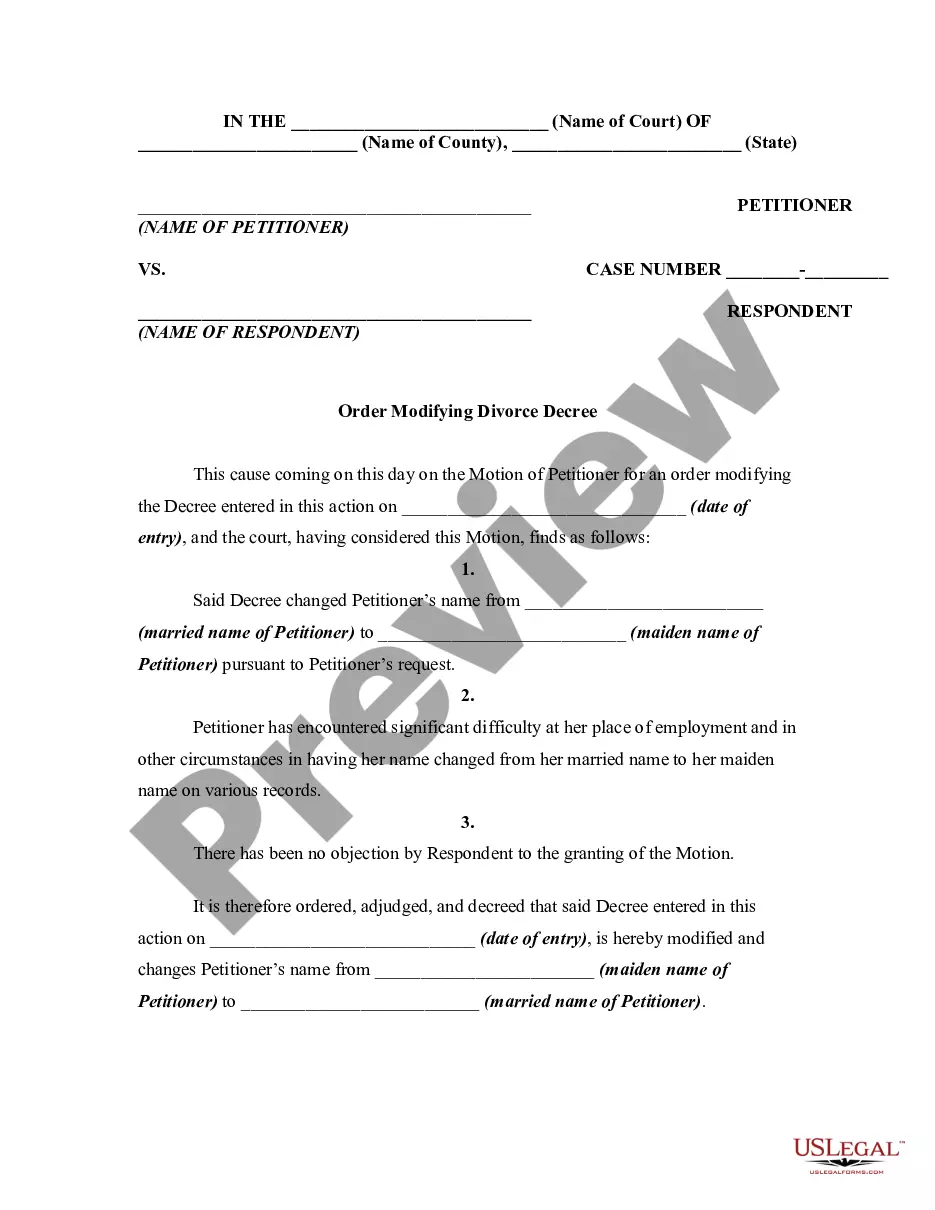
Form popularity
FAQ
Your permit is valid only so long as you are actively engaged in business as a seller. If you are no longer conducting business as a seller, you should contact us immediately to cancel your permit. For more information, see the chapter, Buying, Selling, or Discontinuing a Business.
How to check a business license in California? 1. California Secretary of State's Business Search Tool. California's Secretary of State has provided the business search feature online. City or County Government Websites. Direct Contact with Local Licensing Departments. 4. California Department of Consumer Affairs (DCA)
A seller's permit is a state license that allows you to sell items at the wholesale or retail level and to issue resale certificates to suppliers. Issuing a resale certificate allows you to buy items you will sell in your business operations without paying amounts for tax to your suppliers.
An exclusive right to sell listing agreement is a contract between a listing agent and a home or property owner. An exclusive right to sell specifies that the listing agent is the only agent you've hired, and the agent is guaranteed to receive the commission when your house sells.
To take over ownership of a vehicle, you will need: If the seller is not the owner whose name is on the title, you will need a Bill of Sale signed by both the seller and the person whose name appears on the title. A record of the odometer mileage (if the vehicle is less than 10 years old).
It's actually simple. Get the car smogged if required. Sign and date the title when the buyer pays for the car. Fill out the 'release of liability' attached to the title completely and mail it to DMV. It's not complicated. I've done it twice this year.
Generally, you can sell cars that you have purchased or stolen (but not special vehicles or vehicles you've obtained through missions). - Go to Los Santos Customs: Drive the vehicle you want to sell to any Los Santos Customs location. - Sell the Vehicle: Once inside, select the ``Sell'' option.
Offerup, Craigslist, and facebook marketplace seem to be the best places to sell. May also try autotrader if you want to filter out some crazies/scammers.
You'll need to: Fill out the official Department of Motor Vehicles (DMV) transfer forms. Get a smog certification. Submit transfer forms. Complete the California certificate of title. Get an odometer reading. Collect any valid warranties or as-is documents. Collect all maintenance records.
Note: Stolen personal vehicles and stolen high end vehicles (valued at $50,000 and higher) cannot be sold at Los Santos Customs. Players can only sell a vehicle once per day (in-game) or 48 minutes in real-time.
