Estate Claim Form With Irs In Suffolk
Description
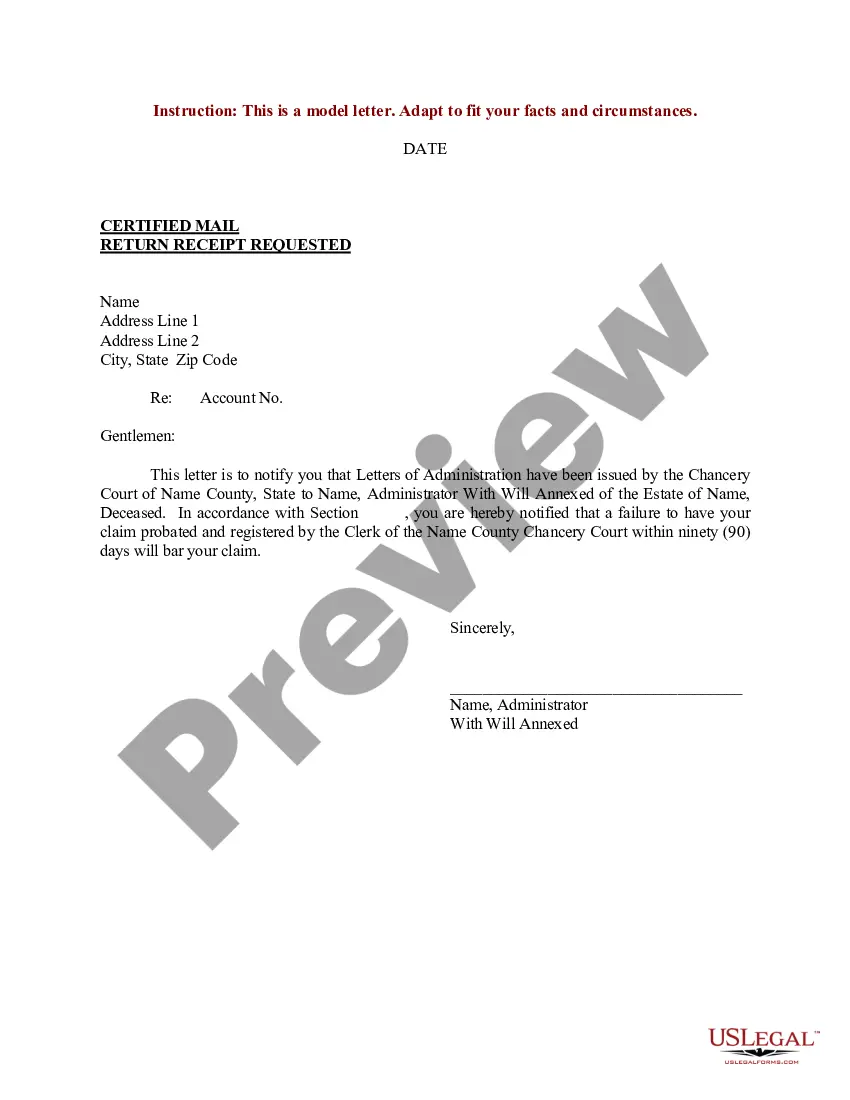
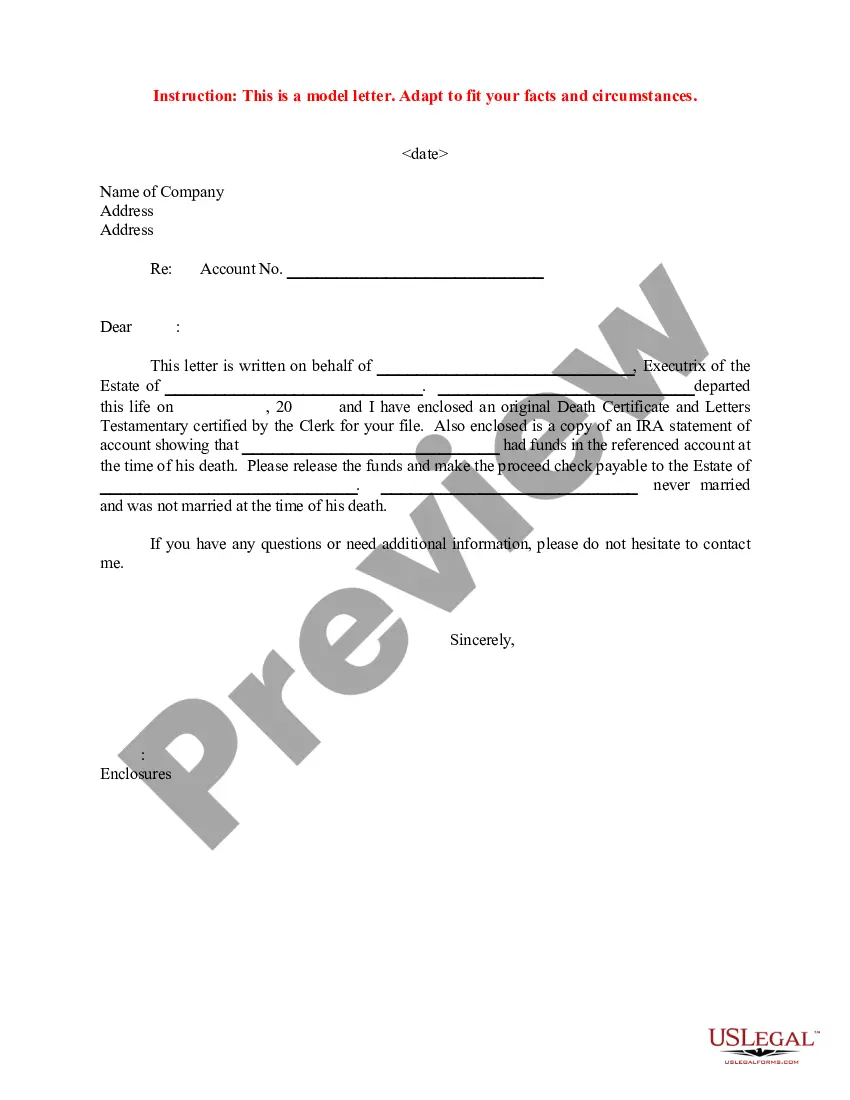
Get your form ready online
Our built-in tools help you complete, sign, share, and store your documents in one place.
Make edits, fill in missing information, and update formatting in US Legal Forms—just like you would in MS Word.
Download a copy, print it, send it by email, or mail it via USPS—whatever works best for your next step.
Sign and collect signatures with our SignNow integration. Send to multiple recipients, set reminders, and more. Go Premium to unlock E-Sign.
If this form requires notarization, complete it online through a secure video call—no need to meet a notary in person or wait for an appointment.
We protect your documents and personal data by following strict security and privacy standards.

Make edits, fill in missing information, and update formatting in US Legal Forms—just like you would in MS Word.

Download a copy, print it, send it by email, or mail it via USPS—whatever works best for your next step.

Sign and collect signatures with our SignNow integration. Send to multiple recipients, set reminders, and more. Go Premium to unlock E-Sign.

If this form requires notarization, complete it online through a secure video call—no need to meet a notary in person or wait for an appointment.

We protect your documents and personal data by following strict security and privacy standards.
Looking for another form?








Form popularity
FAQ
Ing to the Internal Revenue Code, the Collection Statute Expiration Date (CSED) for taxes owed is 10 years after the date that a tax liability was assessed. In addition to collecting taxes, the IRS may also audit the tax returns filed by a deceased person in the years prior to his or her death.
Another key difference: While there is no federal inheritance tax, there is a federal estate tax. The federal estate tax generally applies to assets over $13.61 million in 2024 and $13.99 million in 2025, and the federal estate tax rate ranges from 18% to 40%.
For calendar year estates and trusts, file Form 1041 and Schedule(s) K-1 on or before April 15 of the following year. For fiscal year estates and trusts, file Form 1041 by the 15th day of the 4th month following the close of the tax year.
For estates, enter the name of the executor, administrator, personal representative, or other fiduciary. If the entity applying has a designated person to receive tax information, enter that person's name as the “care of” person. Enter the individual's first name, middle initial, and last name. Lines 4a–4b.
Use Schedule D (Form 1040) to report the following: The sale or exchange of a capital asset not reported on another form or schedule. Gains from involuntary conversions (other than from casualty or theft) of capital assets not held for business or profit.
Use Schedule D if you sold taxable assets such as stocks, exchange-traded funds, mutual funds, bonds, options, real estate (other than your primary residence), futures and/or cryptocurrency. You also file Schedule D if you have realized capital gains or losses from a partnership, estate, trust, or S corporation.
Form 1041 reports income or loss generated through an estate or trust and can help you understand what is required to be distributed and taxed to the beneficiaries. Use Form 1041 Schedule D to report gains or losses from capital assets associated with an estate or trust.
Use Form 8949 to reconcile amounts that were reported to you and the IRS on Form 1099-B or 1099-S (or substitute statement) with the amounts you report on your return. The subtotals from this form will then be carried over to Schedule D (Form 1040), where gain or loss will be calculated in aggregate.
General Requirement: Any U.S. citizen or resident who makes a gift exceeding the annual exclusion amount must file Form 709. This includes gifts of future interests, which are not subject to the annual exclusion. Special Cases: Nonresident aliens must also file if the transfer is subject to U.S. gift tax laws.
This code indicates that Form 706, which is used to determine the amount of the estate tax, has been accepted as filed and an examination has been concluded.

