Realtor Broker Agent With Realtor In Travis
Description

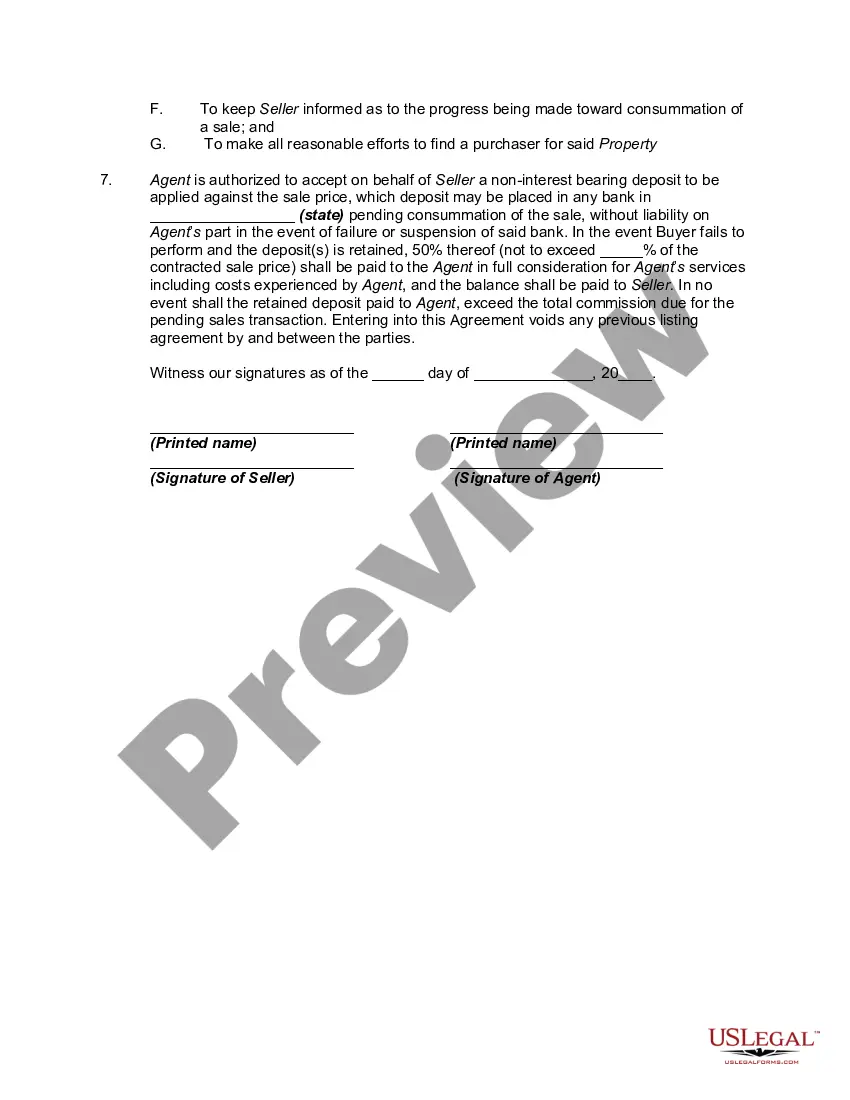

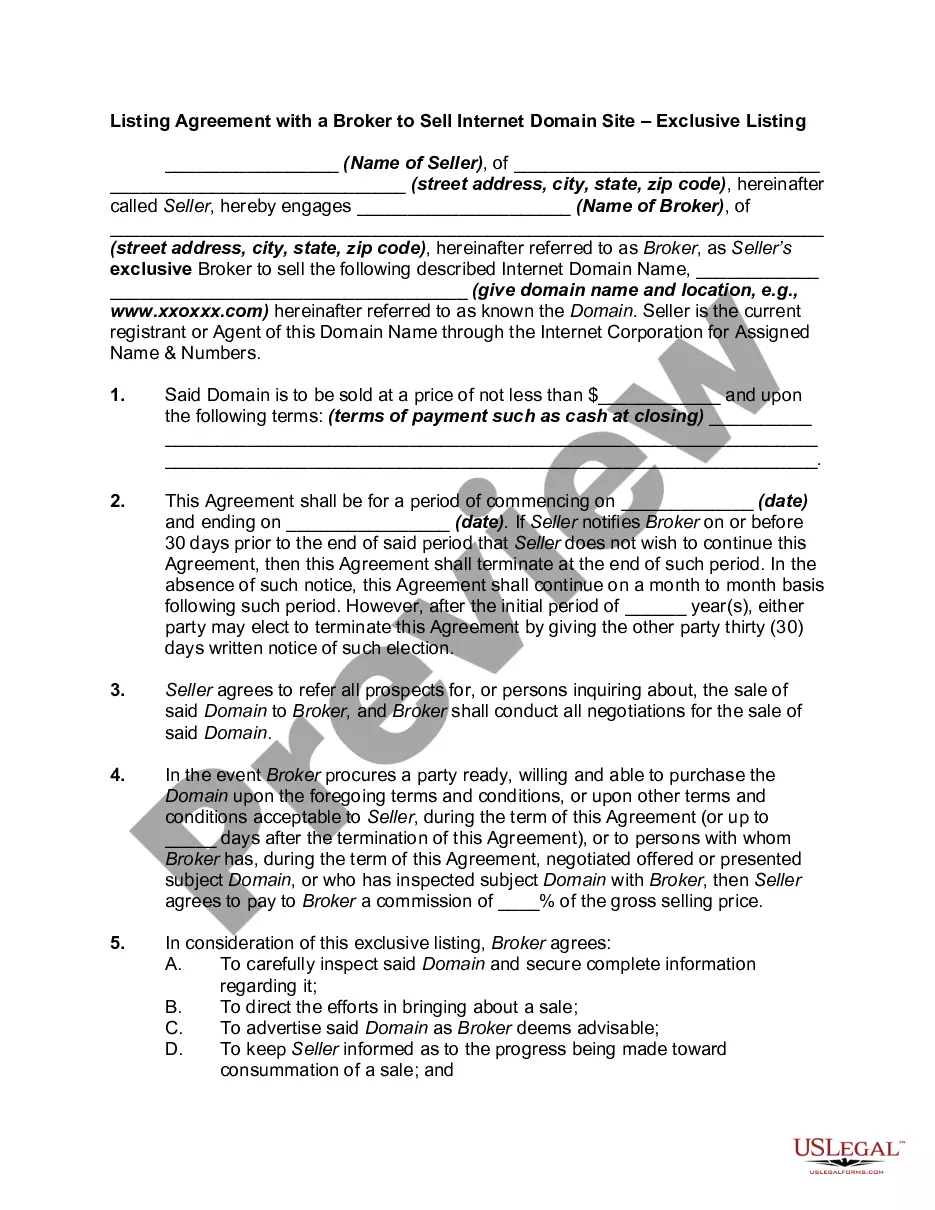
Get your form ready online
Our built-in tools help you complete, sign, share, and store your documents in one place.
Make edits, fill in missing information, and update formatting in US Legal Forms—just like you would in MS Word.
Download a copy, print it, send it by email, or mail it via USPS—whatever works best for your next step.
Sign and collect signatures with our SignNow integration. Send to multiple recipients, set reminders, and more. Go Premium to unlock E-Sign.
If this form requires notarization, complete it online through a secure video call—no need to meet a notary in person or wait for an appointment.
We protect your documents and personal data by following strict security and privacy standards.

Make edits, fill in missing information, and update formatting in US Legal Forms—just like you would in MS Word.

Download a copy, print it, send it by email, or mail it via USPS—whatever works best for your next step.

Sign and collect signatures with our SignNow integration. Send to multiple recipients, set reminders, and more. Go Premium to unlock E-Sign.

If this form requires notarization, complete it online through a secure video call—no need to meet a notary in person or wait for an appointment.

We protect your documents and personal data by following strict security and privacy standards.
Looking for another form?









Form popularity
FAQ
Let the agent know when, where, and what you are looking to buy or sell. You should also include a timeline during which you'd like the transaction to take place, as well as your budget. Anything beyond that can be discussed in a follow-up meeting.
The REALTOR® marks can be used on the internet and in marketing. In usernames, members are allowed to use the REALTOR® marks only to indicate membership in NAR by using the marks with a member's name or with the legal name of a member broker's real estate business.
Best Ways to Contact a Real Estate Agent Schedule the phone call. This allows the agent to be prepared and ready for the conversation. Identify the reason for the call. If the agent doesn't pick up, leave a detailed voicemail with your contact information.
Work on your sphere of influence through social media. Post often. Show that your working. Preview homes (even if you don't have a client). Don't just have a business account. Let people see your life and personality while showing that you mean business. Share info about the market. Basically whatever it takes.
Thank you for all your help these past few months. Your hard work helped us find our dream home, and we couldn't be more grateful or excited about this milestone. If you ever need a review or testimonial, please let me know and I would be happy to provide one.
To get the trademark ® symbol on your computer, use Alt+0174 on PCs, Option+R on Macs, or type “(r)” and hit Enter. To get the trademark ® symbol on iPhones, click the smiley face to open your emoji keyboard, scroll to the right until you get to “symbols'” and locate the ®.
Complaints against Real Estate Agents or Companies If you have a complaint against a licensed real estate agent or business, visit California DRE's website for details on How To File A Complaint, or call the California DRE Public Information Line at (877) 373-4542.
The complaint form may be obtained directly from the DRE website (.dre.ca) or by calling the Department's Enforcement Section at (877) 373-4542. When completing the complaint form: Provide a written explanation of the exact nature of your complaint.
Please seek assistance from our Tollfree Investor Helpline 1800 266 7575or1800 22 7575or you may send the complaint physically by post to any of the Office of SEBI.
