Sample Overpayment Letter To Customer For Credit Card
Description
Get your form ready online
Our built-in tools help you complete, sign, share, and store your documents in one place.
Make edits, fill in missing information, and update formatting in US Legal Forms—just like you would in MS Word.
Download a copy, print it, send it by email, or mail it via USPS—whatever works best for your next step.
Sign and collect signatures with our SignNow integration. Send to multiple recipients, set reminders, and more. Go Premium to unlock E-Sign.
If this form requires notarization, complete it online through a secure video call—no need to meet a notary in person or wait for an appointment.
We protect your documents and personal data by following strict security and privacy standards.

Make edits, fill in missing information, and update formatting in US Legal Forms—just like you would in MS Word.

Download a copy, print it, send it by email, or mail it via USPS—whatever works best for your next step.

Sign and collect signatures with our SignNow integration. Send to multiple recipients, set reminders, and more. Go Premium to unlock E-Sign.

If this form requires notarization, complete it online through a secure video call—no need to meet a notary in person or wait for an appointment.

We protect your documents and personal data by following strict security and privacy standards.
Looking for another form?

How to fill out Sample Letter For Return Of Overpayment To Client?
Legal supervision can be overwhelming, even for seasoned professionals.
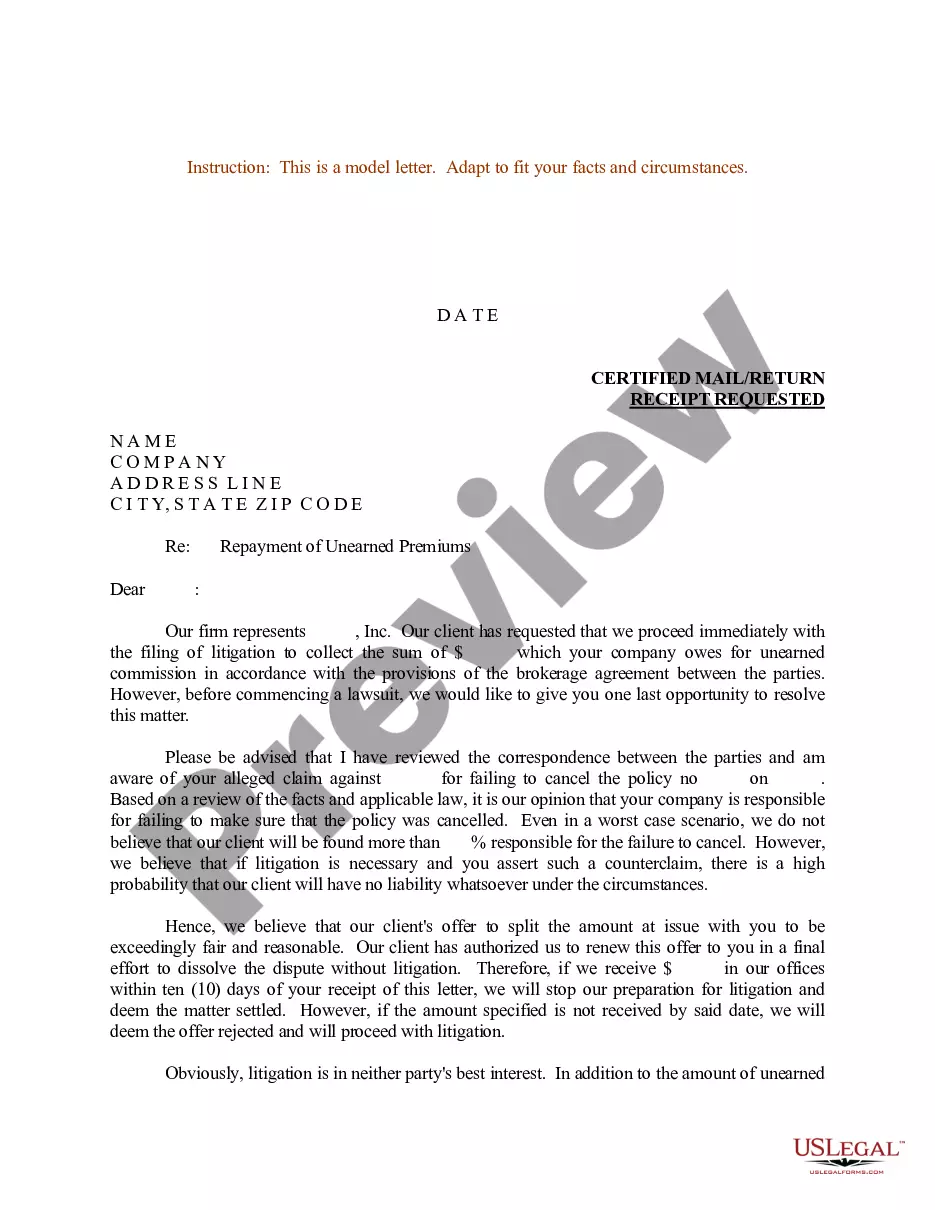
When you are searching for a Sample Overpayment Letter To Customer For Credit Card and lack the time to spend seeking the appropriate and current version, the process can be daunting.
US Legal Forms accommodates any requirements you might have, from personal to business documents, all in one place.
Utilize advanced tools to create and manage your Sample Overpayment Letter To Customer For Credit Card.
Here are the steps to follow after obtaining the form you require: Validate that it is the correct form by previewing it and reviewing its details.
- Access a repository of articles, tutorials, and guides linked to your situation and needs.
- Conserve time and energy searching for the documents you need, and utilize US Legal Forms' sophisticated search and Review tool to find Sample Overpayment Letter To Customer For Credit Card and obtain it.
- If you possess a monthly membership, Log In to your US Legal Forms account, locate the form, and download it.
- Check your My documents tab to review the documents you have previously acquired and manage your folders as you prefer.
- If this is your first experience with US Legal Forms, create an account and gain unlimited access to all the library's benefits.
- A robust online form repository could be a transformative solution for anyone aiming to manage these issues effectively.
- US Legal Forms is a predominant player in the online legal form sector, providing over 85,000 state-specific legal documents available to you at any time.
- With US Legal Forms, you can access legal and business forms that are specific to your state or county.
Form popularity
FAQ
I have been notified by the payroll office that you have been overpaid in the amount of $________ for the payroll period(s) ending ___________. These funds must be returned to Mississippi State University by (Date). THIS DATE SHOULD BE 30 DAYS FROM THE DATE OF THE LETTER).
Option 1: Apply the credit to an invoice Select + New. Select Receive payment. Select the customer, then the credit and the invoice. Select another pending invoice and enter the overpayment amount in its Payment column. Select Save and new or Save and close.
1 ? Confirm that the customer has paid too much. If a customer contacts you with a problem like this, have a look at the invoice in question and check your bank records. ... 2 ? Match the invoice to the overpayment. ... 3 ? Account for the overpayment. ... 4 ? Create a credit note. ... 5 ? Match the credit note with the refund.
If a customer pays you more than the amount required to pay a debt in full, you can mark the invoice as paid in full and write off the overpayment.
A credit note is essentially a document that shows that a customer has been credited for a refund or overpayment. The credit note will list the original purchase, the amount of the refund or overpayment, and the date of the transaction.
