Sample Overpayment Letter To Customer For Their Support In Kings
Description
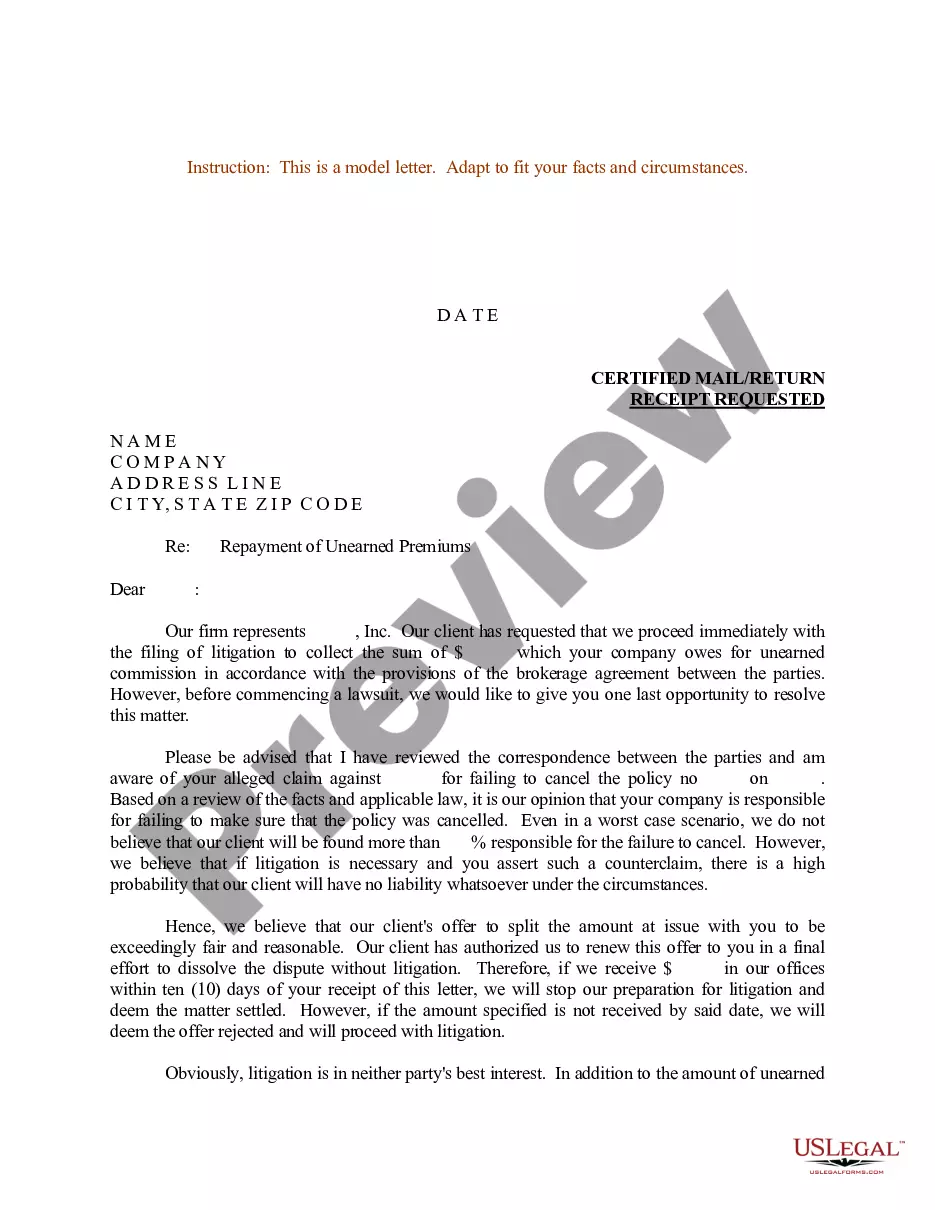

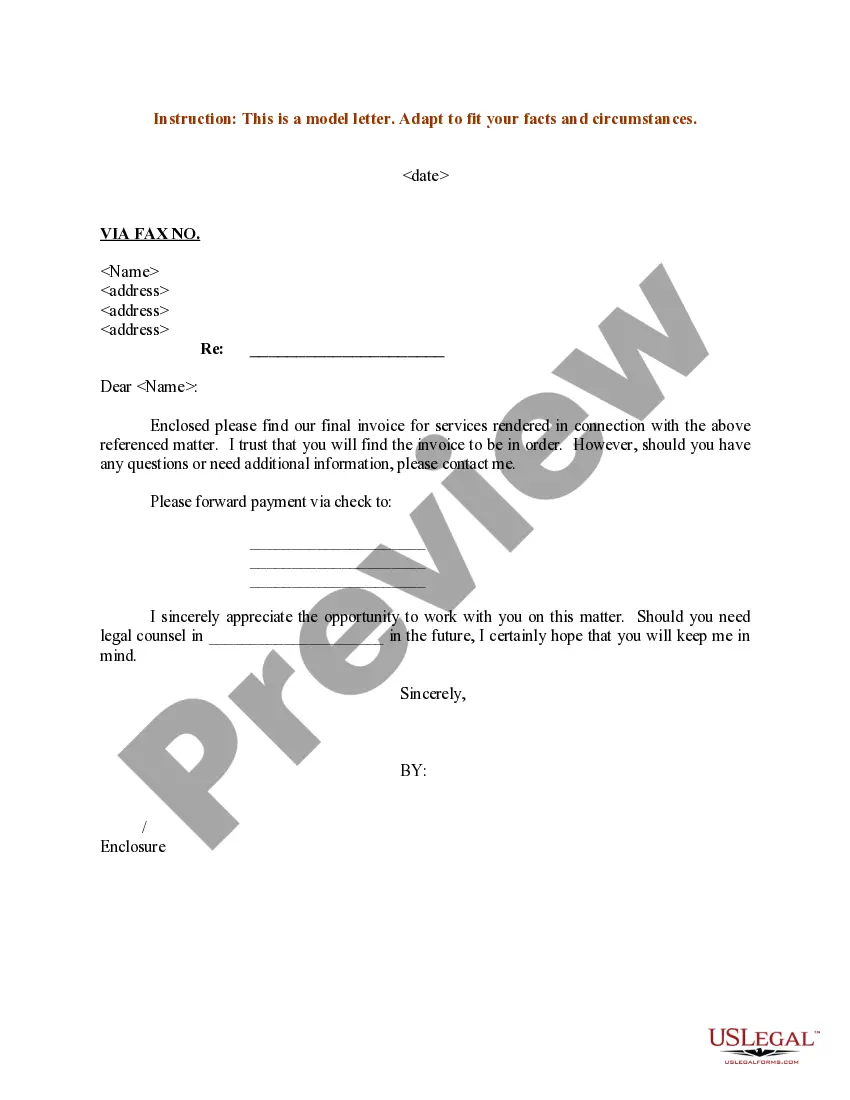
Get your form ready online
Our built-in tools help you complete, sign, share, and store your documents in one place.
Make edits, fill in missing information, and update formatting in US Legal Forms—just like you would in MS Word.
Download a copy, print it, send it by email, or mail it via USPS—whatever works best for your next step.
Sign and collect signatures with our SignNow integration. Send to multiple recipients, set reminders, and more. Go Premium to unlock E-Sign.
If this form requires notarization, complete it online through a secure video call—no need to meet a notary in person or wait for an appointment.
We protect your documents and personal data by following strict security and privacy standards.

Make edits, fill in missing information, and update formatting in US Legal Forms—just like you would in MS Word.

Download a copy, print it, send it by email, or mail it via USPS—whatever works best for your next step.

Sign and collect signatures with our SignNow integration. Send to multiple recipients, set reminders, and more. Go Premium to unlock E-Sign.

If this form requires notarization, complete it online through a secure video call—no need to meet a notary in person or wait for an appointment.

We protect your documents and personal data by following strict security and privacy standards.
Looking for another form?


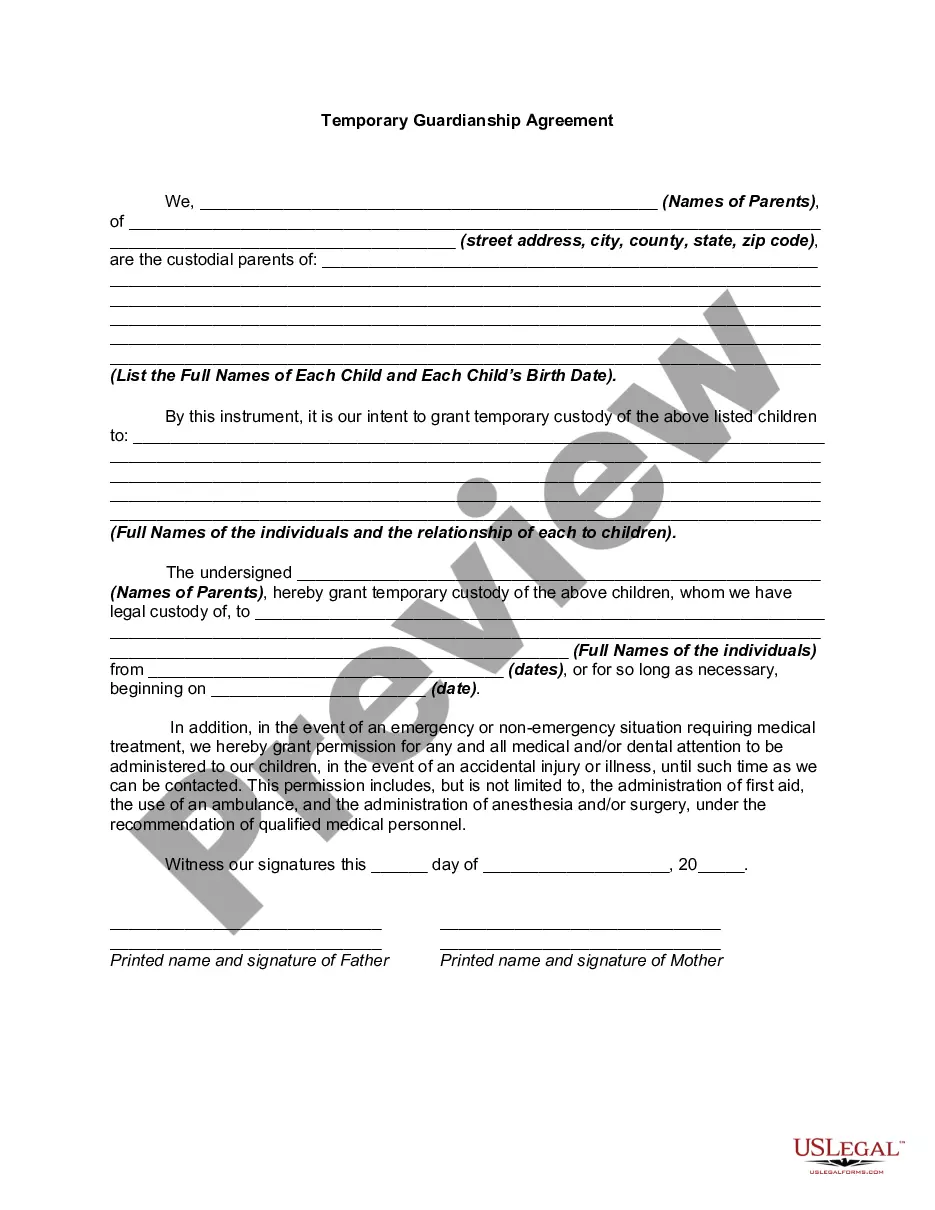





Form popularity
FAQ
Select + New. Select Receive payment. Select the Customer, then the credit and the invoice. Select another pending invoice and enter the overpayment amount in the Amount received. Select Save and new or Save and close.
Customer overpayment and want to retain as credit Click +New and select Journal entry. On the first line, debit the Accounts receivable. Put the amount on the debit column on the first line. On the next line, credit the liability account. In journal entries, the total of the Debit and Credit columns must be equal.
1. Confirm the overpayment with Accounting/Risk management/Operations, before proceeding with any negotation. 2. Offer to credit the overpay to their next bill, once confirmed and while determining whether “overpay” is an acceptable refund policy....
Let them know as soon as possible and immediately offer a way to resolve the overpayment, either as crediting their next invoice or issuing a credit.
When a business receives an overpayment, it is required to notify the customer and to offer to refund the excess amount or apply it as a credit toward a future invoice. The agreed-upon resolution should be documented and implemented quickly.
I have attached a copy of my receipt and any relevant correspondence for your reference. I kindly request a refund of the total amount of (amount) to be processed back to my original payment method. Thank you for your attention to this matter. I look forward to your prompt response.
Here's a step-by-step guide to navigate such conversations and turn it into a positive experience for your customer: Step 1: Acknowledge the request. Step 2: Understand the reason for the refund. Step 3: Explain the refund process. Step 4: Offer a solution or alternatives. Step 5: Confirm the action taken.

