Asset Purchase With Po In Sap In Sacramento

State:
Multi-State
County:
Sacramento
Control #:
US-00419
Format:
Word; 
Rich Text
Instant download

Description

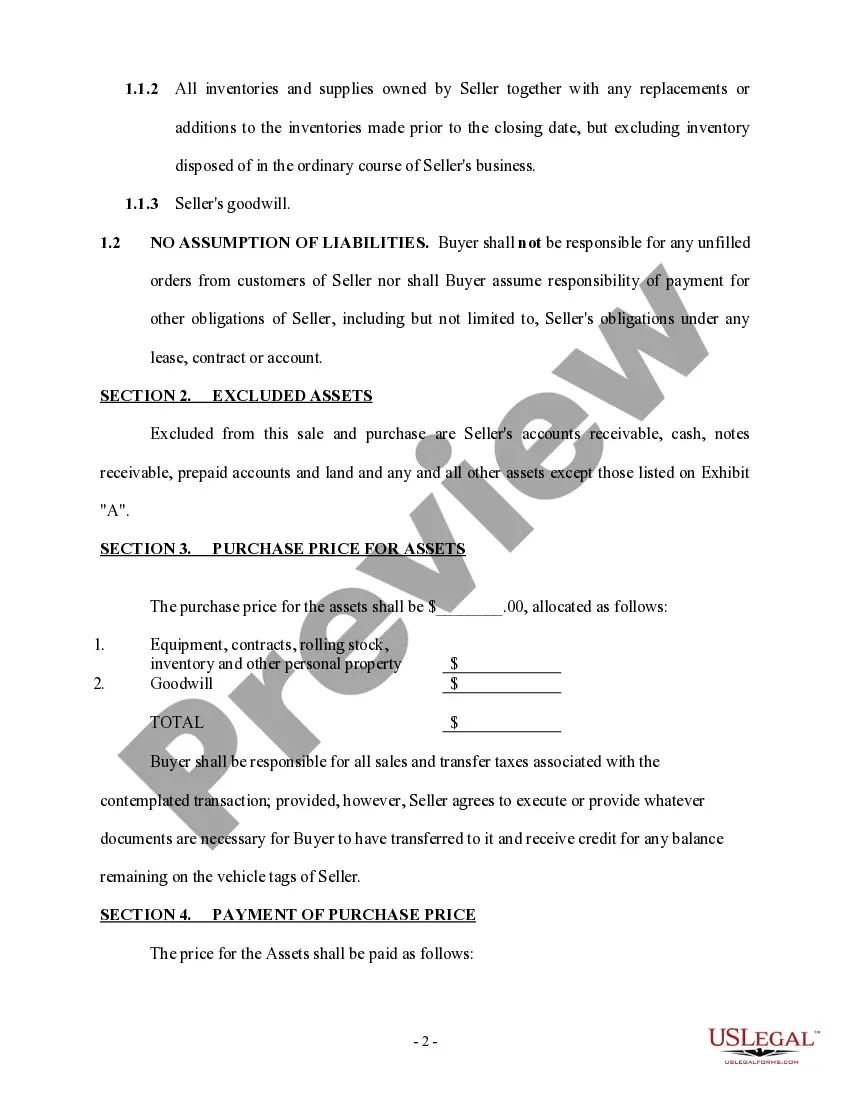
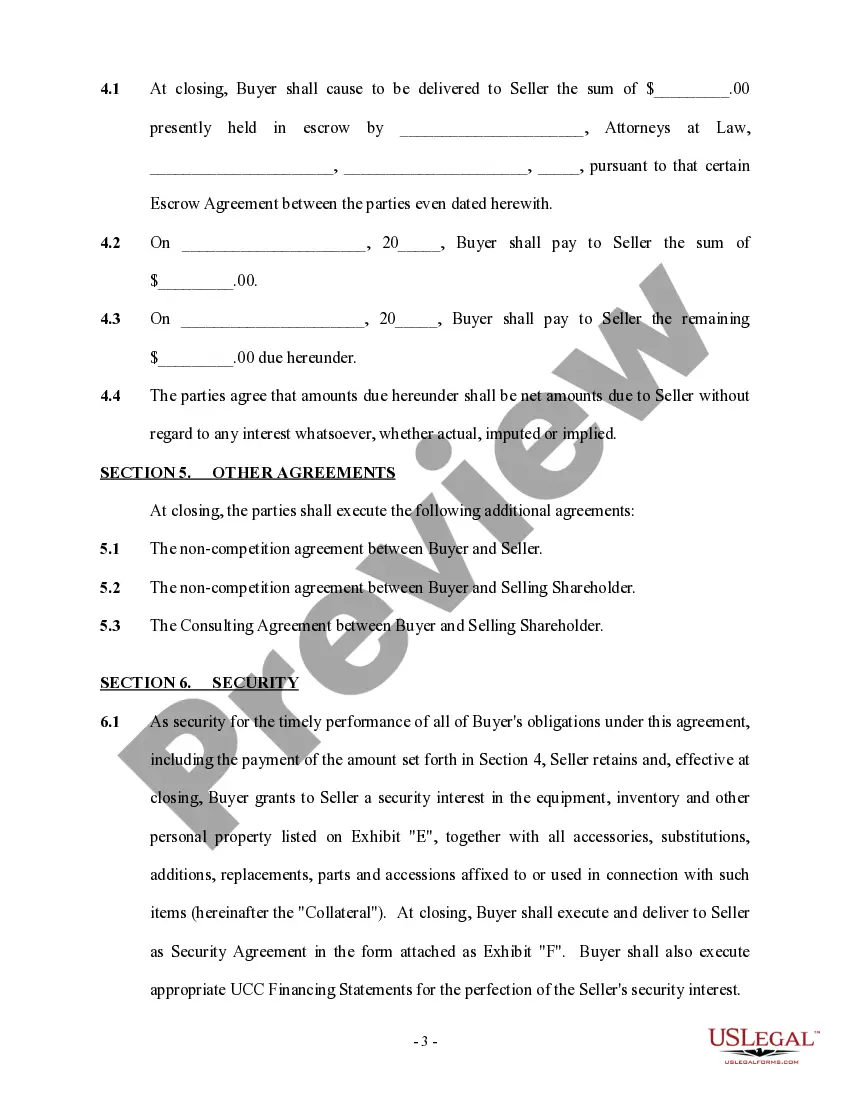
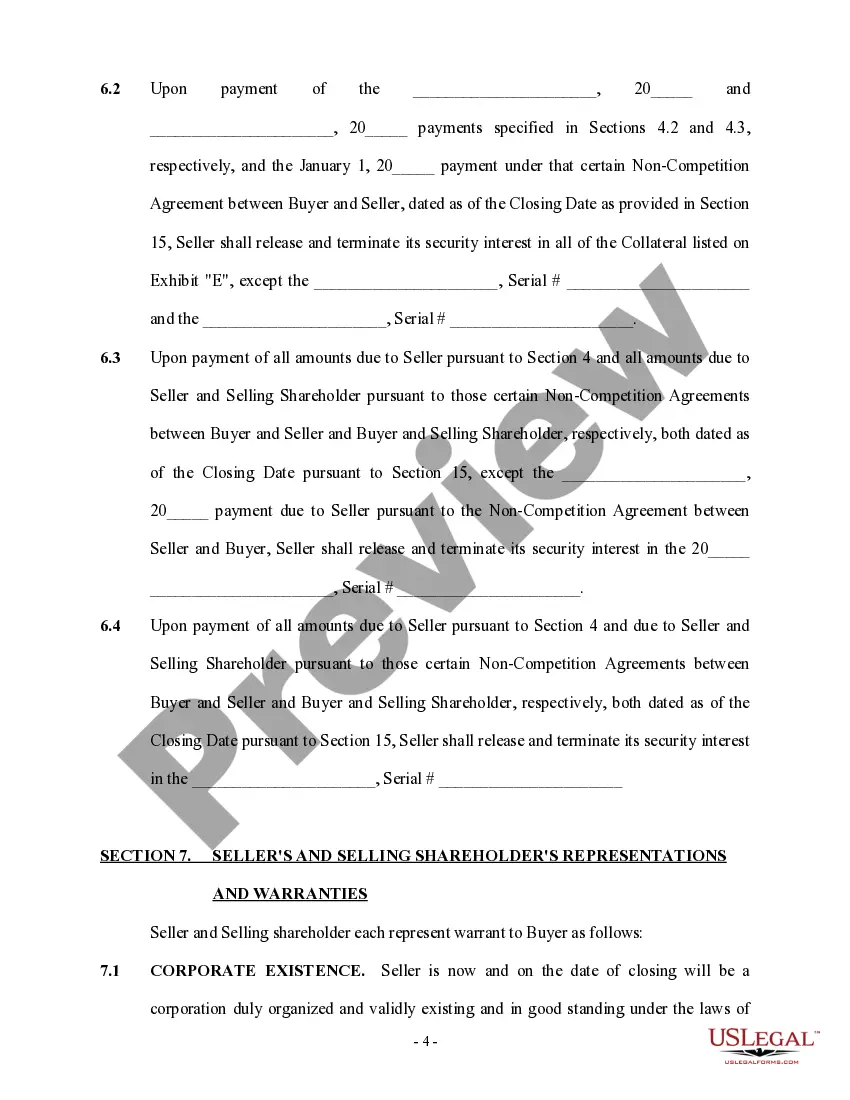
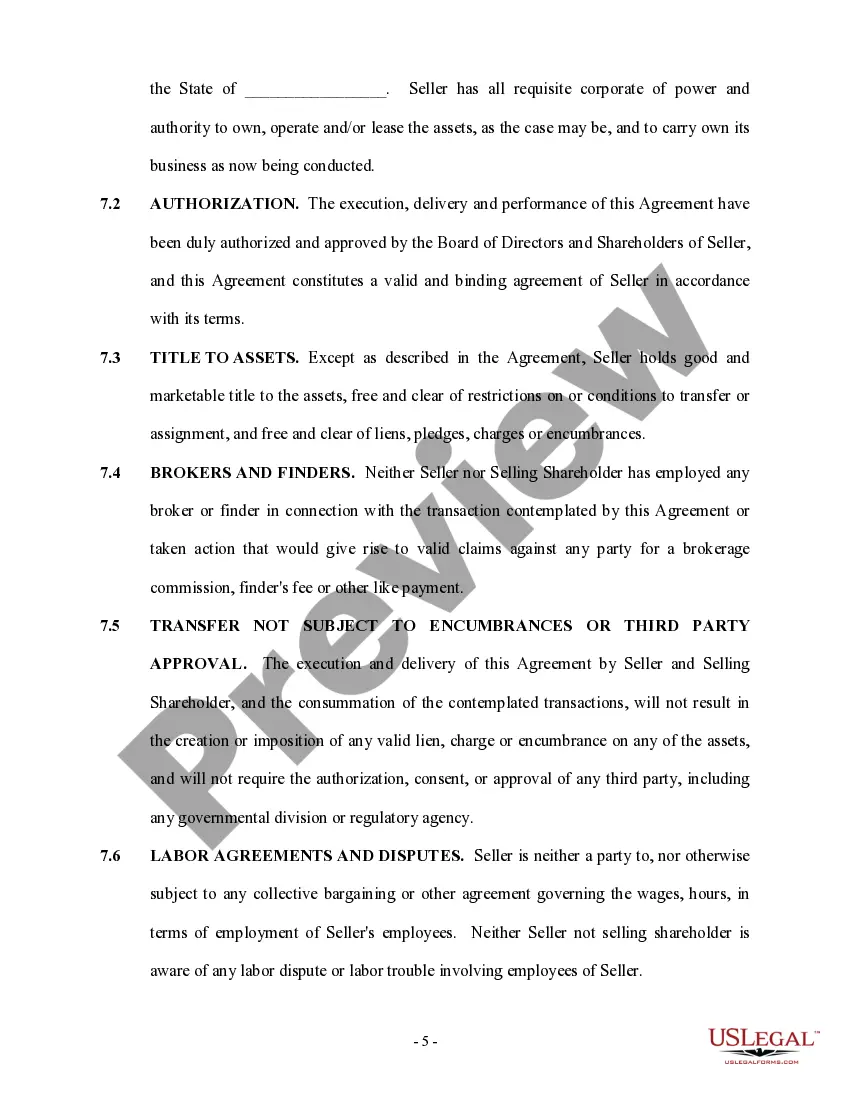
The Asset Purchase Agreement serves as a legal framework for a buyer acquiring the assets of a seller's business located in Sacramento. Key features of the form include details on the assets being purchased, the purchase price allocation, and the responsibilities of both parties regarding the sale. It specifies the assets included in the sale, such as equipment and inventory, while excluding liabilities like accounts receivable. Users must fill out sections regarding the purchase price, payment terms, and any additional agreements, such as non-competition clauses or security interests. The form emphasizes the importance of thorough due diligence and includes representations and warranties to reassure both parties of the transaction's validity. This document benefits attorneys, business partners, and legal assistants by providing a structured approach to asset purchasing, ensuring compliance with legal requirements and clarity in the obligations of each party involved.
Free preview
  • Preview Asset Purchase Agreement - More Complex
  • Preview Asset Purchase Agreement - More Complex
  • Preview Asset Purchase Agreement - More Complex
  • Preview Asset Purchase Agreement - More Complex
  • Preview Asset Purchase Agreement - More Complex
  • Preview Asset Purchase Agreement - More Complex
  • Preview Asset Purchase Agreement - More Complex
  • Preview Asset Purchase Agreement - More Complex
  • Preview Asset Purchase Agreement - More Complex
  • Preview Asset Purchase Agreement - More Complex
  • Preview Asset Purchase Agreement - More Complex

Form popularity

FAQ

Transaction code, AS03, is used to display an asset master record. You would perform this procedure to verify the location of an asset.

To acquire an asset go to navigation: SAP Easy Access -> SAP Menu -> Accounting -> Financial accounting -> Fixed Asset -> Posting -> Acquisition -> External Acquisition -> Acquis. w/Autom. Offsetting Entry. 2) Fill out Fields Document Date, Posting date and Asset Values Date.

Asset Value To view asset values, left click on the Asset Value icon. R/3 Path > Accounting > Financial Accounting > Fixed Assets > Asset > Change > Asset double-click Transaction Code AS02 Asset Enter Asset number or use search button.

To acquire an asset go to navigation: SAP Easy Access -> SAP Menu -> Accounting -> Financial accounting -> Fixed Asset -> Posting -> Acquisition -> External Acquisition -> Acquis. w/Autom. Offsetting Entry. 2) Fill out Fields Document Date, Posting date and Asset Values Date.

In ECC system the Transaction code AS91 is used to create asset master and also post asset values in asset accounting through 'Takeover values'.

AR02 : Asset History Sheet.

Log on to SAP Fiori launchpad as a Purchaser. The screen shows the detailed item information. Account Assignment A represents an asset. Complete the Asset, Quantity/Dates, and Valuation.

Trusted and secure by over 3 million people of the world’s leading companies

Asset Purchase With Po In Sap In Sacramento