Asset Purchase Buy With Gst Entry
Description

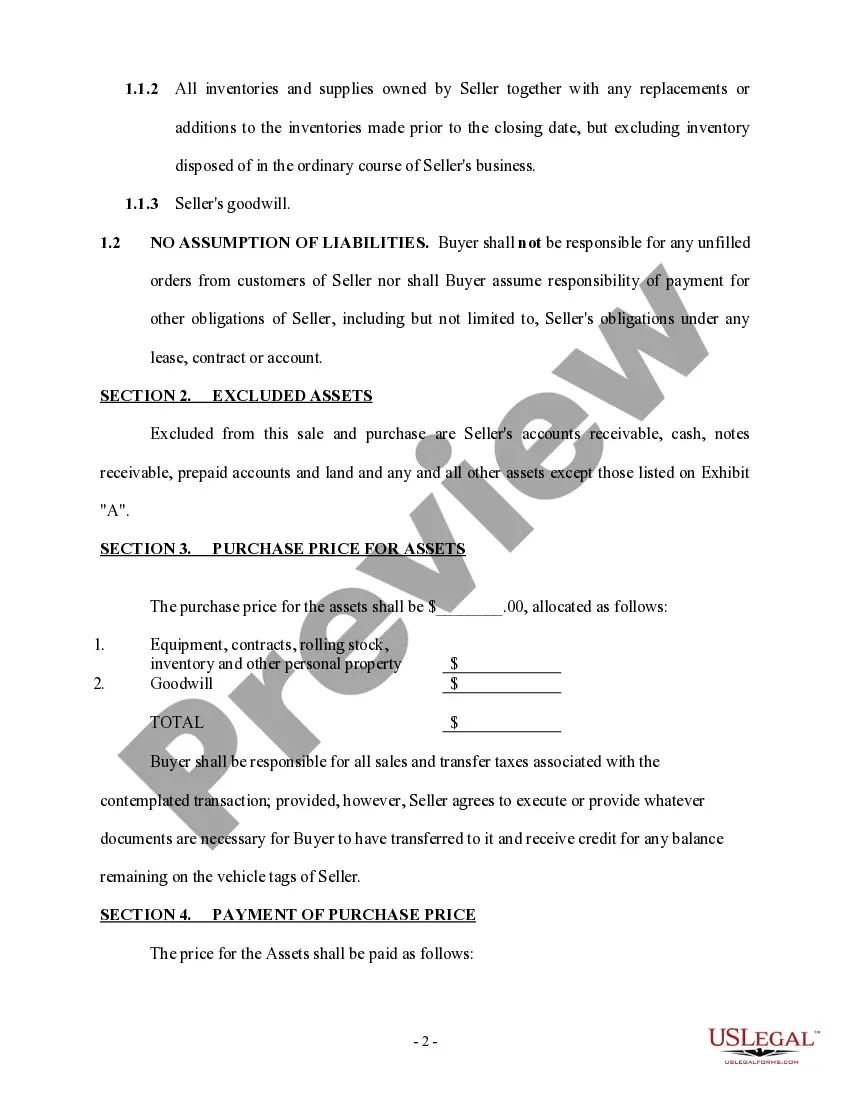
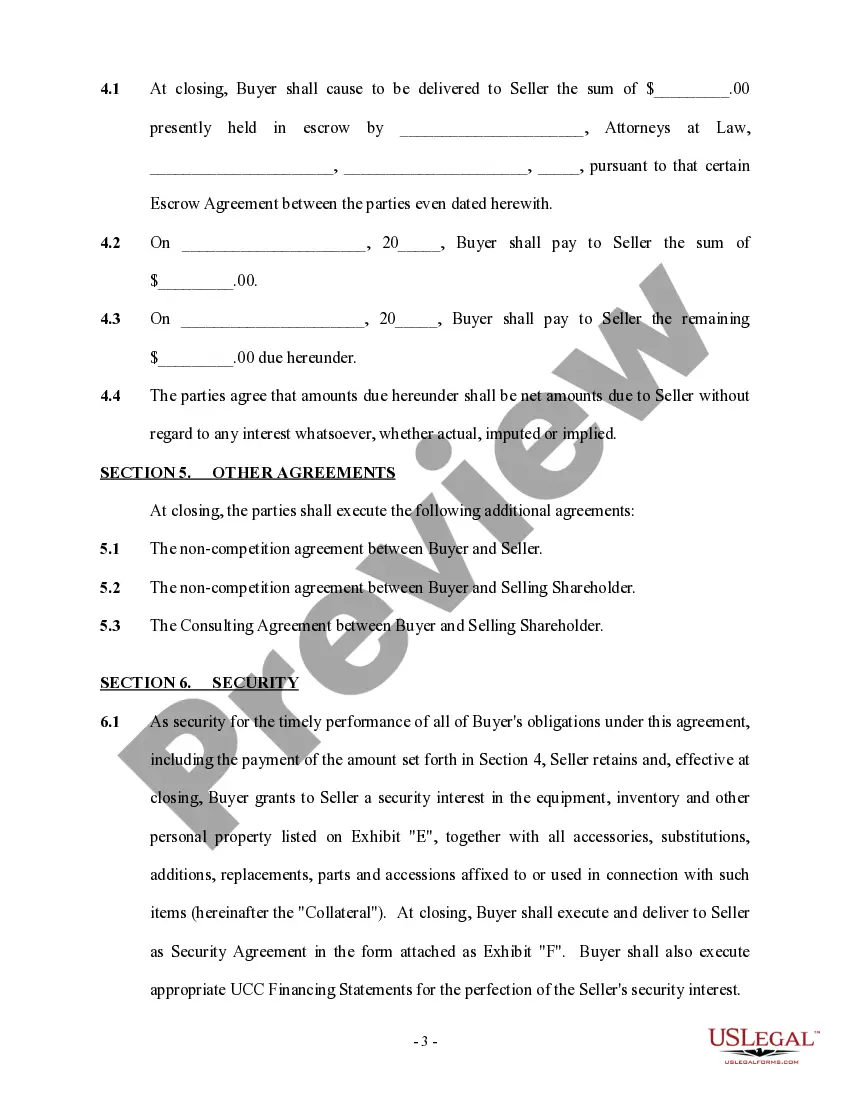
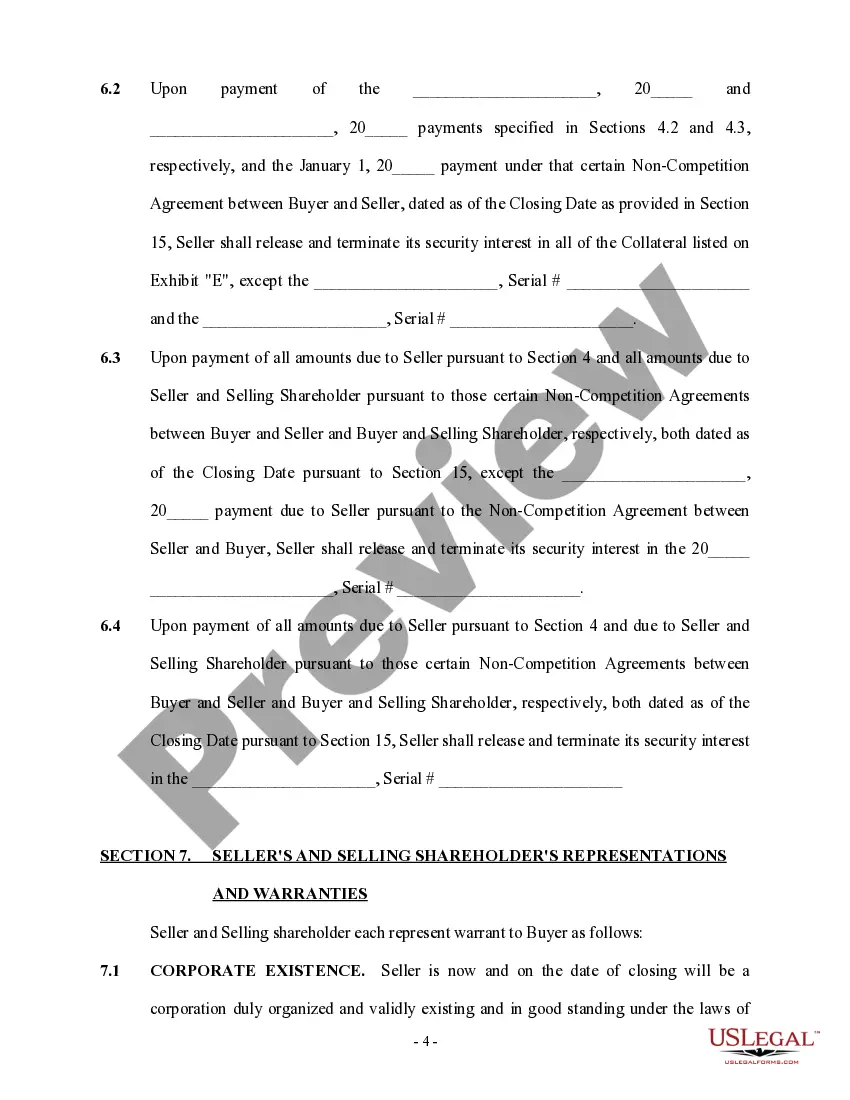
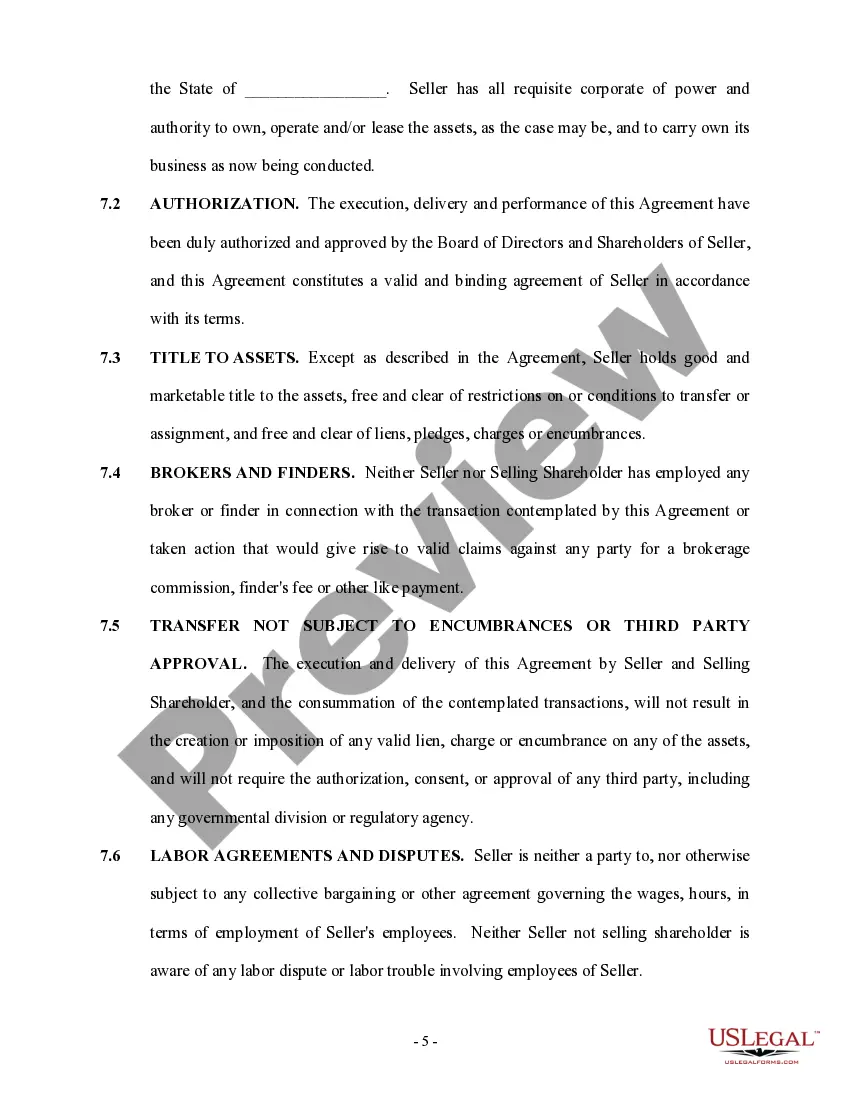


Get your form ready online
Our built-in tools help you complete, sign, share, and store your documents in one place.
Make edits, fill in missing information, and update formatting in US Legal Forms—just like you would in MS Word.
Download a copy, print it, send it by email, or mail it via USPS—whatever works best for your next step.
Sign and collect signatures with our SignNow integration. Send to multiple recipients, set reminders, and more. Go Premium to unlock E-Sign.
If this form requires notarization, complete it online through a secure video call—no need to meet a notary in person or wait for an appointment.
We protect your documents and personal data by following strict security and privacy standards.

Make edits, fill in missing information, and update formatting in US Legal Forms—just like you would in MS Word.

Download a copy, print it, send it by email, or mail it via USPS—whatever works best for your next step.

Sign and collect signatures with our SignNow integration. Send to multiple recipients, set reminders, and more. Go Premium to unlock E-Sign.

If this form requires notarization, complete it online through a secure video call—no need to meet a notary in person or wait for an appointment.

We protect your documents and personal data by following strict security and privacy standards.
Looking for another form?









How to fill out Asset Purchase Agreement - More Complex?
Creating legal documents from the ground up can occasionally be intimidating. Certain situations may require extensive research and significant financial investment.
If you’re looking for a more straightforward and economical method of preparing Asset Purchase Buy With Gst Entry or any other documentation without the hassle, US Legal Forms is always accessible.
Our online collection of over 85,000 current legal forms covers nearly every area of your financial, legal, and personal affairs. With just a few clicks, you can swiftly obtain state- and county-specific forms carefully assembled for you by our legal professionals.
Utilize our service whenever you need dependable and trustworthy assistance to quickly find and download the Asset Purchase Buy With Gst Entry. If you’re familiar with our site and have previously signed up with us, simply Log In to your account, choose the template, and download it or retrieve it later in the My documents section.
Download the document. Then complete, sign, and print it. US Legal Forms has a solid reputation and over 25 years of expertise. Join us today and simplify your form execution process!
- Not signed up yet? No problem. It only takes a few minutes to register and browse the library.
- Before diving into downloading Asset Purchase Buy With Gst Entry, consider these pointers.
- Examine the document preview and details to ensure you are on the correct form.
- Ensure the form you select meets the standards of your state and county.
- Choose the most appropriate subscription plan to obtain the Asset Purchase Buy With Gst Entry.
Form popularity
FAQ
Create Capital Goods/Fixed Assets ledger Press Alt+G (Go To) > Create Master > Ledger and press Enter. ... Enter the Name and group it under Fixed Assets. Set GST Applicability to Applicable and enter the HSN/SAC & Related Details as required.
Accounting Entries for GST Set off and Cash/Bank Payment CGST Payable A/c__________ Dr. 50000. To CGST Input Credit A/c 30000. To IGST Input Credit A/c 20000. SGST Payable A/c__________ Dr. 50000. To SGST Input Credit A/c 30000. To Electronic Cash Ledger A/c 20000. IGST Payable A/c__________ Dr. 80000.
All fixed assets purchases fall under capital investments. When purchasing fixed assets input GST can be claimed on fixed assets. In case, depreciation is charged on input tax at the time of purchase then one cannot claim an input tax credit.
DetailsDebit (?)Credit (?)Purchase A/c Dr1,00,000CGST Input Dr8,000SGST Input Dr8,000To Creditors A/c (Being purchase entry with GST)1,16,00012 more rows
Local purchase Go to Gateway of Tally > Accounting Vouchers > F9: Purchase . ... In Party A/c name , select the supplier's ledger or the cash ledger. Select the purchase ledger applicable for local taxable purchases. Select the required items, and specify the quantities and rates. Select the central and state tax ledgers.