Purchase With Contract In Los Angeles
Description

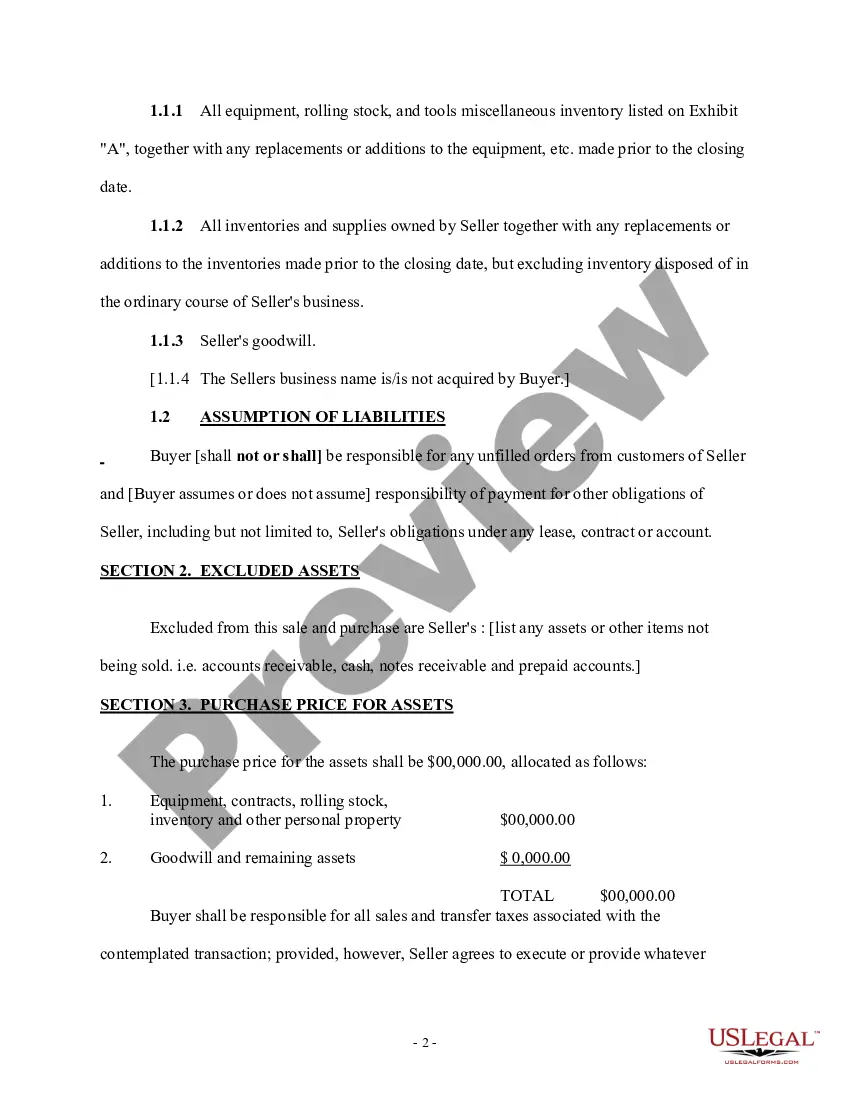
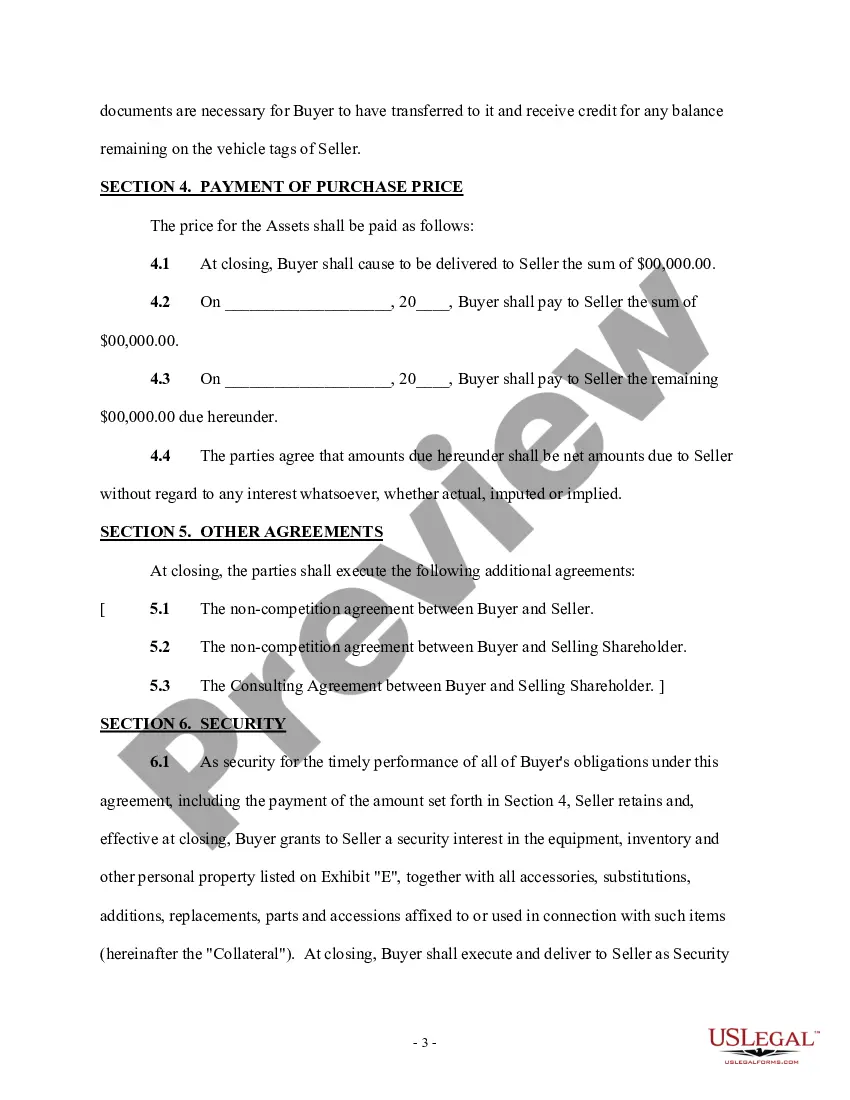
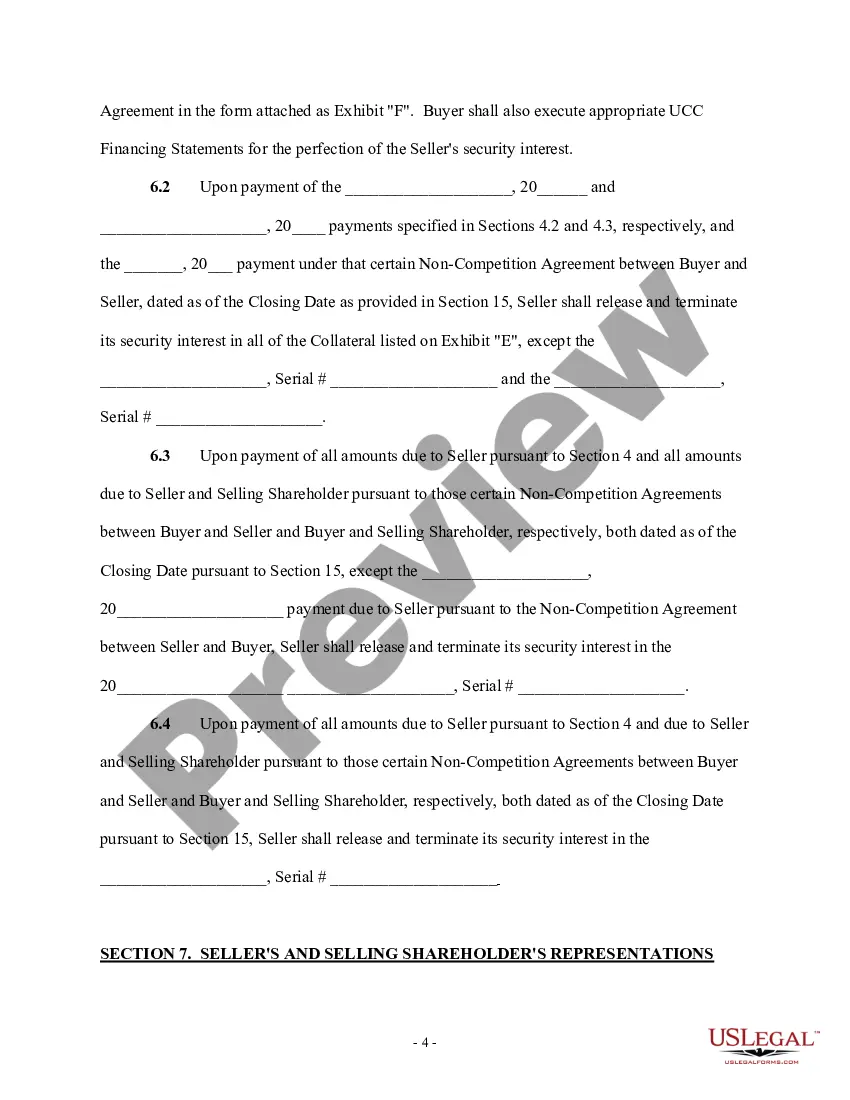
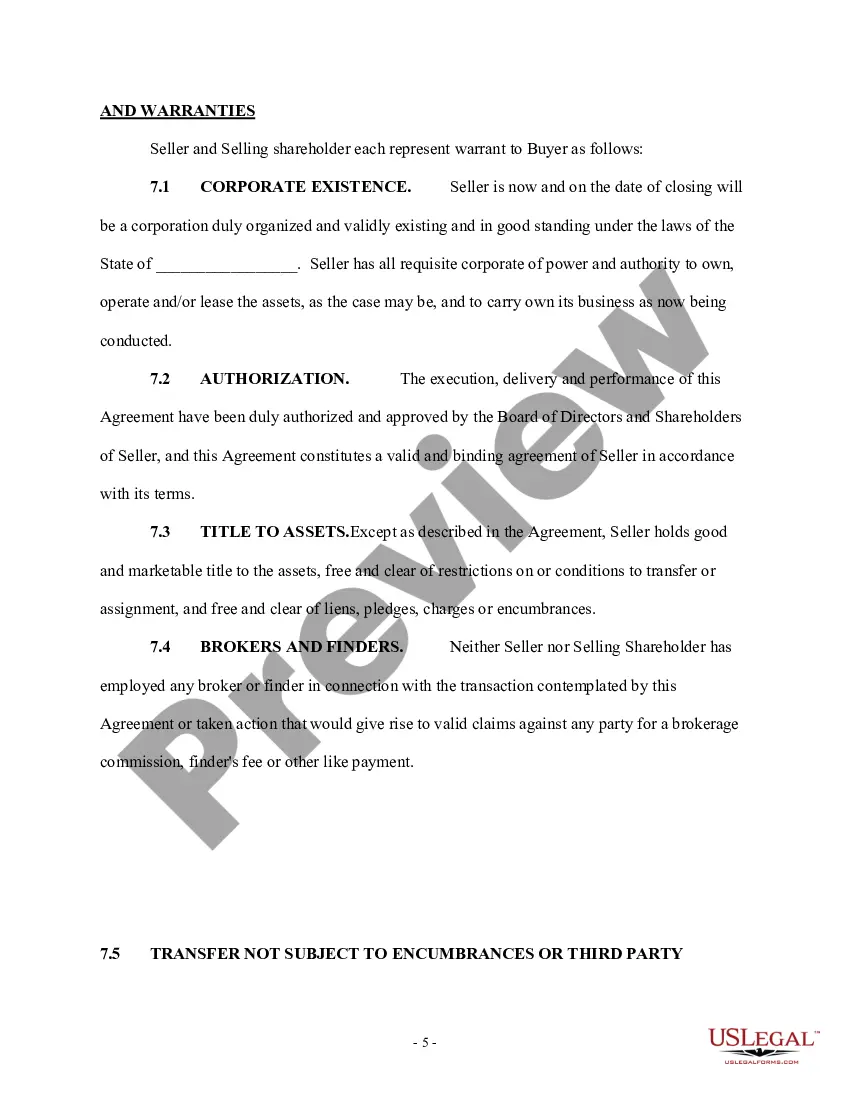


Get your form ready online
Our built-in tools help you complete, sign, share, and store your documents in one place.
Make edits, fill in missing information, and update formatting in US Legal Forms—just like you would in MS Word.
Download a copy, print it, send it by email, or mail it via USPS—whatever works best for your next step.
Sign and collect signatures with our SignNow integration. Send to multiple recipients, set reminders, and more. Go Premium to unlock E-Sign.
If this form requires notarization, complete it online through a secure video call—no need to meet a notary in person or wait for an appointment.
We protect your documents and personal data by following strict security and privacy standards.

Make edits, fill in missing information, and update formatting in US Legal Forms—just like you would in MS Word.

Download a copy, print it, send it by email, or mail it via USPS—whatever works best for your next step.

Sign and collect signatures with our SignNow integration. Send to multiple recipients, set reminders, and more. Go Premium to unlock E-Sign.

If this form requires notarization, complete it online through a secure video call—no need to meet a notary in person or wait for an appointment.

We protect your documents and personal data by following strict security and privacy standards.
Looking for another form?




Form popularity
FAQ
Go to .caleprocure.ca and log into your Cal eProcure account. Click "Start Search" to search the California State Contracts Register for bid solicitations. Click on the one you are interested in. Click the "Post Vendor Ads" button and fill out the advertisement.
Getting Started Your taxpayer identification number and certification. Your company/organization main contact name, phone, address. Your California Sales Tax Permit number, if applicable. A list of the types of Products and/or Services your company provides.
The State Contract Act governs state contracts for public works projects and, among other things, generally requires public notice of a project, the submission of bids, and the award of a contract to the lowest responsible bidder, as provided.
As a general rule, then, contracts interpreted under California law may be assigned; however, to be effective, there must be evidence that the assignor (the party assigning the contract) intended to transfer the assignor's title or ownership of the rights and obligations under the contract to the assignee (the party ...
Take these first steps to sell your business's products and services to the state of California. Register your business on Cal eProcure. Go to .caleprocure.ca and register your business. Apply for certification. Go to .caleprocure.caand log in to your account.
The salaries of Street Vendors in Los Angeles, CA range from $18,354 to $64,411, and the average is $32,310.
How to write a contract agreement in 7 steps. Determine the type of contract required. Confirm the necessary parties. Choose someone to draft the contract. Write the contract with the proper formatting. Review the written contract with a lawyer. Send the contract agreement for review or revisions.
Under the doctrine of merger, all prior agreements between a buyer and a seller are merged in the deed upon the deed's acceptance. The deed supersedes the provisions of the real estate contract and becomes the only binding instrument between the parties.