Direct Deposit Form Printable For Social Security In Montgomery
Description

Get your form ready online
Our built-in tools help you complete, sign, share, and store your documents in one place.
Make edits, fill in missing information, and update formatting in US Legal Forms—just like you would in MS Word.
Download a copy, print it, send it by email, or mail it via USPS—whatever works best for your next step.
Sign and collect signatures with our SignNow integration. Send to multiple recipients, set reminders, and more. Go Premium to unlock E-Sign.
If this form requires notarization, complete it online through a secure video call—no need to meet a notary in person or wait for an appointment.
We protect your documents and personal data by following strict security and privacy standards.

Make edits, fill in missing information, and update formatting in US Legal Forms—just like you would in MS Word.

Download a copy, print it, send it by email, or mail it via USPS—whatever works best for your next step.

Sign and collect signatures with our SignNow integration. Send to multiple recipients, set reminders, and more. Go Premium to unlock E-Sign.

If this form requires notarization, complete it online through a secure video call—no need to meet a notary in person or wait for an appointment.

We protect your documents and personal data by following strict security and privacy standards.
Looking for another form?



Form popularity
FAQ
Even if you have bank accounts with multiple banks, it's easy to print a deposit slip with the right slip templates. Printing deposit slips also allows you to manage your deposits easily for record-keeping.
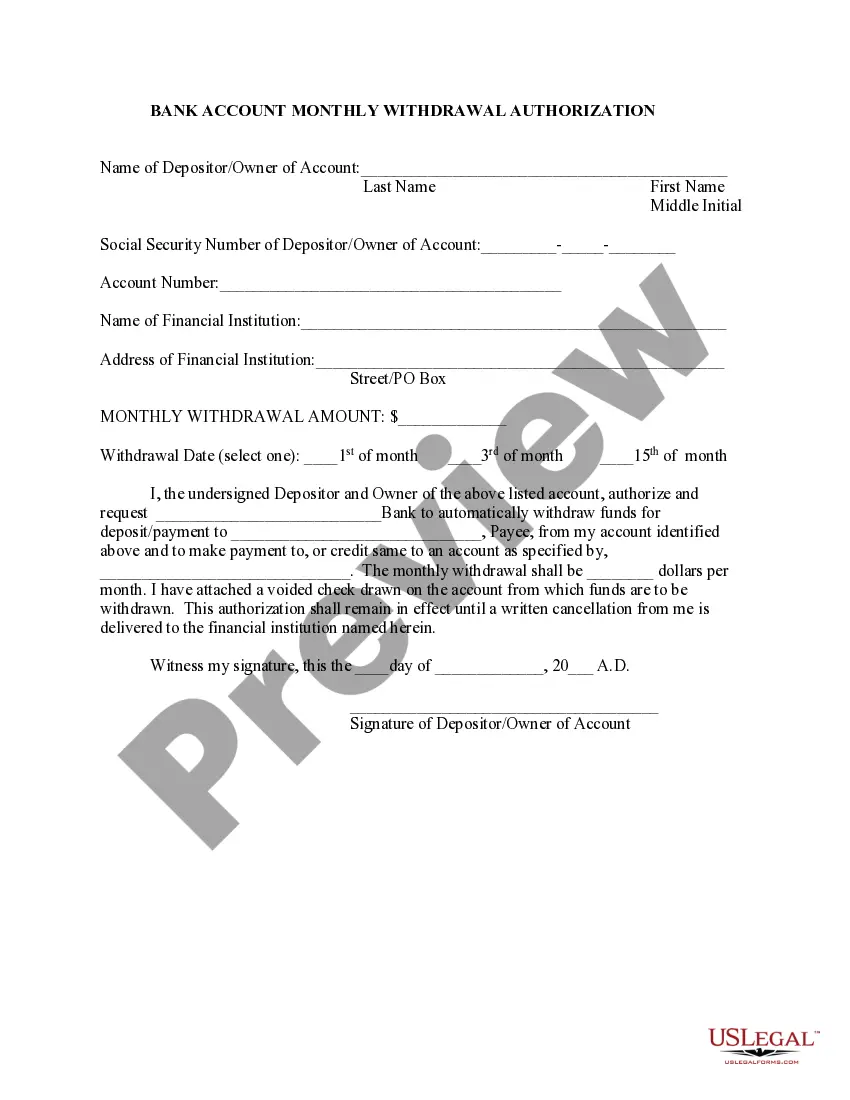
Write the current date in the space provided. Write your first and last names in the correct field exactly as they appear on your checking or savings account. Write your account number in the appropriate space, if necessary. Specify whether you wish your deposit to go to a checking, savings, or business account.
Get a direct deposit form from your employer. Ask for a written or online direct deposit form. Fill in account information. You typically need to provide the following personal and bank details. Confirm the deposit amount. Attach a voided check or deposit slip, if required. Submit the form.
Download, print or email the form to your employer.
You'll need to go to the bank and get a letter with your account and routing numbers. You might be able to download a form. Most banks have direct deposit forms on their websites.
Online banking users: Choose Set up direct deposit. U.S. Bank Mobile App users: Select Manage at the top of the screen first, then choose Set up direct deposit. Select Set up now and tell us who pays you. You can use the search feature to find participating employers if yours isn't listed.
Information needed for direct deposit Your bank's name. Make sure you use the full formal name of your bank or credit union. The type of bank account. You'll need to list whether it's a checking or savings account. Bank account number. Bank routing number. Your Social Security number.
You will need to register with a provider to access their direct deposit platform, fill out the necessary forms, and submit them to the provider. Depending on the provider, you may also be required to provide additional information, such as bank account numbers or proof of authorization from a financial institution.
If you download, print and complete a paper form, please mail or take it to your local Social Security office or the office that requested it from you. Important Note: PDFs you open from this page may default to opening within a browser, depending on your browser settings.
And payments details link on the right side of your. Screen scroll down and click the update directMoreAnd payments details link on the right side of your. Screen scroll down and click the update direct deposit. Button here you'll enter your new bank account information including the bank routing.

