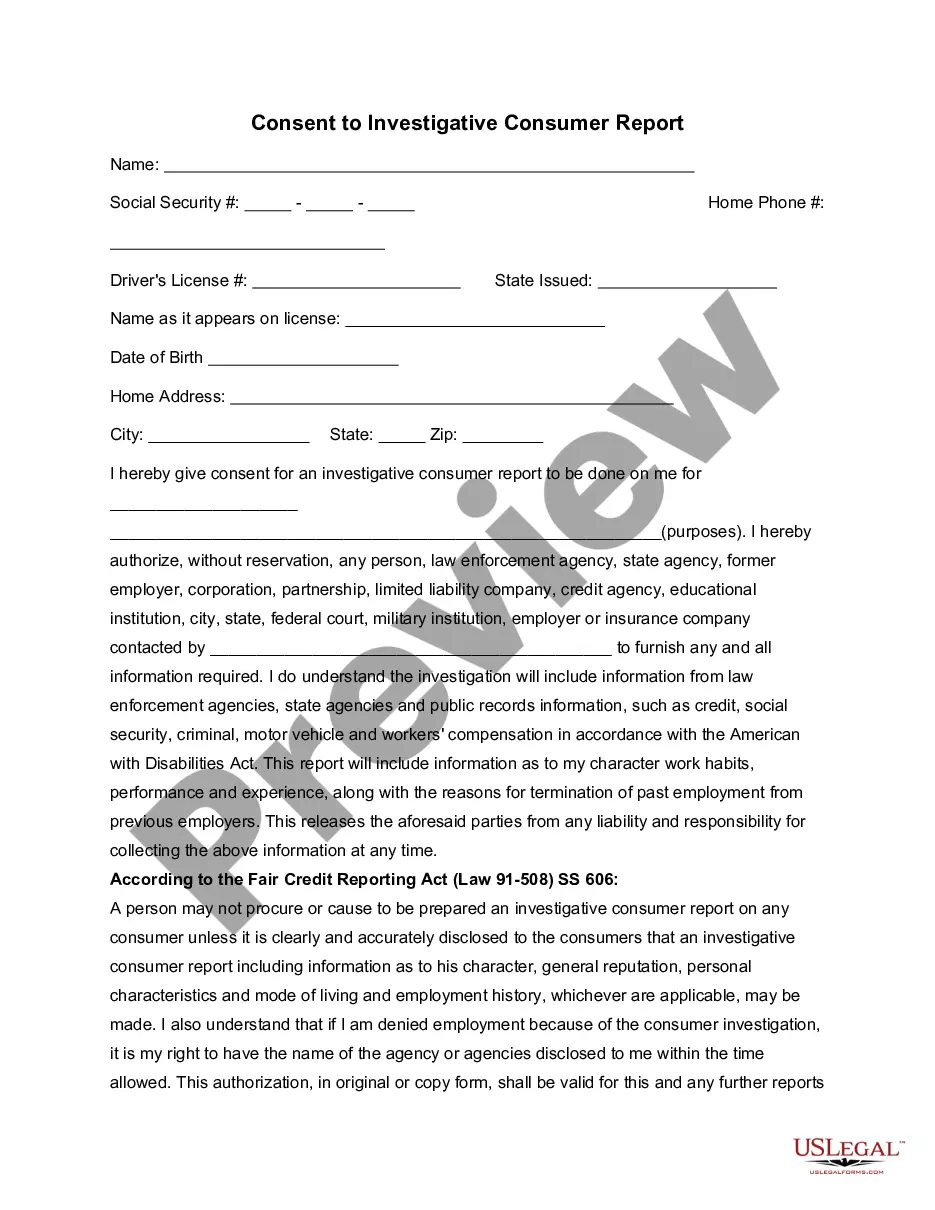
Employment Application Form Printable Without Download In Suffolk
Description






Get your form ready online
Our built-in tools help you complete, sign, share, and store your documents in one place.
Make edits, fill in missing information, and update formatting in US Legal Forms—just like you would in MS Word.
Download a copy, print it, send it by email, or mail it via USPS—whatever works best for your next step.
Sign and collect signatures with our SignNow integration. Send to multiple recipients, set reminders, and more. Go Premium to unlock E-Sign.
If this form requires notarization, complete it online through a secure video call—no need to meet a notary in person or wait for an appointment.
We protect your documents and personal data by following strict security and privacy standards.

Make edits, fill in missing information, and update formatting in US Legal Forms—just like you would in MS Word.

Download a copy, print it, send it by email, or mail it via USPS—whatever works best for your next step.

Sign and collect signatures with our SignNow integration. Send to multiple recipients, set reminders, and more. Go Premium to unlock E-Sign.

If this form requires notarization, complete it online through a secure video call—no need to meet a notary in person or wait for an appointment.

We protect your documents and personal data by following strict security and privacy standards.
Looking for another form?




Form popularity
FAQ
Four Paragraphs Minimum—Your letter should have at least an introductory paragraph, an education paragraph, an employment paragraph, and a concluding paragraph. Complimentary Close—These are some standard phrases: Sincerely, Sincerely yours, Yours sincerely, Yours very truly, and Very truly yours.
How to fill out a job application Read the application before filling it out. Take your time. Answer completely and truthfully. Include your resume . Fill out job information chronologically. Put in the extra effort. Research your salary.
The ideal application format for job includes your contact details, the date, the employer's contact details, a greeting, a strong introduction, body paragraphs detailing your skills, and a polite closing.
Begin by introducing yourself. Then go straight to the point: why are you writing to them? Clearly indicate what the type of job and work relationship that interests you. State when you can start work and for how long you wish to work.
How to fill out online job applications Get access to the right tools. Read job descriptions. Prepare an electronic resume. Post your resume online. Write a tailored cover letter. Practice filling out a paper application. Know your availability. Create an account.
Create a form using a template Start at forms.office. Select My forms. Select a template. Select Preview>Computer or Mobile. Select Back to choose another template or edit the selected template. To edit a template, select a question to edit. Edit the question and/or the options specific to each type of question.
How to structure an effective job application form Name of applicant. Contact information (phone and email) Social Security Number (SSN) Work eligibility. Education, including schools attended. Degrees obtained. Work experience. Specialty skills.
How to fill out a job application Read the application before filling it out. Take your time. Answer completely and truthfully. Include your resume . Fill out job information chronologically. Put in the extra effort. Research your salary.
Your application form must follow an organized structure. My suggestion is for you to divide it into parts by topic. For example, have a section for personal information (name, email address, the preferred method for contact, etc.), another for education (degrees and certificates), and one more for work background.
How to fill out an application form Prepare yourself. Preparing before filling out any job application is essential, and it makes the process much easier and more productive. Research the company. Plan your time allocation. Be honest. Add keywords. Proofread your application. Include your resume. Include your cover letter.