Solicitud De Empleo Online In Massachusetts
Description

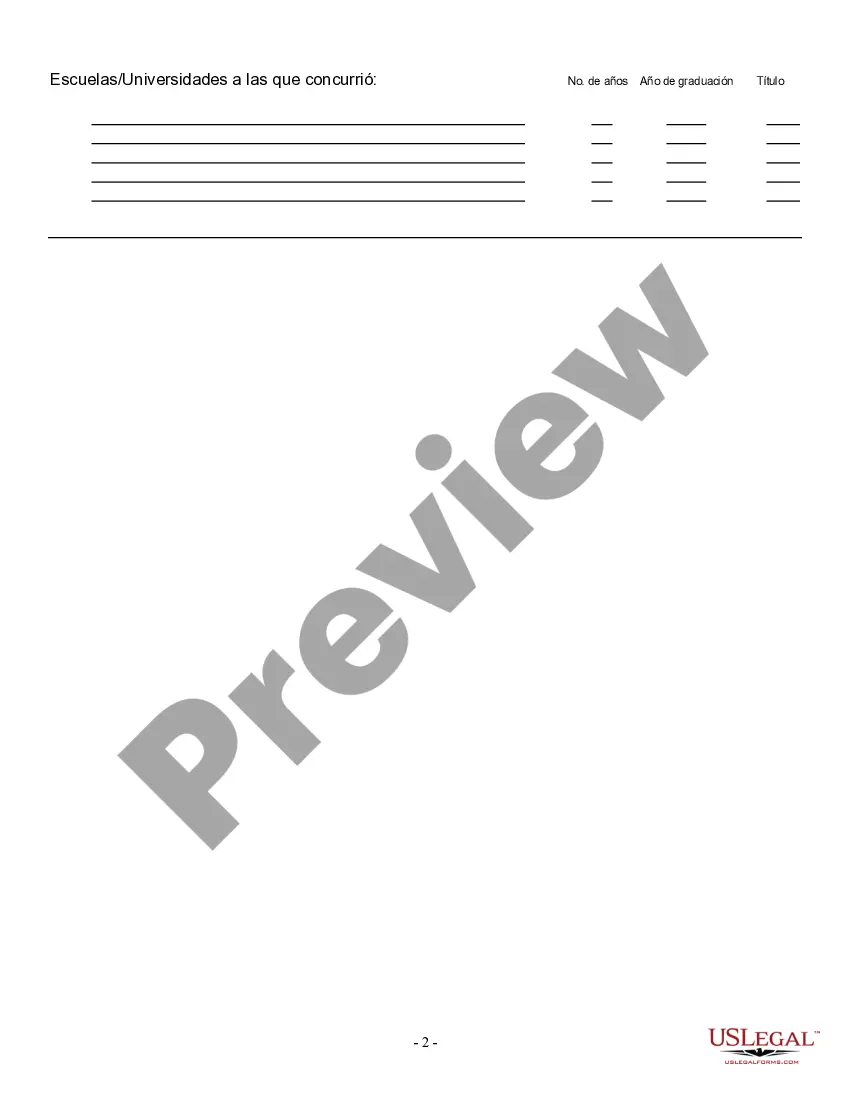
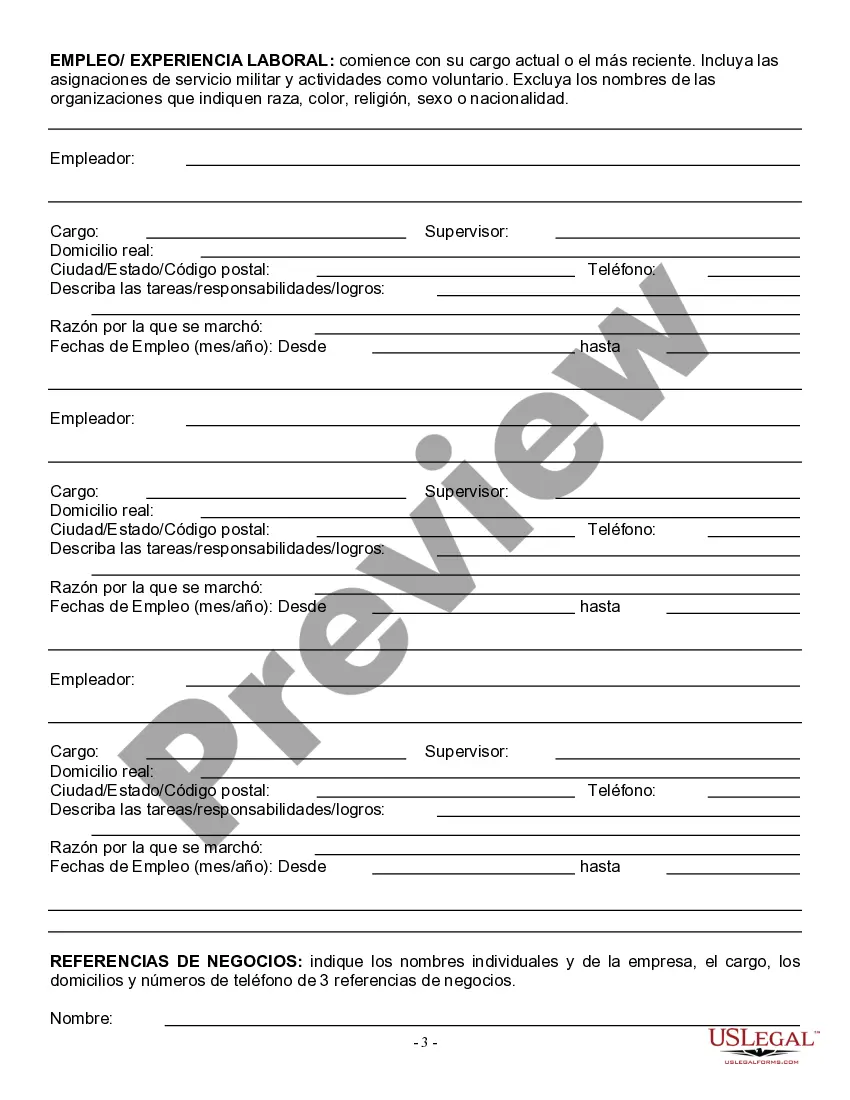
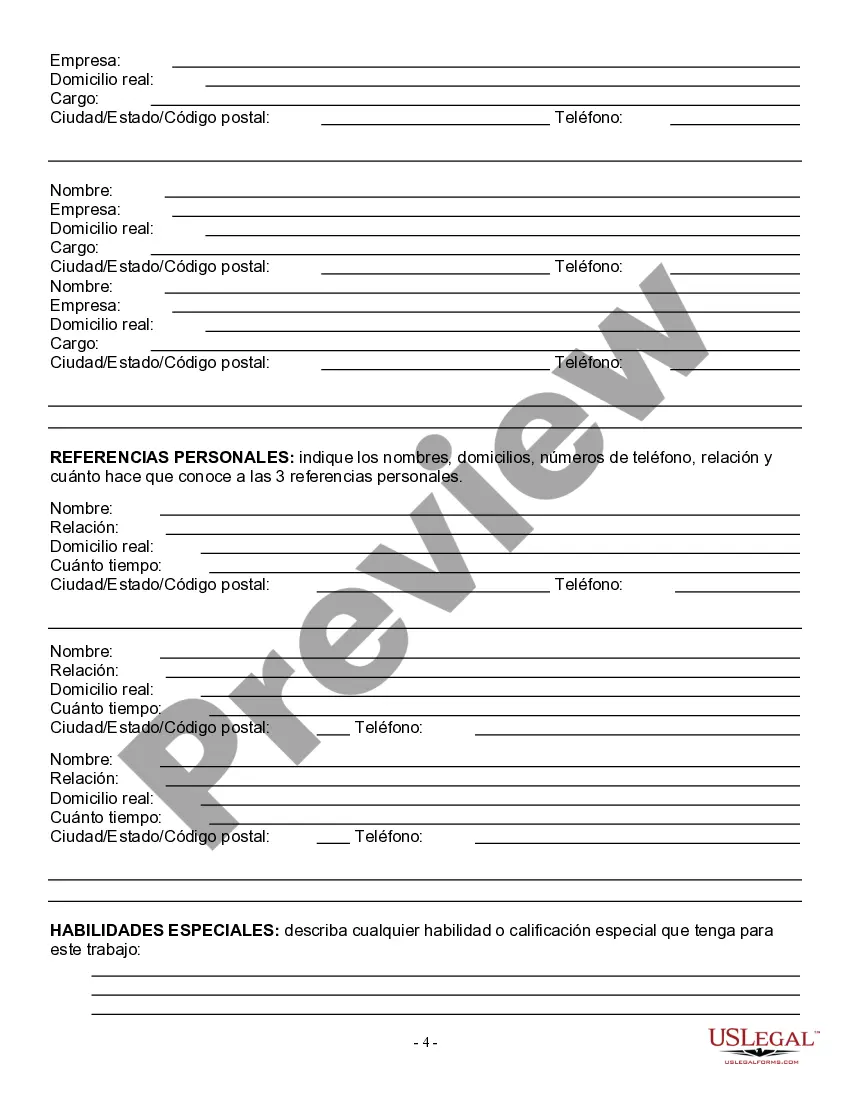
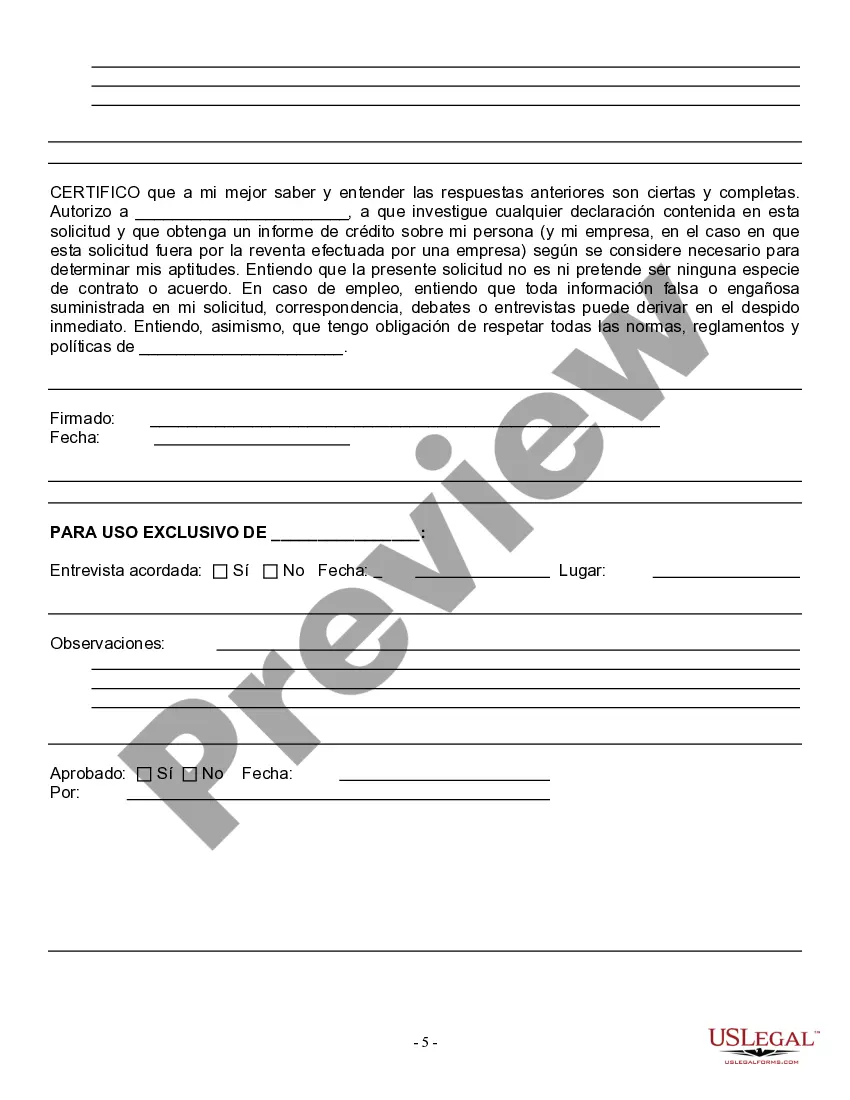
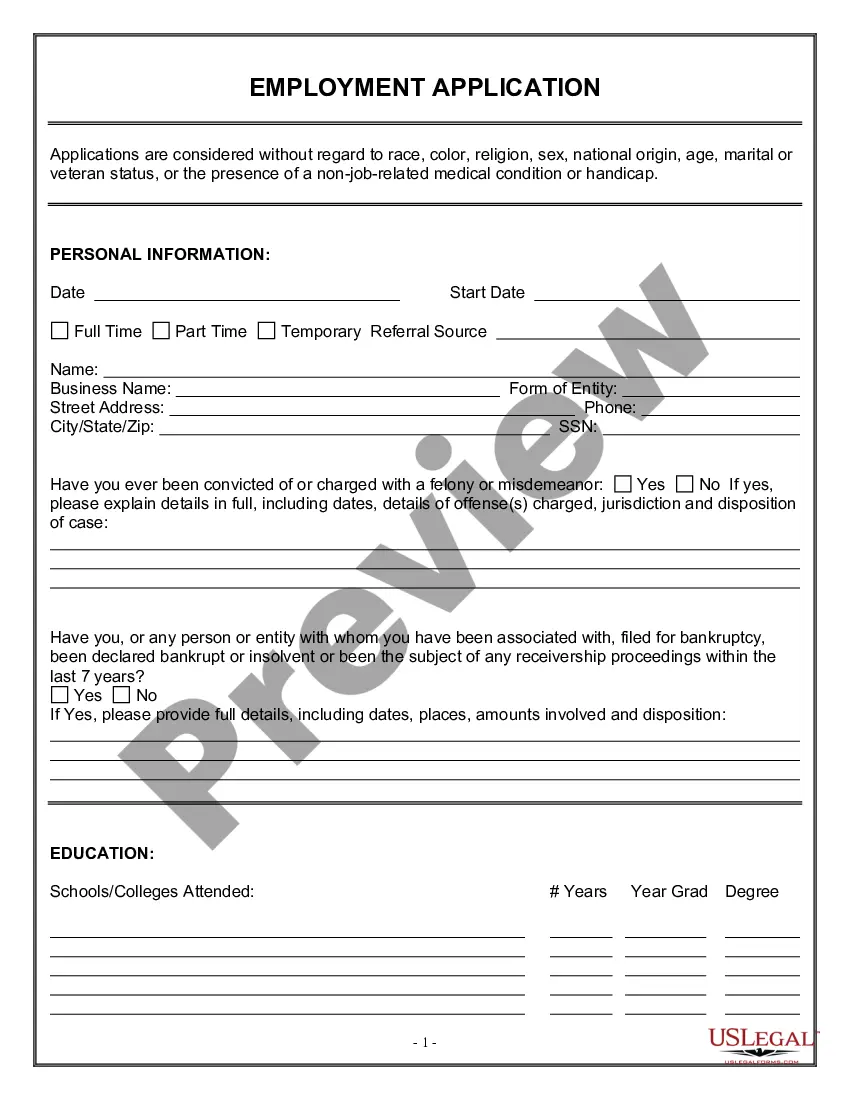
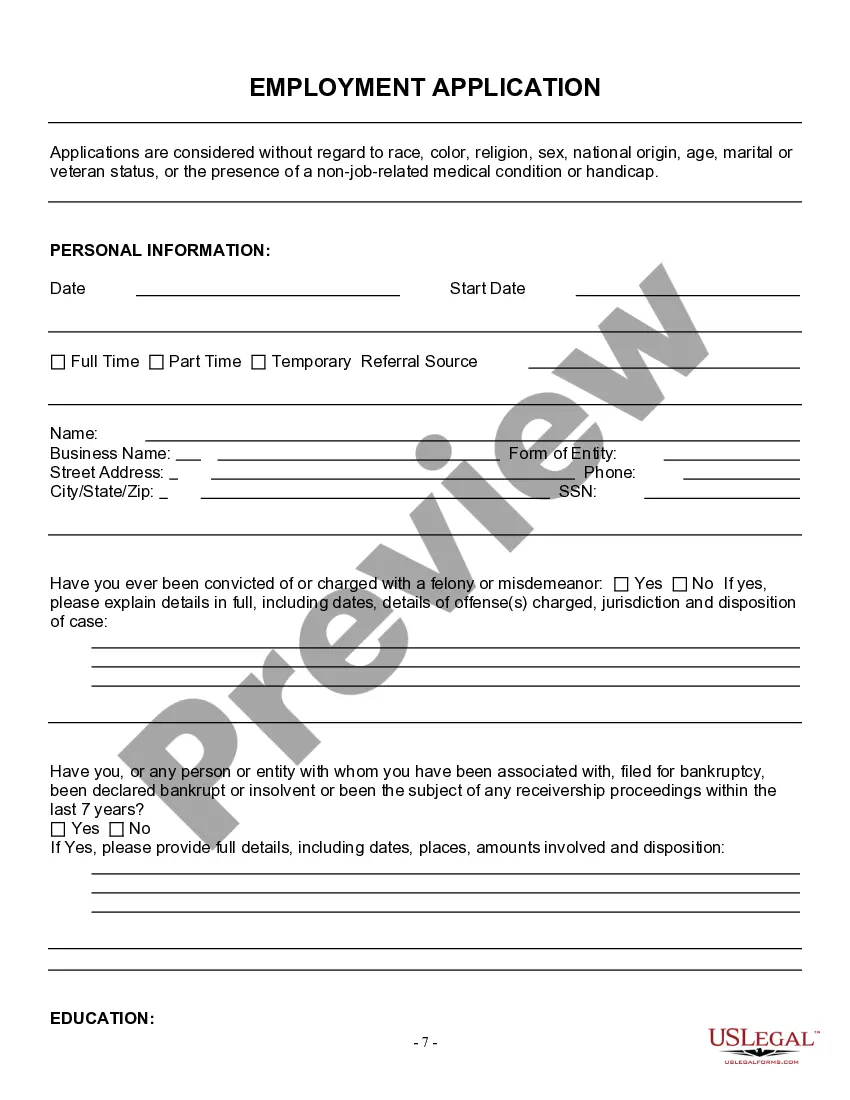
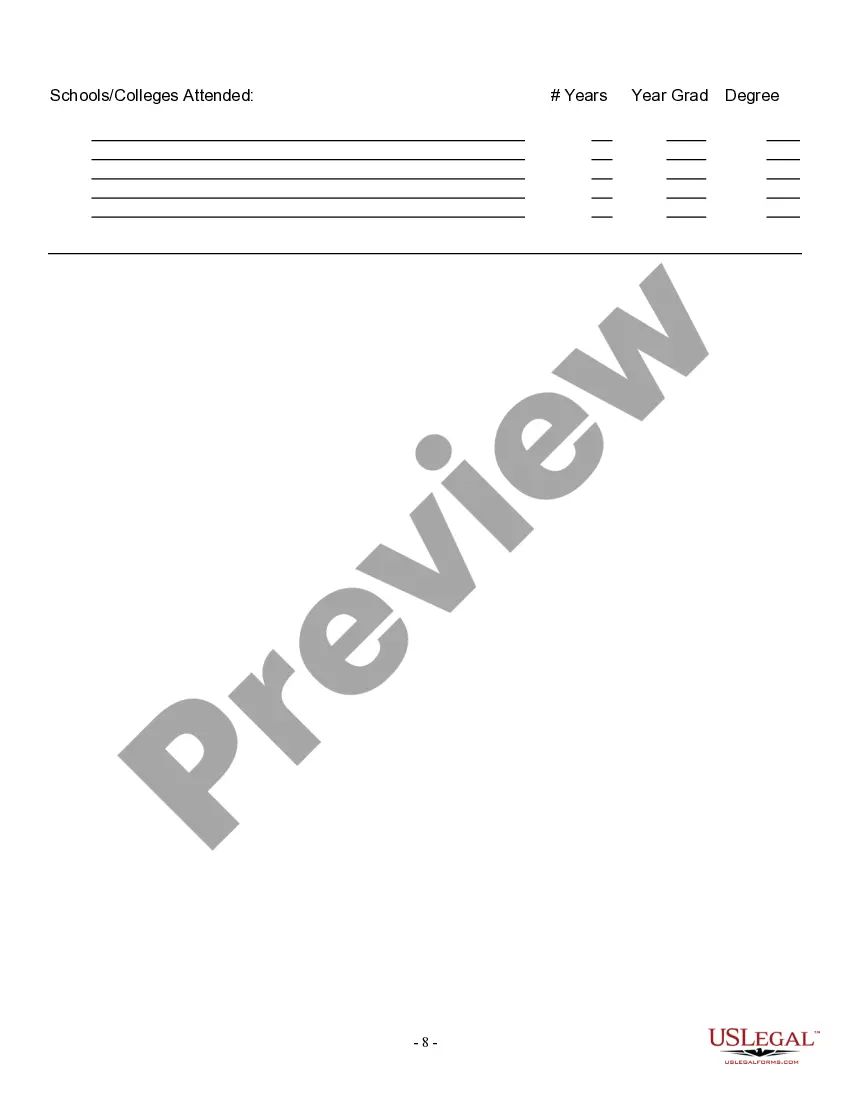
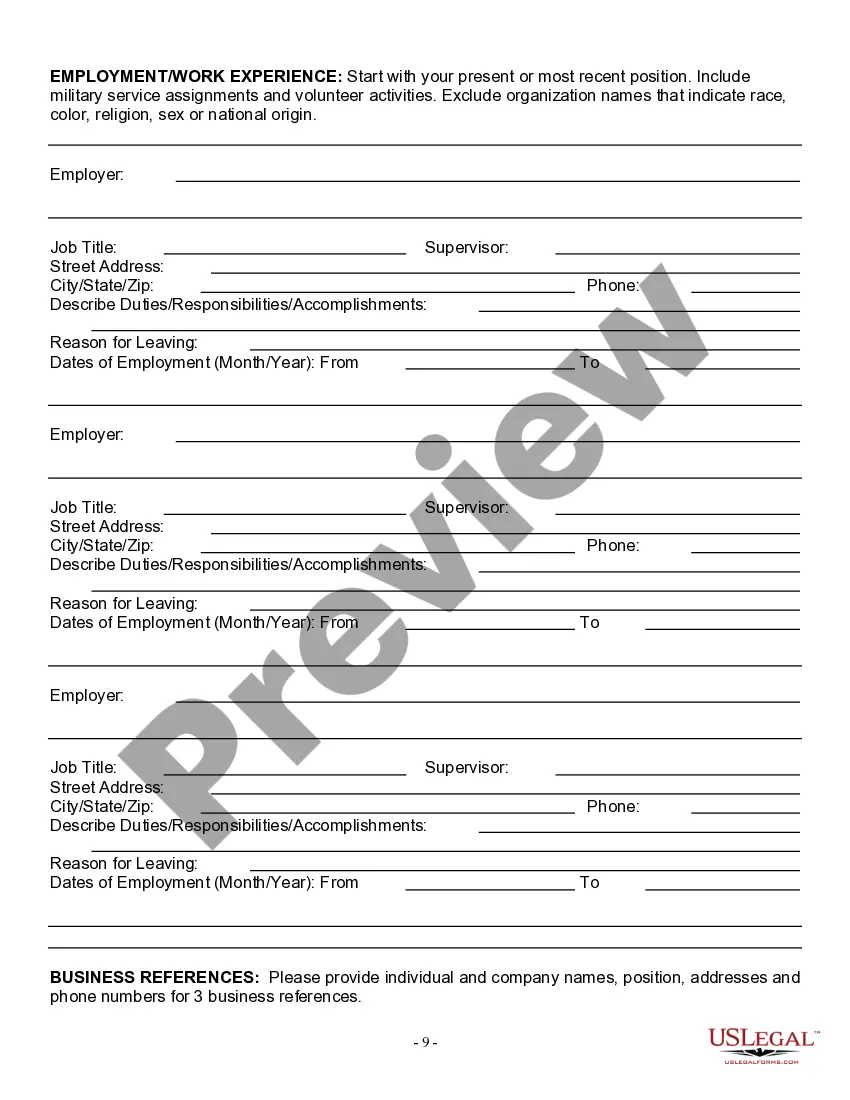
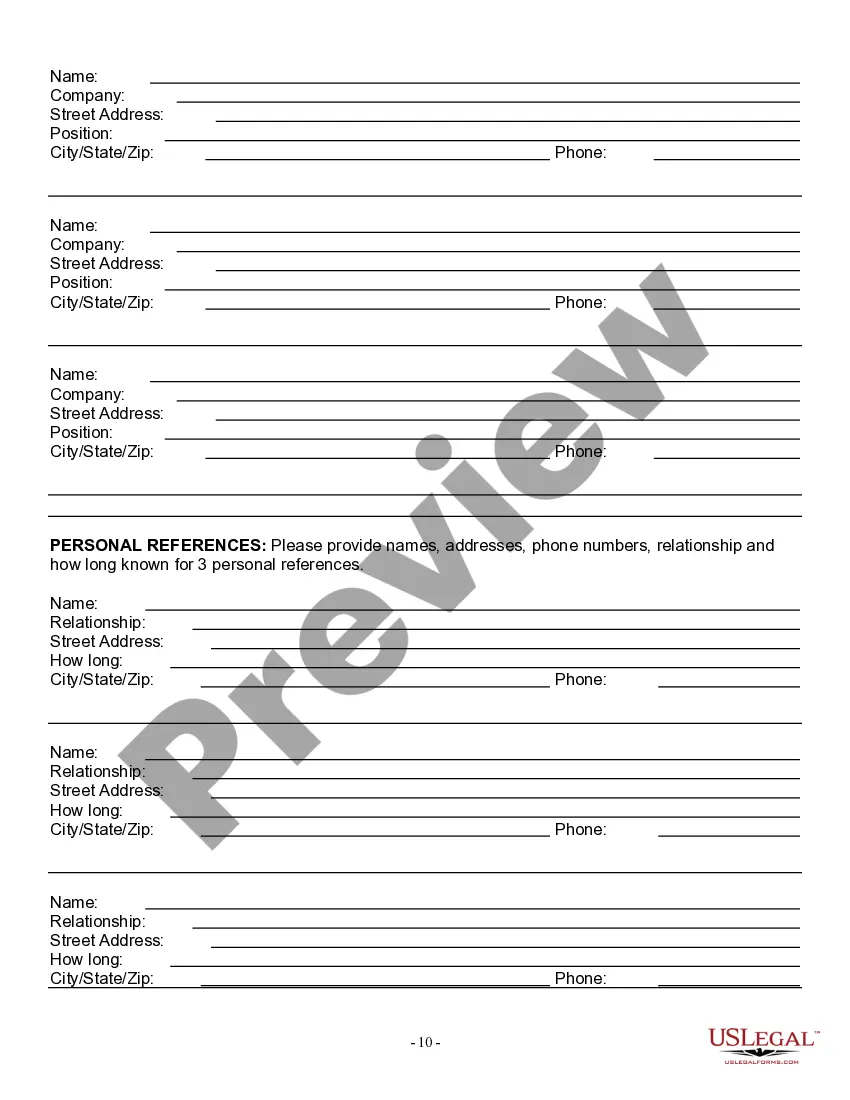




Get your form ready online
Our built-in tools help you complete, sign, share, and store your documents in one place.
Make edits, fill in missing information, and update formatting in US Legal Forms—just like you would in MS Word.
Download a copy, print it, send it by email, or mail it via USPS—whatever works best for your next step.
Sign and collect signatures with our SignNow integration. Send to multiple recipients, set reminders, and more. Go Premium to unlock E-Sign.
If this form requires notarization, complete it online through a secure video call—no need to meet a notary in person or wait for an appointment.
We protect your documents and personal data by following strict security and privacy standards.

Make edits, fill in missing information, and update formatting in US Legal Forms—just like you would in MS Word.

Download a copy, print it, send it by email, or mail it via USPS—whatever works best for your next step.

Sign and collect signatures with our SignNow integration. Send to multiple recipients, set reminders, and more. Go Premium to unlock E-Sign.

If this form requires notarization, complete it online through a secure video call—no need to meet a notary in person or wait for an appointment.

We protect your documents and personal data by following strict security and privacy standards.
Looking for another form?










Form popularity
FAQ
Our main Call Center can be reached at (877) 626-6800 from a.m. to p.m., Monday through Friday. Multilingual call agents are available. Other UI phone numbers that may be helpful: Automated TeleCert Line at (617) 626-6338 is operational daily from 6 a.m. to 10 p.m. to request weekly benefits.
Step 1 - Decide how to file your claim. hoose to file your claim in person or by calling the TeleClaim enter. Walk-In sevices are located in every region of the state. For e address of the nearest UI Walk-In service, call 617-626-6560.
How to make an appointment. Visit mass/RECappointment to make an appointment to visit the Boston Re-Employment Center. The center is open Monday through Friday from a.m. to p.m. Visit mass/servicesnotavailableREC or call (877) 626-6800 for help with services the REC does not offer.
Claims are typically processed within 3–4 weeks. If we need additional information, we will contact you through UI Online, by mail, or by phone. Find out what happens during this time and what you need to do to stay eligible while your claim is under review.
To apply for unemployment, you need to provide personal information including your Social Security number, birth date, home address, email address, and phone number. Registration number or verification that you are legally allowed to work in the United States. Member 4 form.
By phone. The best way to reach the Department of Unemployment Assistance (DUA) is by phone. Our main Call Center can be reached at (877) 626-6800 from a.m. to p.m., Monday through Friday. Multilingual call agents are available.
Your first claim takes 3 to 4 weeks to process. Find out what happens during this time and what you need to do to stay eligible while your claim is under review.
If you make $1000 per week in California, your estimated weekly benefit is $450 for up to 26 weeks.
Phone Call Center Call Department of Unemployment Assistance, Call Center at (877) 626-6800. TeleCert Line (Automated system is operational) Call Department of Unemployment Assistance, TeleCert Line (Automated system is operational) at (617) 626-6338.
If you live in Massachusetts, go to the school superintendent for the town where you live or go to school. Your superintendent may have designated someone in your school to issue work permits. If you do not live in Massachusetts, go to the superintendent of schools for the town where you will be working.
