Truck Driver Employment Application Template For Google Docs In San Jose
Description
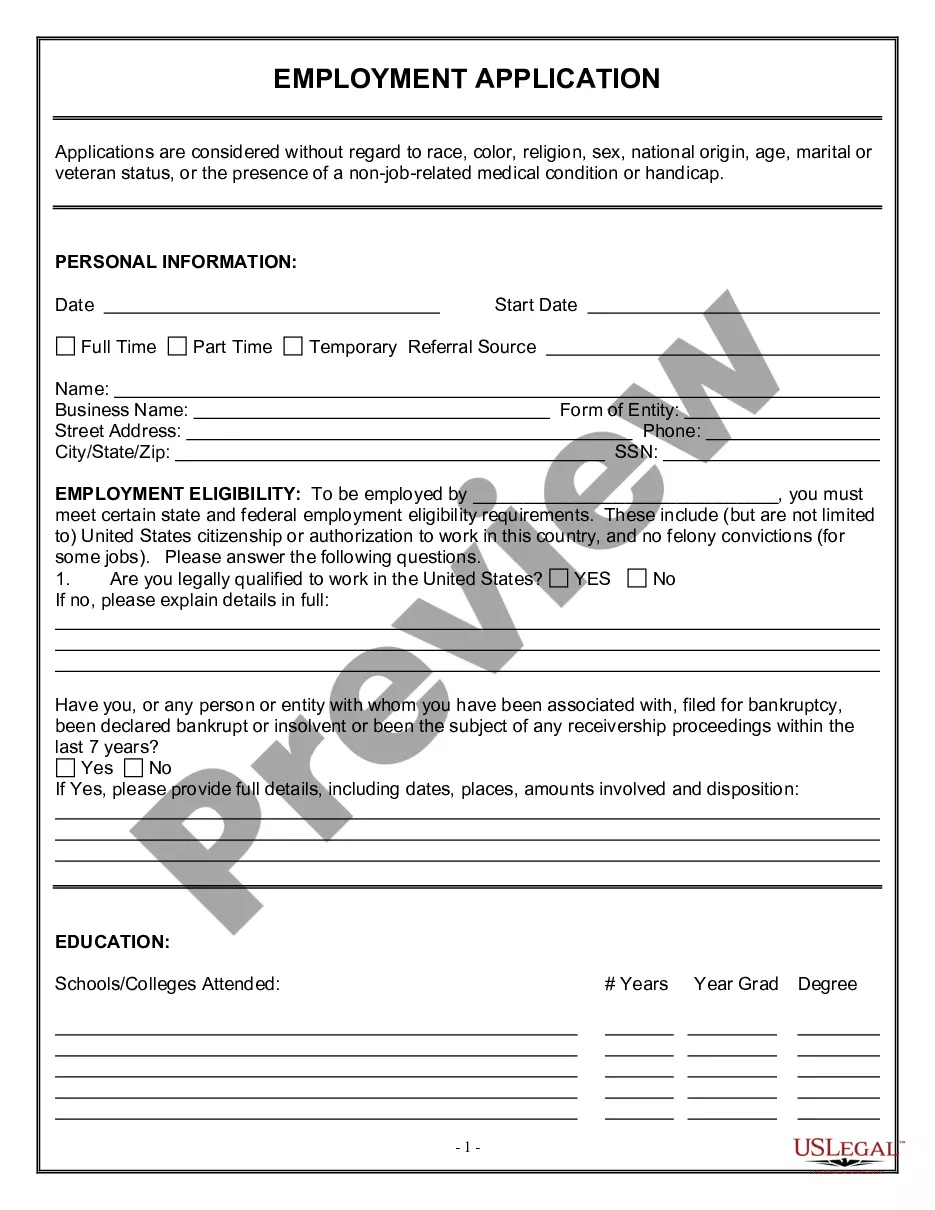
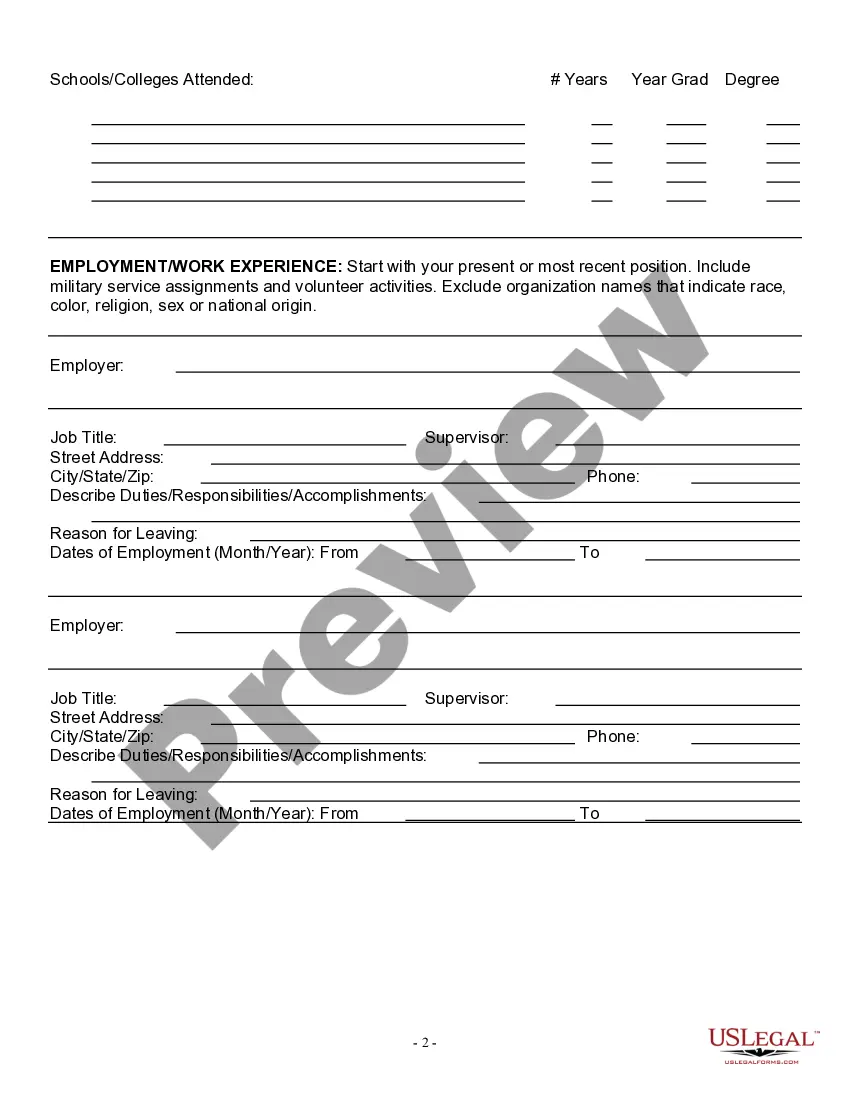
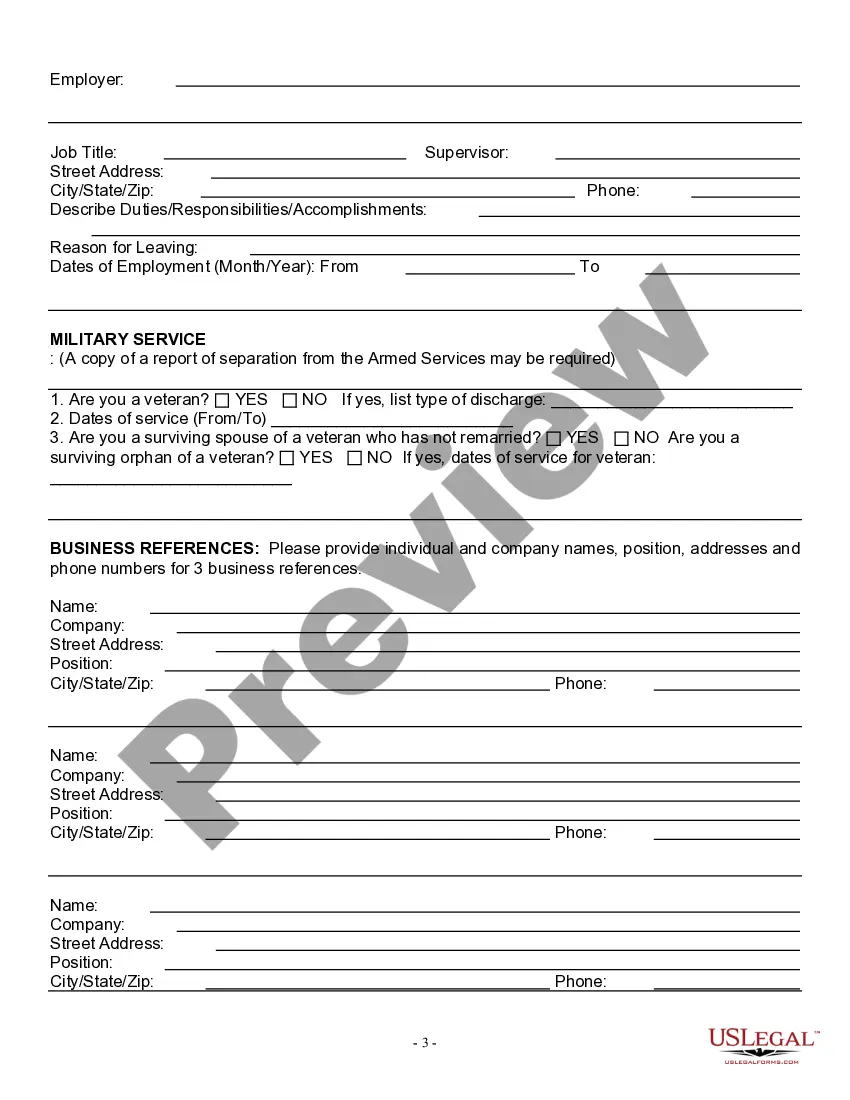
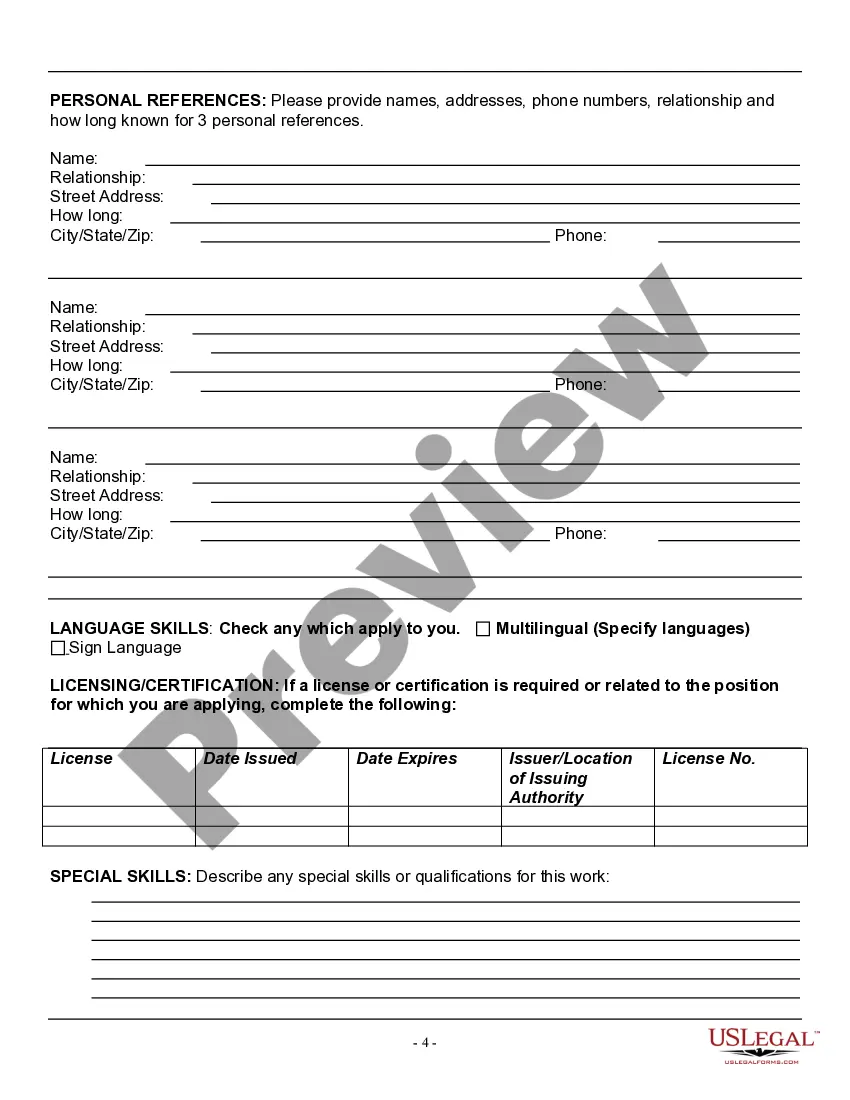
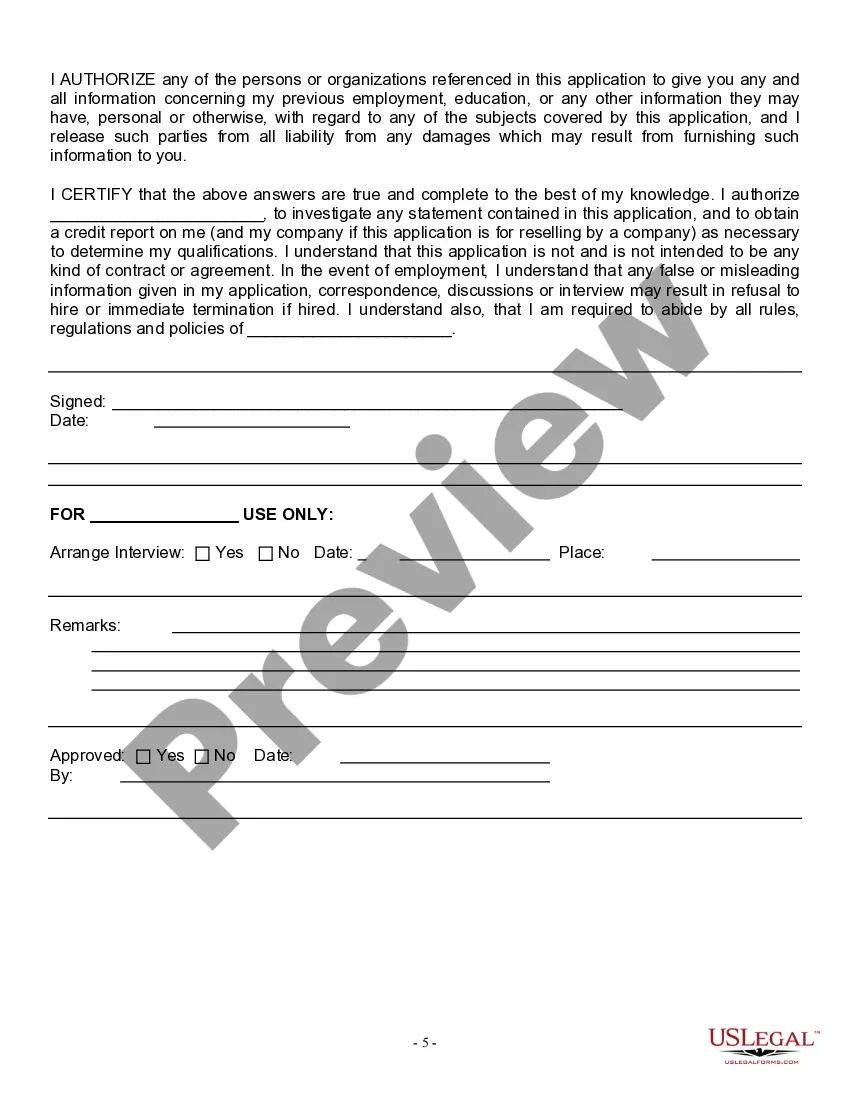
Get your form ready online
Our built-in tools help you complete, sign, share, and store your documents in one place.
Make edits, fill in missing information, and update formatting in US Legal Forms—just like you would in MS Word.
Download a copy, print it, send it by email, or mail it via USPS—whatever works best for your next step.
Sign and collect signatures with our SignNow integration. Send to multiple recipients, set reminders, and more. Go Premium to unlock E-Sign.
If this form requires notarization, complete it online through a secure video call—no need to meet a notary in person or wait for an appointment.
We protect your documents and personal data by following strict security and privacy standards.

Make edits, fill in missing information, and update formatting in US Legal Forms—just like you would in MS Word.

Download a copy, print it, send it by email, or mail it via USPS—whatever works best for your next step.

Sign and collect signatures with our SignNow integration. Send to multiple recipients, set reminders, and more. Go Premium to unlock E-Sign.

If this form requires notarization, complete it online through a secure video call—no need to meet a notary in person or wait for an appointment.

We protect your documents and personal data by following strict security and privacy standards.
Looking for another form?


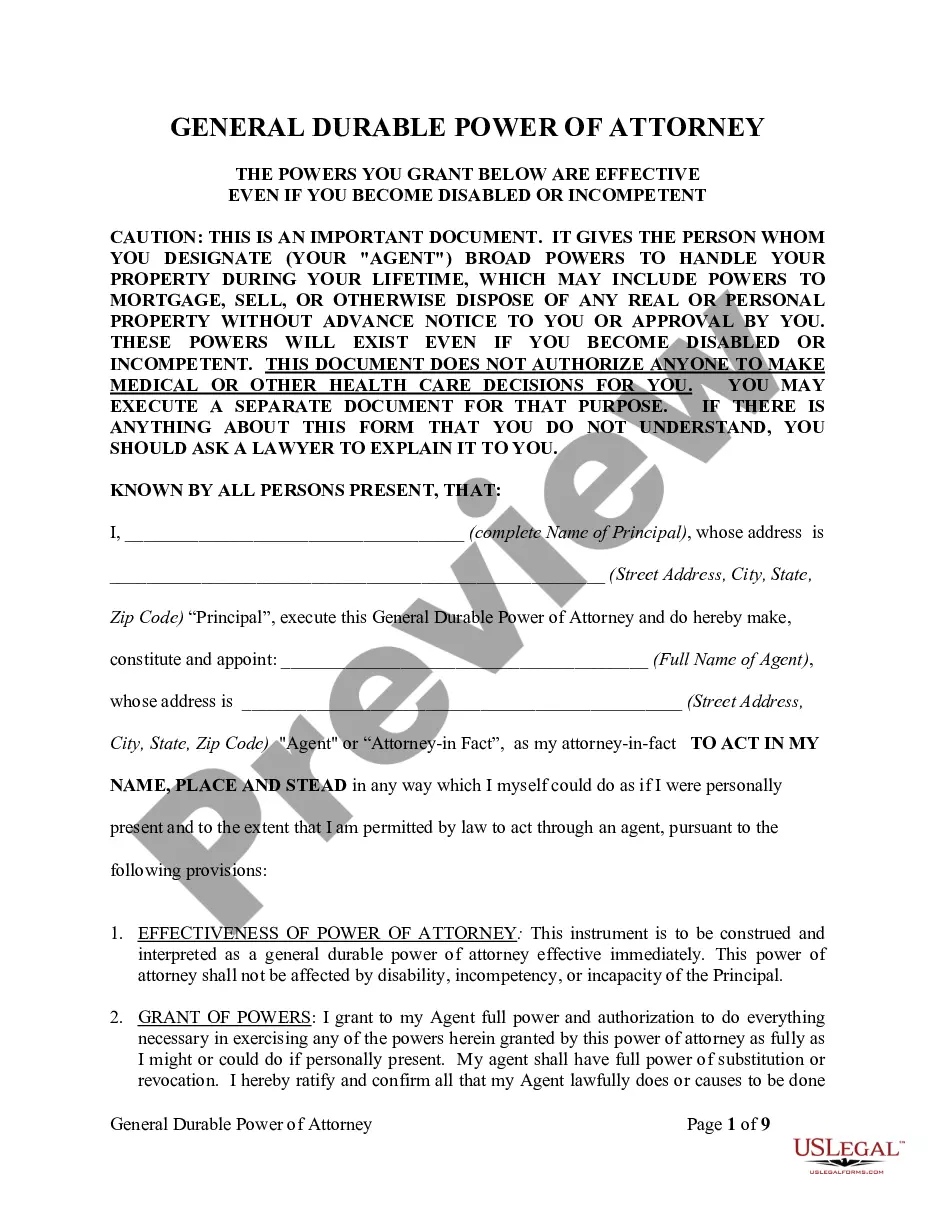

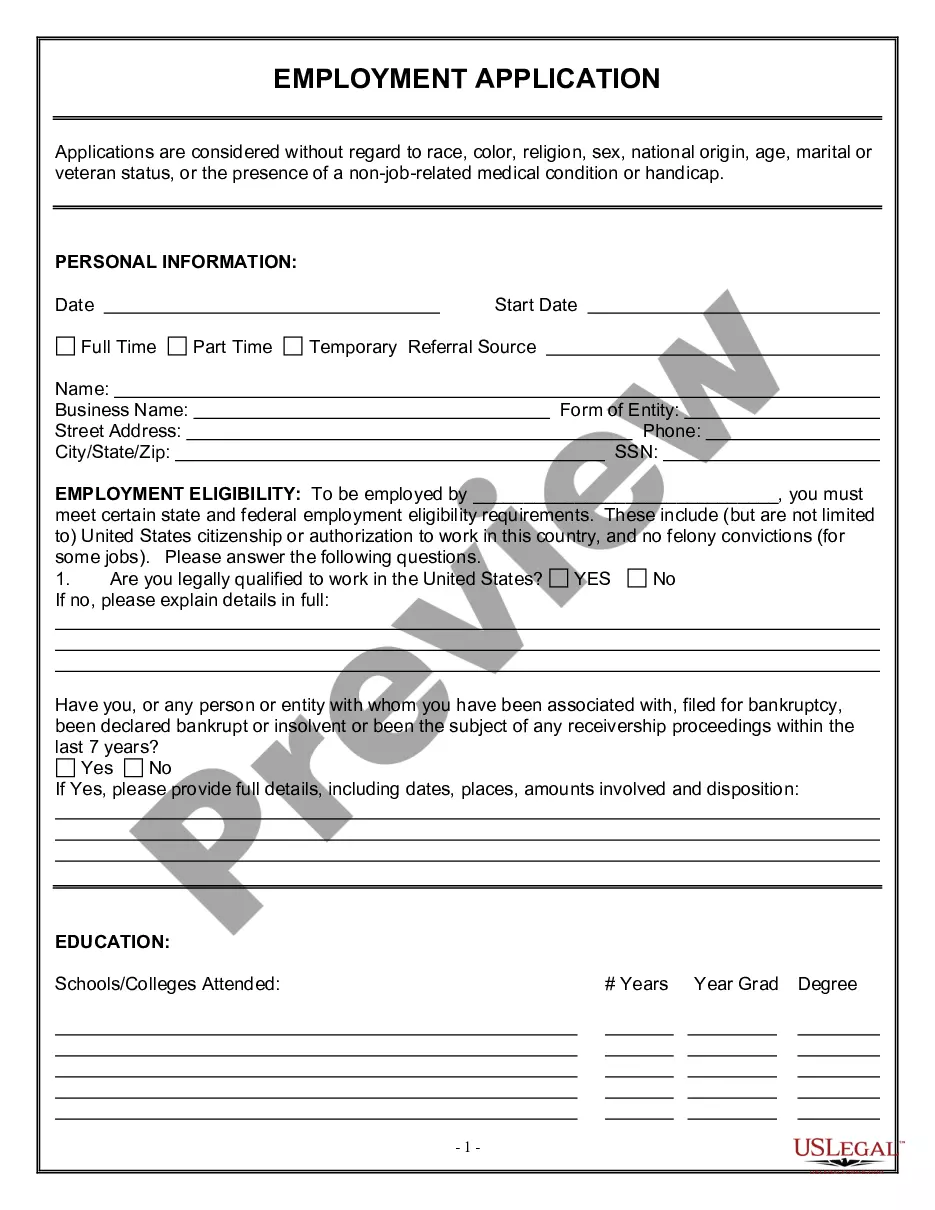


Form popularity
FAQ
How to create a fillable form in Google Docs Sign in. Click "New." Click on the "New" button in the upper left corner of your screen. Navigate to the drop-down menu. Click "Untitled form." Once a form template opens in a separate tab, click into the text box labeled "Untitled form" and give your form a name.
If you're using a template, you can skip to Update questions. Open a form in Google Forms. Click Add . To the right of the question title, choose the type of question you want. Type the possible responses to your question. To prevent people from not answering, turn on Required.
Creating a Google Forms job application Open Google Drive. Click the + New button. Select Google Forms. Give your form an appropriate title. Modify the first question. Click the dropdown menu for question type. Slide the toggle button next to Required. Click the + button.
Users can share Google Forms job applications with a simple link through email, on job hubs, or on any channel where employers can connect with candidates. They save time. Google Forms eliminates the need for collecting paper applications and manual data entry, saving time for applicants and employers alike.
Sourcing good candidates can be one of the most time-consuming parts of recruitment. With Hire, you can automatically format your public job postings so that job seekers using Google Search can find them. Hire also lets you search your database of past candidates.
If you're using a template, you can skip to Update questions. Open a form in Google Forms. Click Add . To the right of the question title, choose the type of question you want. Type the possible responses to your question. To prevent people from not answering, turn on Required.
Minimum Qualifications High School diploma or GED. 21 years of age or older. Experience operating a forklift. Two years of Class A commercial truck driving experience (CDL), including long-haul driving experience. Possess a Class A driver's license, with endorsements (hazardous material; pulling double/triple trailers)
Obtaining a CDL can take as little as three weeks or as long as six months. But, on average, it takes about seven weeks to get a CDL when attending a full-time driver training program. This training timeline varies due to the factors listed below.
