Job Application Format With Resume In Suffolk
Description

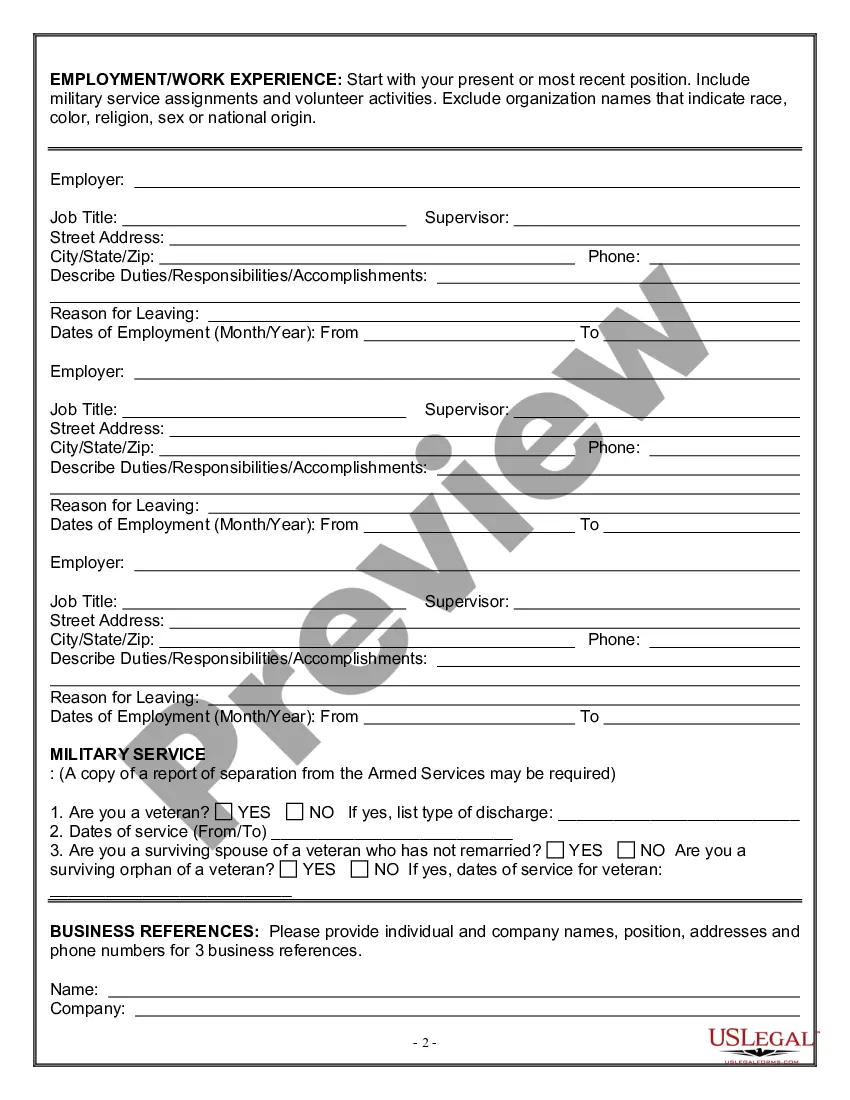
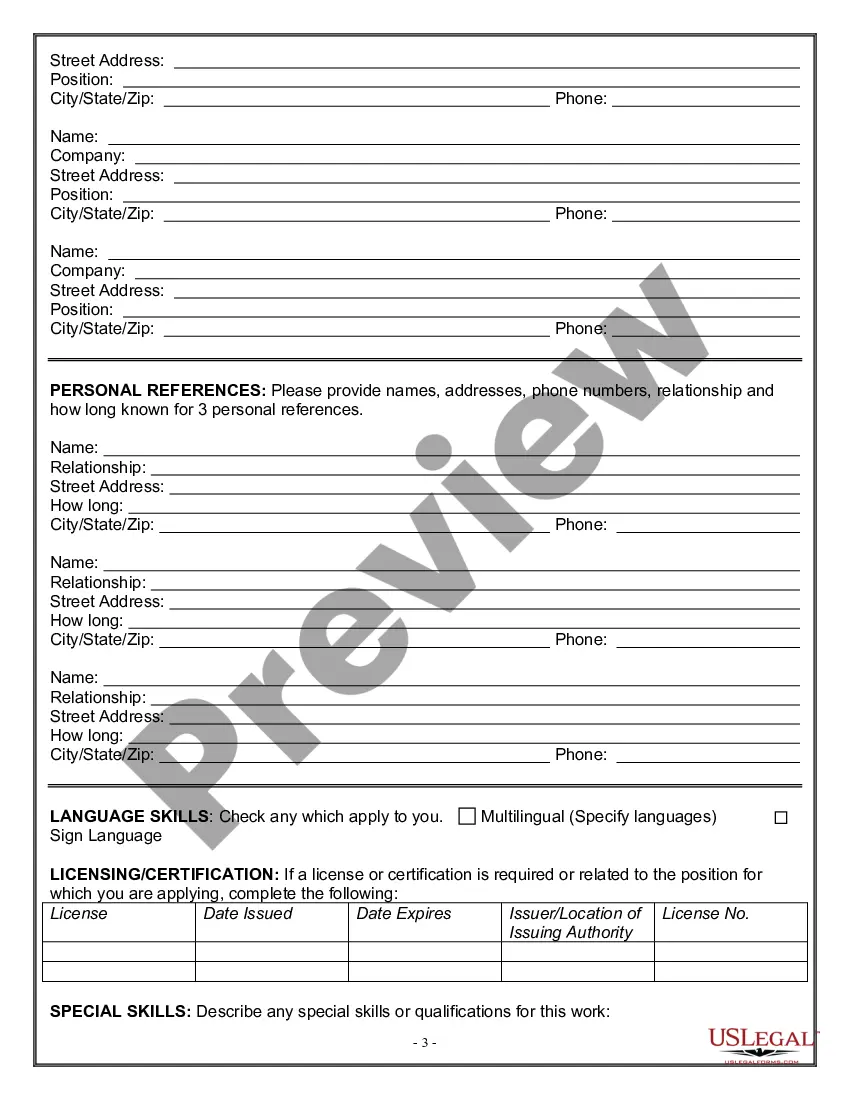
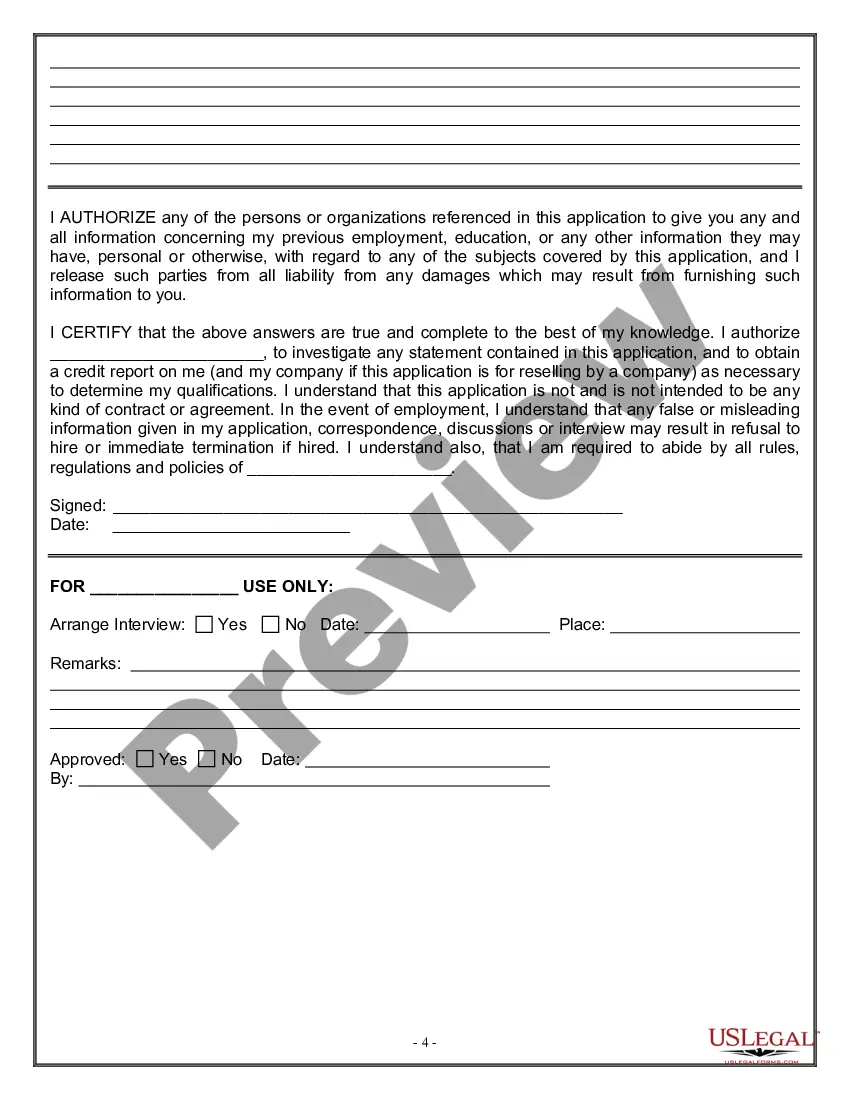
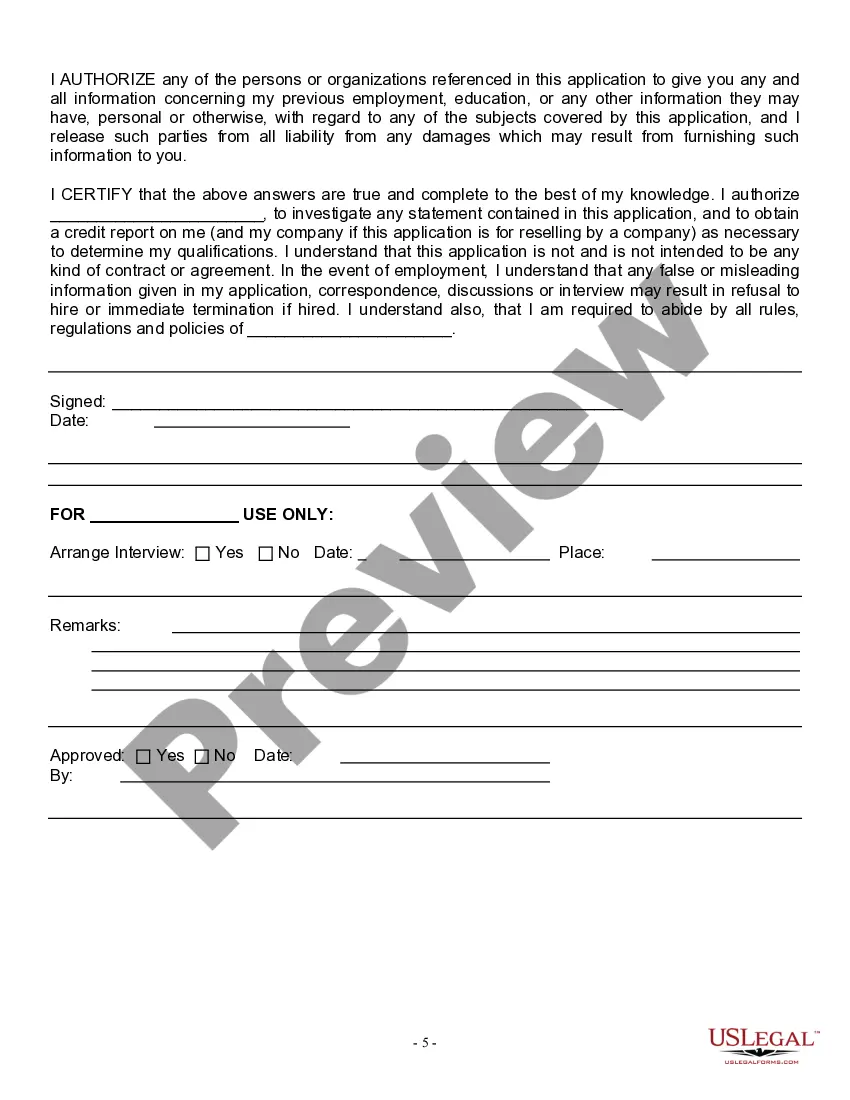
Get your form ready online
Our built-in tools help you complete, sign, share, and store your documents in one place.
Make edits, fill in missing information, and update formatting in US Legal Forms—just like you would in MS Word.
Download a copy, print it, send it by email, or mail it via USPS—whatever works best for your next step.
Sign and collect signatures with our SignNow integration. Send to multiple recipients, set reminders, and more. Go Premium to unlock E-Sign.
If this form requires notarization, complete it online through a secure video call—no need to meet a notary in person or wait for an appointment.
We protect your documents and personal data by following strict security and privacy standards.

Make edits, fill in missing information, and update formatting in US Legal Forms—just like you would in MS Word.

Download a copy, print it, send it by email, or mail it via USPS—whatever works best for your next step.

Sign and collect signatures with our SignNow integration. Send to multiple recipients, set reminders, and more. Go Premium to unlock E-Sign.

If this form requires notarization, complete it online through a secure video call—no need to meet a notary in person or wait for an appointment.

We protect your documents and personal data by following strict security and privacy standards.
Looking for another form?







Form popularity
FAQ
#3. What Is a Good CV Format? The reverse-chronological format is the best CV structure because it places your most recent and relevant experiences first. This format lets hiring managers quickly find your latest skills and employment history and see how your career has progressed so far.
How to Write an Application Letter for a Job Step 1: Research the Company and Job Role. Step 2: Use a Professional Format. Step 3: Write an Engaging Introduction. Step 4: Highlight Relevant Skills and Experiences. Step 5: End with a Strong Conclusion.
Unlike a resume, which concentrates on communicating your most relevant work experience and education history, a CV is longer, more detailed and can include more personal information relevant to academic and research positions, ing to HR Digest.
Since a résumé is tailored to each job you're applying for, it should be concise and brief—typically around one page. A CV, on the other hand, is an in-depth look at your entire educational and employment history. There's no length limit for CVs, but they're about two pages long on average.
How to create a professional resume Choose the right format. A format is the style and order in which you display information on your resume. Tailor your resume for each position. Add a resume summary or objective. List your soft and hard skills. Detail your professional history. Proofread your resume.
Since a resume includes your skills and qualifications for a specific role, it should typically be just one or two pages. A CV won't have a length limit and is much longer than most resumes because it includes more information and more detailed descriptions of coursework, research, publications or presentations.
There are 3 common resume formats - reverse-chronological, functional, and combination (also known as the hybrid). The reverse-chronological format is the most popular one in 2025, and we always recommend you go with that one.
Key Elements of a Resume Personal Information. Name Current and Permanent address (may be omitted from a resume posted on the web) ... Objective. In one short sentence summarize your goal for your job search. Education. Work and Related Experience. Awards and Honors. Activities/Hobbies. Skills. References (3-5 people)
Try to keep your resume to one page. Place references on a second page. Other common components to include are education, work experience, and a brief description of honors and awards. In the "education" section, include your major academic interests.
When writing a 'summary of me' in a resumé (also known as your 'About Me' section), you should include information like: your job title/profession. years of experience, most relevant skills. qualifications, any relevant awards, and. results you've achieved.
