Partition Agreement Template With Notary In Virginia
Description

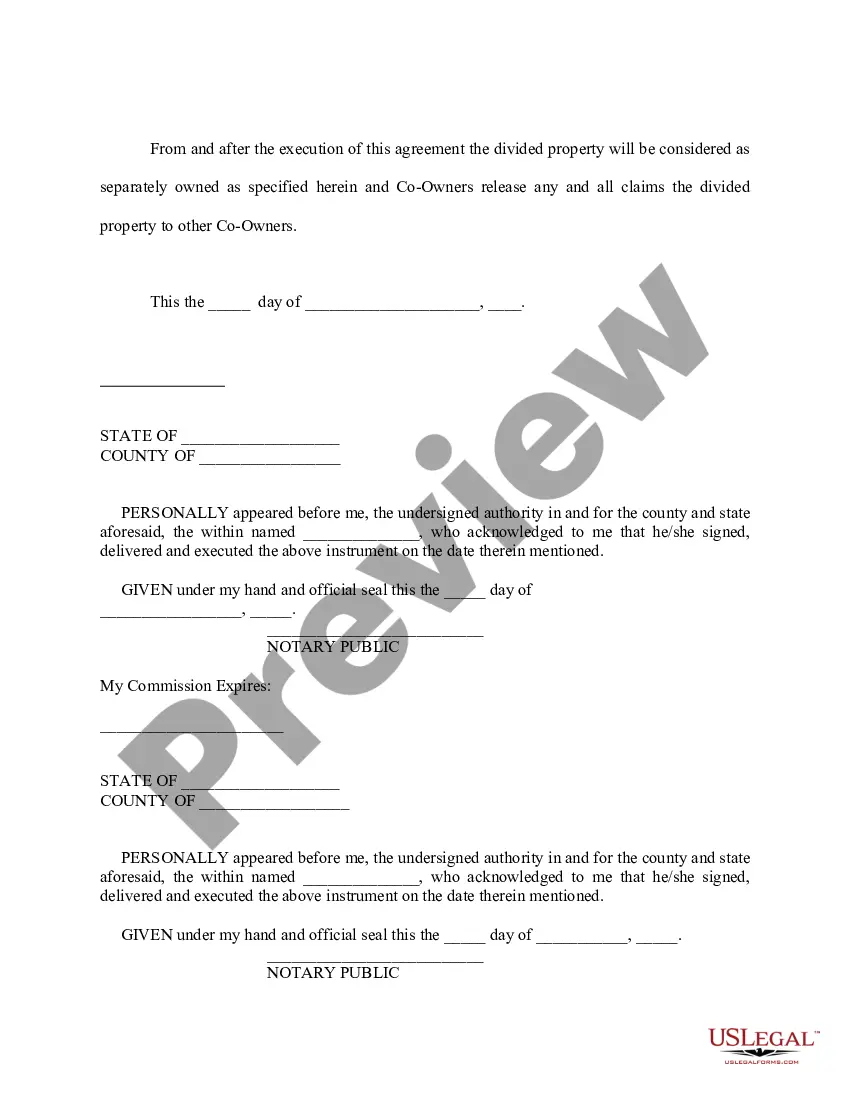
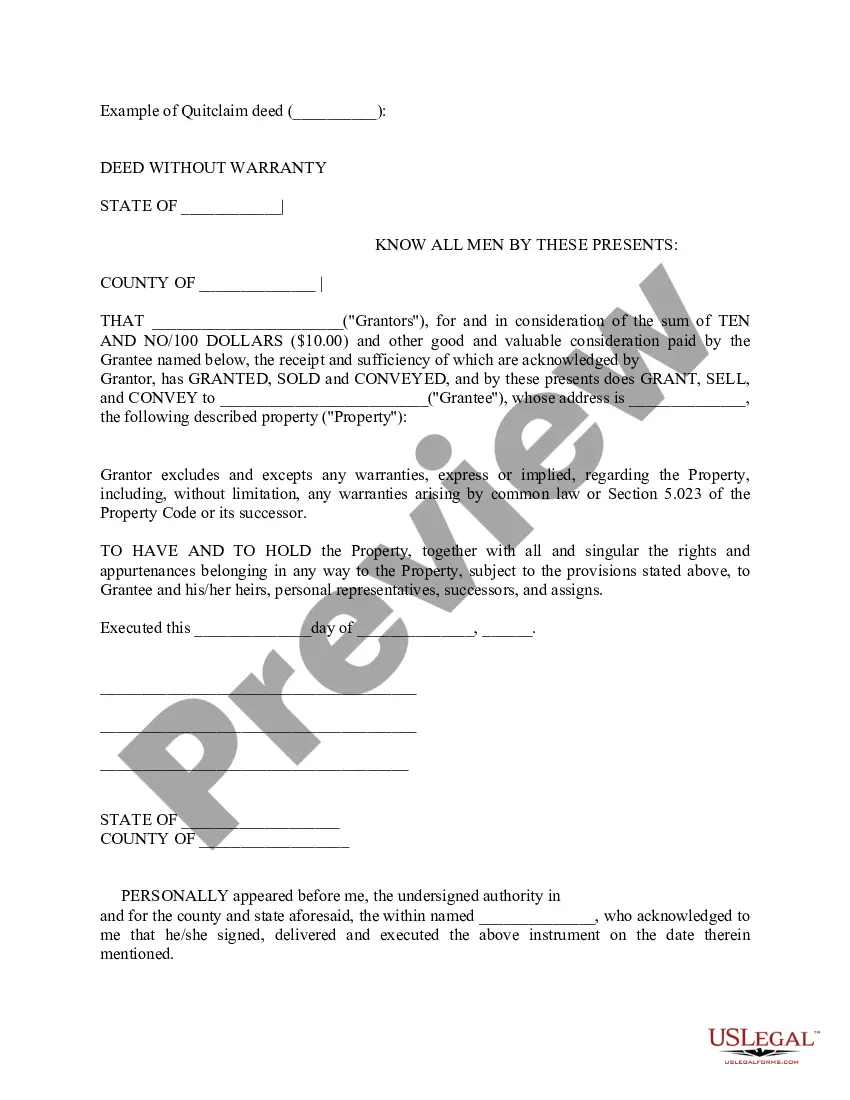
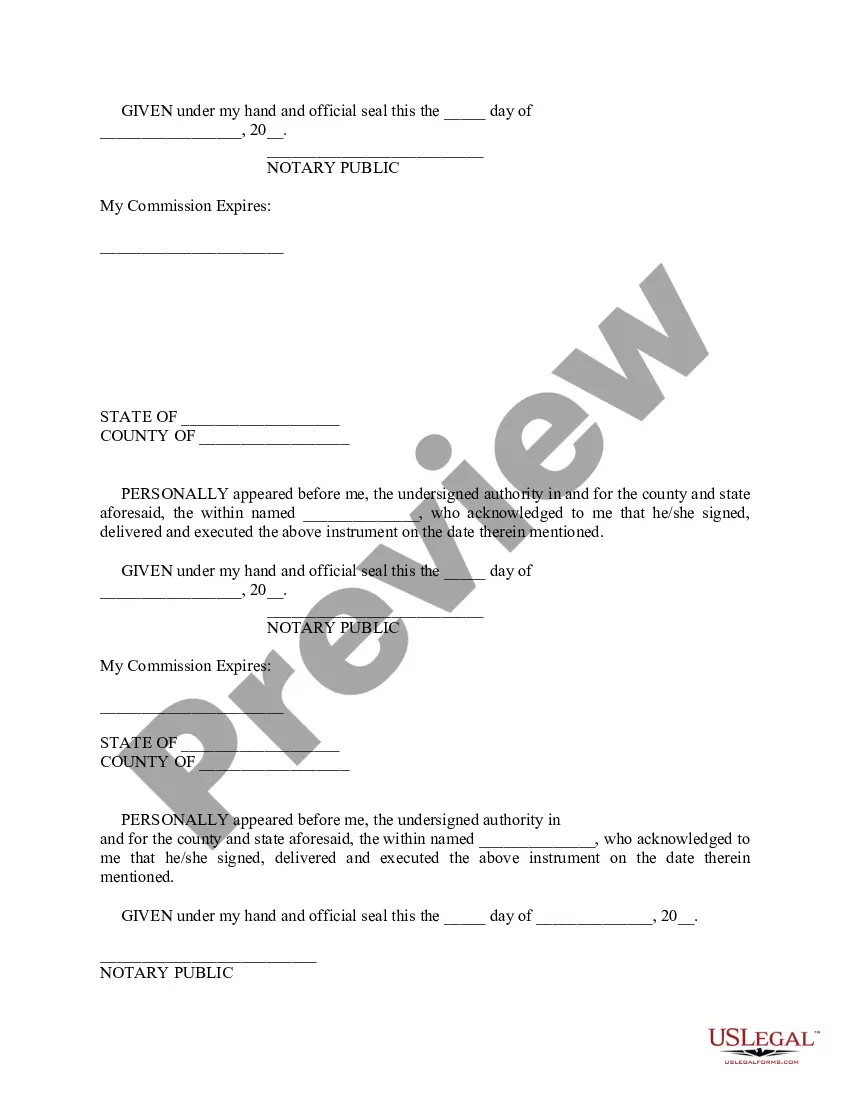

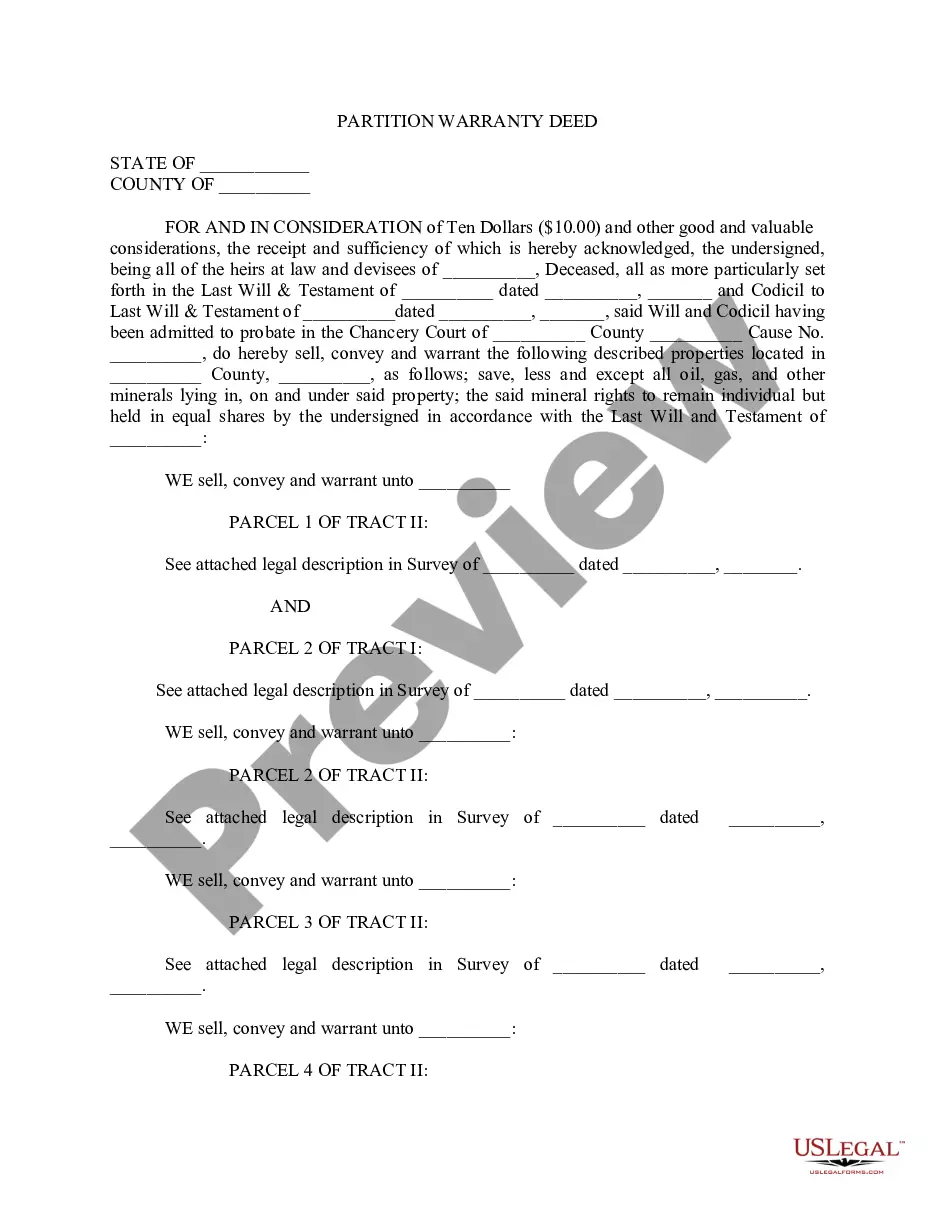
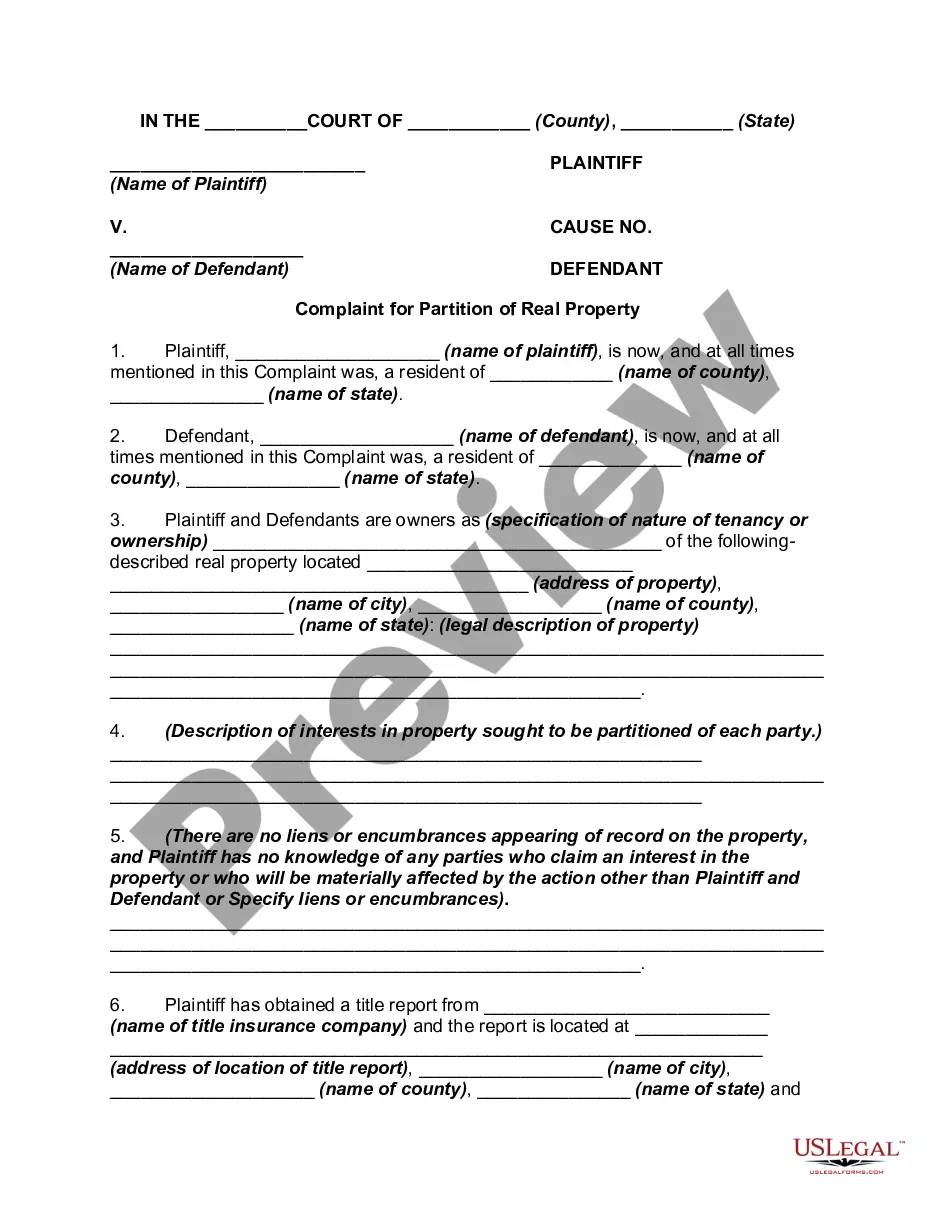
Get your form ready online
Our built-in tools help you complete, sign, share, and store your documents in one place.
Make edits, fill in missing information, and update formatting in US Legal Forms—just like you would in MS Word.
Download a copy, print it, send it by email, or mail it via USPS—whatever works best for your next step.
Sign and collect signatures with our SignNow integration. Send to multiple recipients, set reminders, and more. Go Premium to unlock E-Sign.
If this form requires notarization, complete it online through a secure video call—no need to meet a notary in person or wait for an appointment.
We protect your documents and personal data by following strict security and privacy standards.

Make edits, fill in missing information, and update formatting in US Legal Forms—just like you would in MS Word.

Download a copy, print it, send it by email, or mail it via USPS—whatever works best for your next step.

Sign and collect signatures with our SignNow integration. Send to multiple recipients, set reminders, and more. Go Premium to unlock E-Sign.

If this form requires notarization, complete it online through a secure video call—no need to meet a notary in person or wait for an appointment.

We protect your documents and personal data by following strict security and privacy standards.
Looking for another form?










Form popularity
FAQ
A Virginia notary may notarize a document to be filed and used outside of Virginia if it is signed and notarized in Virginia. The notary must notify the Secretary of the Commonwealth's Office of any changes to the information provided on their application during the course of their commission.
One of the most common mistakes that notaries make is not printing or signing their name exactly as it appears on their notary commission.
How to draft a contract in 13 simple steps Start with a contract template. Understand the purpose and requirements. Identify all parties involved. Outline key terms and conditions. Define deliverables and milestones. Establish payment terms. Add termination conditions. Incorporate dispute resolution.
- Virginia notaries may notarize powers of attorney and wills. - Virginia notaries are not authorized to certify true copies of birth, death, or marriage certificates. Only the Division of Vital Records/Statistics may perform such a certification.
The signer must appear before the notary. The notary must identify the signer. The signer must take an oath or affirmation in the notary's presence and verbally confirm the document's truthfulness (silent nods are not sufficient). The document must be signed by the signer in the notary's presence.
Virginia signers can get their documents remotely notarized online with a commissioned notary public using a mobile device or computer webcam.
The UPS Store locations offer notary services to help make life easier. Once your documents are notarized, the center will help you make any necessary copies and ship them where they need to go.
A notary cannot notarize his or her own signature, the signature of his or her spouse or a document in which the notary or the notary's spouse may benefit.
In order to complete an online notarization in Virginia, you'll need the following: An original, unsigned document (Don't sign it before uploading! ... A computer, iPhone, or Android phone with audio and video capabilities. A valid government–issued photo ID. A U.S. social security number for secure identity verification.
