Deed Of Agreement Example In Hillsborough
Description

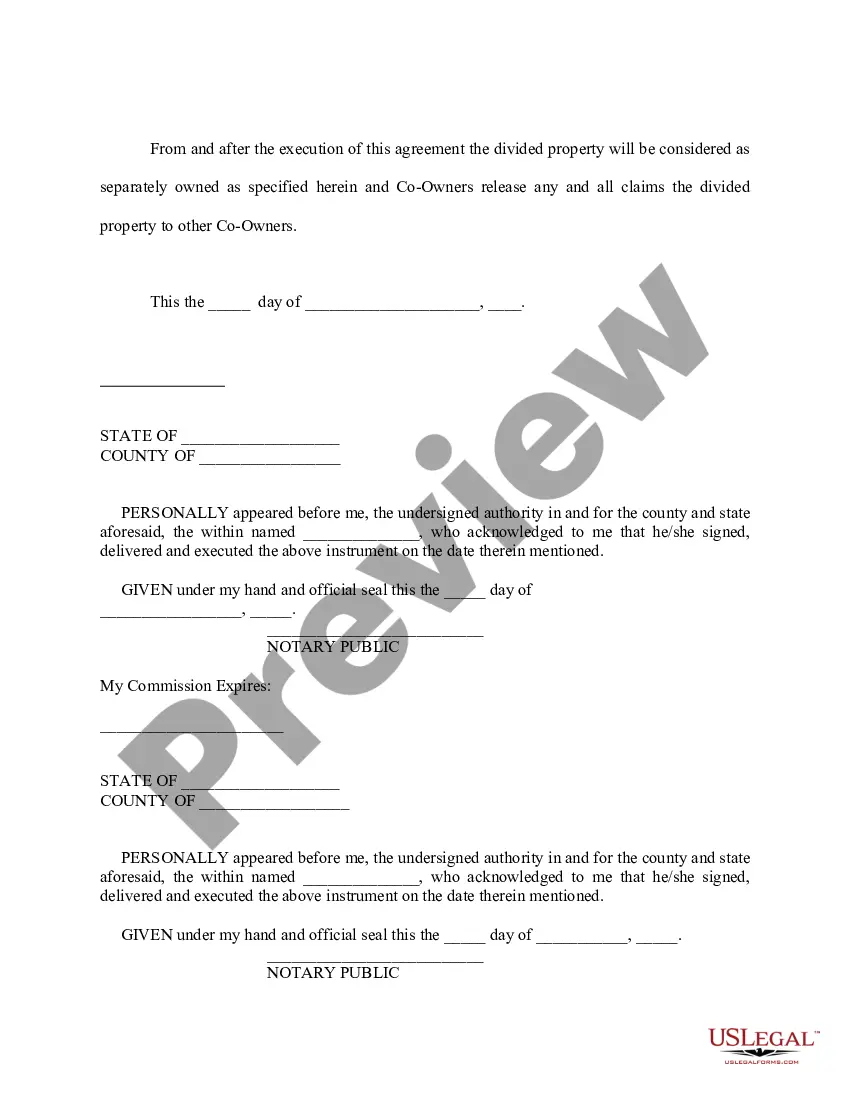
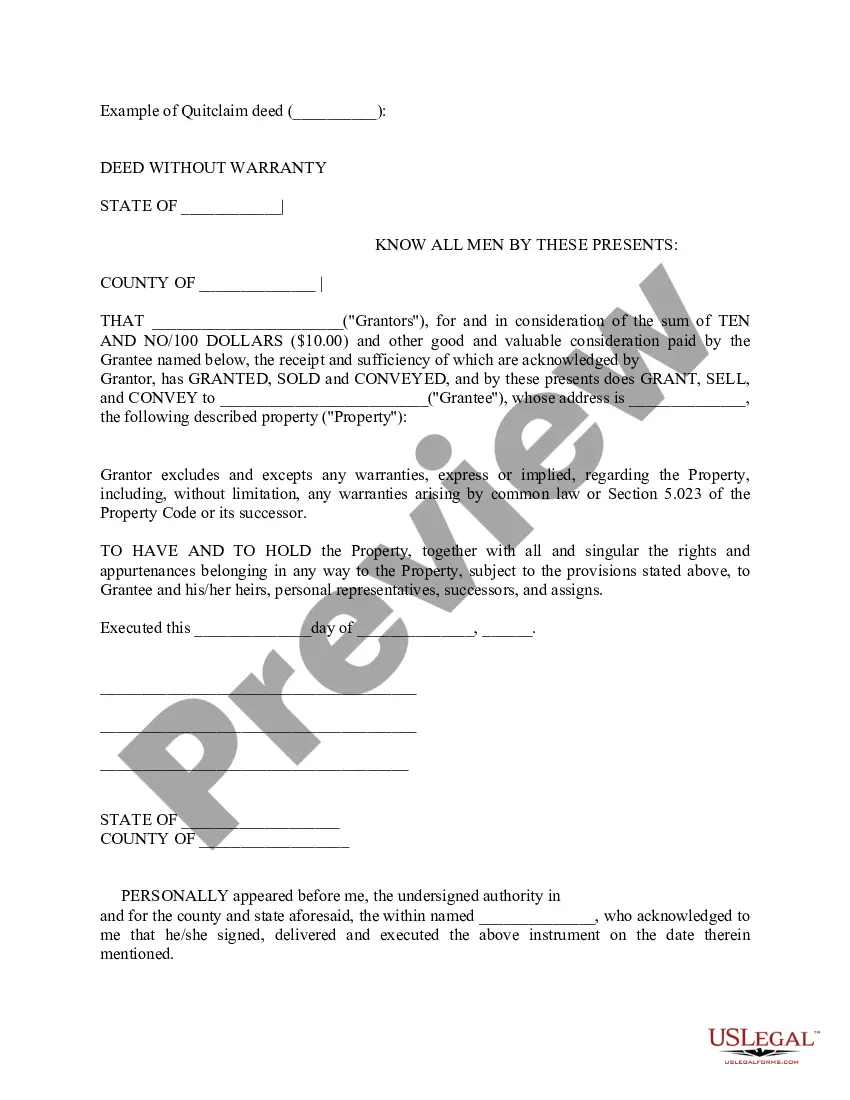

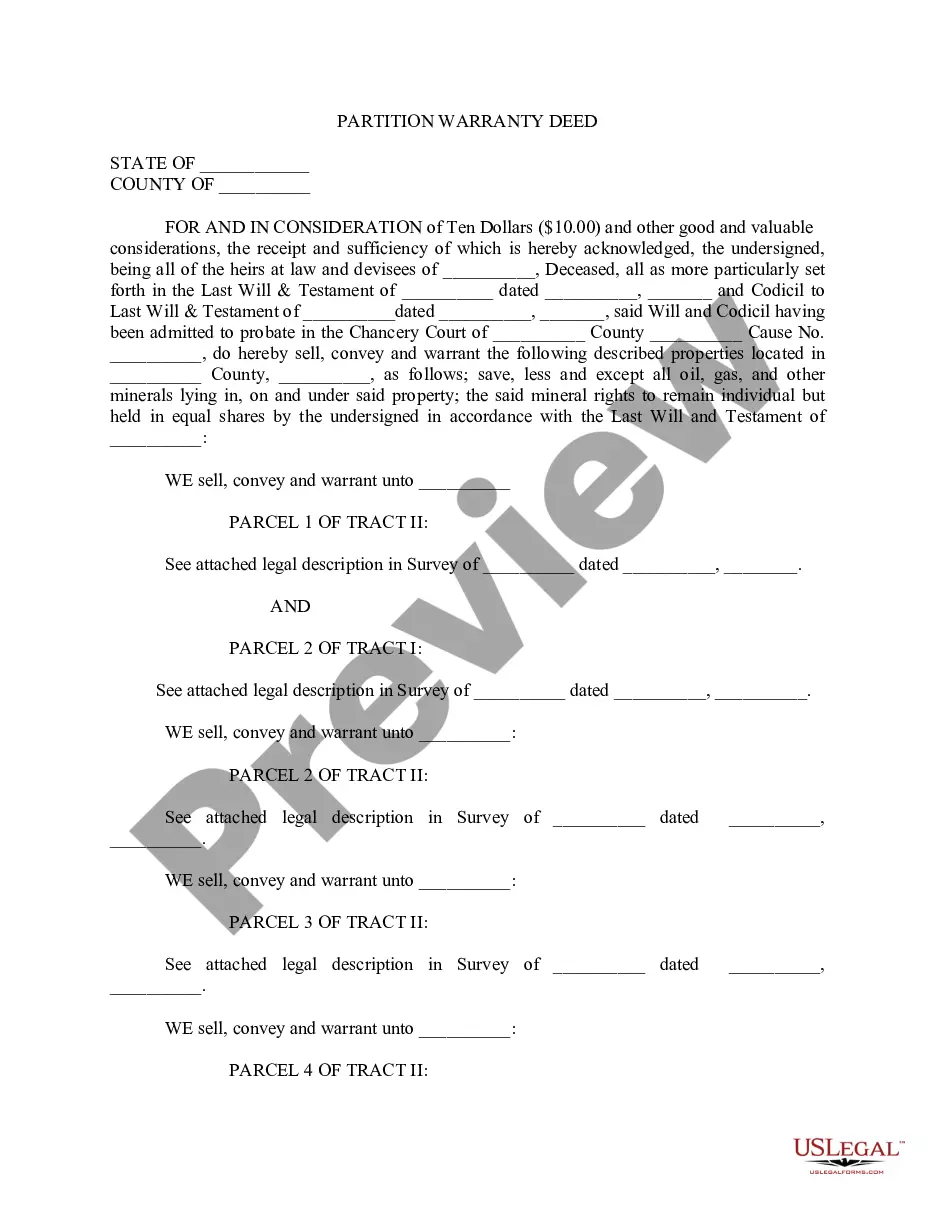
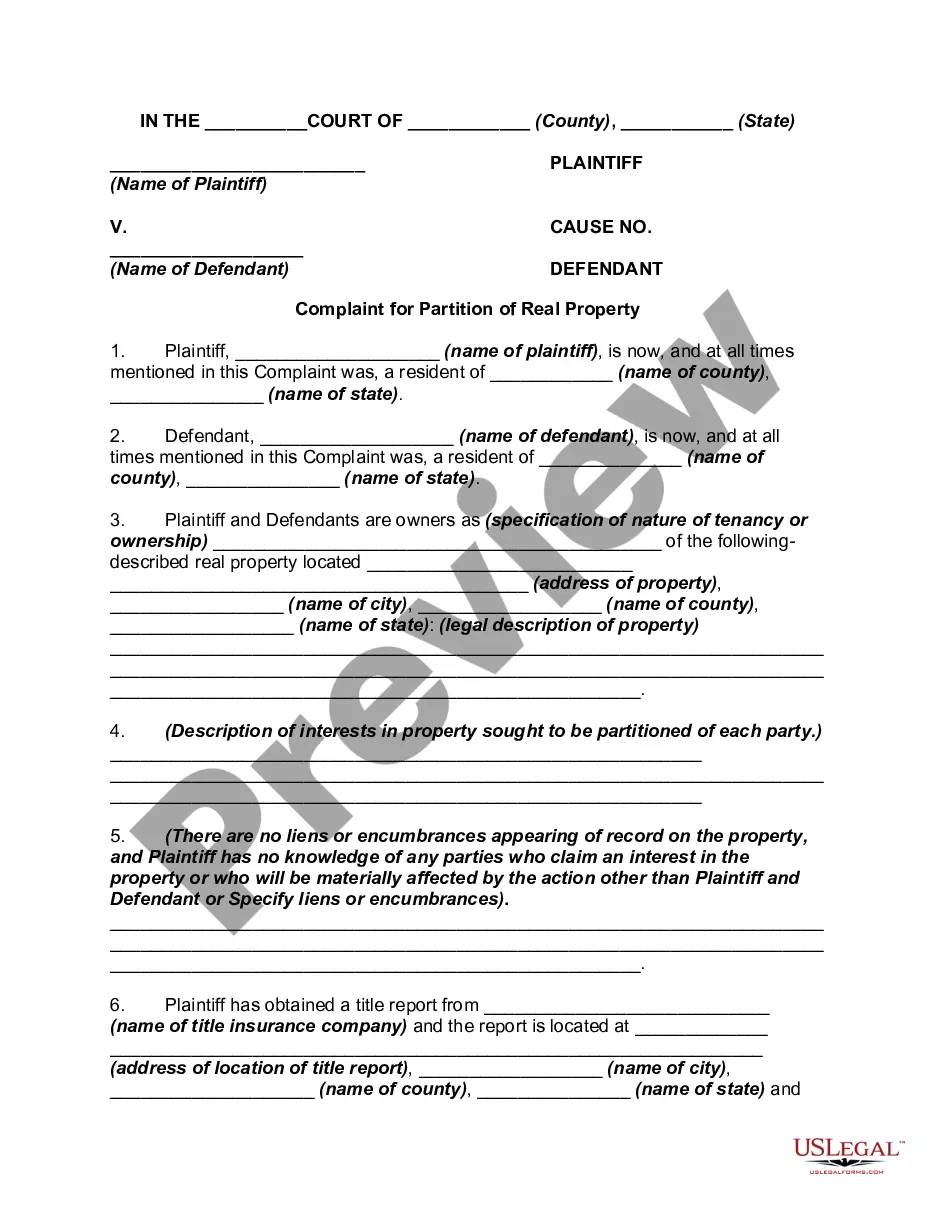
Get your form ready online
Our built-in tools help you complete, sign, share, and store your documents in one place.
Make edits, fill in missing information, and update formatting in US Legal Forms—just like you would in MS Word.
Download a copy, print it, send it by email, or mail it via USPS—whatever works best for your next step.
Sign and collect signatures with our SignNow integration. Send to multiple recipients, set reminders, and more. Go Premium to unlock E-Sign.
If this form requires notarization, complete it online through a secure video call—no need to meet a notary in person or wait for an appointment.
We protect your documents and personal data by following strict security and privacy standards.

Make edits, fill in missing information, and update formatting in US Legal Forms—just like you would in MS Word.

Download a copy, print it, send it by email, or mail it via USPS—whatever works best for your next step.

Sign and collect signatures with our SignNow integration. Send to multiple recipients, set reminders, and more. Go Premium to unlock E-Sign.

If this form requires notarization, complete it online through a secure video call—no need to meet a notary in person or wait for an appointment.

We protect your documents and personal data by following strict security and privacy standards.
Looking for another form?


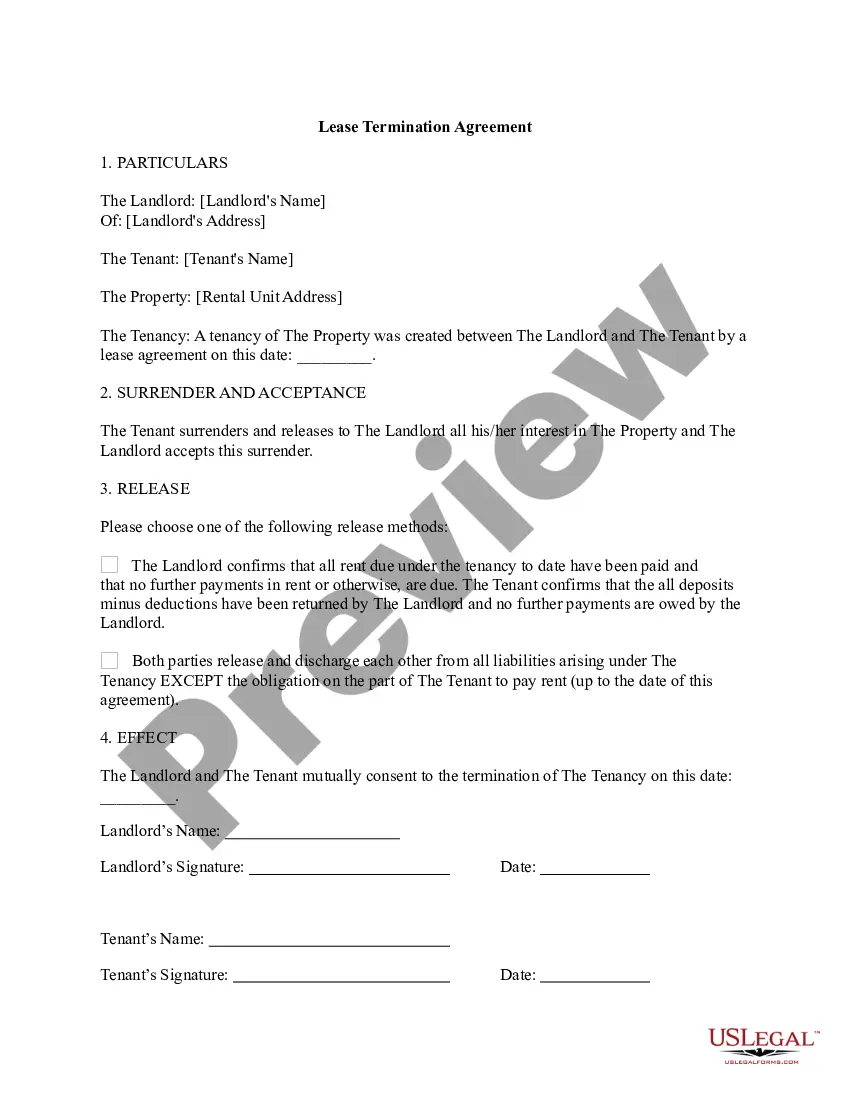
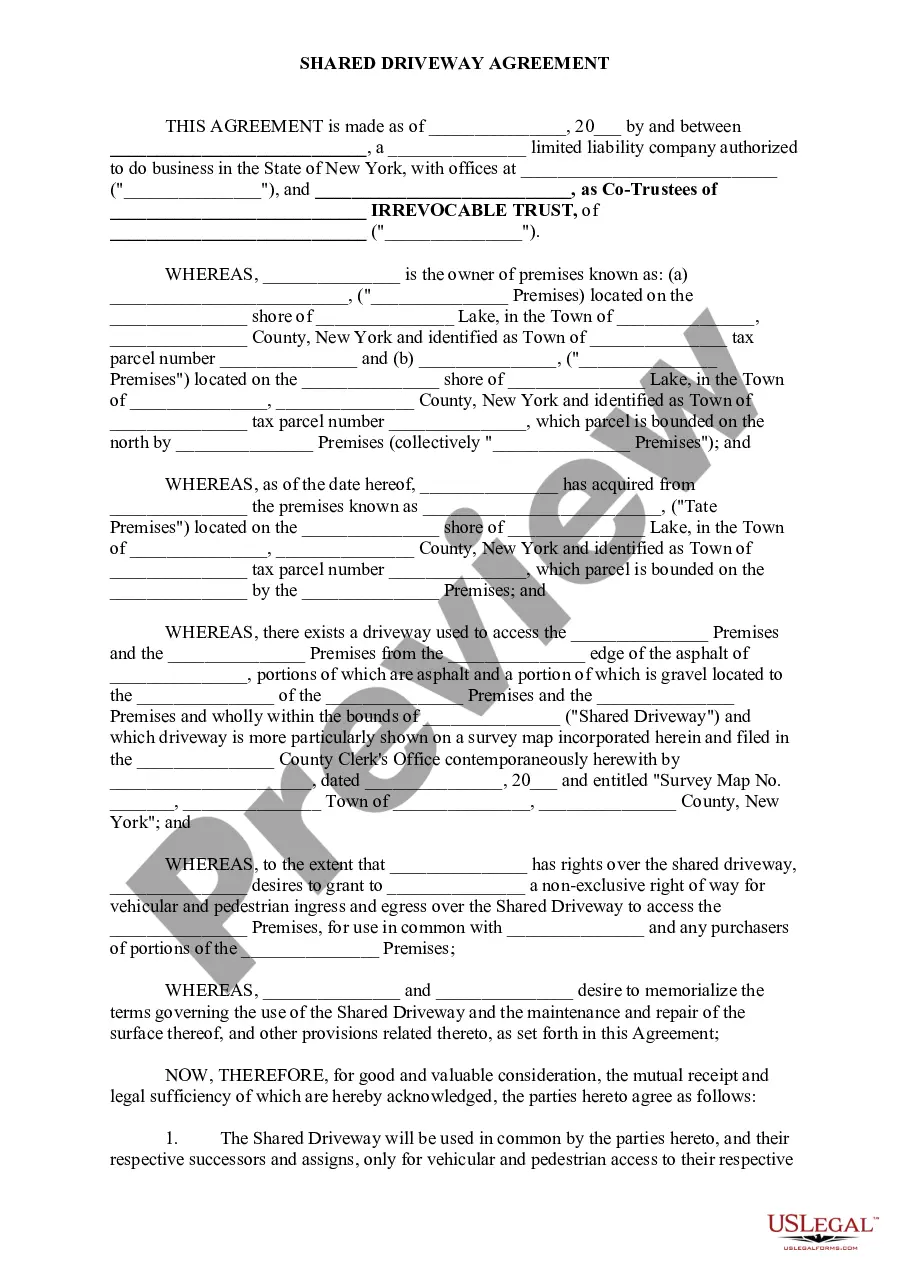



Form popularity
FAQ
How Do I Add or Change a Name on my Deed? The only way to change or add a name to a deed is by having a new deed prepared.
The document is a Declaration of Domicile filed with the Clerk of the Circuit Court in Hillsborough County, Florida. It serves to declare an individual's permanent residence in Florida, affirming their intention to maintain it as their principal home.
Recording a Deed Must present a photocopy of a government issued photo identification for each grantor(s) and grantee(s) listed on the deed. "Prepared by" statement (name and address of the "natural" person preparing the Deed) Grantor(s) (Sellers-Party Giving Title) names legibly printed in the body of the deed.
Question where do you file this deed in Hillsbor. County you need to file the quick lead with theMoreQuestion where do you file this deed in Hillsbor. County you need to file the quick lead with the clerk of the circuit court. And comproller.
Question where do you file this deed in Hillsbor. County you need to file the quick lead with theMoreQuestion where do you file this deed in Hillsbor. County you need to file the quick lead with the clerk of the circuit court. And comproller.
And the property folio number used by the property appraiser. Once you have all the documents. ReadyMoreAnd the property folio number used by the property appraiser. Once you have all the documents. Ready you can submit them to the clerk's.
How Do I Add or Change a Name on my Deed? The only way to change or add a name to a deed is by having a new deed prepared.
A person can file a quitclaim deed by (1) entering the relevant information on a quitclaim deed form, (2) signing the deed with two witnesses and a notary, and (3) recording the deed at the county comptroller's office. In Florida, quitclaim deeds must have the name and address of both the grantor and the grantee.
You do not have to be an attorney to prepare a Florida quitclaim deed. Absent attorney fees, your costs would only be the recording fees that the county comptroller charges and transfer fees if the property is mortgaged.
Recorder Offices Clerk of the Circuit Court. 419 Pierce St, Rm 140 / PO Box 3249, Tampa, Florida 33602 / 33601-3249. Brandon Office - Regional Service Center. 311 Pauls Dr, Brandon, Florida 33511. South Shore Office - Regional Service Center. 410 30th St SE, Ruskin, Florida 33570. Plant City Office.
