Notary Application Form California In Suffolk
Description

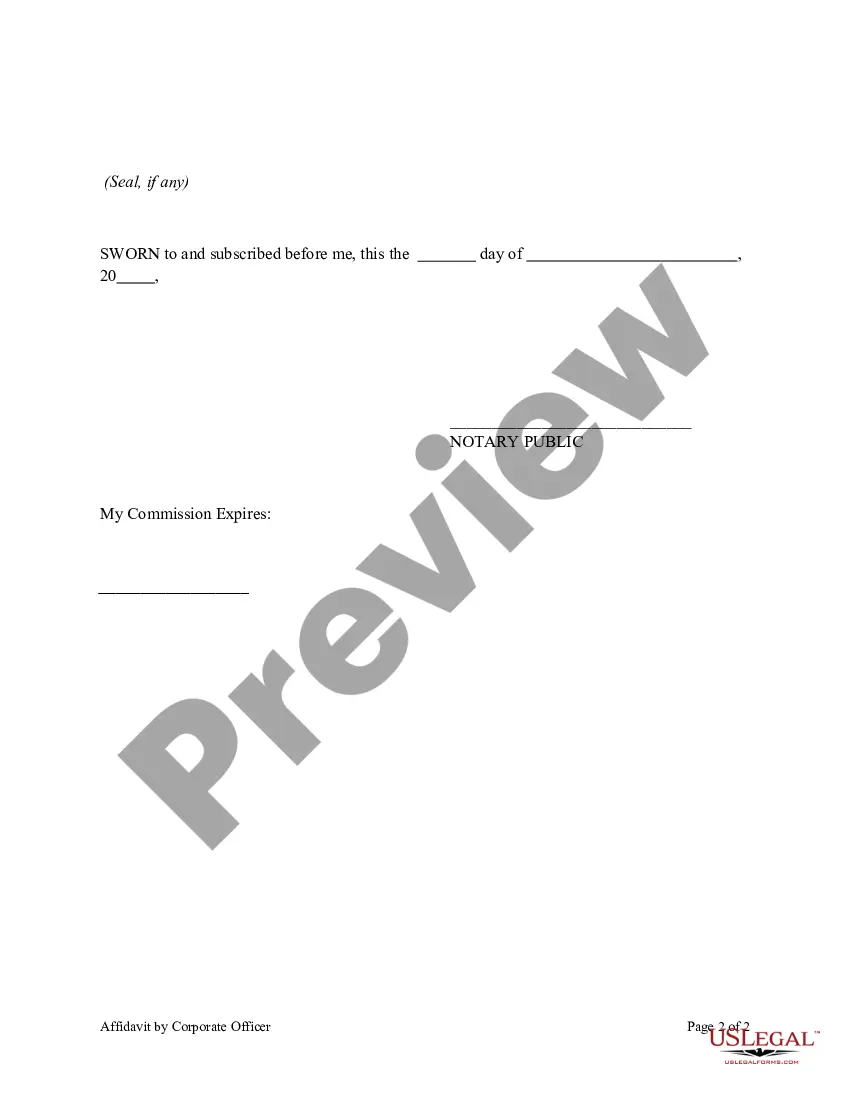
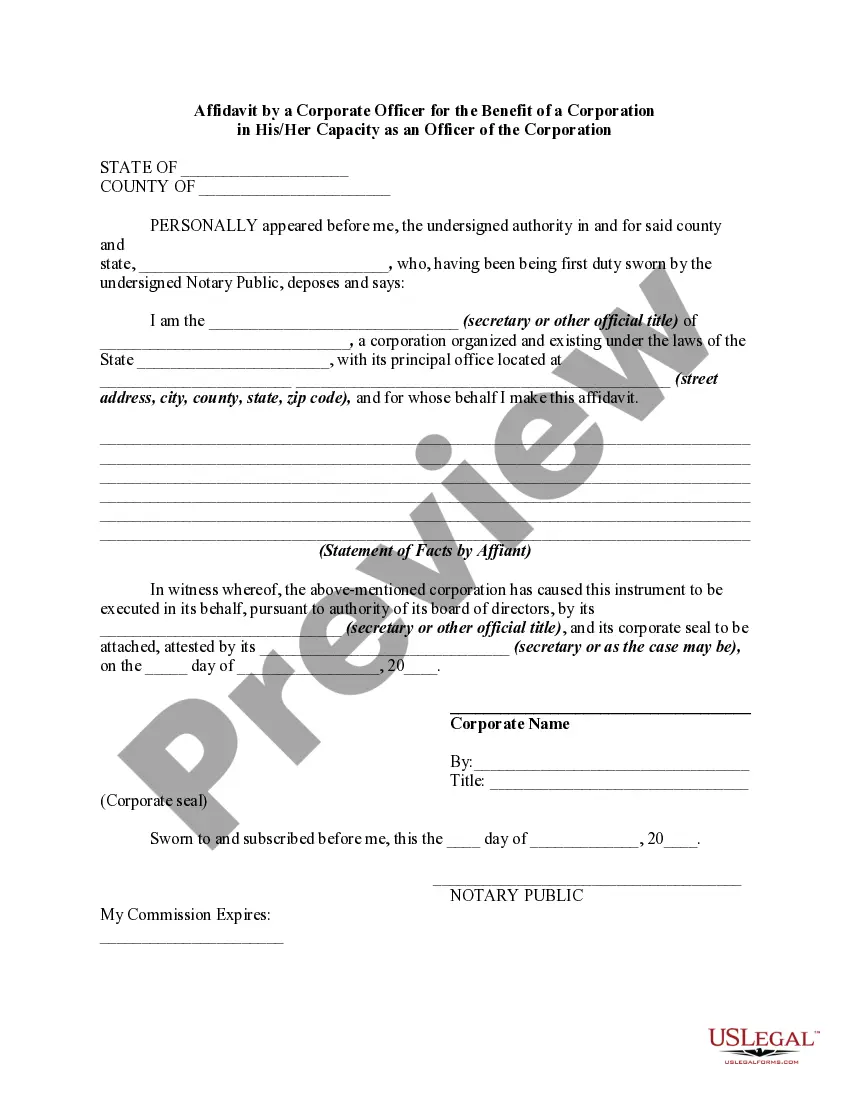
Get your form ready online
Our built-in tools help you complete, sign, share, and store your documents in one place.
Make edits, fill in missing information, and update formatting in US Legal Forms—just like you would in MS Word.
Download a copy, print it, send it by email, or mail it via USPS—whatever works best for your next step.
Sign and collect signatures with our SignNow integration. Send to multiple recipients, set reminders, and more. Go Premium to unlock E-Sign.
If this form requires notarization, complete it online through a secure video call—no need to meet a notary in person or wait for an appointment.
We protect your documents and personal data by following strict security and privacy standards.

Make edits, fill in missing information, and update formatting in US Legal Forms—just like you would in MS Word.

Download a copy, print it, send it by email, or mail it via USPS—whatever works best for your next step.

Sign and collect signatures with our SignNow integration. Send to multiple recipients, set reminders, and more. Go Premium to unlock E-Sign.

If this form requires notarization, complete it online through a secure video call—no need to meet a notary in person or wait for an appointment.

We protect your documents and personal data by following strict security and privacy standards.
Looking for another form?



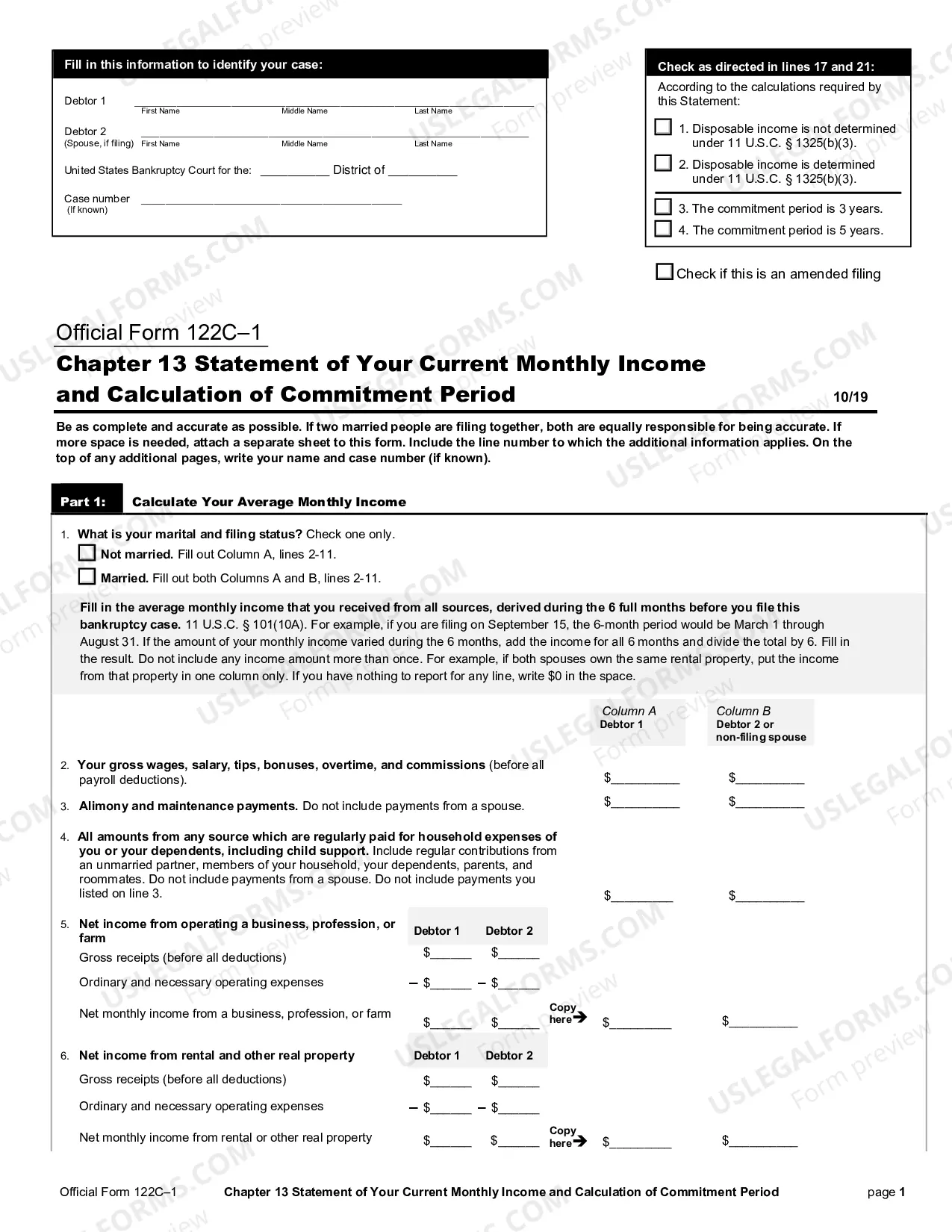






Form popularity
FAQ
Failure to disclose any arrest or conviction; Conviction of a felony where not less than 10 years have passed since the completion of probation; Conviction of a disqualifying misdemeanor where not less than 5 years have passed since the completion of probation; or.
In order to complete an online notarization in California, you'll need the following: An original, unsigned document (Don't sign it before uploading! ... A computer, iPhone, or Android phone with audio and video capabilities. A valid government–issued photo ID. A U.S. social security number for secure identity verification.
How to Fill Out the California Notary Public Application Your entire social security number or your unique taxpayer identification number. Your birthdate. Your driver's license number. Your full name. Your notary public commission name. The name of your business. The county where your business is located.
The California notary exam is not too difficult, if you are willing to study and memorize all the required skills and rules to be a Notary Public. The notary exam will have 45 multiple-choice questions, and you must answer at least 70% correctly to pass.
One of the most common mistakes that notaries make is not printing or signing their name exactly as it appears on their notary commission.
The short answer is yes, notary publics are legally allowed to notarize documents from any state as long the notarial act is conducted within the geographical boundaries of the notary's state of commission.
The short answer is yes, notary publics are legally allowed to notarize documents from any state as long the notarial act is conducted within the geographical boundaries of the notary's state of commission.
Does California allow remote online notaries? Yes. Starting January 1, 2024, Californians will have the option to get their documents notarized online, based on California Senate Bill 696.
