Notarized Affidavit For Lost Oci Card In Hennepin
Description

Get your form ready online
Our built-in tools help you complete, sign, share, and store your documents in one place.
Make edits, fill in missing information, and update formatting in US Legal Forms—just like you would in MS Word.
Download a copy, print it, send it by email, or mail it via USPS—whatever works best for your next step.
Sign and collect signatures with our SignNow integration. Send to multiple recipients, set reminders, and more. Go Premium to unlock E-Sign.
If this form requires notarization, complete it online through a secure video call—no need to meet a notary in person or wait for an appointment.
We protect your documents and personal data by following strict security and privacy standards.

Make edits, fill in missing information, and update formatting in US Legal Forms—just like you would in MS Word.

Download a copy, print it, send it by email, or mail it via USPS—whatever works best for your next step.

Sign and collect signatures with our SignNow integration. Send to multiple recipients, set reminders, and more. Go Premium to unlock E-Sign.

If this form requires notarization, complete it online through a secure video call—no need to meet a notary in person or wait for an appointment.

We protect your documents and personal data by following strict security and privacy standards.
Looking for another form?





Form popularity
FAQ
(d) Indian Passport (original and self attested copy) These must also be uploaded as a single pdf file on the OCI application website. In case Indian passport is not available, please provide copy of Nativity Certificate / Domicile certificate issued by competent authority in India as your proof of Indian Origin.
Kindly note that normal processing time for a new OCI application (based on Indian origin) is 5-6 weeks from the date of registration of the application in the Consulate whereas for re-issuance/updation of OCI Cards, it is 6-7 weeks. This is subject to getting necessary clearance from Ministry of Home Affairs(MHA).
Kindly note that OCI applications under Foreign Spouse Category will only be accepted after a personal interview with the applicant and his/her spouse.
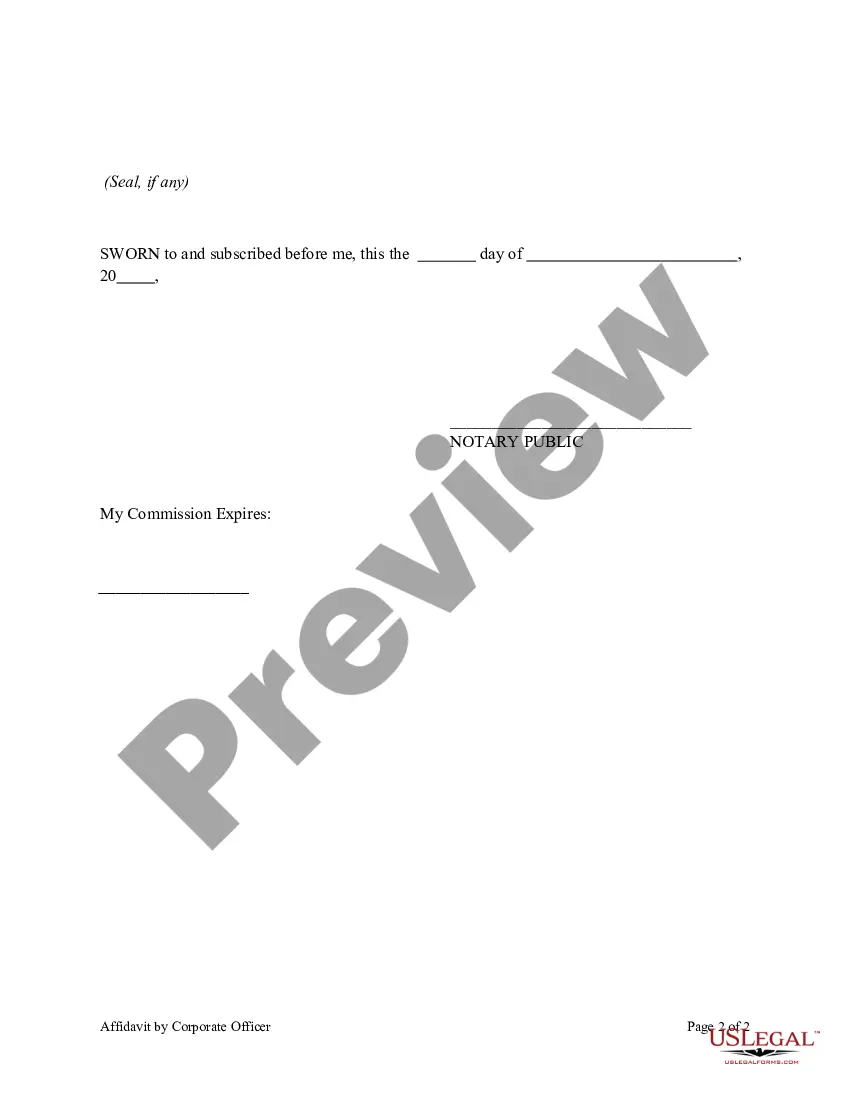
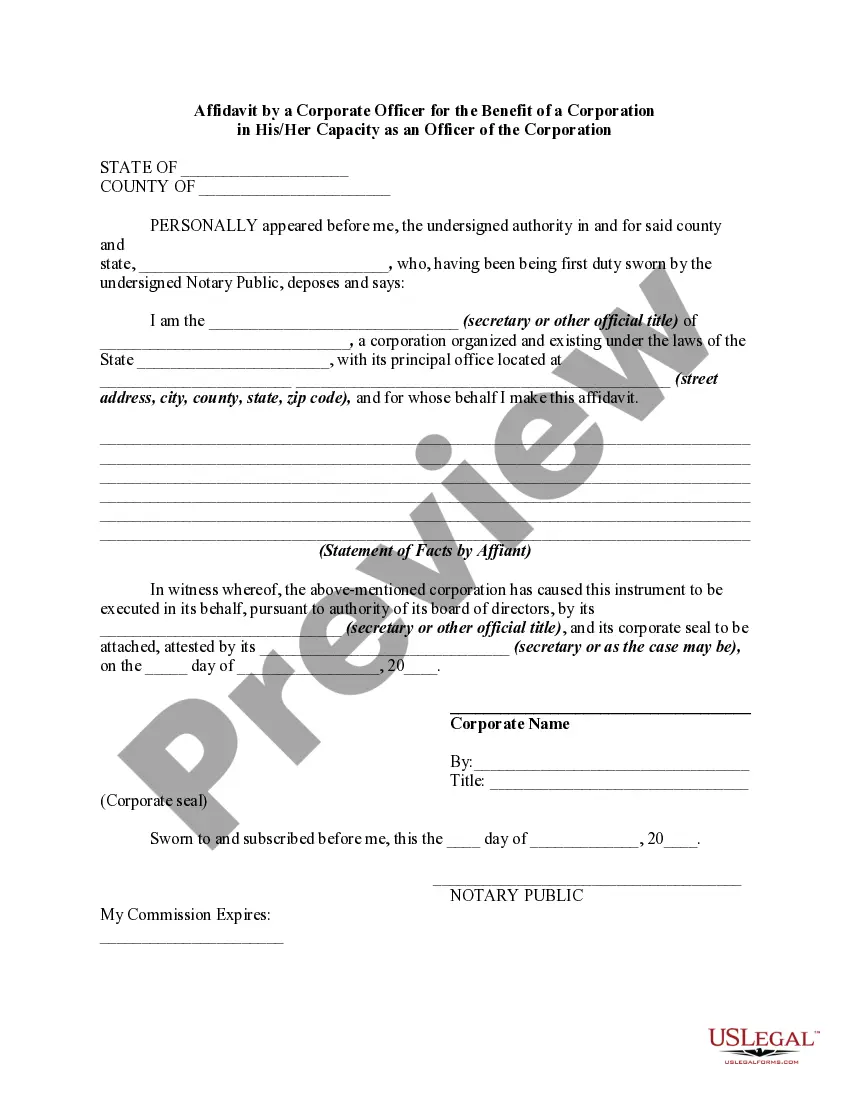
This affidavit serves as a sworn statement confirming that the attached documents are true copies of original support documents. It is essential for submitting your OCI application.
There will be no restriction on the OCI cardholder to travel to/from India during the period from the date of issue of new passport till the date of final acknowledgment of his/her documents in the online system.
The photographs must be clear, well defined and taken against a light background. Face must be square to the camera with a neutral expression, neither frowning nor smiling and with your mouth closed. If you must wear a head covering for religious reasons, make sure your full facial features are not obscured.
Consistent Signature: The signature on the OCI application must match the signature on the passport. Signature of Parents: For children under 5, parents should also sign or add the child's thumbprint. Check Image Resolution: Ensure the digital signature is uploaded in the correct resolution.
How to create a digital signature. Click review link and opt to digitally sign. Click the review link and opt to sign PDFs digitally. Select signature source and select name. Sign in and apply a digital signature. Preview signature. Authenticate the signature. Send your signed document.
- One photo of size 51mm x 51 mm. Paste this on Page 1 of the Application Form. - Photograph can be taken in a white, off-white, light colored background in a glossy finish - Please note: The photograph uploaded online must be the same as the physical photograph pasted on your OCI application form.
All U.S. citizens need a valid passport as well as a valid Indian visa or an Overseas Citizen of India (OCI) card to enter and exit India for any purpose. India may deny entry to travelers without valid documents or the correct type of visa. Indian visa rules and instructions change often.
