Sworn Affidavit/declaration Of Parents In San Bernardino
Description
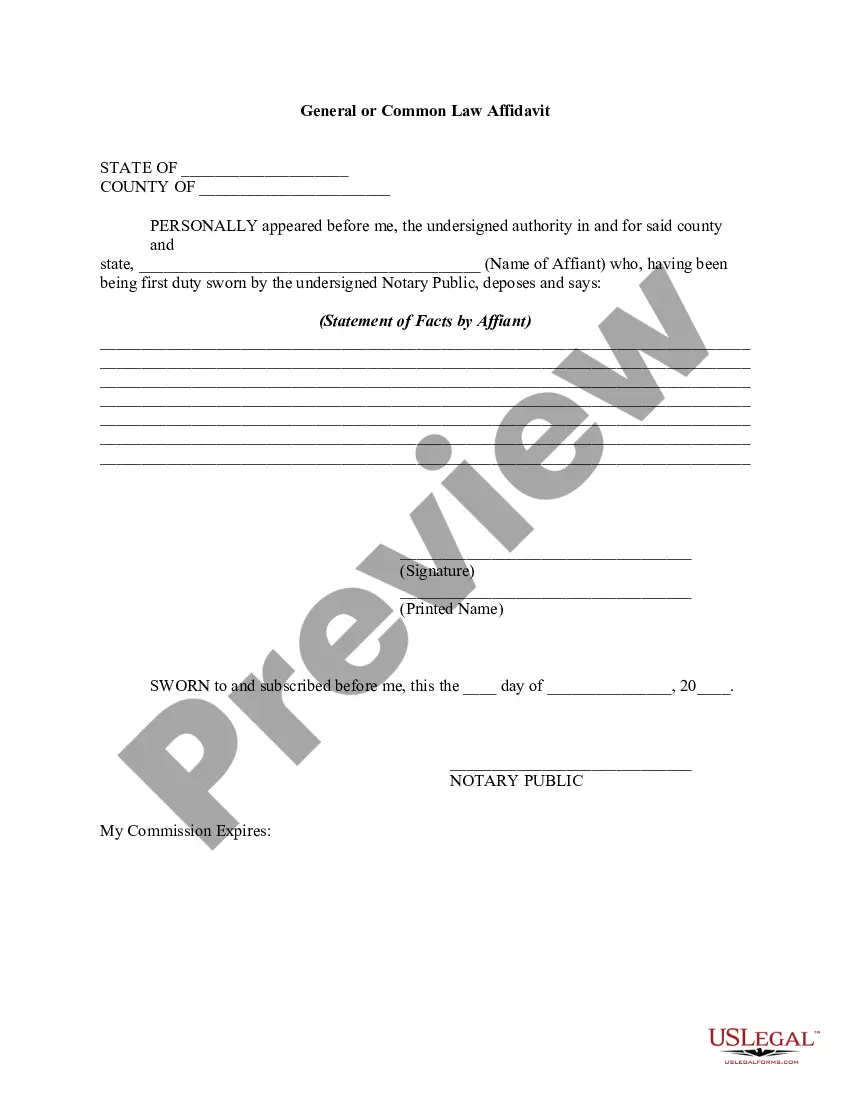
Get your form ready online
Our built-in tools help you complete, sign, share, and store your documents in one place.
Make edits, fill in missing information, and update formatting in US Legal Forms—just like you would in MS Word.
Download a copy, print it, send it by email, or mail it via USPS—whatever works best for your next step.
Sign and collect signatures with our SignNow integration. Send to multiple recipients, set reminders, and more. Go Premium to unlock E-Sign.
If this form requires notarization, complete it online through a secure video call—no need to meet a notary in person or wait for an appointment.
We protect your documents and personal data by following strict security and privacy standards.

Make edits, fill in missing information, and update formatting in US Legal Forms—just like you would in MS Word.

Download a copy, print it, send it by email, or mail it via USPS—whatever works best for your next step.

Sign and collect signatures with our SignNow integration. Send to multiple recipients, set reminders, and more. Go Premium to unlock E-Sign.

If this form requires notarization, complete it online through a secure video call—no need to meet a notary in person or wait for an appointment.

We protect your documents and personal data by following strict security and privacy standards.
Looking for another form?
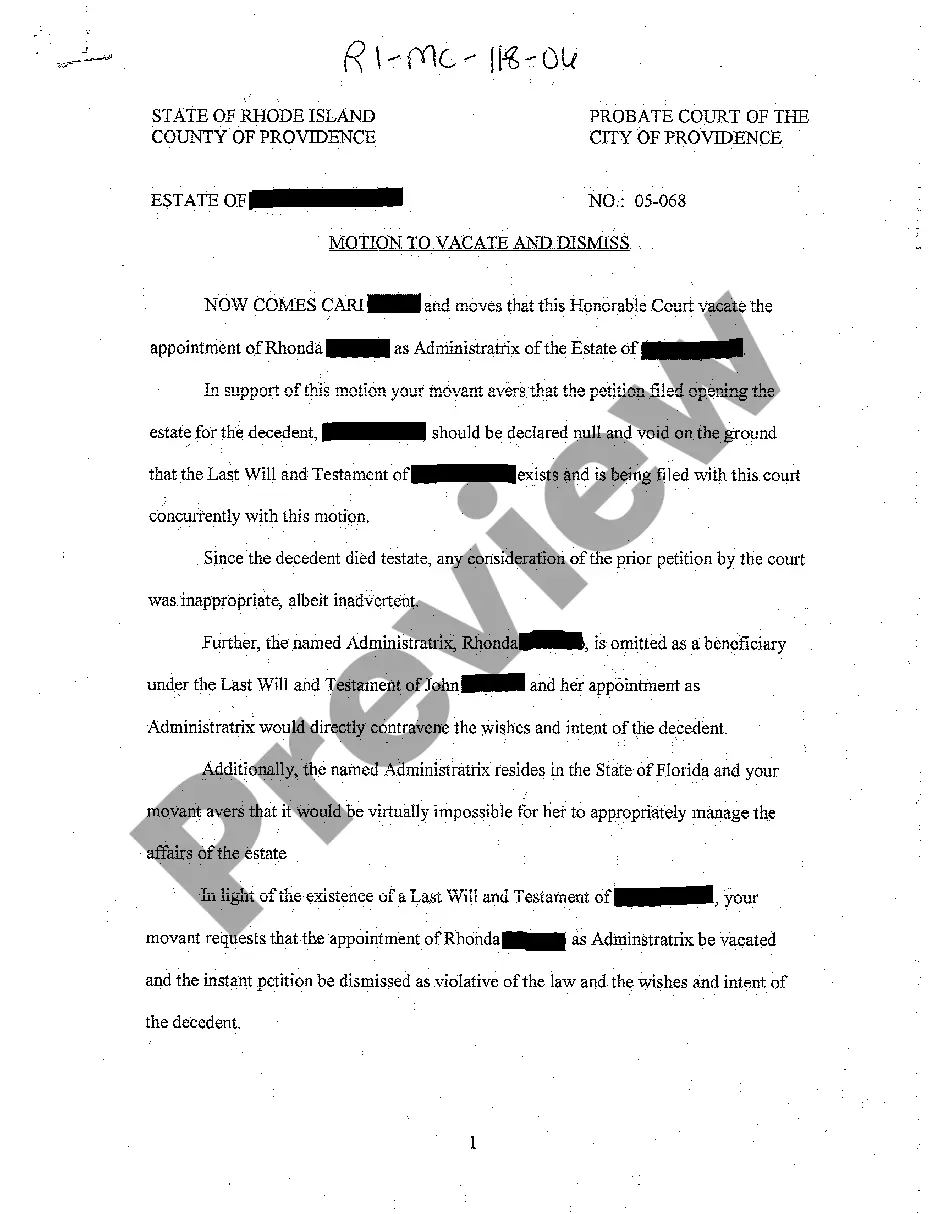
Form popularity
FAQ
We will require both parents to be present. If one parent is unable to come to our office, due to being out of the country, etc., that parent's signature on the form will need to be notarized. We can then witness the other parent's signature at our office and will file the form with the appropriate agencies.
No, a father's signature is required in California to put his name on a birth certificate. If he is not present, he can sign an Acknowledgment of Paternity form later or have a court order establishing paternity. If he refuses to sign, a court order can be obtained through a paternity lawsuit.
The California Department of Public Health — Vital Records issues certified copies of California vital records. The fastest way to request a copy of a birth or death certificate or marriage or divorce documents is to order online at CDPH-VR.
ONLY authorized individuals (Health and Safety Code Section 103526) listed in Part 1 may obtain an authorized copy. All others may receive a certified informational copy that will be marked, “Informational, Not a Valid Document to Establish Identity.”
A: After the Birth Certificate is prepared, the parent signs it. Only one signature is required. If both parents are there, they may both sign it. If the patient is discharged before the certificate is signed, the hospital staff signs it.
If you are requesting an authorized copy of a birth, death, or marriage certificate, you MUST complete the Sworn Statement included with the application and sign the statement (declaring under penalty of perjury that you are entitled by law to receive an authorized copy).
You will need to complete an Application to Amend a Birth Record – Acknowledgement of Paternity/Parentage (VS 22 form). This form must be signed by both parents.
Noun. af·fi·da·vit ˌa-fə-ˈdā-vət. : a sworn statement in writing made especially under oath or on affirmation (see affirmation sense 2) before an authorized magistrate or officer.
How to fill out the California Sworn Statement Instructions and Guidelines? Verify your eligibility as an authorized person. Fill out the necessary details regarding the registrant. Indicate your relationship to the registrant. Sign the document in the presence of a Notary Public.

