Trademark Rules For Logo In New York
Description





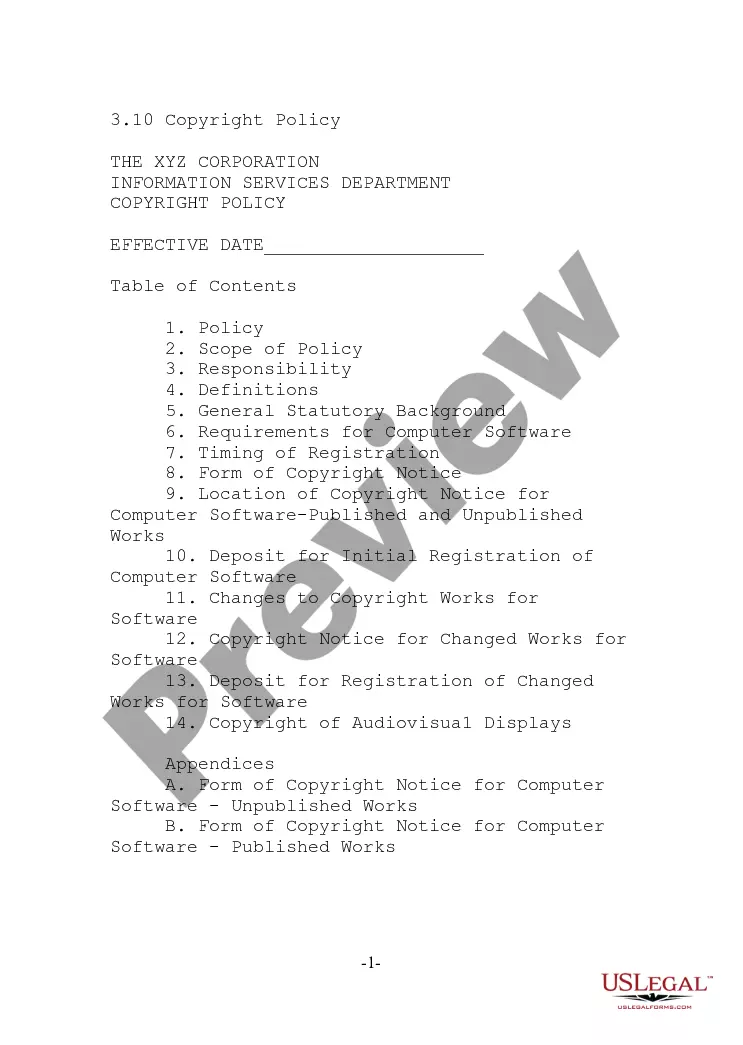
Get your form ready online
Our built-in tools help you complete, sign, share, and store your documents in one place.
Make edits, fill in missing information, and update formatting in US Legal Forms—just like you would in MS Word.
Download a copy, print it, send it by email, or mail it via USPS—whatever works best for your next step.
Sign and collect signatures with our SignNow integration. Send to multiple recipients, set reminders, and more. Go Premium to unlock E-Sign.
If this form requires notarization, complete it online through a secure video call—no need to meet a notary in person or wait for an appointment.
We protect your documents and personal data by following strict security and privacy standards.

Make edits, fill in missing information, and update formatting in US Legal Forms—just like you would in MS Word.

Download a copy, print it, send it by email, or mail it via USPS—whatever works best for your next step.

Sign and collect signatures with our SignNow integration. Send to multiple recipients, set reminders, and more. Go Premium to unlock E-Sign.

If this form requires notarization, complete it online through a secure video call—no need to meet a notary in person or wait for an appointment.

We protect your documents and personal data by following strict security and privacy standards.
Looking for another form?








Form popularity
FAQ
You can trademark your logo in either black and white or color. If you choose black and white, your trademark registration will cover any colors you may choose for your logo in the future, giving you flexibility to change colors and still retain your trademark protection.
To register a trademark with the U.S. Patent and Trademark Office (USPTO), you will need to fill out and submit a trademark application. You can do this online, through the USPTO Trademark Center, an online trademark filing service, an attorney, or by submitting a paper application.
To insert the trademark symbol (™) in your logo or text, you can follow these steps: Keyboard Shortcut: On a Windows computer, you can use the keyboard shortcut “Alt + 0153” (numeric keypad) to insert the trademark symbol (™). Make sure the Num Lock is enabled.
How to make sure you have a strong logo design for your trademark. Use a unique image or graphic design rather than something generic. Keep it clean and clear with a good use of color and empty space. Use easy-to-read typography. Make sure your design represents your brand identity and appeals to your target audience.
Using a trade mark without permission is considered trade mark infringement and can result in serious consequences. Infringing on someone else's trade mark rights can result in liability for damages and penalties, which can be substantial.
Marks should be used as adjectives, not nouns or verbs. Generally, use of the Mark should be followed by the common descriptive term for the goods or services. For example, you should say "please pass me a KLEENEX® tissue" and NOT "please pass me a KLEENEX®."
General Rules of Proper Trademark Use Trademarks should be used as adjectives – not as nouns or verbs. ingly, a trademark should not be used alone. Rather, a trademark term should always be used with, and immediately precede, the generic noun that describes the product or component in question.
Always use the trademark consistently, including the same spelling, punctuation, and spacing. Always use a trademark as an adjective that modifies a noun, and never as a singular or plural noun. Never use a trademark as a verb. You are not xeroxing; you are using a XEROX copier.
A clear and concise trademark description should include an identification of the goods and/or services, the specific use of the trademark, and any distinctive features such as color schemes, design elements, and stylization. It must accurately and specifically define the scope of the trademark.
