Trademark Rules For Logo In Hennepin
Description

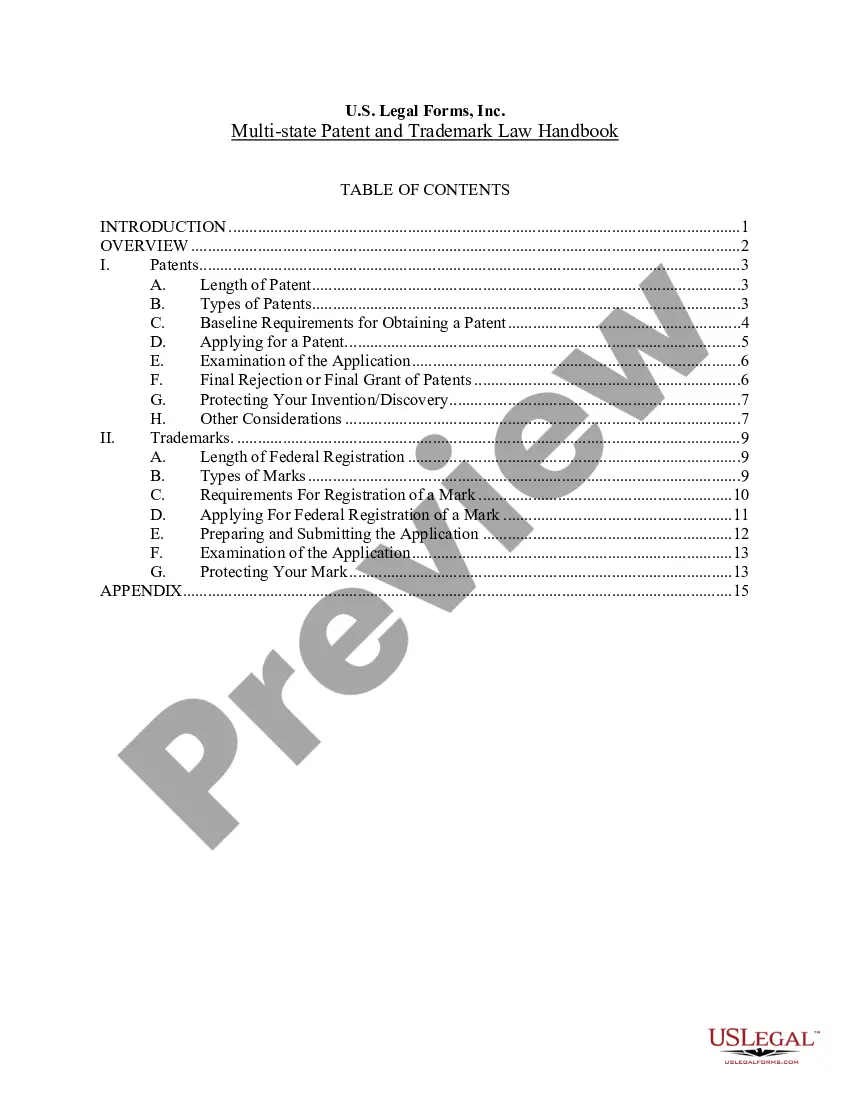
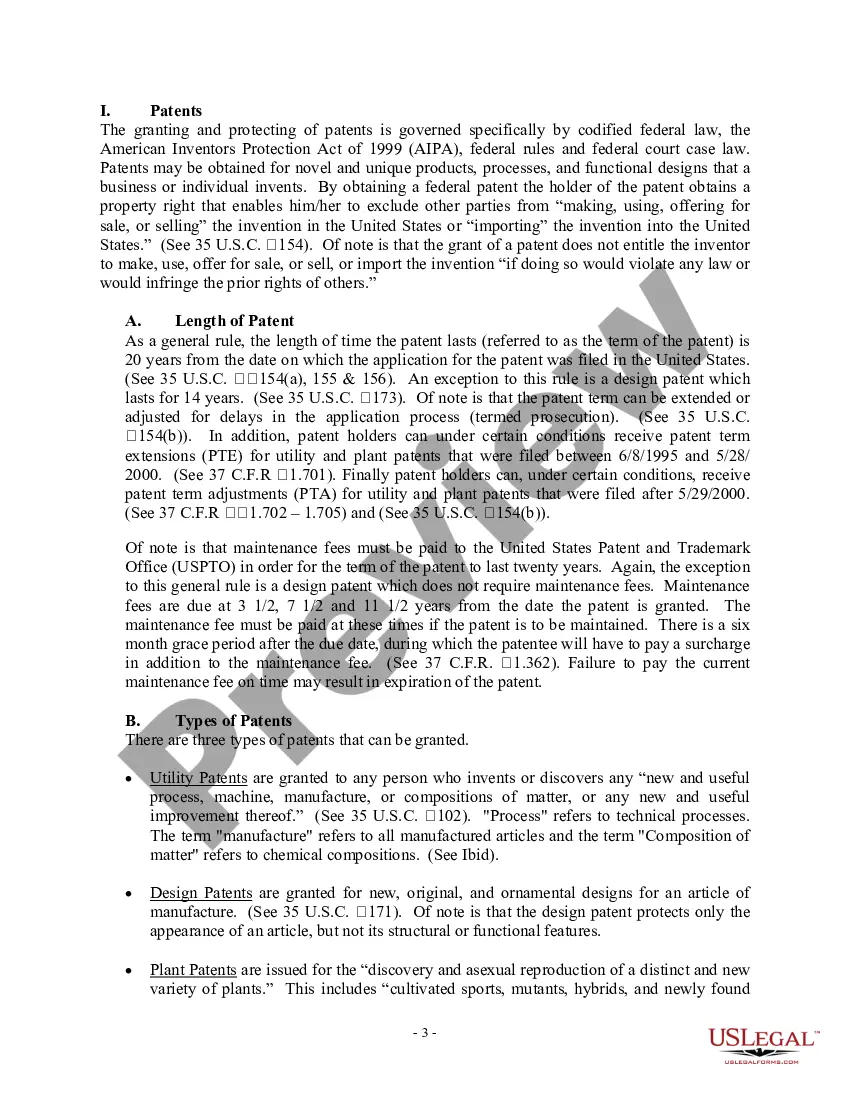



Get your form ready online
Our built-in tools help you complete, sign, share, and store your documents in one place.
Make edits, fill in missing information, and update formatting in US Legal Forms—just like you would in MS Word.
Download a copy, print it, send it by email, or mail it via USPS—whatever works best for your next step.
Sign and collect signatures with our SignNow integration. Send to multiple recipients, set reminders, and more. Go Premium to unlock E-Sign.
If this form requires notarization, complete it online through a secure video call—no need to meet a notary in person or wait for an appointment.
We protect your documents and personal data by following strict security and privacy standards.

Make edits, fill in missing information, and update formatting in US Legal Forms—just like you would in MS Word.

Download a copy, print it, send it by email, or mail it via USPS—whatever works best for your next step.

Sign and collect signatures with our SignNow integration. Send to multiple recipients, set reminders, and more. Go Premium to unlock E-Sign.

If this form requires notarization, complete it online through a secure video call—no need to meet a notary in person or wait for an appointment.

We protect your documents and personal data by following strict security and privacy standards.
Looking for another form?








Form popularity
FAQ
Principally, there are three symbols that are most commonly associated with signifying trademark rights: Circle R (®), TM, and SM. Depending on the nature of the goods/services sold and the status of the trademark application with the USPTO, one or more of these marks may be appropriate.
How to register your trademark or service mark: Trademark Application pdf form can be found here. Submit one specimen or facsimile of the mark as you have actually used it in commerce. State the words or phrase to be registered, if any. Provide a written description of the logo design to be registered, if any.
How to make sure you have a strong logo design for your trademark. Use a unique image or graphic design rather than something generic. Keep it clean and clear with a good use of color and empty space. Use easy-to-read typography. Make sure your design represents your brand identity and appeals to your target audience.
Use the USPTO Trademark Search system to generate a list of relevant records to look at, then locate and consider each relevant logo in the database or in the weekly trademark gazette. You will need to consult the weekly Trademark Official Gazette for any images absent from the trademark database.
Often, superscript is used so that it is in the upper-right side corner. 5. If your trademark is a logo or design, put TM or ® on the right side of your wordmark (names, terms, phrases) and in subscript so that it is in the lower-right corner. Alternatively, you can put the trademark symbol in the logo.
As previously explained, although use of a trademark symbol is not required by law in the U.S., there are many benefits to doing so.
How to register your trademark or service mark: Trademark Application pdf form can be found here. Submit one specimen or facsimile of the mark as you have actually used it in commerce. State the words or phrase to be registered, if any. Provide a written description of the logo design to be registered, if any.
To insert the trademark symbol (™) in your logo or text, you can follow these steps: Keyboard Shortcut: On a Windows computer, you can use the keyboard shortcut “Alt + 0153” (numeric keypad) to insert the trademark symbol (™). Make sure the Num Lock is enabled.