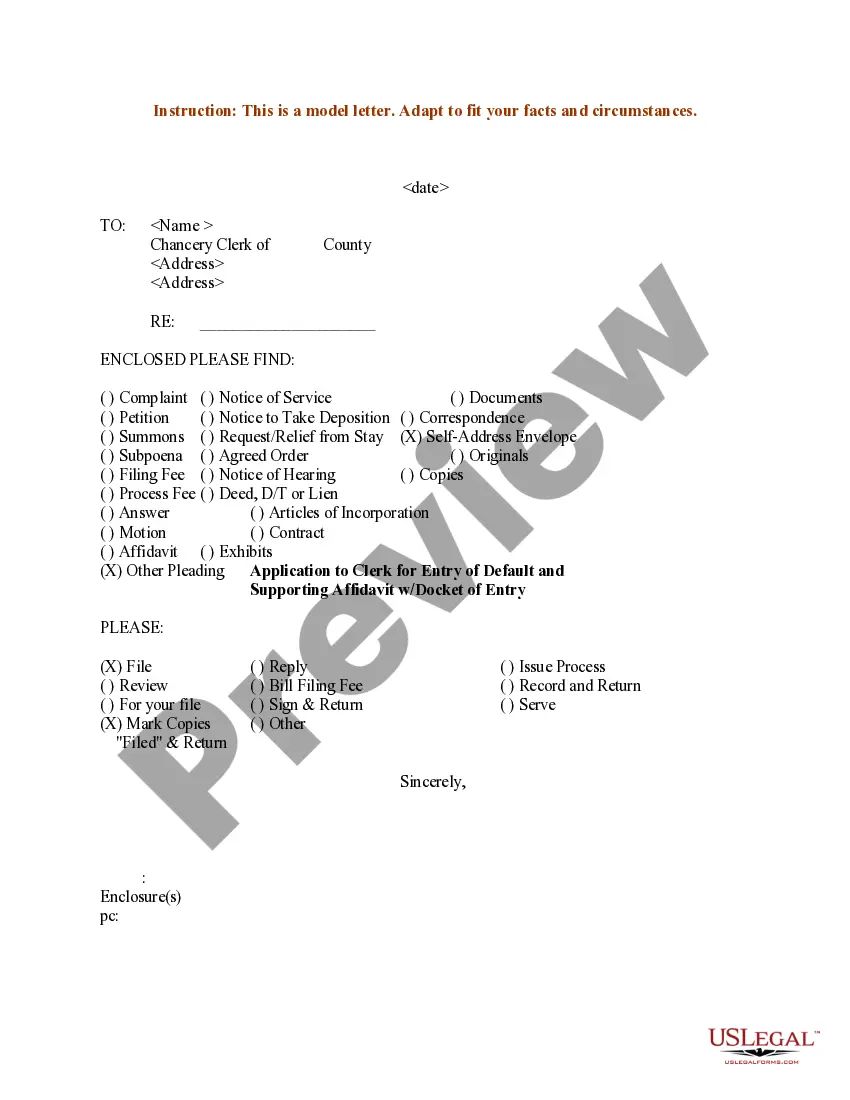
Sample Checklist Template With Dates In Mecklenburg
Description
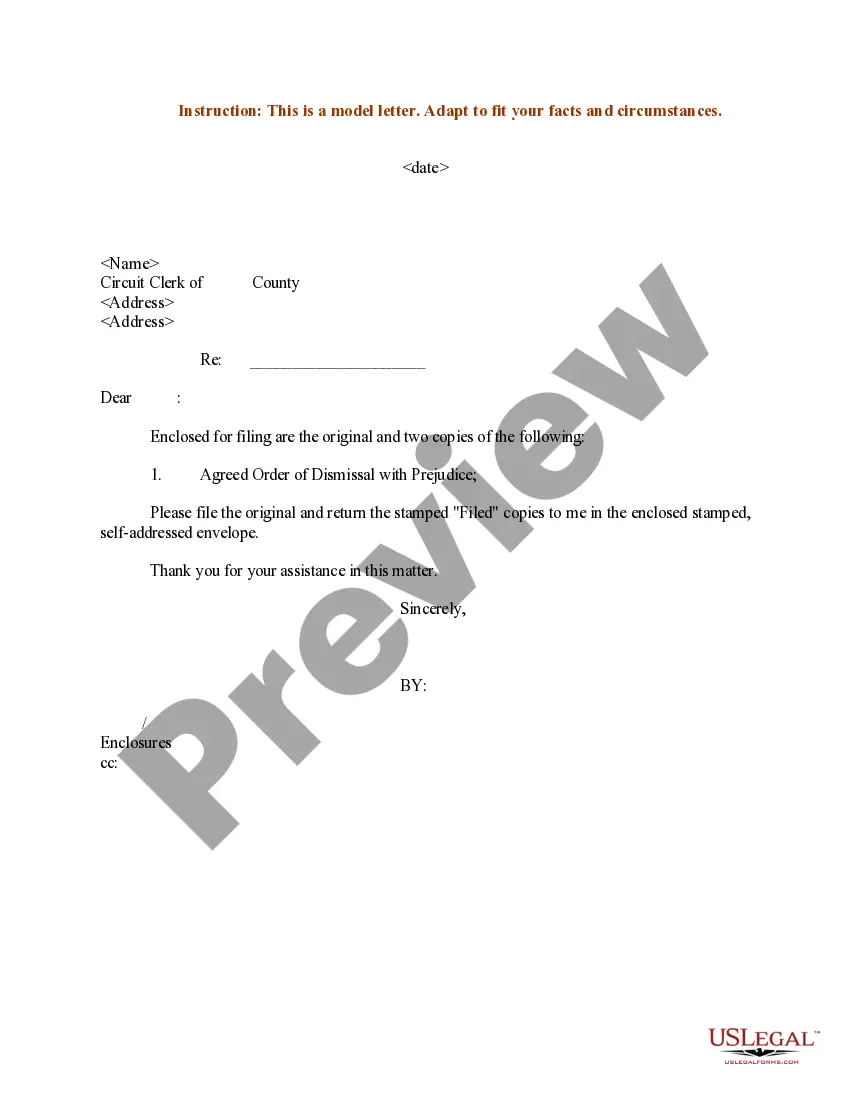
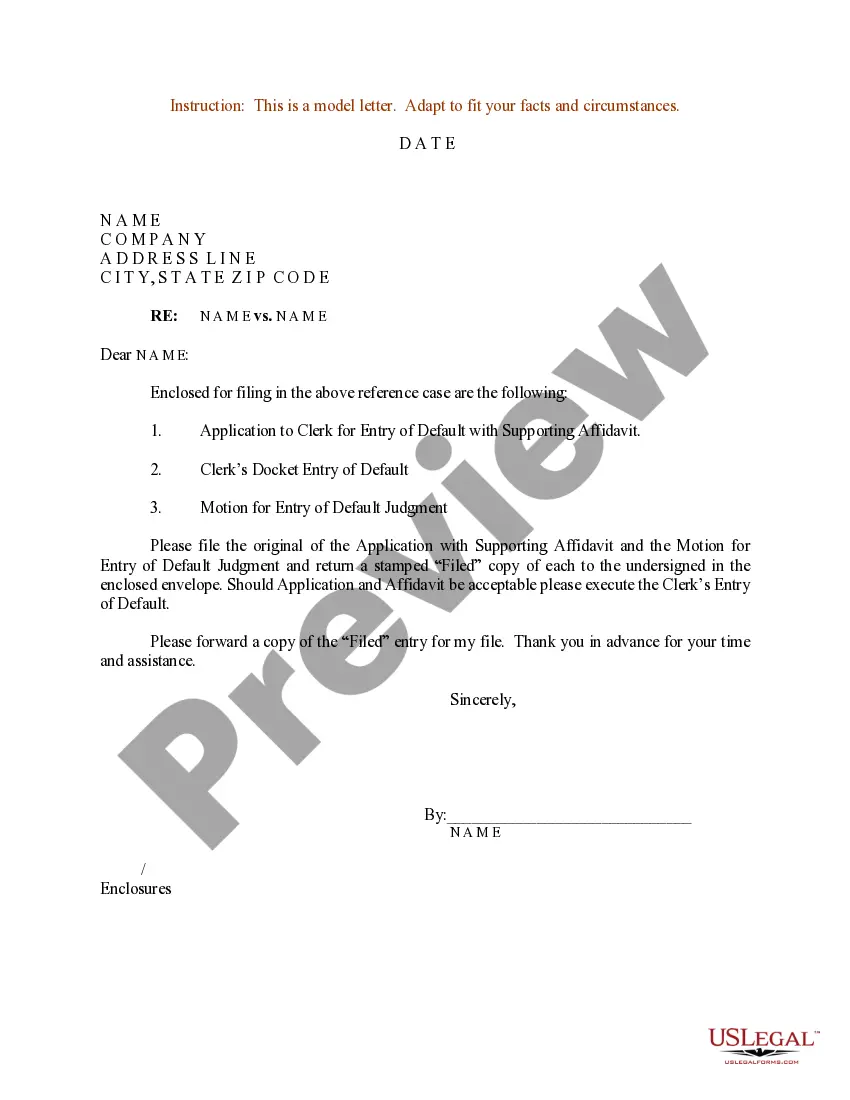
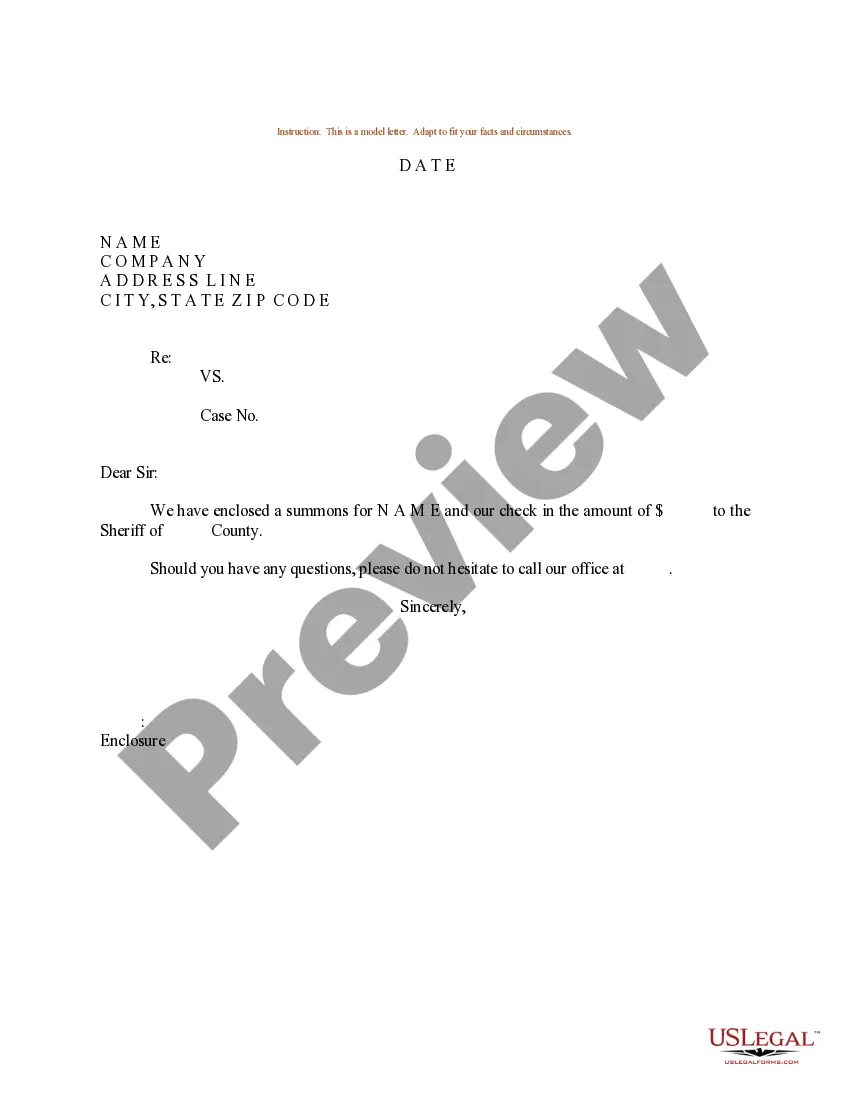
Get your form ready online
Our built-in tools help you complete, sign, share, and store your documents in one place.
Make edits, fill in missing information, and update formatting in US Legal Forms—just like you would in MS Word.
Download a copy, print it, send it by email, or mail it via USPS—whatever works best for your next step.
Sign and collect signatures with our SignNow integration. Send to multiple recipients, set reminders, and more. Go Premium to unlock E-Sign.
If this form requires notarization, complete it online through a secure video call—no need to meet a notary in person or wait for an appointment.
We protect your documents and personal data by following strict security and privacy standards.

Make edits, fill in missing information, and update formatting in US Legal Forms—just like you would in MS Word.

Download a copy, print it, send it by email, or mail it via USPS—whatever works best for your next step.

Sign and collect signatures with our SignNow integration. Send to multiple recipients, set reminders, and more. Go Premium to unlock E-Sign.

If this form requires notarization, complete it online through a secure video call—no need to meet a notary in person or wait for an appointment.

We protect your documents and personal data by following strict security and privacy standards.
Looking for another form?







Form popularity
FAQ
A basic example is the "to do list". A more advanced checklist would be a schedule, which lays out tasks to be done ing to time of day or other factors, or a pre-flight checklist for an airliner, which should ensure a safe take-off.
In checklists, processes are written out in the form of individual steps that need to be taken to solve the task at hand. Example: a list of things to do for a trip. Checklists are convenient to use for controlling various processes: Progress checks when tracking key tasks in time management or project management.
Checklist templates allow you to quickly set up consistent processes. You can use them to replicate your most-used checklists and complete tasks more efficiently. Templates are not confined to checklists. You can also use templates for Spaces, Folders, Lists, and tasks!
It's important to dedicate one line to each individual task. Avoid combining multiple tasks into a single line, as this can make your checklist cluttered and overwhelming. Separating tasks into individual lines makes it easier to read, check off completed items, and track your progress efficiently.