Credit Letter Example With Cc In Suffolk
Description

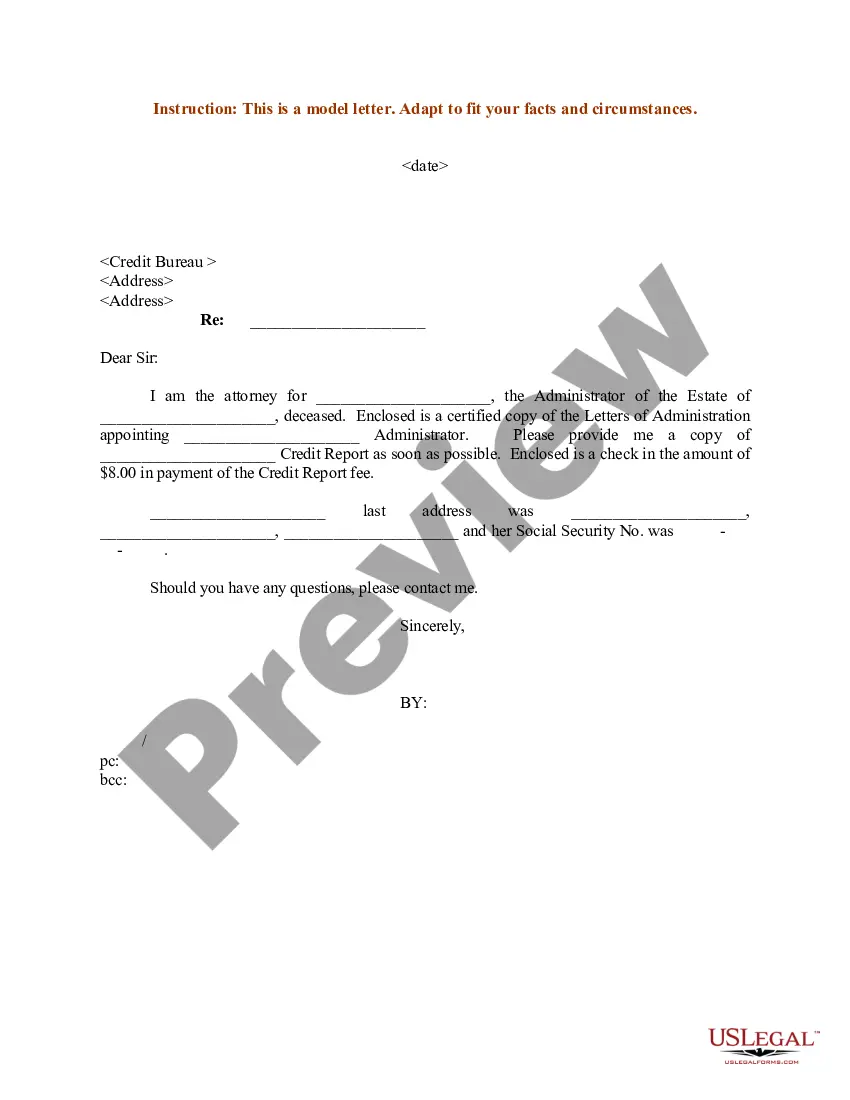
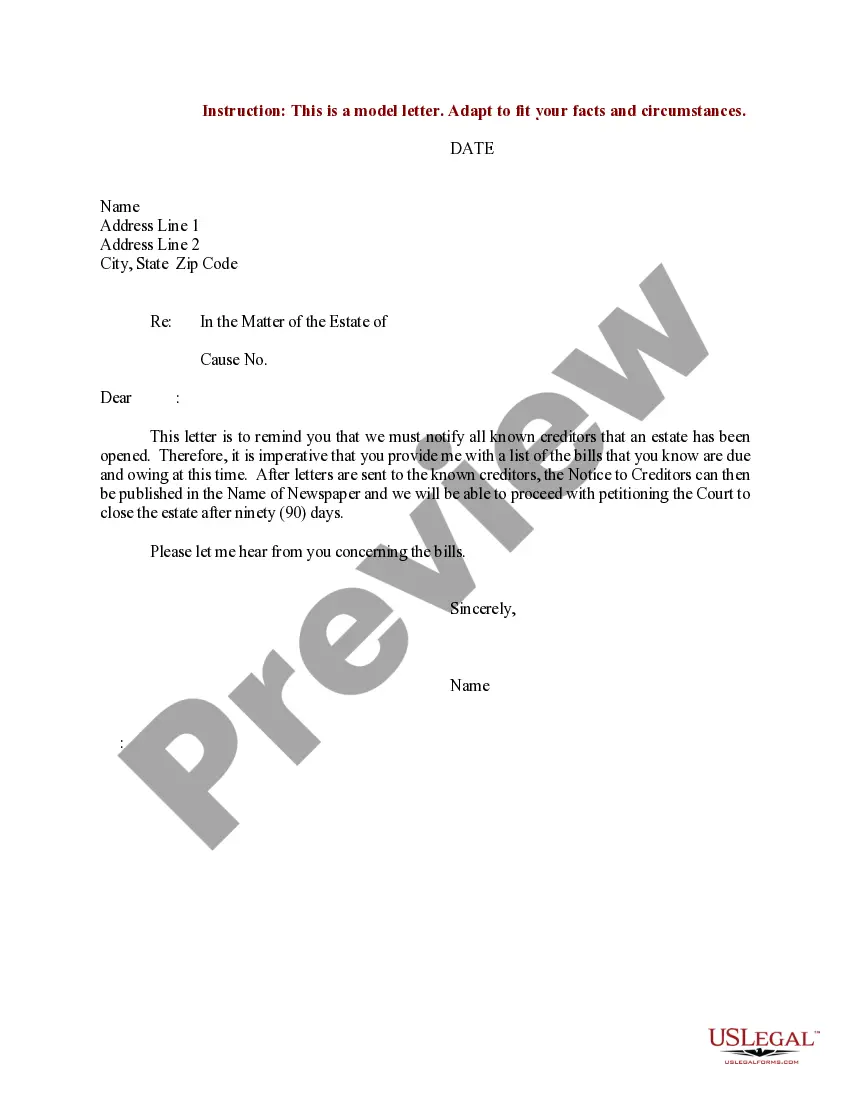
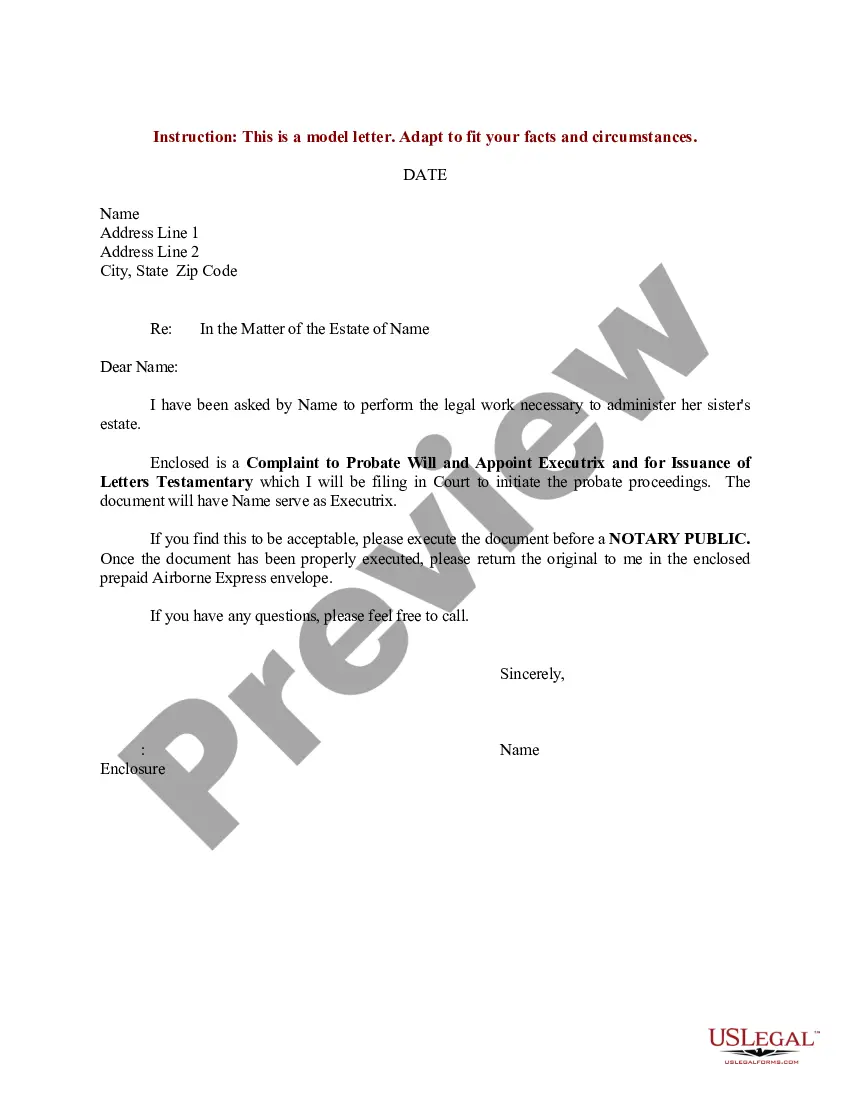
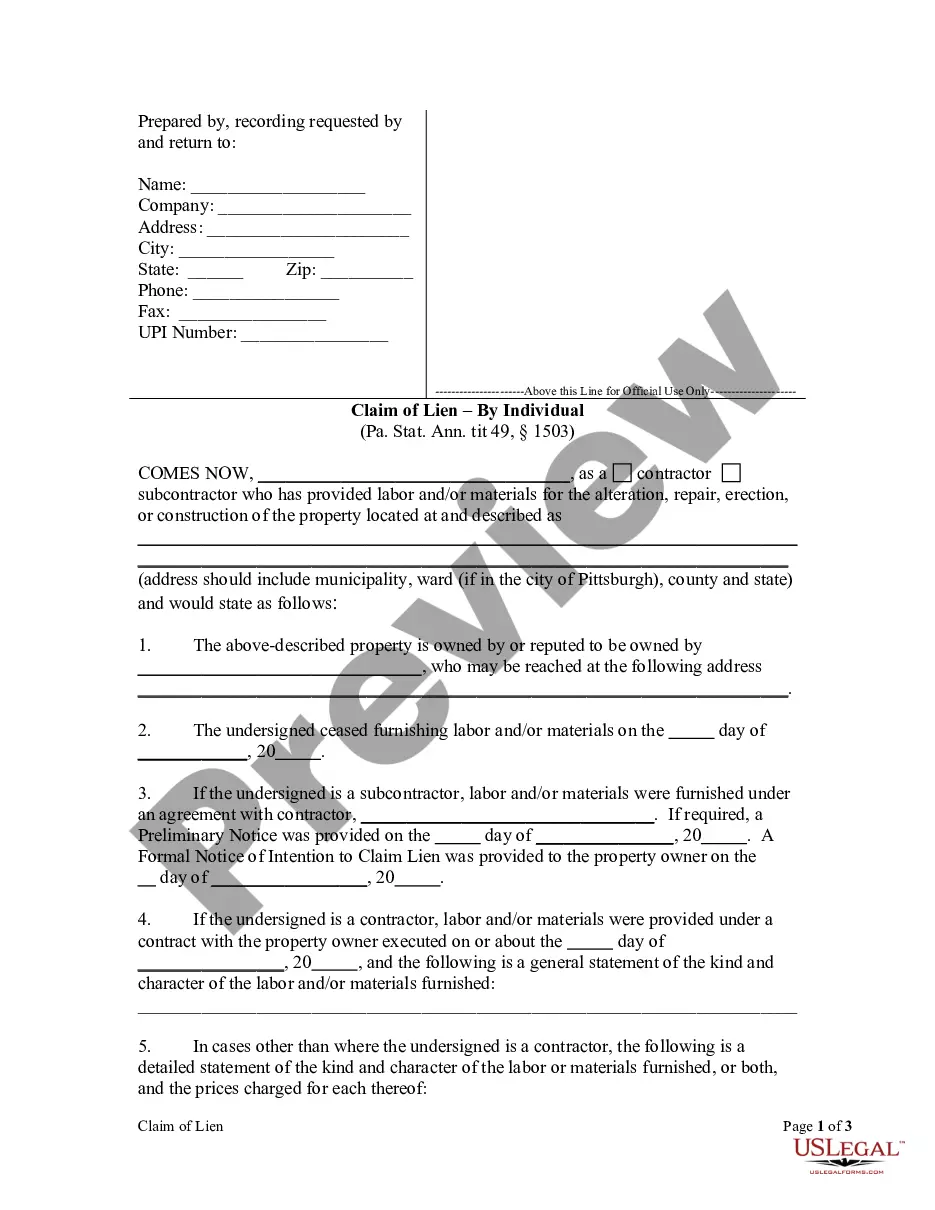
Get your form ready online
Our built-in tools help you complete, sign, share, and store your documents in one place.
Make edits, fill in missing information, and update formatting in US Legal Forms—just like you would in MS Word.
Download a copy, print it, send it by email, or mail it via USPS—whatever works best for your next step.
Sign and collect signatures with our SignNow integration. Send to multiple recipients, set reminders, and more. Go Premium to unlock E-Sign.
If this form requires notarization, complete it online through a secure video call—no need to meet a notary in person or wait for an appointment.
We protect your documents and personal data by following strict security and privacy standards.

Make edits, fill in missing information, and update formatting in US Legal Forms—just like you would in MS Word.

Download a copy, print it, send it by email, or mail it via USPS—whatever works best for your next step.

Sign and collect signatures with our SignNow integration. Send to multiple recipients, set reminders, and more. Go Premium to unlock E-Sign.

If this form requires notarization, complete it online through a secure video call—no need to meet a notary in person or wait for an appointment.

We protect your documents and personal data by following strict security and privacy standards.
Looking for another form?








Form popularity
FAQ
To file a motion for contempt in New York, certain criteria must be met. There must be an existing order of the court that is clear and unambiguous, and the accused must be proven to have known about this order and willfully disobeyed it.
A document displaying "pending" status in NYSCEF indicates that the document has been received by the court and is under review. Once the review is complete the status will be changed to "processed".
If you have a pending claim and you wish to have that claim converted to electronic filing in NYSCEF, complete the Court Notice Regarding Availability of Electronic Filing form, serve it on all other parties and file it with the court. Use the Consent to E-Filing form.
The filer needs to have a User ID and Password. By those means, the filer can enter the system and consent to the use of NYSCEF for a new matter or, in a mandatory case, record the filer's representation.
