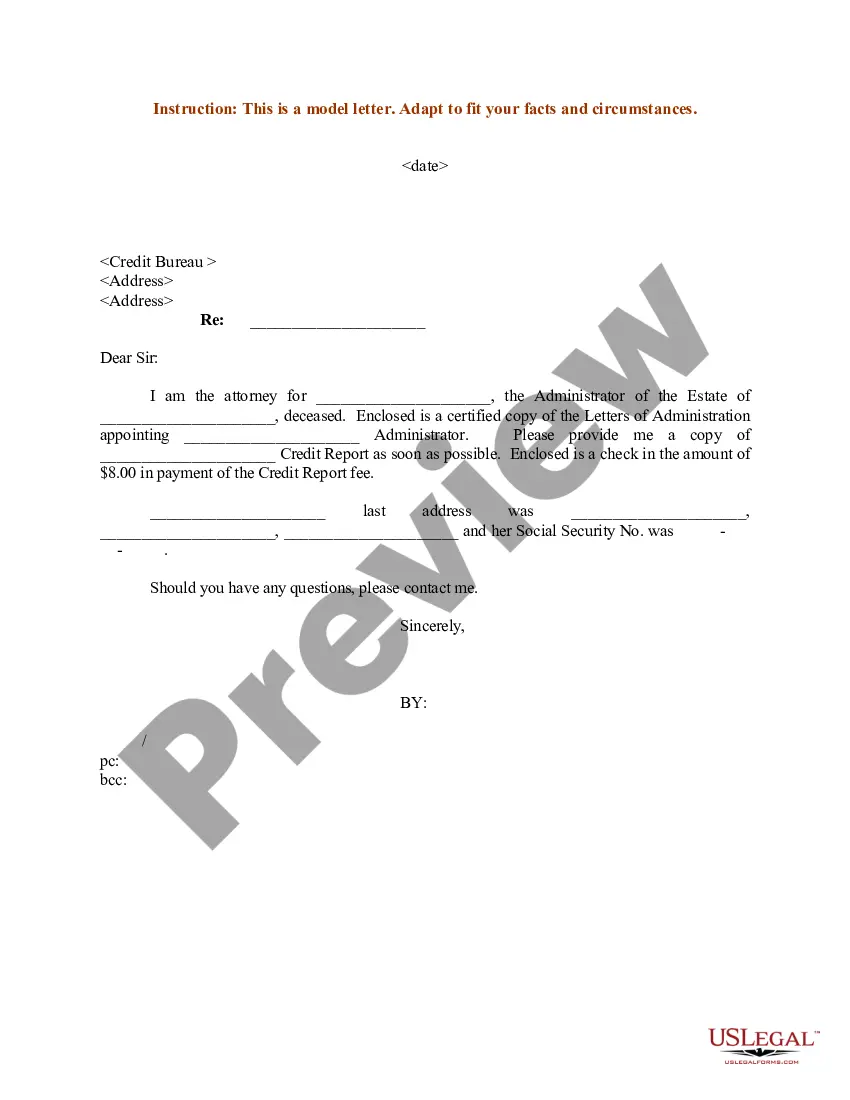
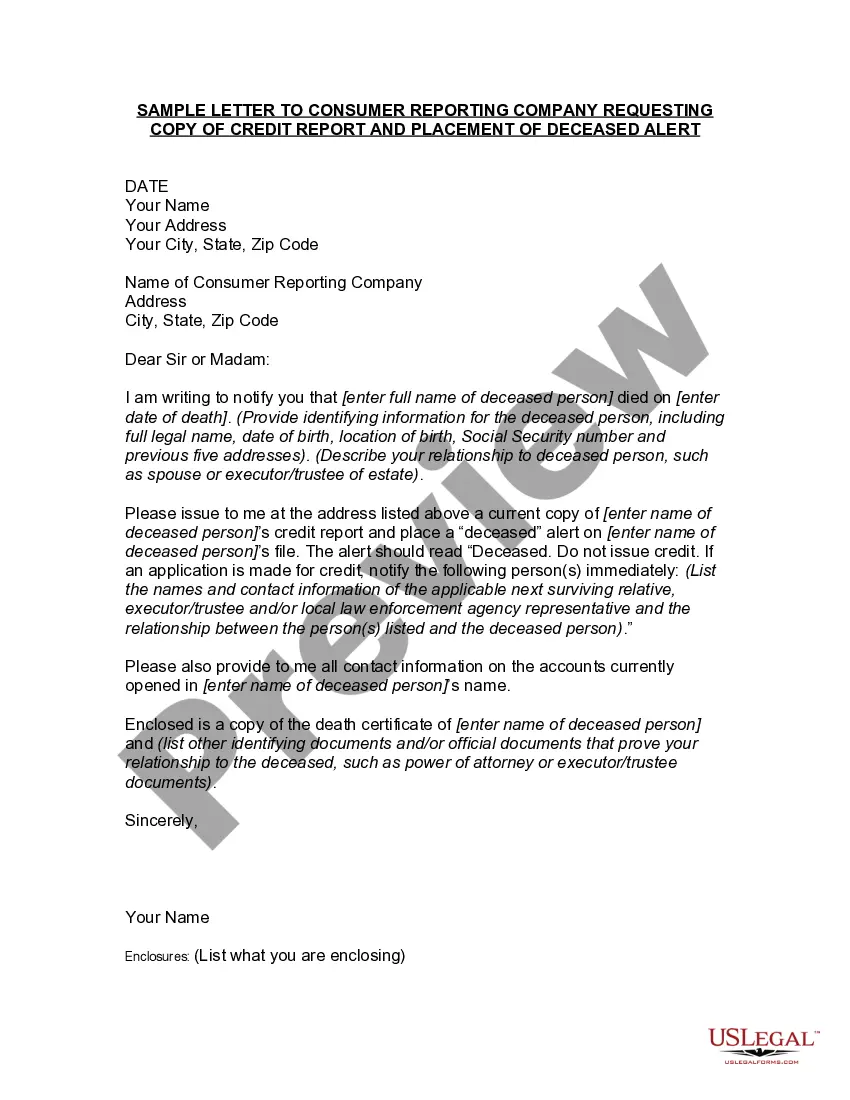
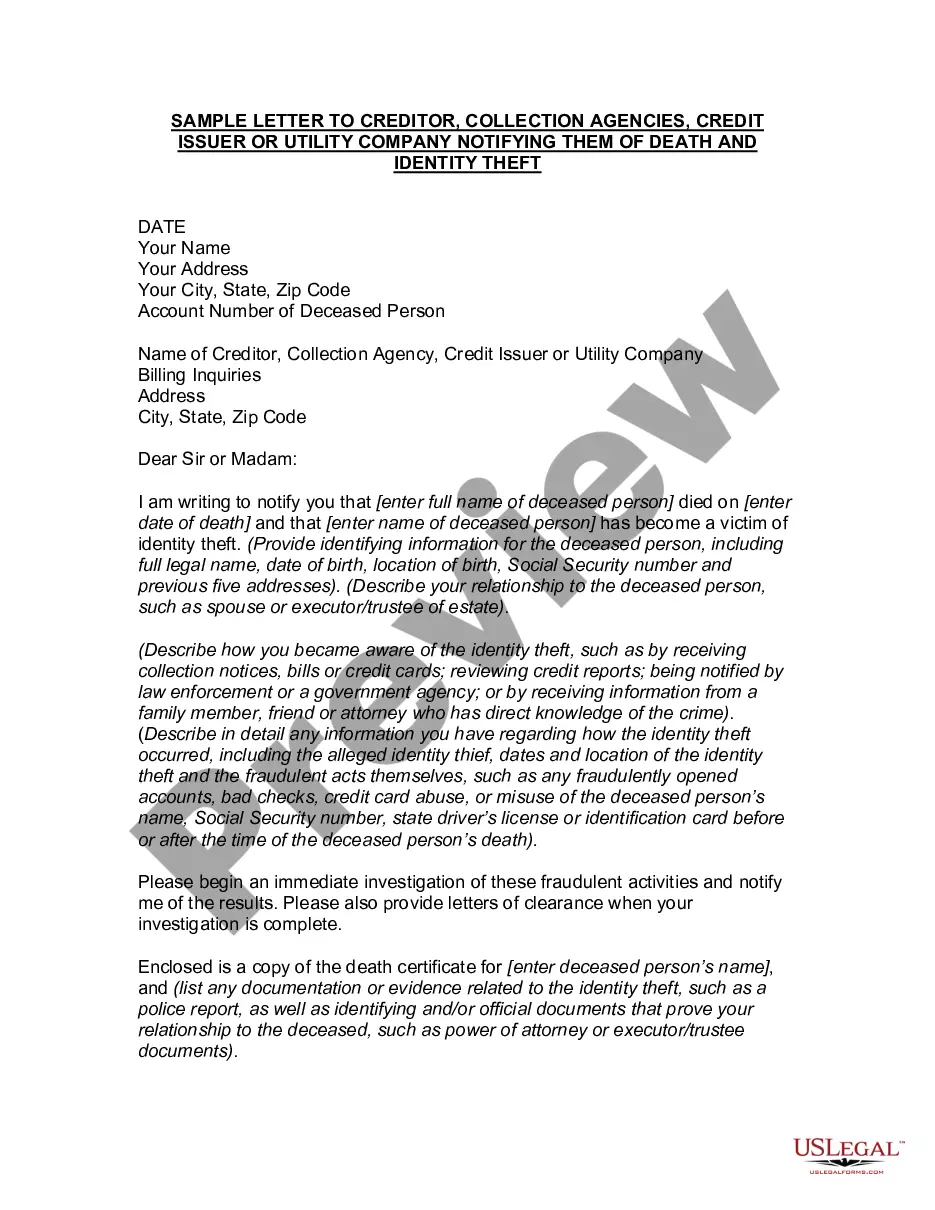
Letter Credit Attorney Without In Miami-Dade
Description


Get your form ready online
Our built-in tools help you complete, sign, share, and store your documents in one place.
Make edits, fill in missing information, and update formatting in US Legal Forms—just like you would in MS Word.
Download a copy, print it, send it by email, or mail it via USPS—whatever works best for your next step.
Sign and collect signatures with our SignNow integration. Send to multiple recipients, set reminders, and more. Go Premium to unlock E-Sign.
If this form requires notarization, complete it online through a secure video call—no need to meet a notary in person or wait for an appointment.
We protect your documents and personal data by following strict security and privacy standards.

Make edits, fill in missing information, and update formatting in US Legal Forms—just like you would in MS Word.

Download a copy, print it, send it by email, or mail it via USPS—whatever works best for your next step.

Sign and collect signatures with our SignNow integration. Send to multiple recipients, set reminders, and more. Go Premium to unlock E-Sign.

If this form requires notarization, complete it online through a secure video call—no need to meet a notary in person or wait for an appointment.

We protect your documents and personal data by following strict security and privacy standards.
Looking for another form?






Form popularity
FAQ
To file a formal consumer complaint, complete the below affidavit and save a copy of your completed affidavit for your records. You can print, sign, date and submit the affidavit by email (send as a pdf attachment to consumer@miamidade), fax to 786-469-2303 or mail to the address at the top of the affidavit.
To make a request contact the Clerk's office by mail or in person at Miami-Dade County Courthouse or by email at cocoffrec@miamidade.
By dialing 311 or 305-468-5900 (outside Miami-Dade County), you can receive personalized customer service in English, Spanish or Haitian Creole. The 311 Contact Center is open Monday through Friday from 7 a.m. to 7 p.m. and Saturday from 8 a.m. to 5 p.m., while closed on Sundays and holidays.
Clerk of the Court and Comptroller, Juan Fernandez-Barquin, Esq., introduces the Traffic Payment Plan Initiative.
To make a request contact the Clerk's office by mail or in person at Miami-Dade County Courthouse or by email at cocoffrec@miamidade.
Public Records Requests However, if you are unable to locate the records online, you may submit a Public Records Request form. This form may be submitted by mail to Records Management, Miami-Dade County Clerk of Courts, P.O. Box 14695, Miami, FL 33101 or by email to cocpubreq@miamidade.
You will either need to send your lien to Miami-Dade County for filing by mail, or deliver it in person. Because of Miami-Dade County's backlog, it's highly recommended to deliver the lien in person for filing.
If you write a letter, instead of using the tear-off form, the debt dispute letter should include your personal identifying information; verification of the amount of debt owed; the name of the creditor for the debt; and a request the debt not be reported to credit reporting agencies until the matter is resolved or ...
The proper way to dispute a collection is to send a letter of dispute to a collection agency. Make sure to send it within 30 days of receiving the debt collection letter and request for proof of debt. Keep a copy of the letter and any correspondence. Seek legal help if needed.
The claim can be filled and submitted online at the Miami-Dade County Clerk's Office. You may print out the application and file the claim in person at a local courthouse if you choose. More resources are available on the Miami-Dade County Law Library site.