Sample Letter To Be Removed From Mailing List For A Job In Wayne
Description

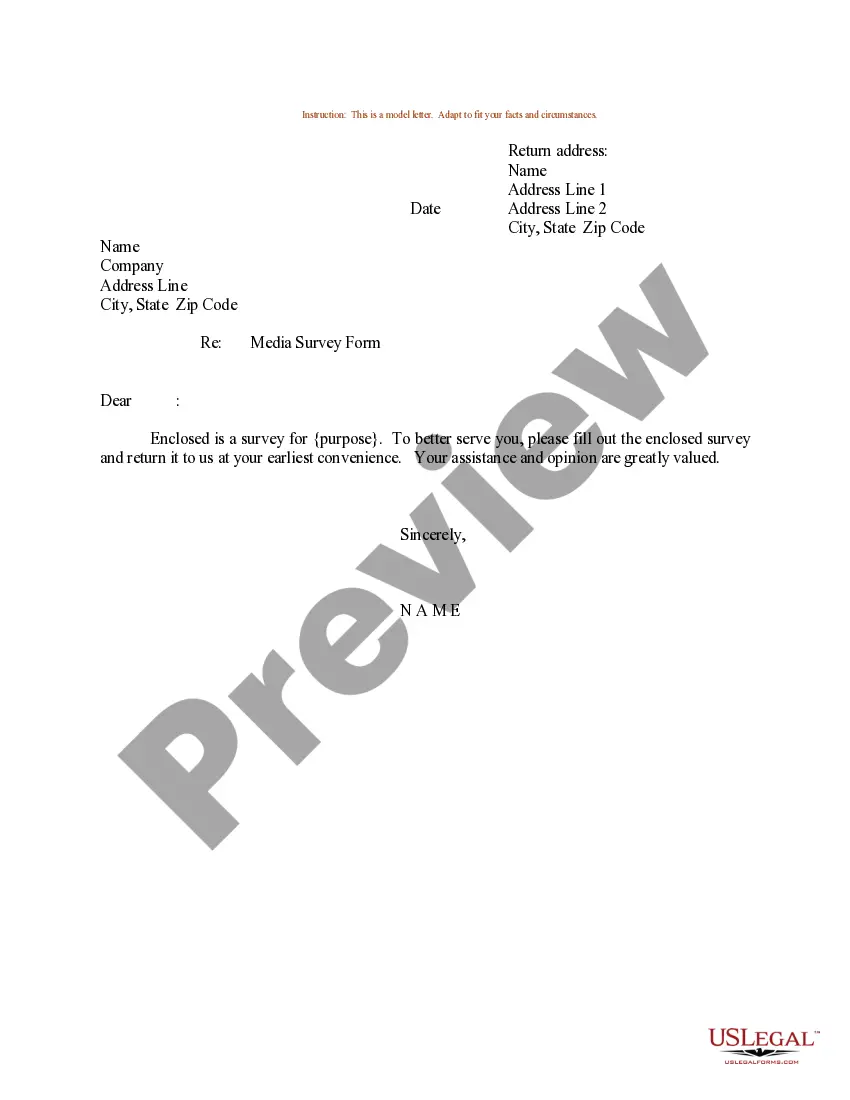
Get your form ready online
Our built-in tools help you complete, sign, share, and store your documents in one place.
Make edits, fill in missing information, and update formatting in US Legal Forms—just like you would in MS Word.
Download a copy, print it, send it by email, or mail it via USPS—whatever works best for your next step.
Sign and collect signatures with our SignNow integration. Send to multiple recipients, set reminders, and more. Go Premium to unlock E-Sign.
If this form requires notarization, complete it online through a secure video call—no need to meet a notary in person or wait for an appointment.
We protect your documents and personal data by following strict security and privacy standards.

Make edits, fill in missing information, and update formatting in US Legal Forms—just like you would in MS Word.

Download a copy, print it, send it by email, or mail it via USPS—whatever works best for your next step.

Sign and collect signatures with our SignNow integration. Send to multiple recipients, set reminders, and more. Go Premium to unlock E-Sign.

If this form requires notarization, complete it online through a secure video call—no need to meet a notary in person or wait for an appointment.

We protect your documents and personal data by following strict security and privacy standards.
Looking for another form?
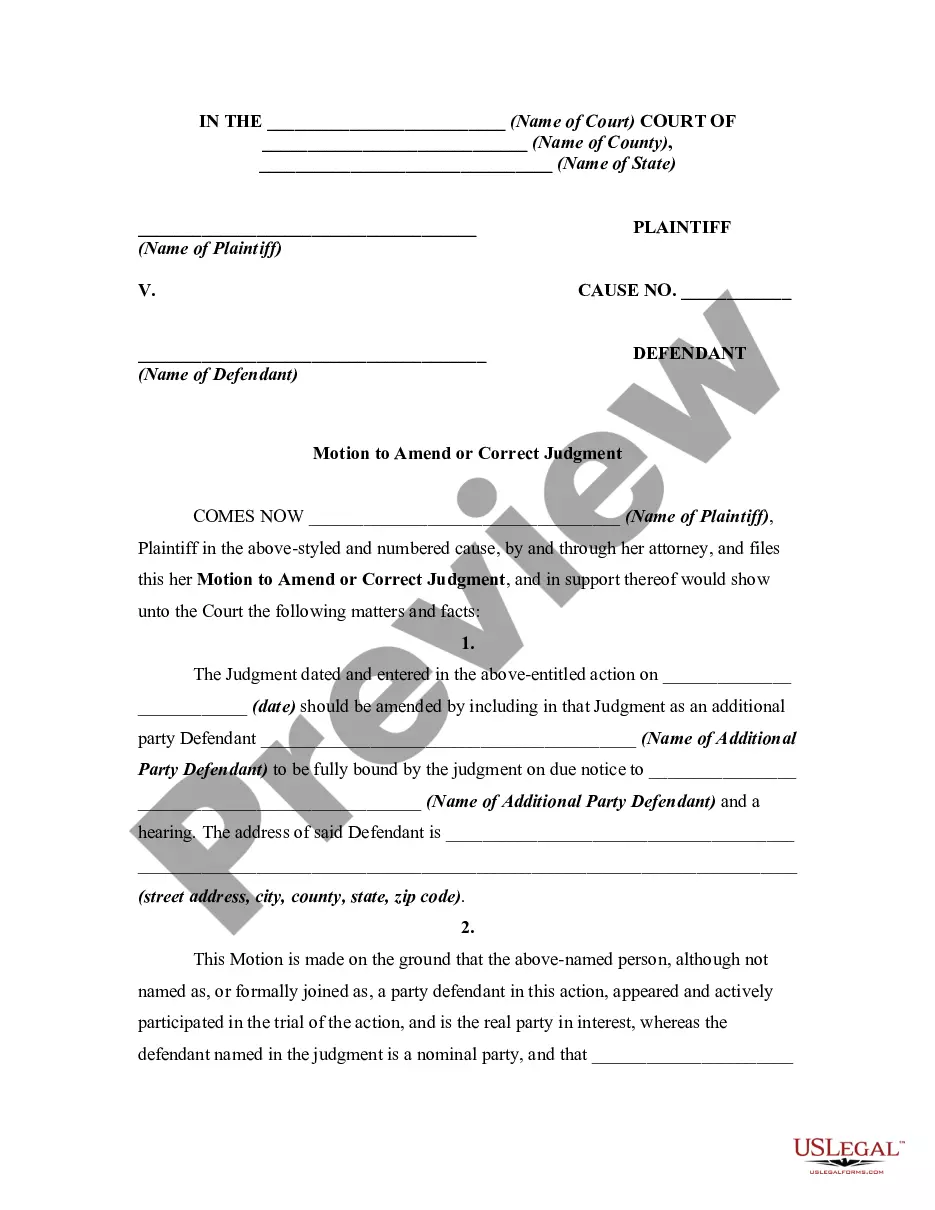


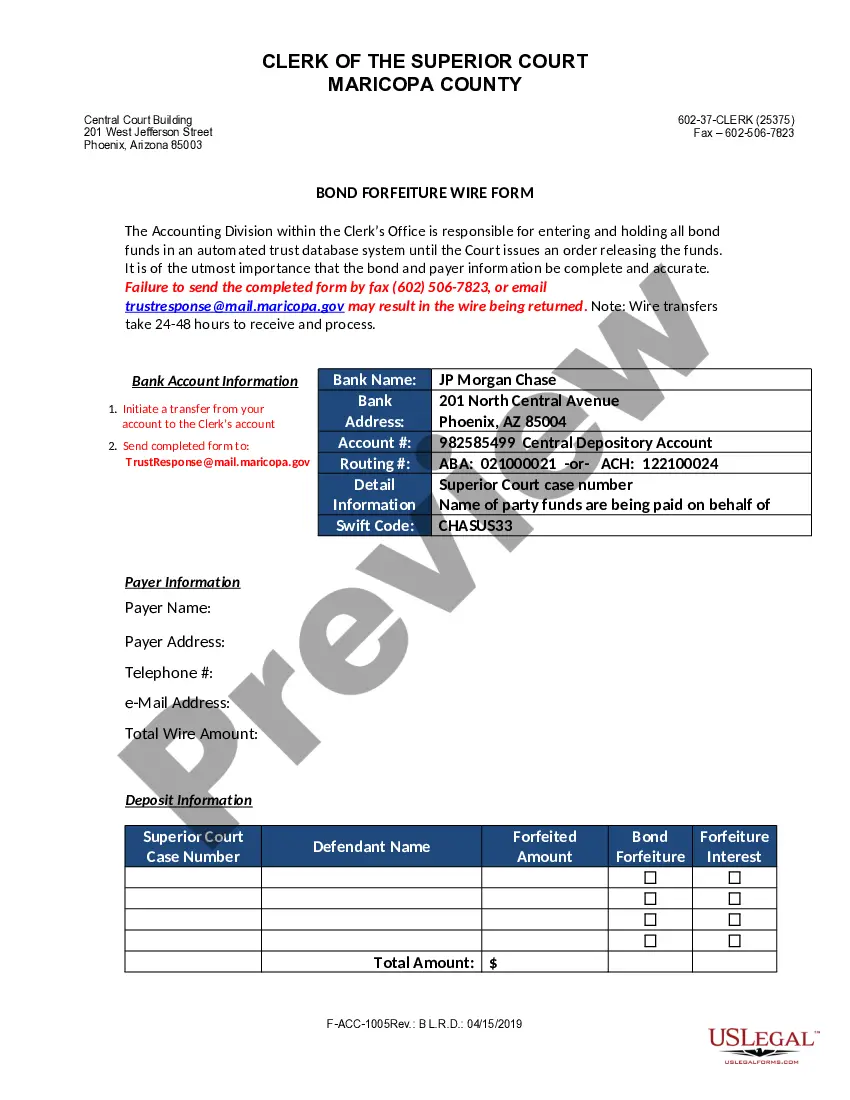


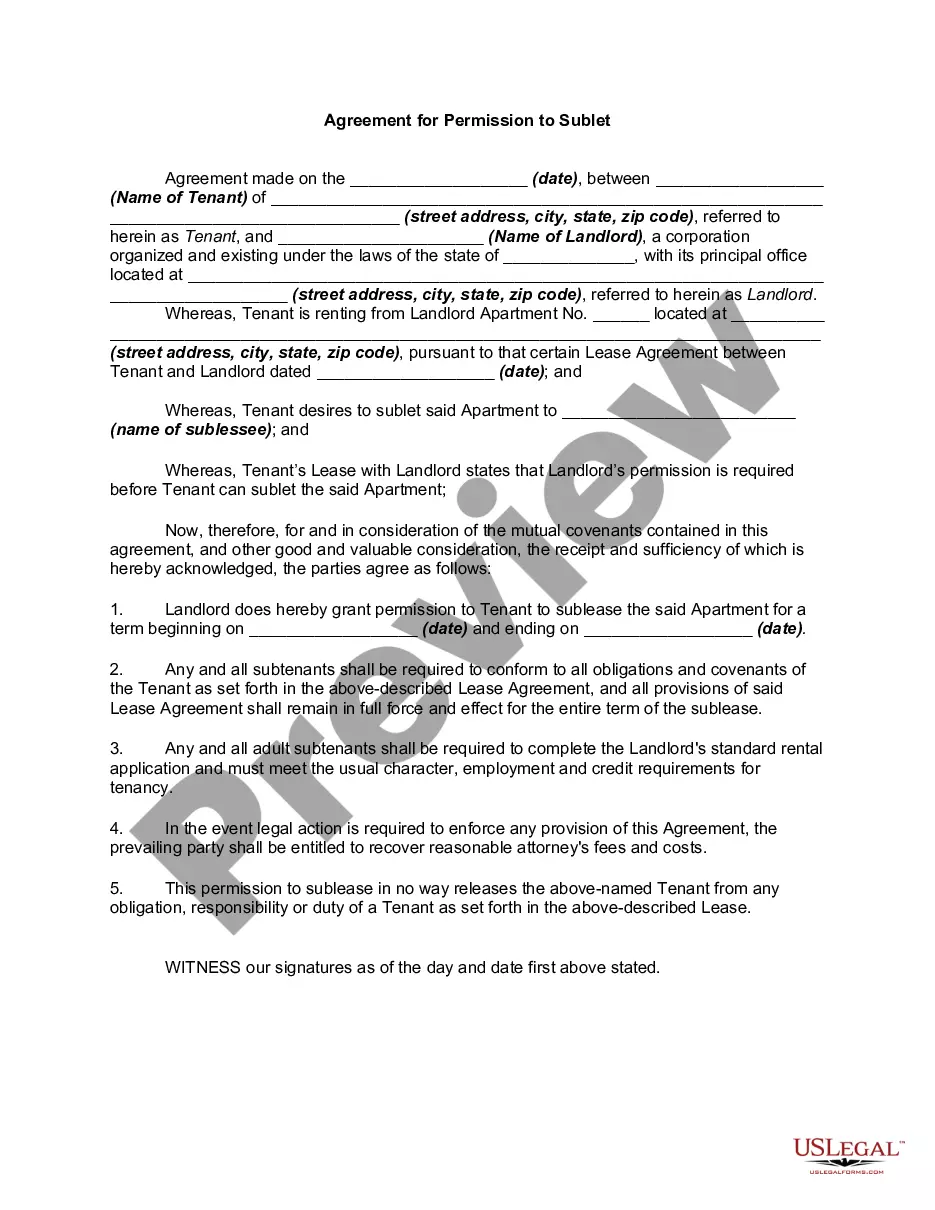

Form popularity
FAQ
You can either call the customer service number on the mailing itself, or search online for ``remove mailing list (company)''. Be diligent about unchecking ``yes, send me stuff!'' boxes on web forms, and be choosy about giving out your address. There are more details here: How to Get Rid of Junk Mail.
The quickest way to unsubscribe from emails is to use the "Unsubscribe" link typically found at the bottom of marketing emails. Clicking this link automatically removes you from the mailing list. Alternatively, use email management services or apps to streamline the process.
Dear Sir/Madam, This is a request that my personal information is removed from all of your mailing lists for unsolicited mail. I would like my name and address removed, effective immediately. You are currently sending unsolicited mail to: insert name, address, and zip code.
TIP Reply to the sender. Ask them to remove you from the list. Have these unwanted newsletters or promotions redirected to another email folder. Block the sender (You can unblock this address at any time) Filter messages from the company. Most, if not all, ESPs have a provision for filtering emails.
Many of the companies who send you advertising in the mail are members of Direct Marketing Association (DMA). You can register with them to be removed from their member's mailing lists. They also make their “Do Not Mail” list available to some non-members.
Removing someone from your email list is very simple, and depending on the email client or marketing tools you use, the process of removing them is relatively the same. Go to your contacts, lists, subscribers, or audiences. Place a checkmark by each contact you want to remove. Choose to unsubscribe, or delete.
Periodically email or call the companies and ask to be removed from their mailing lists (check their privacy policy page for exact opt out contact details). This is the most effective way to get off mailing lists.
If you add or remove recipients when replying to an email, make a note in the body, such as "Adding Fred and Bert", "Removing Alice", or "Copying Product team only". Never 'BCC' & 'To' Together. If you want to copy someone on an email without the recipient knowing, never use BCC (Blind CC).

