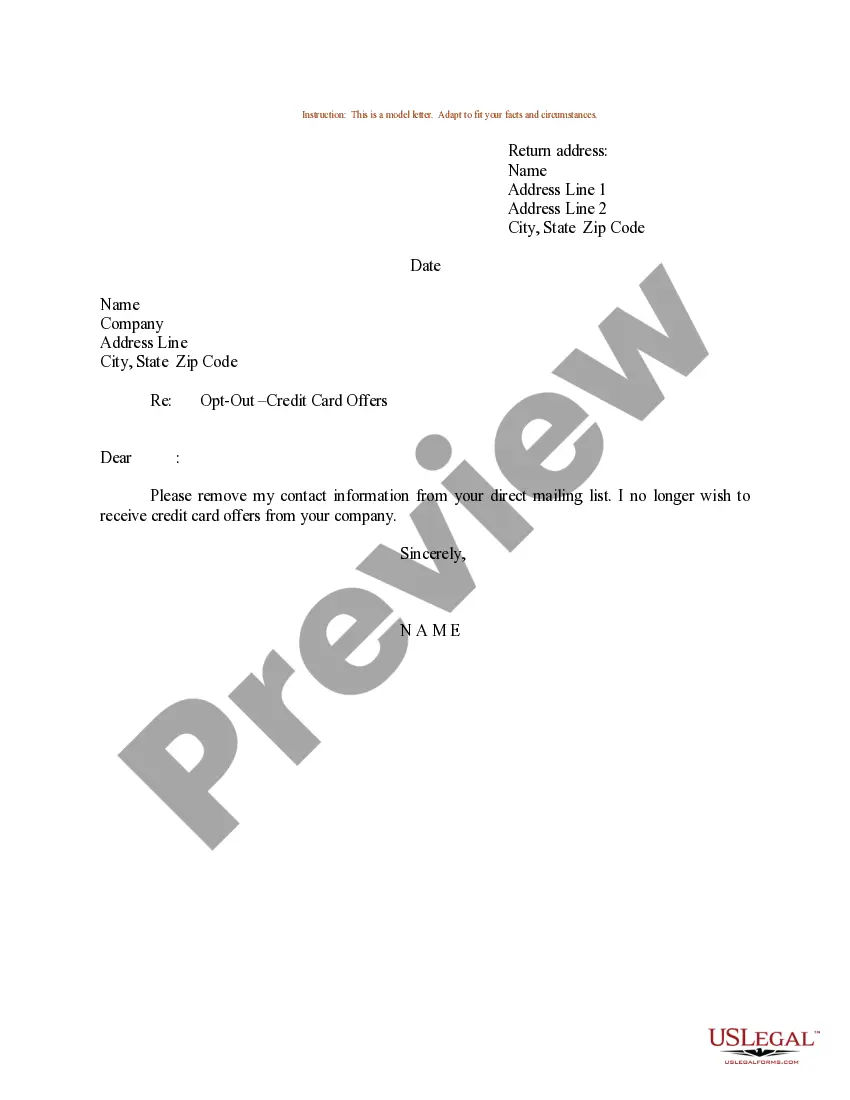
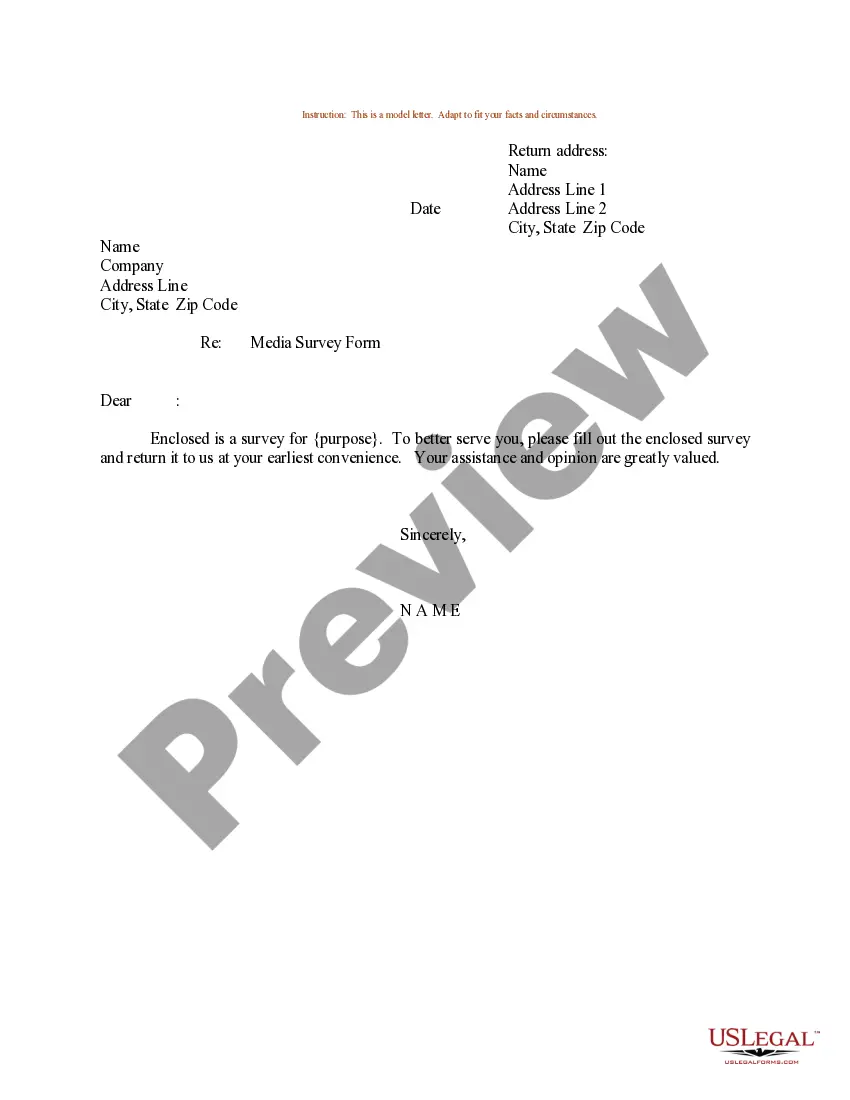
Sample Letter To Be Removed From Mailing List For A Job In Clark
Description

Get your form ready online
Our built-in tools help you complete, sign, share, and store your documents in one place.
Make edits, fill in missing information, and update formatting in US Legal Forms—just like you would in MS Word.
Download a copy, print it, send it by email, or mail it via USPS—whatever works best for your next step.
Sign and collect signatures with our SignNow integration. Send to multiple recipients, set reminders, and more. Go Premium to unlock E-Sign.
If this form requires notarization, complete it online through a secure video call—no need to meet a notary in person or wait for an appointment.
We protect your documents and personal data by following strict security and privacy standards.

Make edits, fill in missing information, and update formatting in US Legal Forms—just like you would in MS Word.

Download a copy, print it, send it by email, or mail it via USPS—whatever works best for your next step.

Sign and collect signatures with our SignNow integration. Send to multiple recipients, set reminders, and more. Go Premium to unlock E-Sign.

If this form requires notarization, complete it online through a secure video call—no need to meet a notary in person or wait for an appointment.

We protect your documents and personal data by following strict security and privacy standards.
Looking for another form?










Form popularity
FAQ
Go to Google Contacts. Select one of the following: A single contact: Tick the box next to the contact name. Multiple contacts: Tick the boxes next to all the contacts that you want to delete.
Document Everything: Keep a record of all the mail you receive from this person, including dates and any correspondence where you requested them to stop. Contact the Sender: If you feel safe doing so, send a clear and firm message (via email or a letter) stating that you do not wish to receive any more mail from them.
The most effective way to stop receiving mail for previous residents or strangers is to talk to your local Post Office. Most of the time, you'll be able to quickly resolve any issues by listing your household members as the only people who should receive mail at your address.
You can do this by contacting the Direct Marketing Association's (DMA) or Mail Preference Service. Select the best opt-out registration method that meets your needs. Opt-out is a term used to describe a consumer desire to no longer receive unsolicited mail from a particular company.
Removing someone from your email list is very simple, and depending on the email client or marketing tools you use, the process of removing them is relatively the same. Go to your contacts, lists, subscribers, or audiences. Place a checkmark by each contact you want to remove. Choose to unsubscribe, or delete.
Sometimes you can do this online. For political mail you can reach out to the sender (usually not a politician, but the political donor or non profit listed next to your address. Other mail, cross out the address, write “return to sender”, and write “remove from mailing list” in marker.
I would like my name and address removed, effective immediately. You are currently sending unsolicited mail to: insert name, address, and zip code. I'm also requesting that you remove from your mailing list all other individuals living at this address.
Removing someone from your email list is very simple, and depending on the email client or marketing tools you use, the process of removing them is relatively the same. Go to your contacts, lists, subscribers, or audiences. Place a checkmark by each contact you want to remove. Choose to unsubscribe, or delete.
To opt out permanently: Go to optoutprescreen or call 1-888-5-OPT-OUT (1-888-567-8688) to start the process.