Shares Results In Ohio
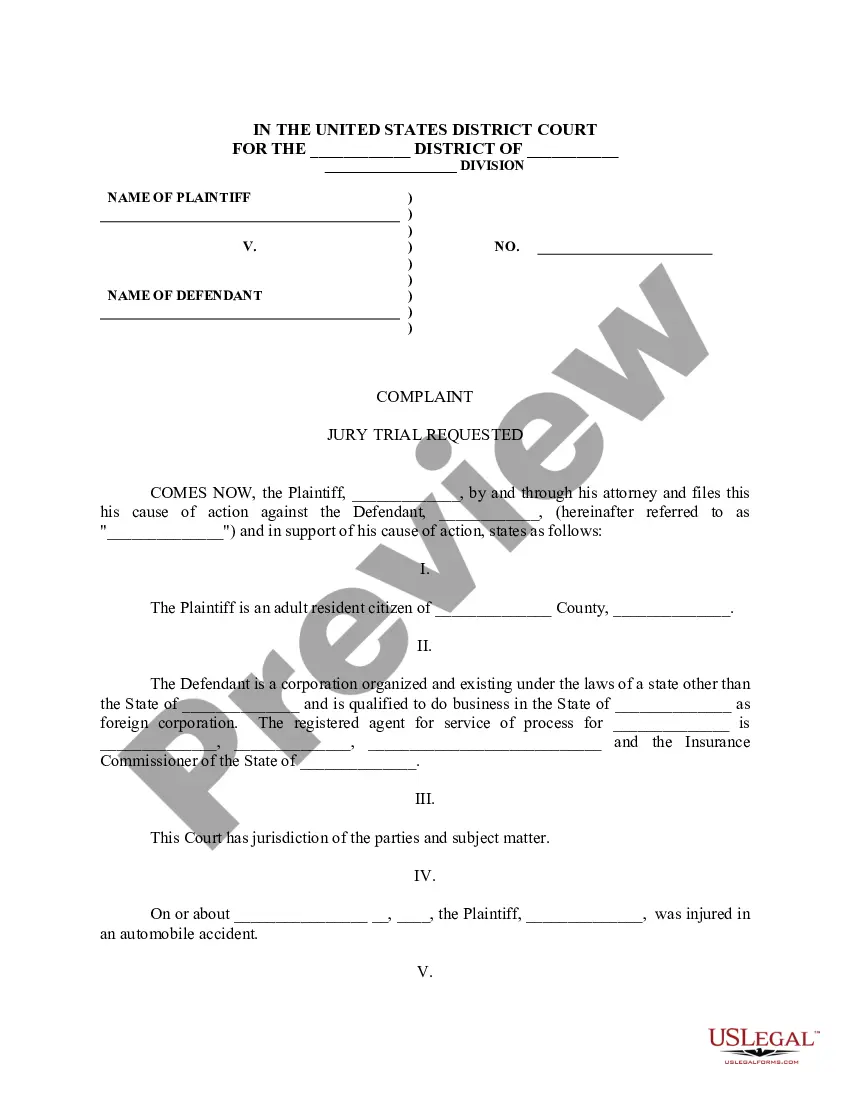
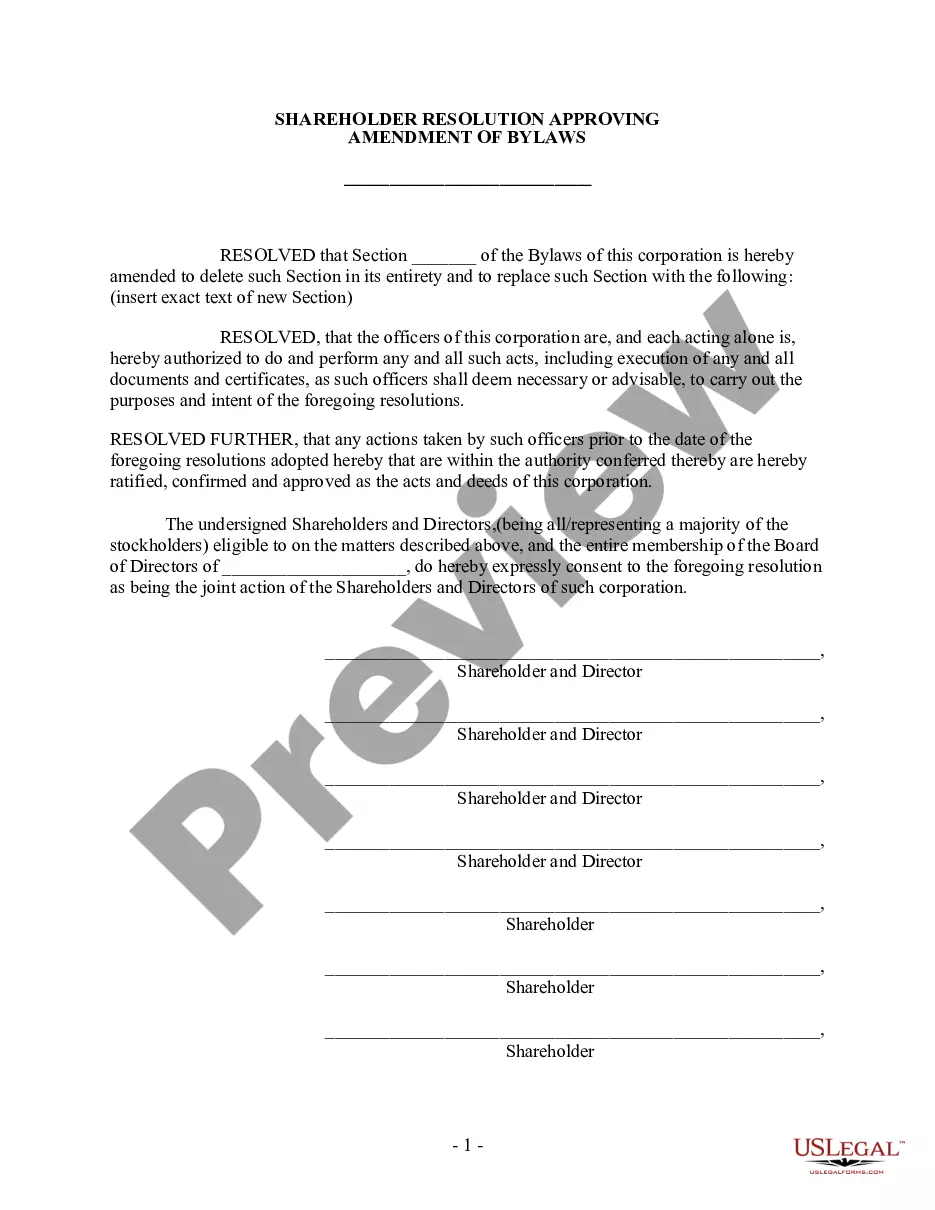
Description





Get your form ready online
Our built-in tools help you complete, sign, share, and store your documents in one place.
Make edits, fill in missing information, and update formatting in US Legal Forms—just like you would in MS Word.
Download a copy, print it, send it by email, or mail it via USPS—whatever works best for your next step.
Sign and collect signatures with our SignNow integration. Send to multiple recipients, set reminders, and more. Go Premium to unlock E-Sign.
If this form requires notarization, complete it online through a secure video call—no need to meet a notary in person or wait for an appointment.
We protect your documents and personal data by following strict security and privacy standards.

Make edits, fill in missing information, and update formatting in US Legal Forms—just like you would in MS Word.

Download a copy, print it, send it by email, or mail it via USPS—whatever works best for your next step.

Sign and collect signatures with our SignNow integration. Send to multiple recipients, set reminders, and more. Go Premium to unlock E-Sign.

If this form requires notarization, complete it online through a secure video call—no need to meet a notary in person or wait for an appointment.

We protect your documents and personal data by following strict security and privacy standards.
Looking for another form?

Form popularity
FAQ
Every full-year resident, part year resident and full year nonresident must file an Ohio tax return if they have income from Ohio sources. An exception is for full year nonresidents living in a border state will not have to file an Ohio tax return if wages received are from an unrelated employer.
Every resident and part-year resident of Ohio is subject to state income tax. Nonresidents with Ohio-source income also must file returns.
"Qualifying pass-through entities whose equity investors are limited to nonresident individuals, nonresident estates and nonresident trusts can file either Ohio forms IT 1140 or IT 4708. All other qualifying pass-through entities must file Ohio form IT 1140 and may also choose to file Ohio form IT 4708."
You may have to report compensation on line 1a of Form 1040, U.S. Individual Income Tax Return or Form 1040-SR, U.S. Tax Return for Seniors and capital gain or loss on Schedule D (Form 1040), Capital Gains and Losses and Form 8949, Sales and Other Dispositions of Capital Assets when you sell the stock.
Step 1: Select Income Tax Returns from 'e-File', and then click on 'Income Tax Returns' and select 'File Income Tax Returns'. Step 2: You need to select the assessment year, for instance, 2024-2025, and select 'Online' as the mode of filing. Step 3: Next, select the form type (ITR-2) after choosing the status.