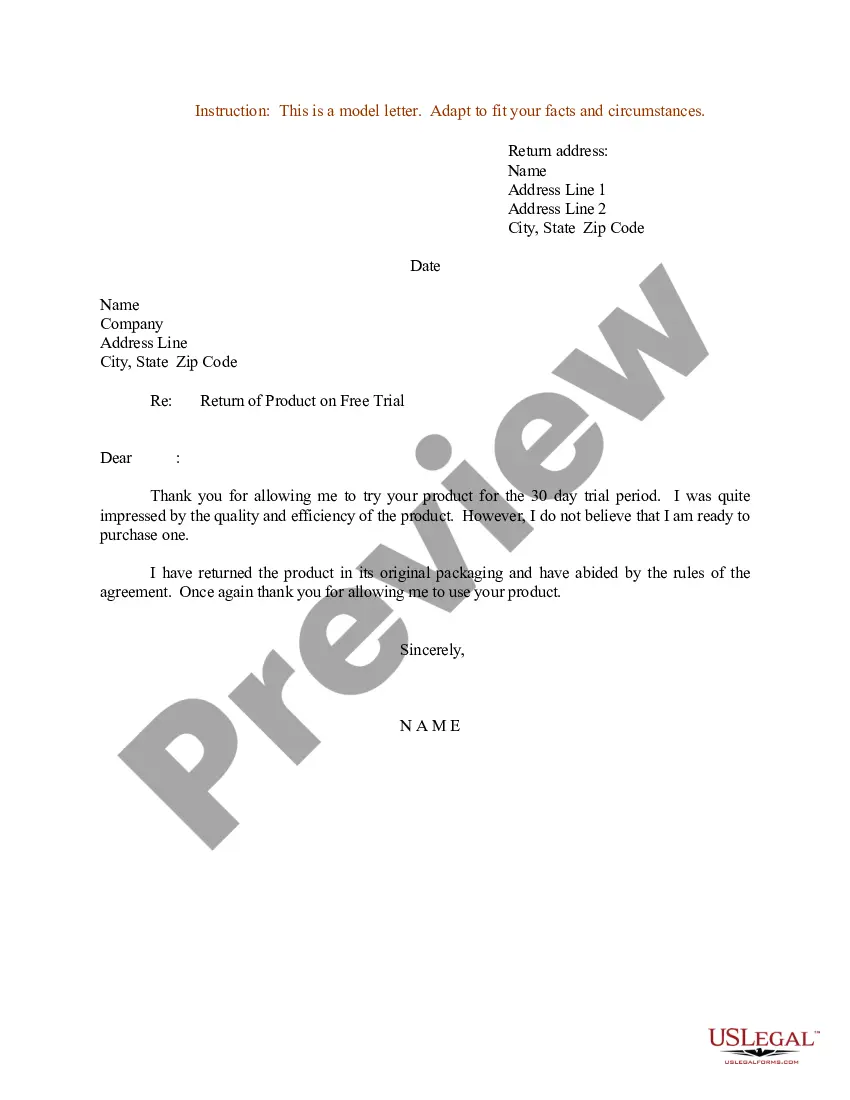
Letter Instruction Sample With Enclosure In Nevada
Description


Get your form ready online
Our built-in tools help you complete, sign, share, and store your documents in one place.
Make edits, fill in missing information, and update formatting in US Legal Forms—just like you would in MS Word.
Download a copy, print it, send it by email, or mail it via USPS—whatever works best for your next step.
Sign and collect signatures with our SignNow integration. Send to multiple recipients, set reminders, and more. Go Premium to unlock E-Sign.
If this form requires notarization, complete it online through a secure video call—no need to meet a notary in person or wait for an appointment.
We protect your documents and personal data by following strict security and privacy standards.

Make edits, fill in missing information, and update formatting in US Legal Forms—just like you would in MS Word.

Download a copy, print it, send it by email, or mail it via USPS—whatever works best for your next step.

Sign and collect signatures with our SignNow integration. Send to multiple recipients, set reminders, and more. Go Premium to unlock E-Sign.

If this form requires notarization, complete it online through a secure video call—no need to meet a notary in person or wait for an appointment.

We protect your documents and personal data by following strict security and privacy standards.
Looking for another form?



Form popularity
FAQ
If you need to note enclosures in a letter, leave a double space under your signature and salutation, then write “Enclosure.” To signify that your letter has more than 1 document enclosed, use the plural, “Enclosures” followed by a colon and the number of documents.
An enclosure notation should always be located at the very end of the correspondence. In general, it will be three lines below your signature at the bottom. This way, readers are reminded to look for enclosures at a time that's suitable for them to check.
Cc: (meaning "copies to") comes after the typed name (if necessary) enc: (meaning "enclosure") comes next (if necessary) Fold in three (horizontally) before placing in the envelope. Use right ragged formatting (not justified on right side)
The enclosure in a letter goes near the bottom of the page, three lines below your signature or one line below the typist's initials, in the case of a regular business letter.
One way to indicate confidentiality and sensitivity is to use labels on the letter and the envelope, such as "Confidential", "Personal", "Private", or "Sensitive". These labels should be placed on the top or bottom of the letter, and on the front or back of the envelope.
Enclosures. If you have enclosed any documents along with the letter, such as a resume, you indicate this simply by typing Enclosures below the closing. As an option, you may list the name of each document you are including in the envelope.
If something is enclosed with a letter, the notation “Enclosure” is typed a double-space below the writer's initials and/or typist's initials. If more than one item is enclosed, the word is made plural and followed by the number of items (e.g., “Enclosures 2”).
Enclosures. If you have enclosed any documents along with the letter, such as a resume, you indicate this simply by typing Enclosures below the closing. As an option, you may list the name of each document you are including in the envelope.
REFERENCES The primary reference is the Department of the Navy Correspondence Manualalso known as the Correspondence Manual. A supplement to the Manual is Marine Corps Order 5216.20 published as Chapter 13 of the Correspondence Manual.
Left and right margins are always set at 1 inch. Times New Roman 12 pitch font is preferred for Navy correspondence. Single spacing between lines. Double spacing between paragraphs/subparagraphs. Send editable electronic copy to Admin for formatting/editing.
