Letter Instruction Sample With Enclosure In Maryland
Description

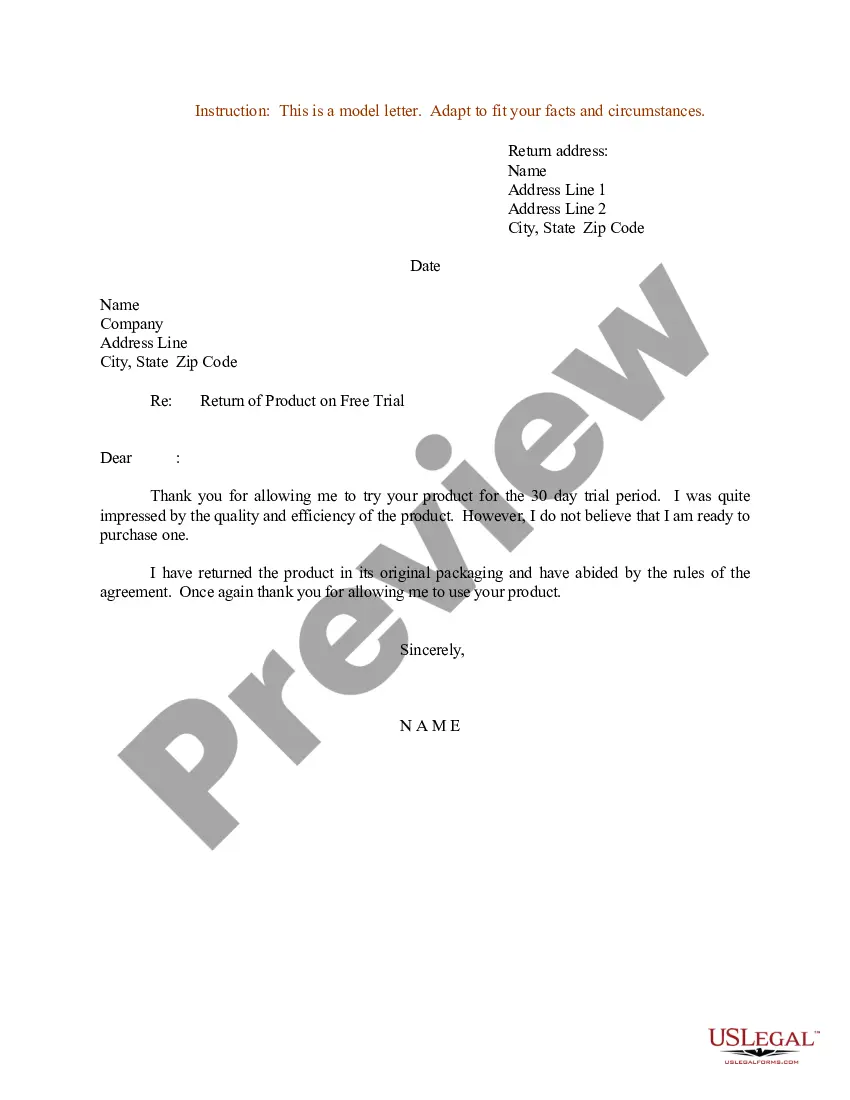

Get your form ready online
Our built-in tools help you complete, sign, share, and store your documents in one place.
Make edits, fill in missing information, and update formatting in US Legal Forms—just like you would in MS Word.
Download a copy, print it, send it by email, or mail it via USPS—whatever works best for your next step.
Sign and collect signatures with our SignNow integration. Send to multiple recipients, set reminders, and more. Go Premium to unlock E-Sign.
If this form requires notarization, complete it online through a secure video call—no need to meet a notary in person or wait for an appointment.
We protect your documents and personal data by following strict security and privacy standards.

Make edits, fill in missing information, and update formatting in US Legal Forms—just like you would in MS Word.

Download a copy, print it, send it by email, or mail it via USPS—whatever works best for your next step.

Sign and collect signatures with our SignNow integration. Send to multiple recipients, set reminders, and more. Go Premium to unlock E-Sign.

If this form requires notarization, complete it online through a secure video call—no need to meet a notary in person or wait for an appointment.

We protect your documents and personal data by following strict security and privacy standards.
Looking for another form?







Form popularity
FAQ
Letterhead. The first thing on a standard letter is letterhead, and identifies the unit that originates correspondence.
Explanation: The first line of the letterhead should be centered from the top of the page based on specific formatting requirements. In constructing formal letters, a common guideline is to center the letterhead between the top one-inch margin and the first line where the body text begins.
Dear Recipient's Name,A classic and widely used opening that is appropriate for most formal letters. To Whom It May Concern,When the specific recipient's name is unknown or when writing to a general audience. Dear Sir/Madam,Another formal option suitable when you don't have a specific person in mind.
The subject line is a sentence fragment that tells the reader what the letter is about, usually in 10 words or less.
Left and right margins are always set at 1 inch. Times New Roman 12 pitch font is preferred for Navy correspondence. Single spacing between lines. Double spacing between paragraphs/subparagraphs.
Enclosures. If you have enclosed any documents along with the letter, such as a resume, you indicate this simply by typing Enclosures below the closing. As an option, you may list the name of each document you are including in the envelope.
Left and right margins are always set at 1 inch. Times New Roman 12 pitch font is preferred for Navy correspondence. Single spacing between lines. Double spacing between paragraphs/subparagraphs. Send editable electronic copy to Admin for formatting/editing.
For colons and periods, place two spaces between the punctuation and the text that immediately follows it.
