Letter Instruction Sample With Attachment In Bexar
Description

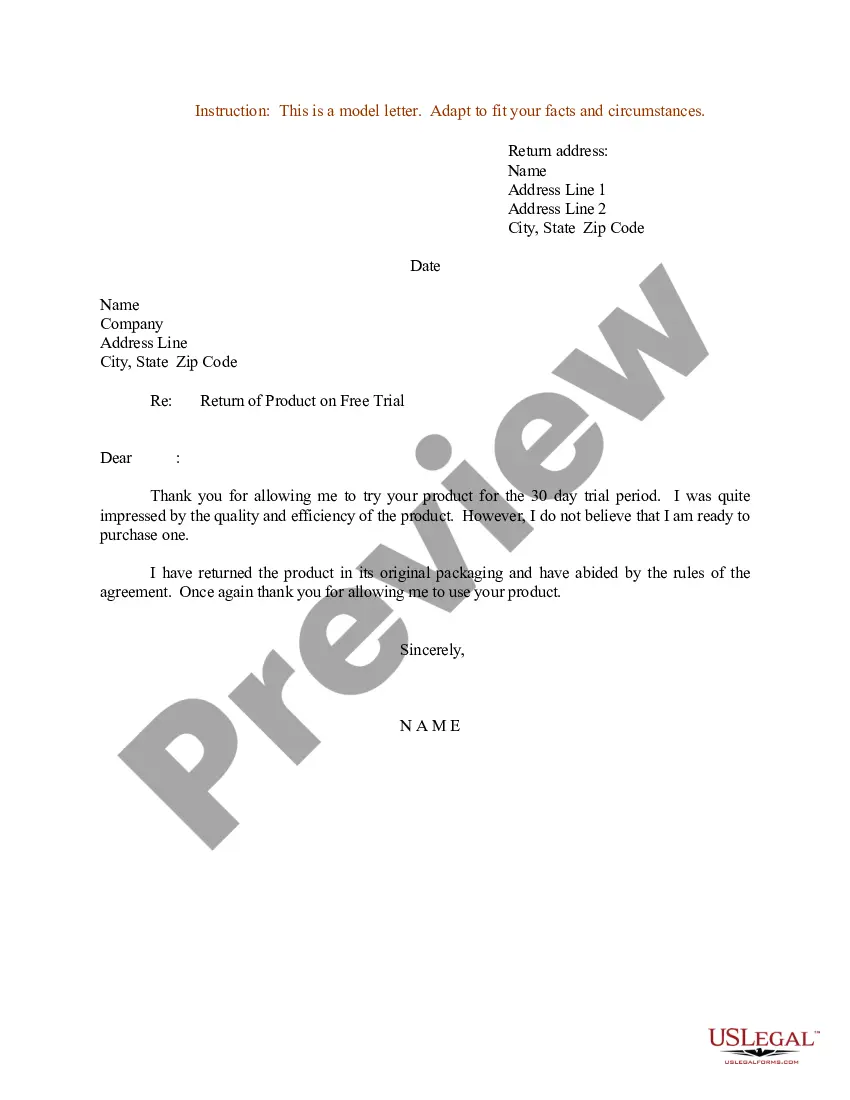

Get your form ready online
Our built-in tools help you complete, sign, share, and store your documents in one place.
Make edits, fill in missing information, and update formatting in US Legal Forms—just like you would in MS Word.
Download a copy, print it, send it by email, or mail it via USPS—whatever works best for your next step.
Sign and collect signatures with our SignNow integration. Send to multiple recipients, set reminders, and more. Go Premium to unlock E-Sign.
If this form requires notarization, complete it online through a secure video call—no need to meet a notary in person or wait for an appointment.
We protect your documents and personal data by following strict security and privacy standards.

Make edits, fill in missing information, and update formatting in US Legal Forms—just like you would in MS Word.

Download a copy, print it, send it by email, or mail it via USPS—whatever works best for your next step.

Sign and collect signatures with our SignNow integration. Send to multiple recipients, set reminders, and more. Go Premium to unlock E-Sign.

If this form requires notarization, complete it online through a secure video call—no need to meet a notary in person or wait for an appointment.

We protect your documents and personal data by following strict security and privacy standards.
Looking for another form?


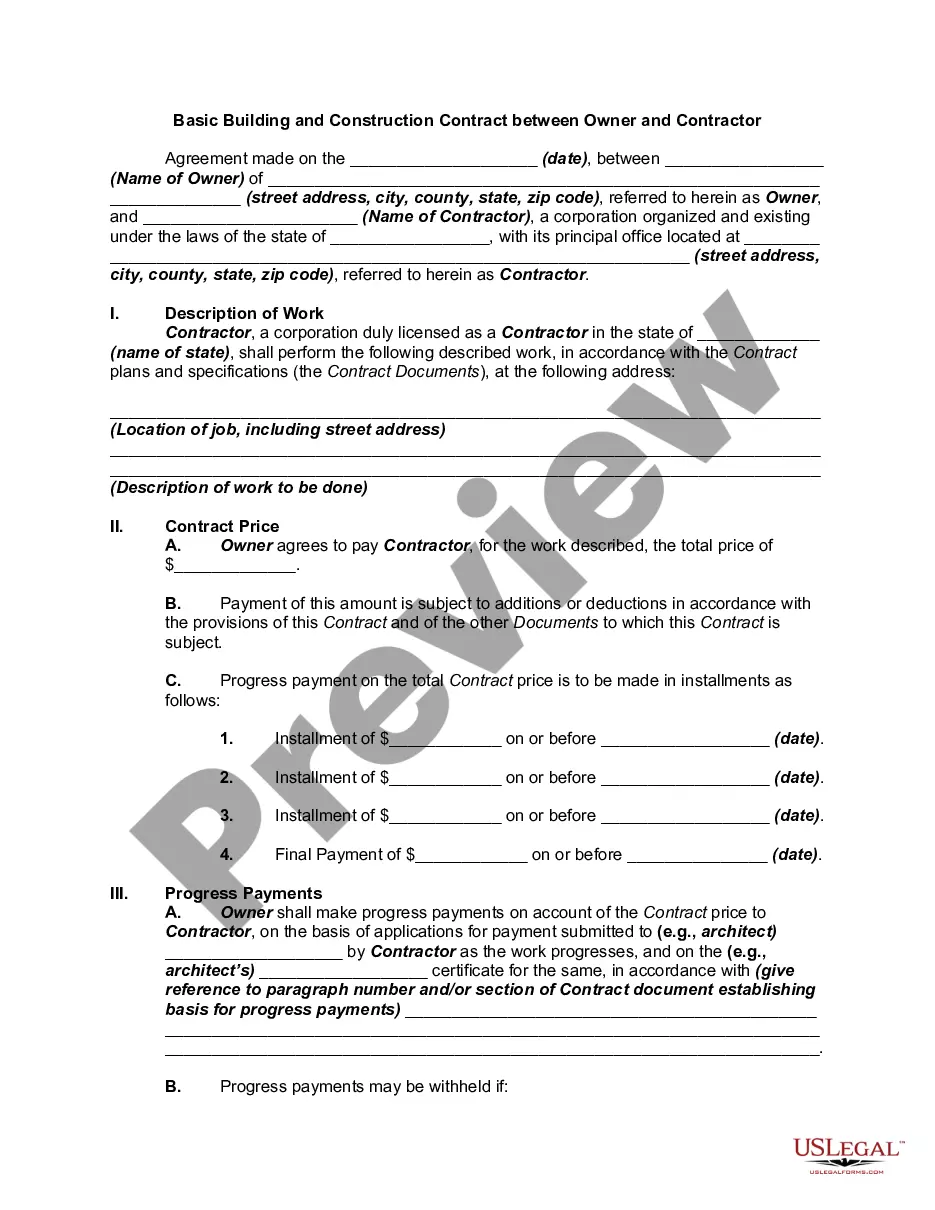
Form popularity
FAQ
I would like to apply for the position of Industrial Trainee at your company. provide reasons why the company should accept your application provide the duration of attachment I enclose my resume for your consideration. Thank You.
Alternatively, log on to the Presiding Court Zoom using meeting ID is 917-895-6796. If you are unable to log on with a computer or smart device, you can call the Zoom telephone access number for Presiding Court at 1 (346) 248-7799. You will need to input the Presiding Court Zoom access code: 917-895-6796.
Find a Inmate's SID (System Identification Number) Visit the Magistrate's Office Search Website. Call Central Filing at 210-335-2238 (Misdemeanor Records) Call District Clerk at 210-335-2591(Felony Records)
Probate Court No. 2 offers remote hearings for most of the uncontested matters. The Zoom Log In Information is located on the FIAT/Notice template.
To request a non-jury court setting or hearing, please contact the presiding court clerk at 210-335-2000 for more information. To request a setting or hearing before a jury, please contact the jury assignment clerk at 210-335-2520.
Courtroom Zoom Information Zoom Meeting IDZoom Meeting Password 940 3976 2351 872803
