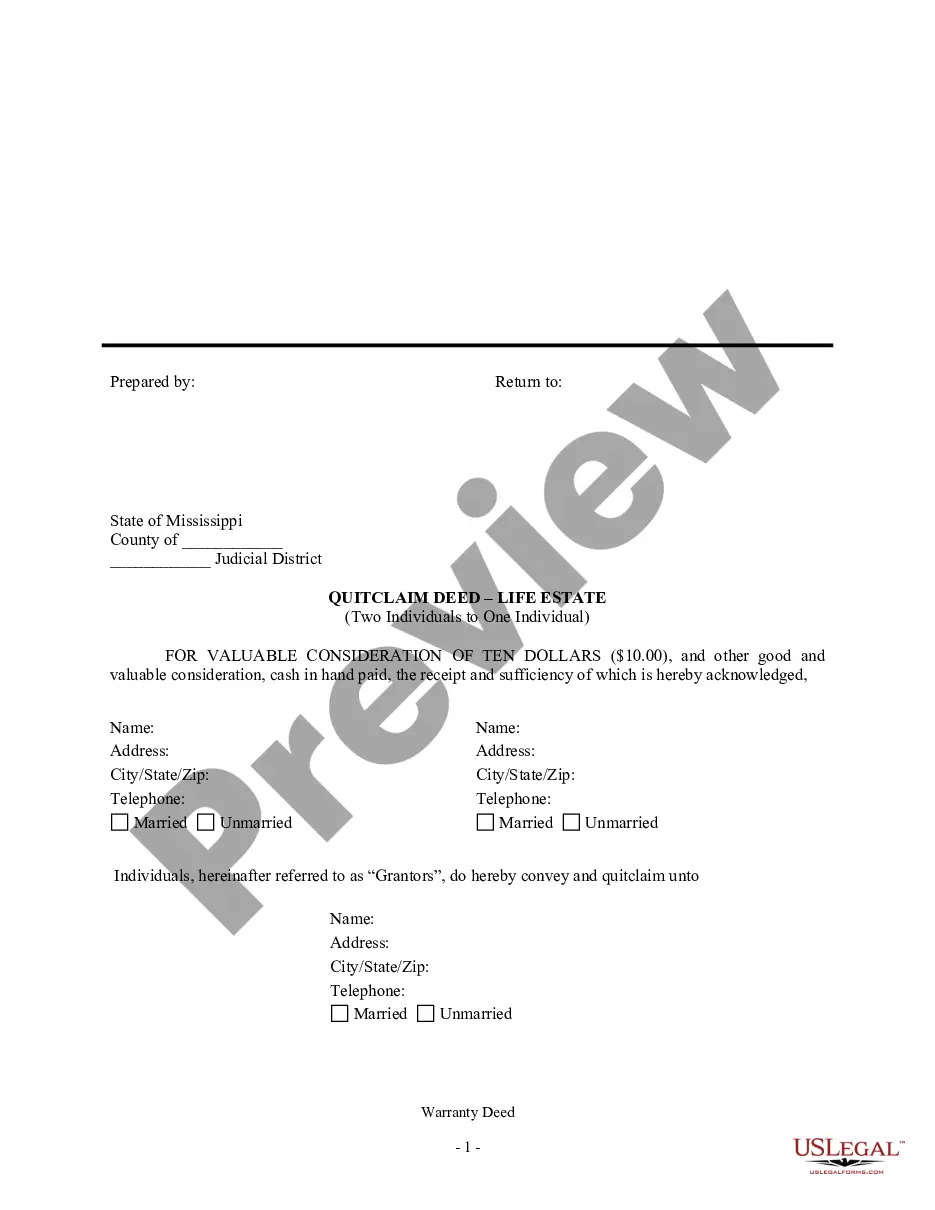
Acknowledgement With Or Without E In Ohio
Description




Get your form ready online
Our built-in tools help you complete, sign, share, and store your documents in one place.
Make edits, fill in missing information, and update formatting in US Legal Forms—just like you would in MS Word.
Download a copy, print it, send it by email, or mail it via USPS—whatever works best for your next step.
Sign and collect signatures with our SignNow integration. Send to multiple recipients, set reminders, and more. Go Premium to unlock E-Sign.
If this form requires notarization, complete it online through a secure video call—no need to meet a notary in person or wait for an appointment.
We protect your documents and personal data by following strict security and privacy standards.

Make edits, fill in missing information, and update formatting in US Legal Forms—just like you would in MS Word.

Download a copy, print it, send it by email, or mail it via USPS—whatever works best for your next step.

Sign and collect signatures with our SignNow integration. Send to multiple recipients, set reminders, and more. Go Premium to unlock E-Sign.

If this form requires notarization, complete it online through a secure video call—no need to meet a notary in person or wait for an appointment.

We protect your documents and personal data by following strict security and privacy standards.
Looking for another form?








Form popularity
FAQ
Missing or Incorrect Notary Seal States like California and Texas have specific requirements for the placement and design of the seal. Without a proper seal, legal and financial institutions may reject the document.
In fact, the signer has the sole right to make changes to the document. Remember, if the notarization period is complete, then the public notary cannot modify a notarial certificate. In order to make changes, however, the signer has to appear in person in the presence of a notary public to initiate new notarization.
One of the most common mistakes that notaries make is not printing or signing their name exactly as it appears on their notary commission.
When performing an acknowledgement, here are five things a notary should always do. Document inspection. Before notarizing a document, make sure no pages are missing and no blank spaces exist. Fact verification. Watch signing. Record information. Seal the notary certificate.
Failing to require signers to be present at the notarization is the number one claim of misconduct against Notaries.
Documents rejected for improper notarization have risen to 25 to 30 percent in the state of California.
Now what do you fill in fill in the venue or county where you are notarizing the date you notarized.MoreNow what do you fill in fill in the venue or county where you are notarizing the date you notarized. Your name and title of office notary. Public next you fill in the name of your signer appearing.
The notarial certificate requires the following: Wording of acknowledgment or jurat; The signature of the notary public; The typed/printed/stamped name of the notary public; The date of the notarial act; The venue where the notarization occurred (county/state); Notary commission's expiration date, if applicable; and.