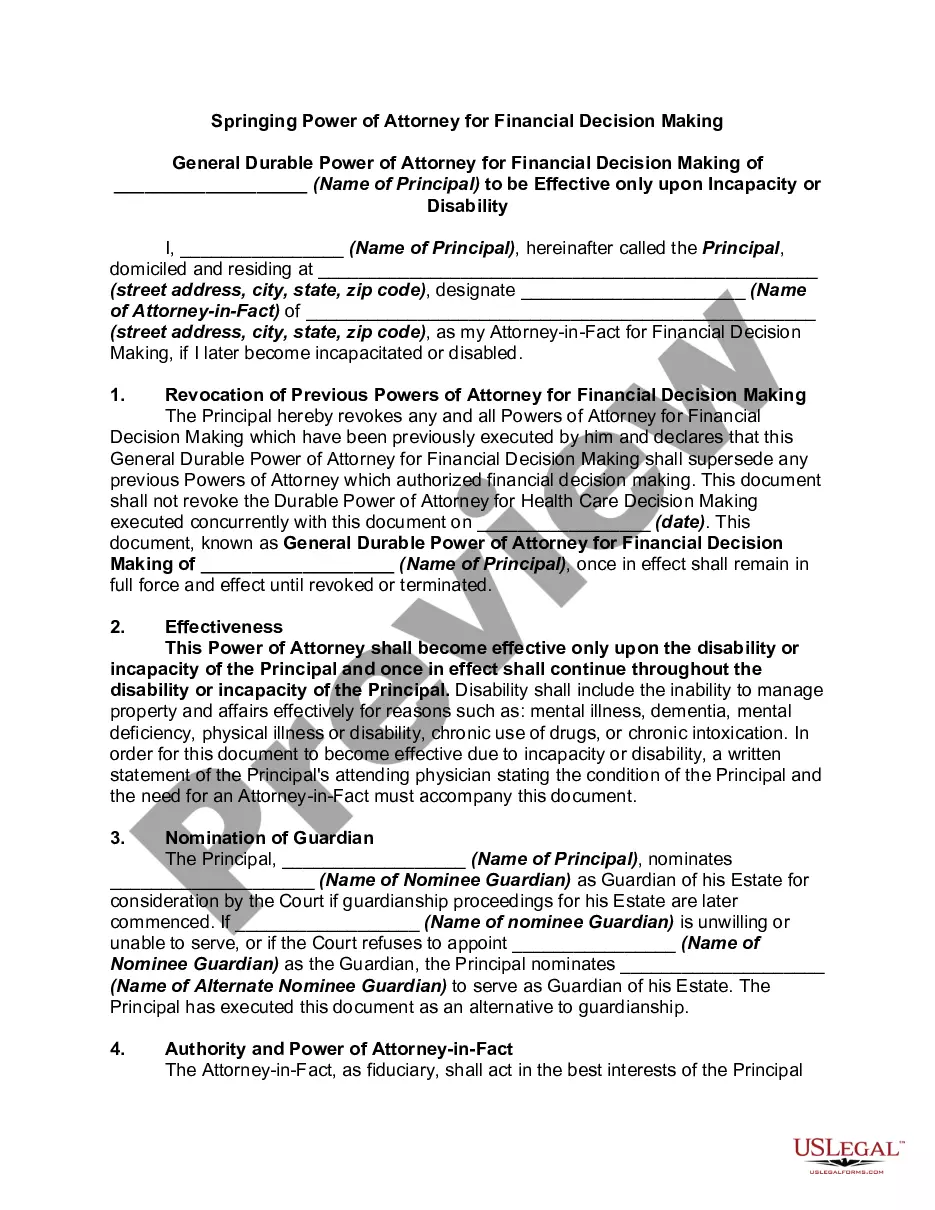
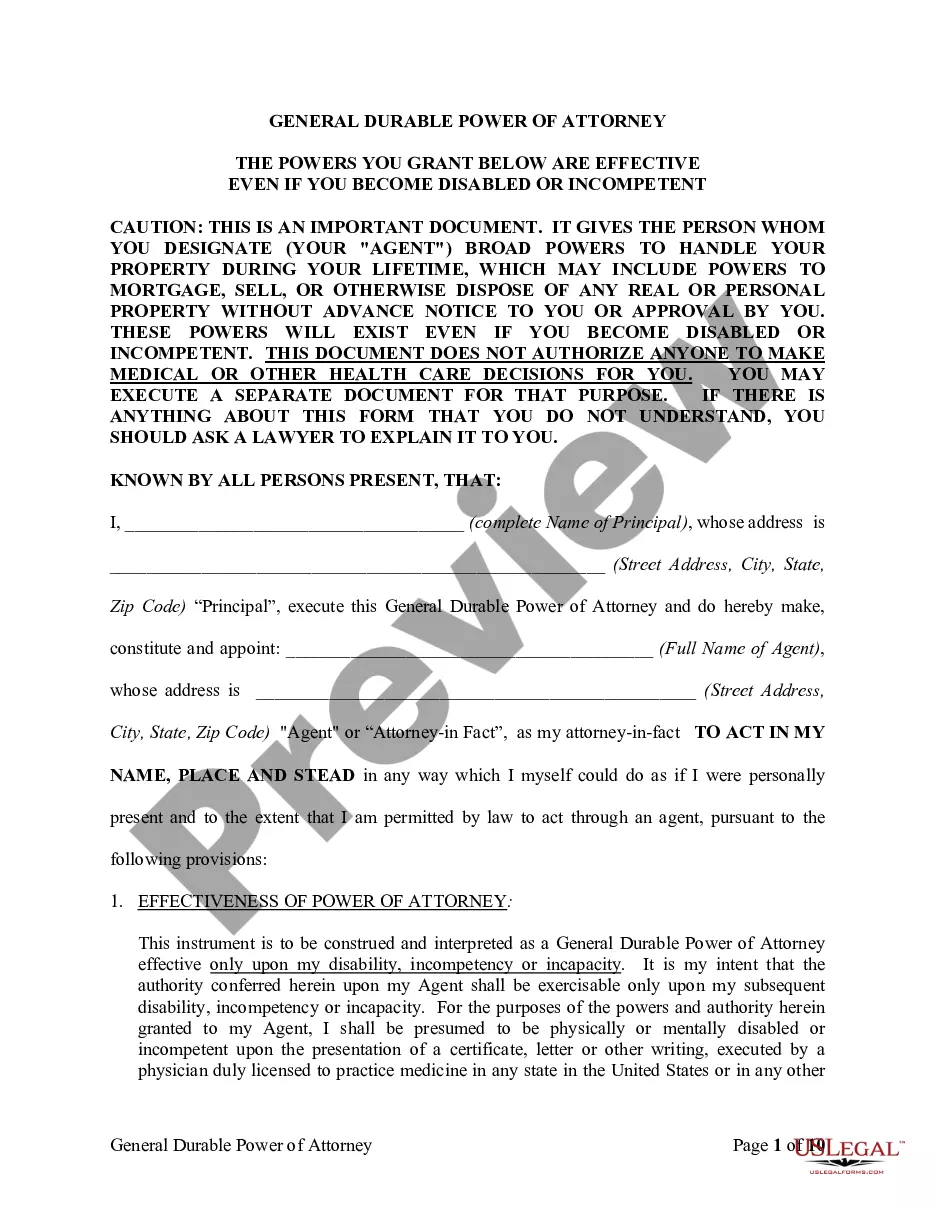
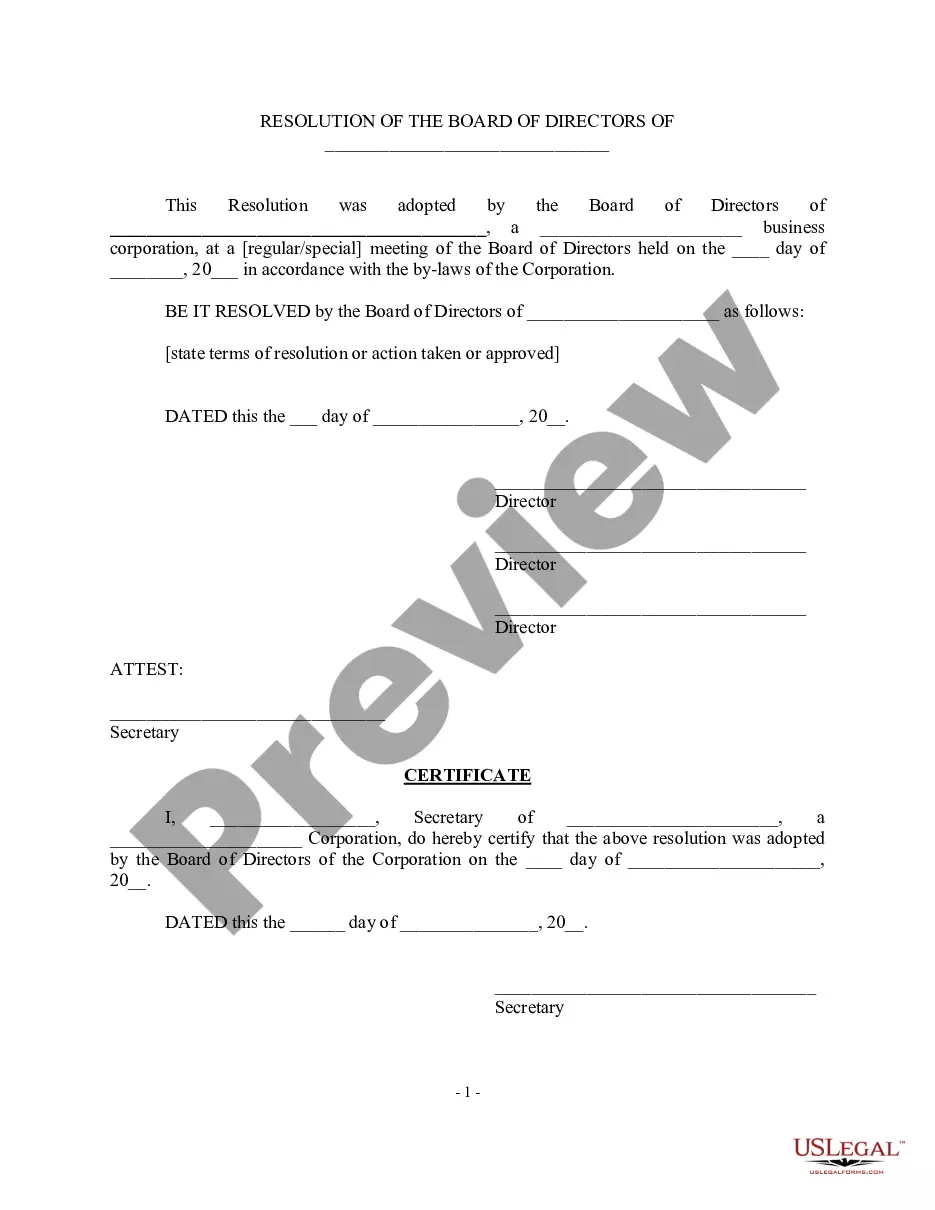
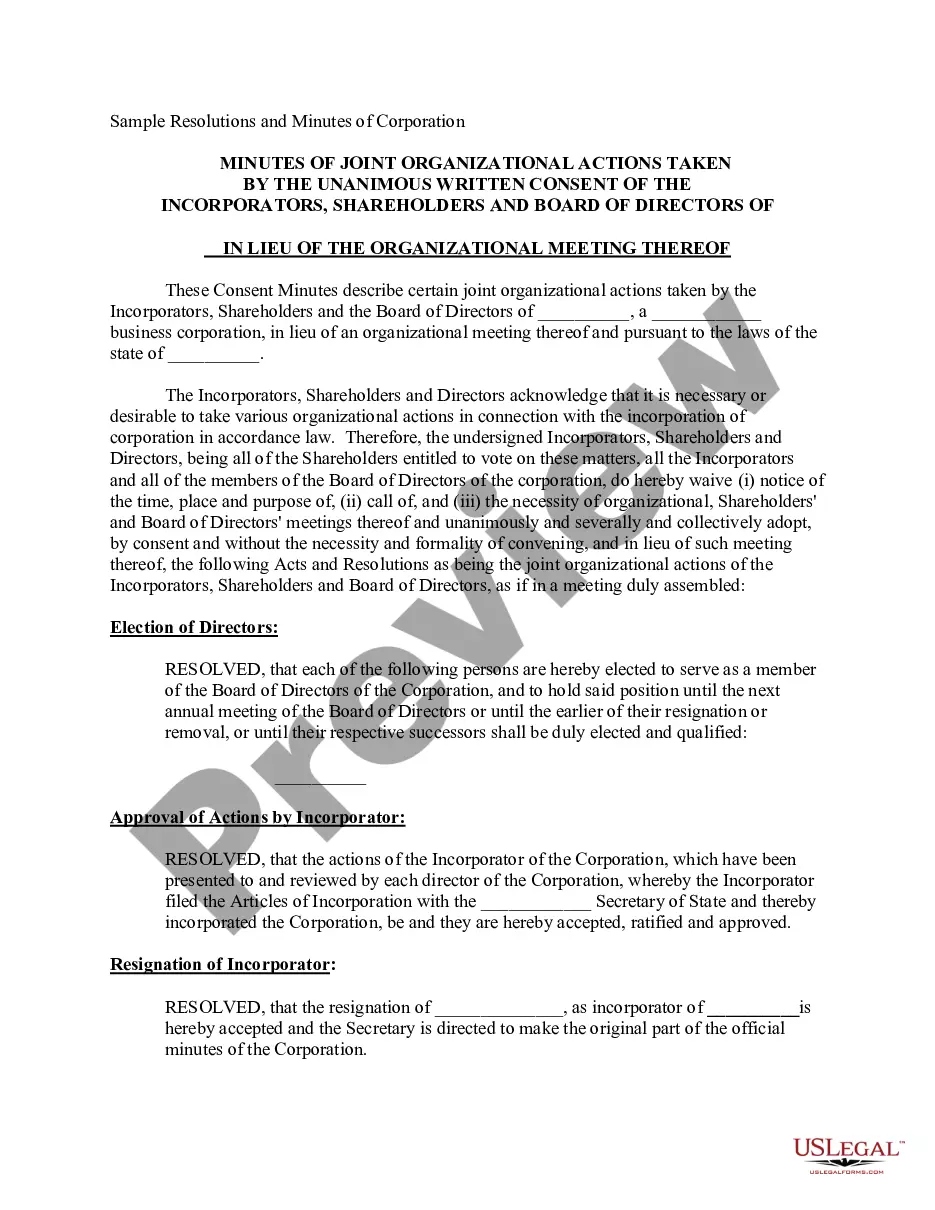
Corporate Resolution For Nonprofit Organizations In Hillsborough
Description


Get your form ready online
Our built-in tools help you complete, sign, share, and store your documents in one place.
Make edits, fill in missing information, and update formatting in US Legal Forms—just like you would in MS Word.
Download a copy, print it, send it by email, or mail it via USPS—whatever works best for your next step.
Sign and collect signatures with our SignNow integration. Send to multiple recipients, set reminders, and more. Go Premium to unlock E-Sign.
If this form requires notarization, complete it online through a secure video call—no need to meet a notary in person or wait for an appointment.
We protect your documents and personal data by following strict security and privacy standards.

Make edits, fill in missing information, and update formatting in US Legal Forms—just like you would in MS Word.

Download a copy, print it, send it by email, or mail it via USPS—whatever works best for your next step.

Sign and collect signatures with our SignNow integration. Send to multiple recipients, set reminders, and more. Go Premium to unlock E-Sign.

If this form requires notarization, complete it online through a secure video call—no need to meet a notary in person or wait for an appointment.

We protect your documents and personal data by following strict security and privacy standards.
Looking for another form?

Form popularity
FAQ
Corporate Resolution Authorizing Filing Select Bankruptcy menu. Select Other. Enter the case number using correct format and ensure case name and number match the document you are filing. Select Document event: Corp Resolution Auth Filing. Select the party filer. Browse, verify and attach the document (PDF file).
Obtain a copy of the corporate resolution form California from the Secretary of State's website or local office. Fill in the necessary information on the form, such as the name of the corporation, its address, and the date of the resolution.
Write a testimonial that will captivate your audience with these 5 tips. Paint a picture with details. Create a story with soul. Keep it positive. Draw their eyes into the story. Tell them the next step. Give supporters an easy way to share their stories on your website and social media channels.
7 steps for writing a resolution Put the date and resolution number at the top. Give the resolution a title that relates to the decision. Use formal language. Continue writing out each critical statement. Wrap up the heart of the resolution in the last statement.
Resolutions begin with "Whereas" statements, which provides the basic facts and reasons for the resolution, and conclude with "Resolved" statements which, identifies the specific proposal for the requestor's course of action.
These decisions are made by such stakeholders as the corporation's managers, directors, officers or owners. Corporate resolutions are necessary business documents for corporations, whether they be for-profit or nonprofit.
What Are the Components of a Nonprofit Board Resolution Template? The board meeting date. The number of the resolution. A title of the resolution. The resolution itself (what is being voted on) The name and vote of each voting member of the board. The Chairperson's name and signature.
The first resolved clause should recognize her/his contributions and refer to her/him by full name: The first letter of resolved clauses should NOT be capitalized. Only the next to the last resolved clause should have an “and” after the semicolon. The resolved clauses should have indentions.
Outlined below is a detailed description of the process to guide you to produce legally binding corporate resolution documents. Write the Company's Name. Indicate Further Legal Identification. Include Location, Date, and Time. List the Board Resolutions. Sign the Document and Write the Document.
Record and Maintain Once adopted, the corporate resolution should be carefully logged and archived. It becomes a part of the company's official records and may be needed for future reference or legal compliance. You can use a board of directors' resolution template to capture just about every intended company action.