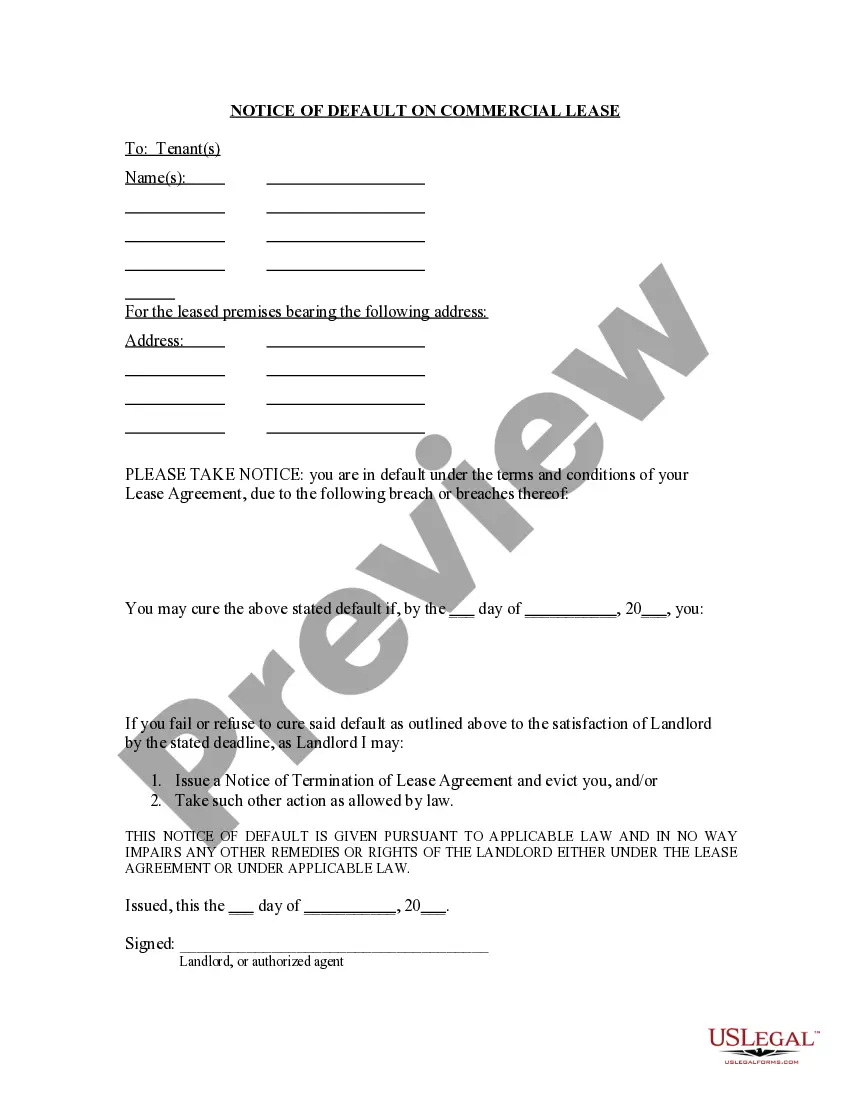
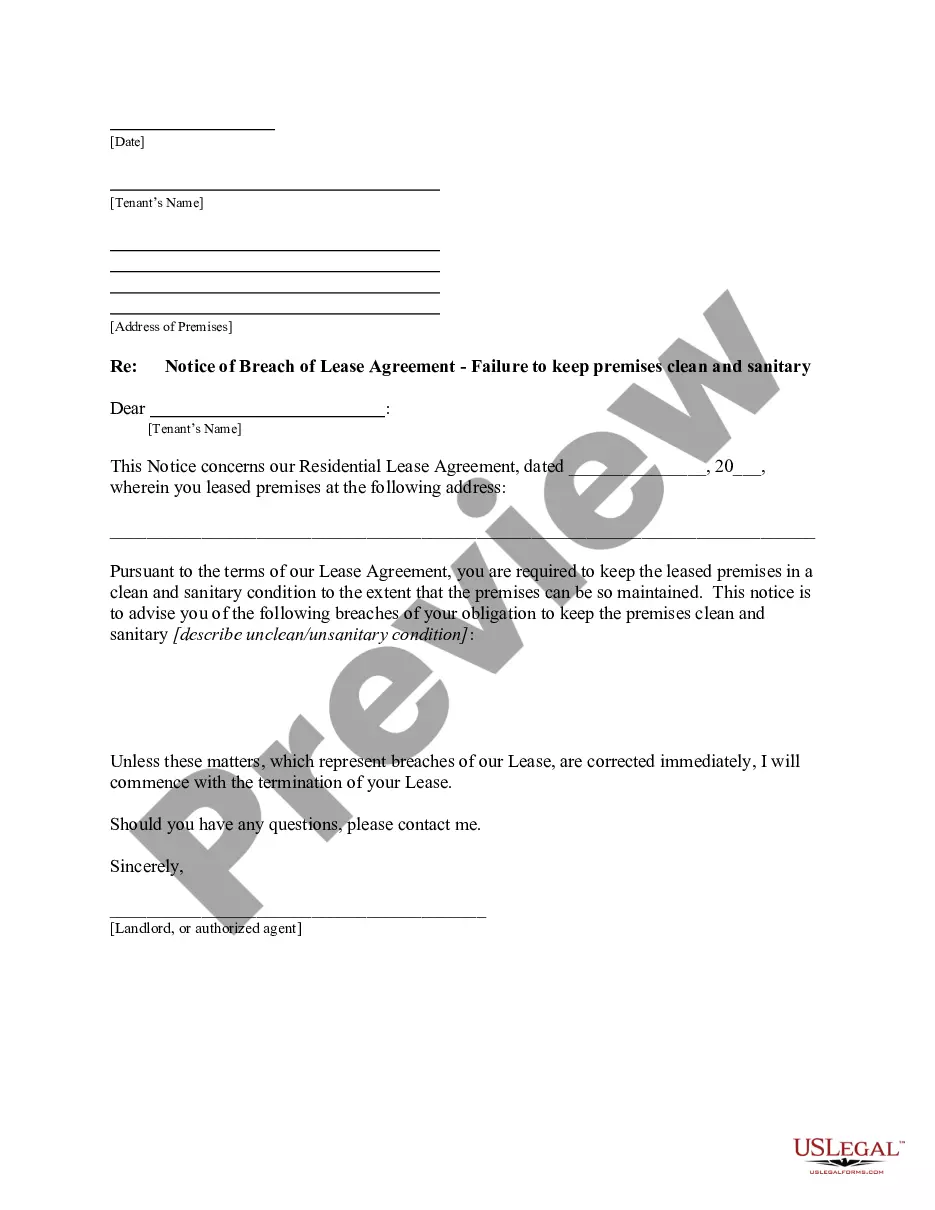
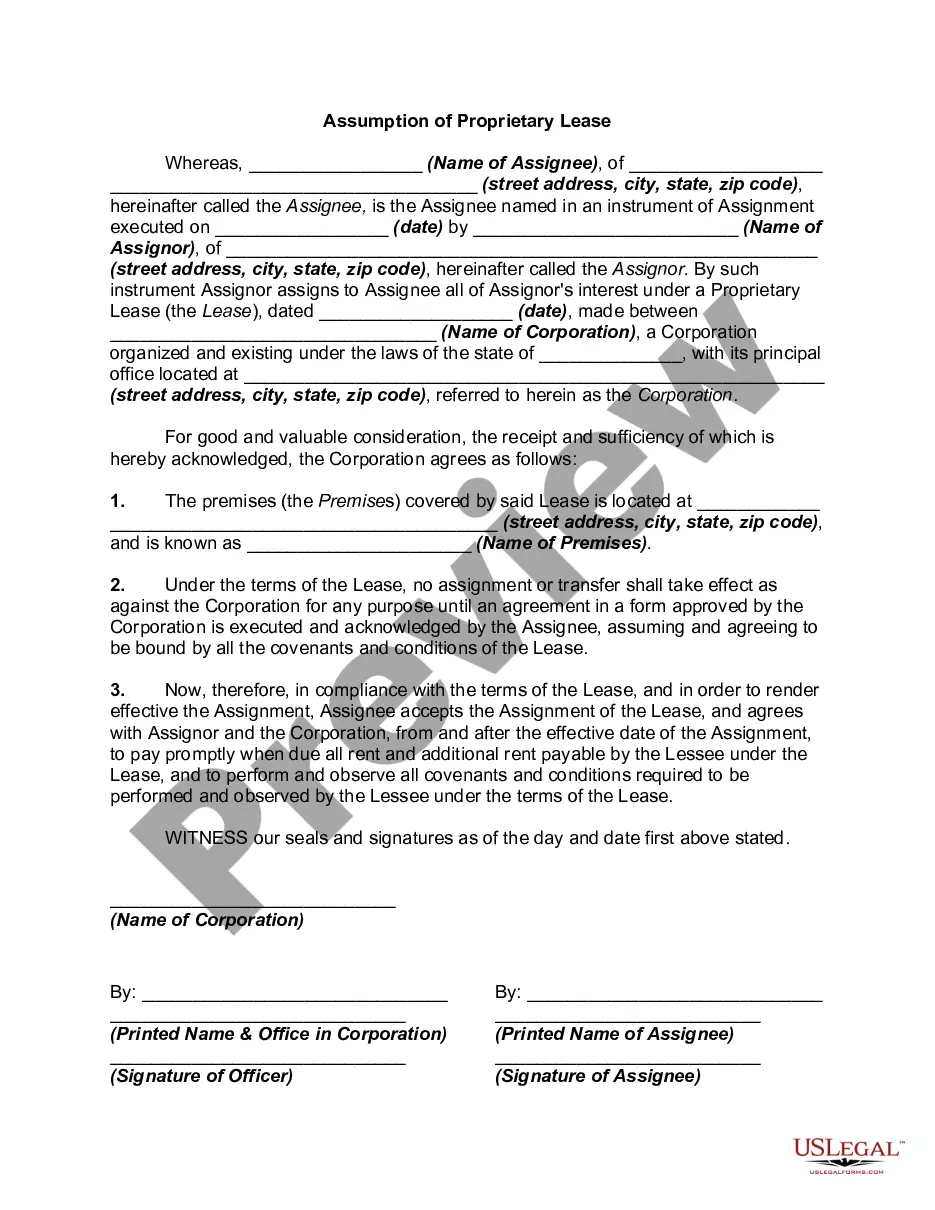
Corporate Resolution For Sole Owner In Broward
Description



Get your form ready online
Our built-in tools help you complete, sign, share, and store your documents in one place.
Make edits, fill in missing information, and update formatting in US Legal Forms—just like you would in MS Word.
Download a copy, print it, send it by email, or mail it via USPS—whatever works best for your next step.
Sign and collect signatures with our SignNow integration. Send to multiple recipients, set reminders, and more. Go Premium to unlock E-Sign.
If this form requires notarization, complete it online through a secure video call—no need to meet a notary in person or wait for an appointment.
We protect your documents and personal data by following strict security and privacy standards.

Make edits, fill in missing information, and update formatting in US Legal Forms—just like you would in MS Word.

Download a copy, print it, send it by email, or mail it via USPS—whatever works best for your next step.

Sign and collect signatures with our SignNow integration. Send to multiple recipients, set reminders, and more. Go Premium to unlock E-Sign.

If this form requires notarization, complete it online through a secure video call—no need to meet a notary in person or wait for an appointment.

We protect your documents and personal data by following strict security and privacy standards.
Looking for another form?







Form popularity
FAQ
Complete control and decision-making power The sole proprietorship structure gives you complete control over your business without approvals from partners or other stakeholders. This level of autonomy allows you to respond quickly to changes and tailor your business strategy to your goals.
Because corporate resolutions are subject to state laws, it's vital that they are legally compliant. You can get started creating your corporate resolution with the help of a qualified attorney. A legal professional can ensure that you include all the necessary components and let you know if you need to make revisions.
A sole proprietorship resolution must include the name of the business, its purpose, the name of the proprietor, their address, the name of the registered agent (if any), and the effective date of the resolution. It should also include any other relevant information as determined by the proprietor.
Unlike a corporation or LLC, a sole proprietorship is not a legal entity separate from its owner. Instead, the proprietor personally owns all the business assets. Thus, a sole proprietorship has no continuity of life. It automatically terminates by law upon the sole proprietor's death or disability.
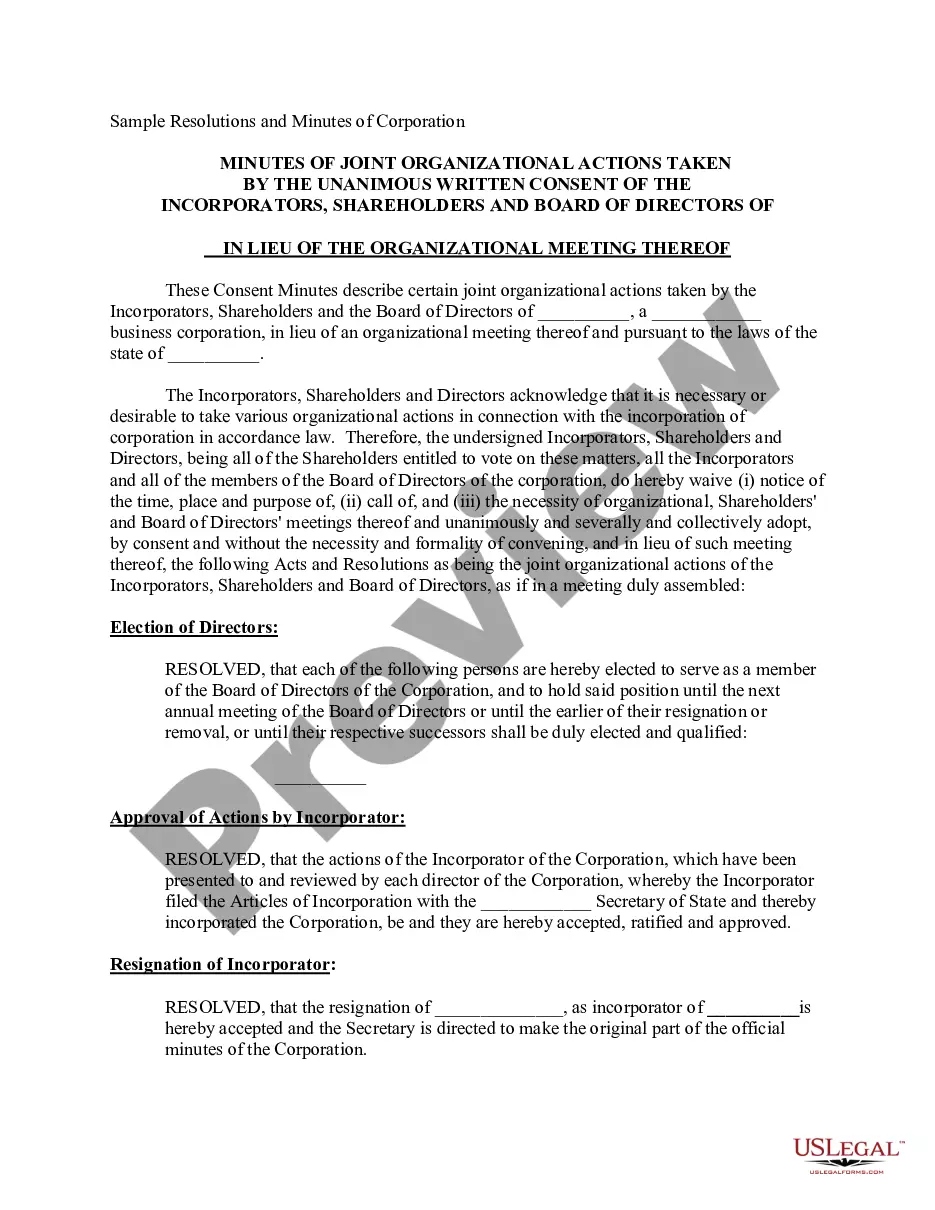
A resolution in the context of business refers to a formal decision or agreement made by a company, organization, or board of directors. It is a statement of intent or determination to take a particular course of action to achieve a specific objective or goal.
A sole proprietorship is a non-registered, unincorporated business run solely by one individual proprietor with no distinction between the business and the owner. The owner of a sole proprietorship is entitled to all profits but is also responsible for the business's debts, losses, and liabilities.
A corporate resolution document does not need to be notarized, although if it involves other transactions then those might have to be notarized. Once the document has been signed off and dated by the chairperson, vice-chairperson, corporate treasurer, and secretary, it becomes a binding document.
Typically, corporations require these documents when an agreement between the owners and the board may enable business transactions and decisions.
A resolution, on the other hand, describes one action taken by the board at a meeting, is prepared separately during the meeting, and is attested to by the secretary of the corporation before the president approves it.
Corporate Resolution Authorizing Filing Select Bankruptcy menu. Select Other. Enter the case number using correct format and ensure case name and number match the document you are filing. Select Document event: Corp Resolution Auth Filing. Select the party filer. Browse, verify and attach the document (PDF file).